This Android Feature Replaces Your Power Button and physical buttons | Speem How To Ep. 3
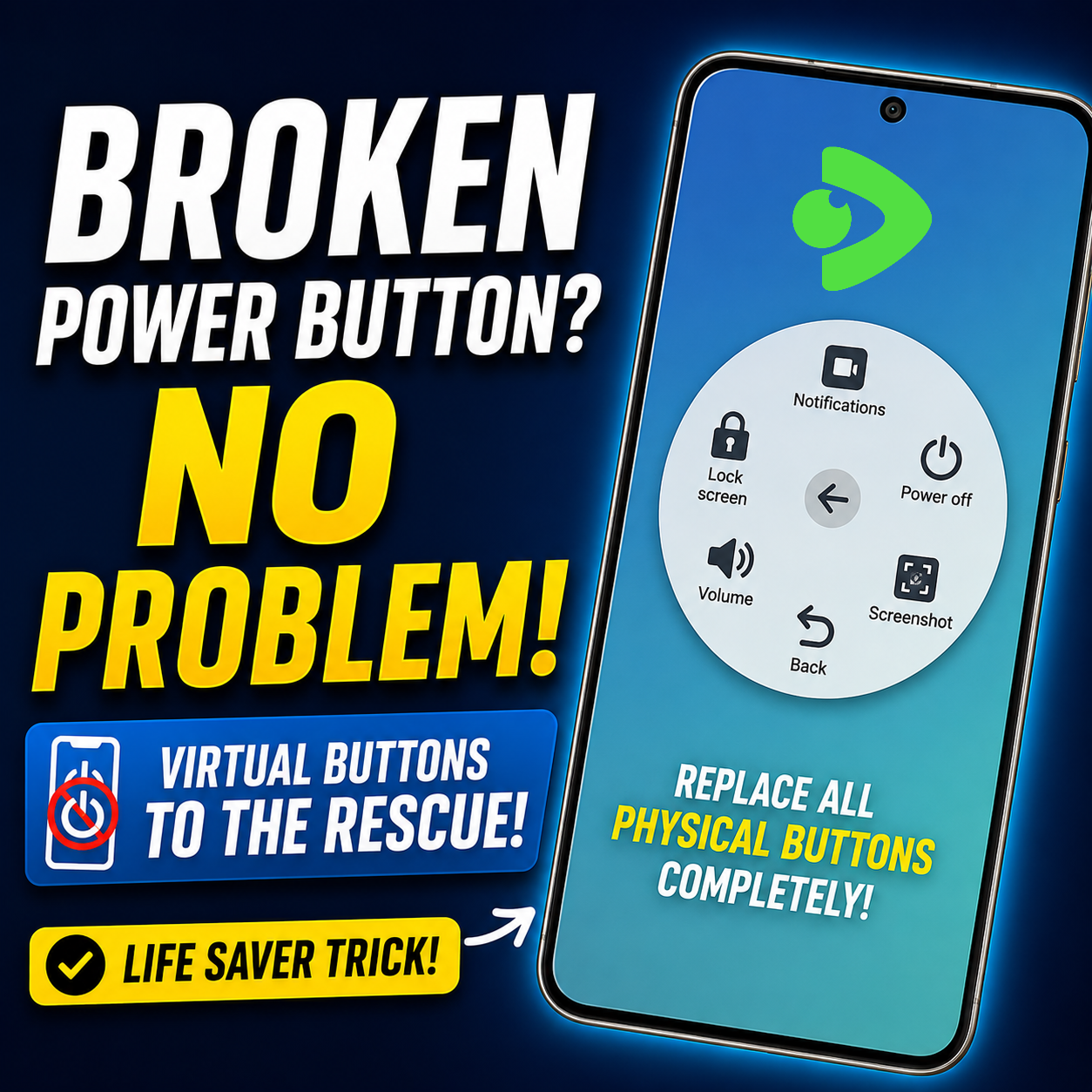
Many don't realize that if your power button breaks, Android has an easy solution. I've struggled with a broken power button before so I know exactly how it feels, it's a serious headache to deal with the phone at that point.
If your phone falls, and the button is broken, you'll find it increasingly tough to lock the screen or take a screenshot. The good news is that Android has built in accessibility features that replace many physical buttons.
This feature is called "Assistant Menu" and you'll find it in Accessibility settings on basically all Android phones but with Samsung it's slightly different. Don't worry if you have a Samsung because, I used Samsung in the tutorial video.
When it's activated, you'll find a floating button on your screen that you can use to access many controls.
To enable this feature, navigate to Settings > Accessibility > Interaction and Dexterity and select the Assistant Menu. You may be prompted for permissions before the feature will work.
Once you have enabled the floating menu, you can access notifications, adjust volume, go back to the previous Launcher page and take screenshots, lock the phone and access Power Options without the need for physical buttons.
This feature is useful for someone who cannot repair the phone right away or wants to continue using their device with a broken button. It also decreases the amount of wear put on the physical keys by reducing the number of times you press them.
So enjoy the simple tutorial video I put together. It's an easy way to add a very useful feature to your phone that can really help when your power button stops working.
Posted with Speem