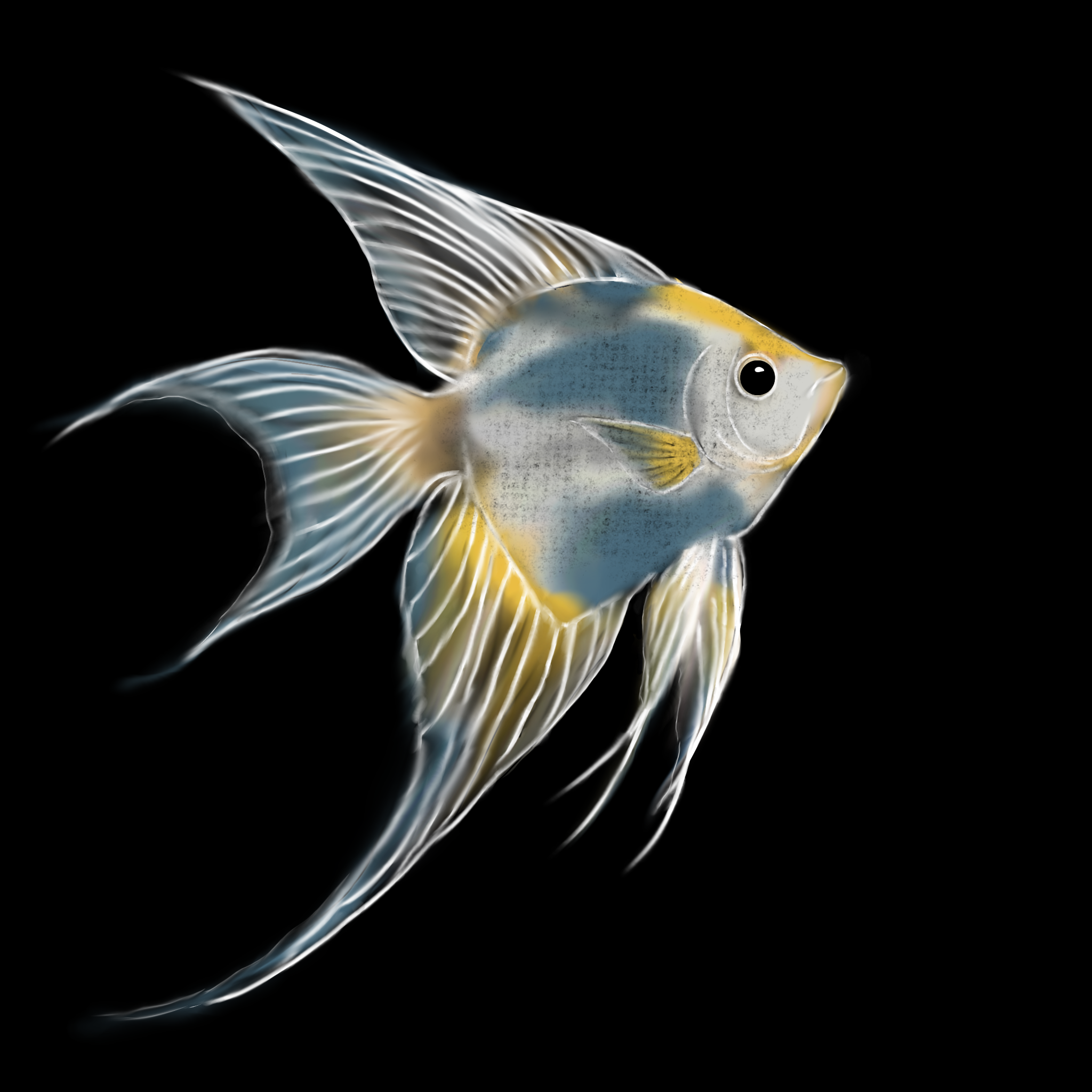
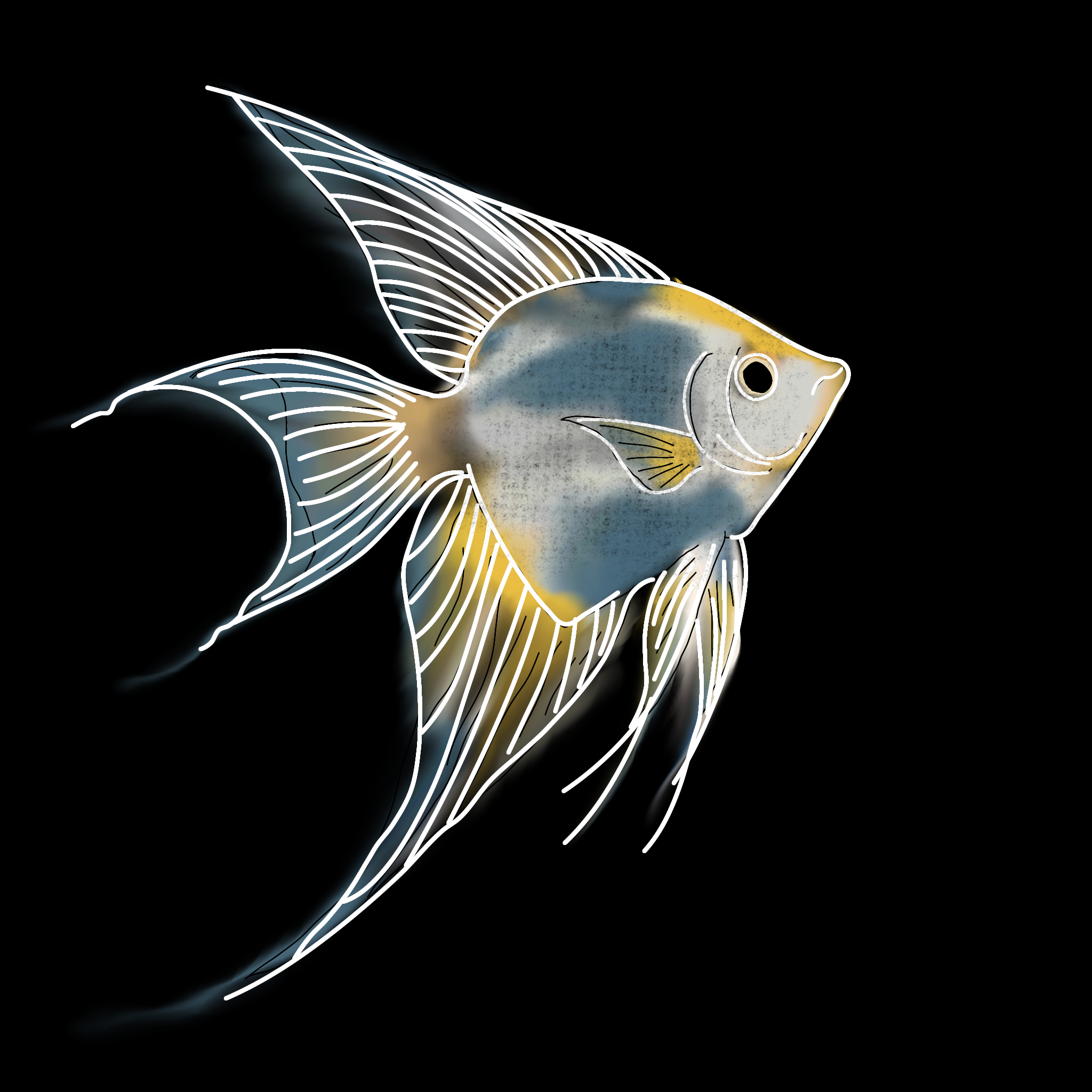
Hello everyone; I hope you are all doing well. On this occasion, I would like to describe the angelfish, or Pterophyllum; these are easily obtainable fish that make for beautiful and unique ornamental pets.
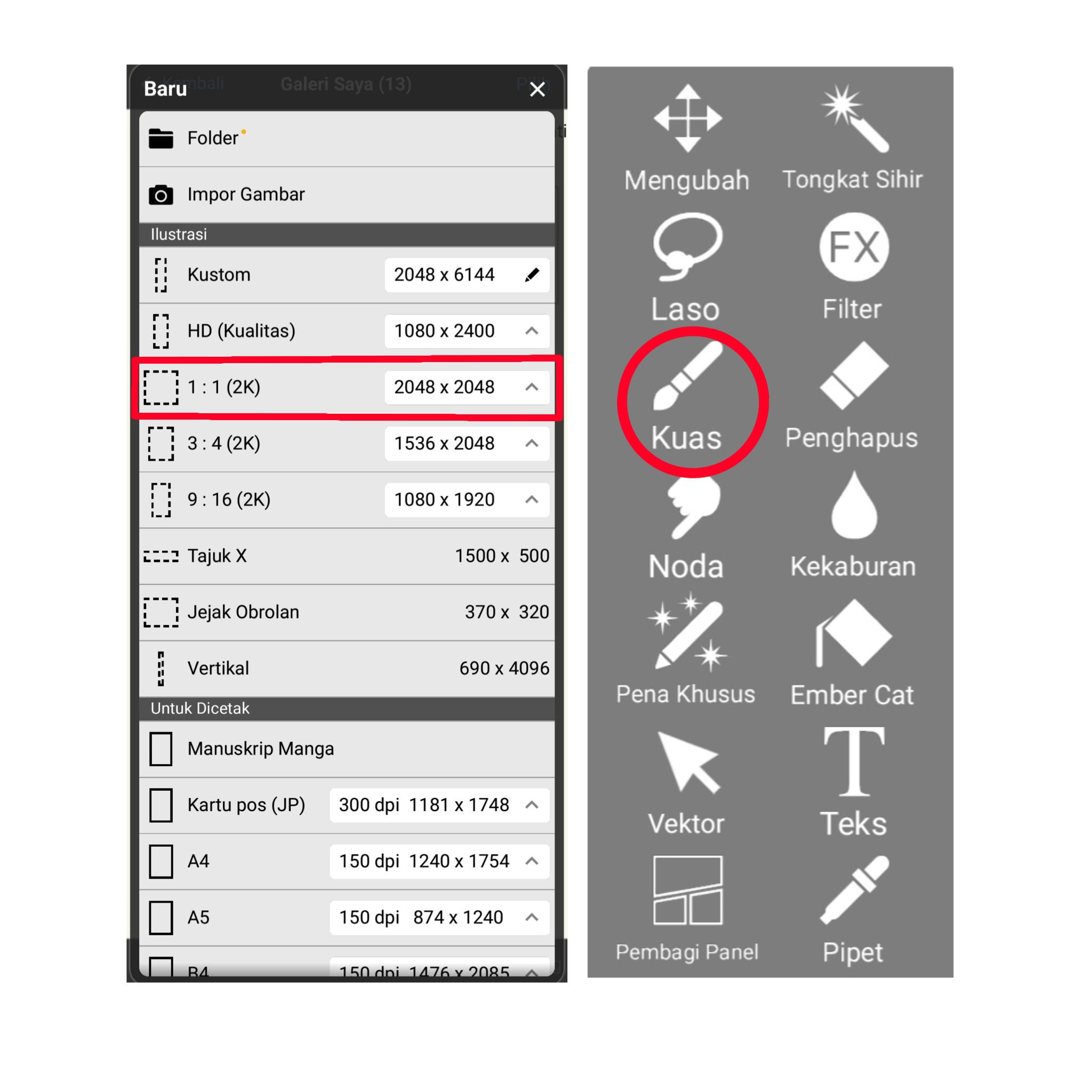
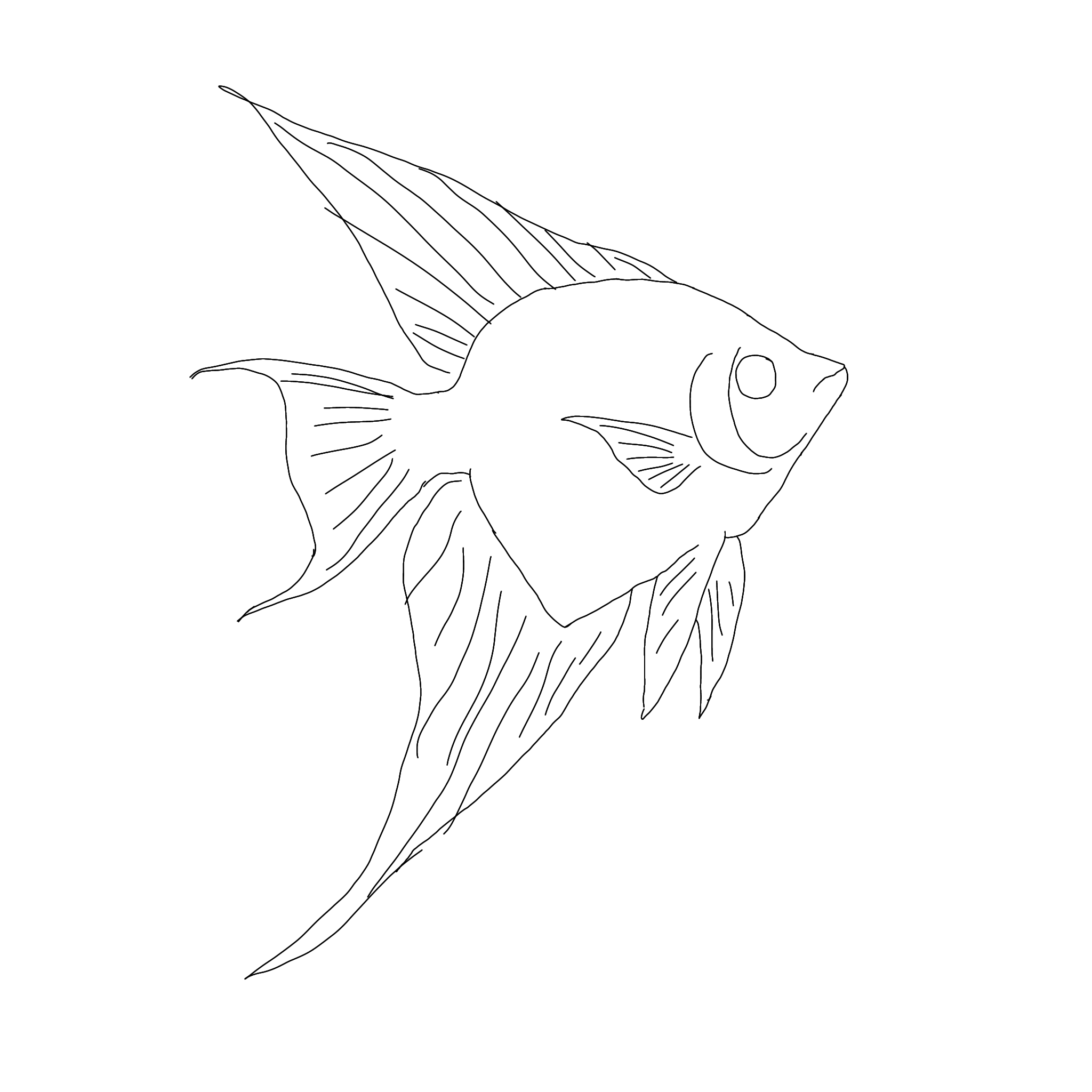
Here, I am using the ibis Paint X app with a 1:1 aspect ratio (2048 × 2048)—as shown in the image highlighted in red—and starting with an initial sketch to create the desired fish image.
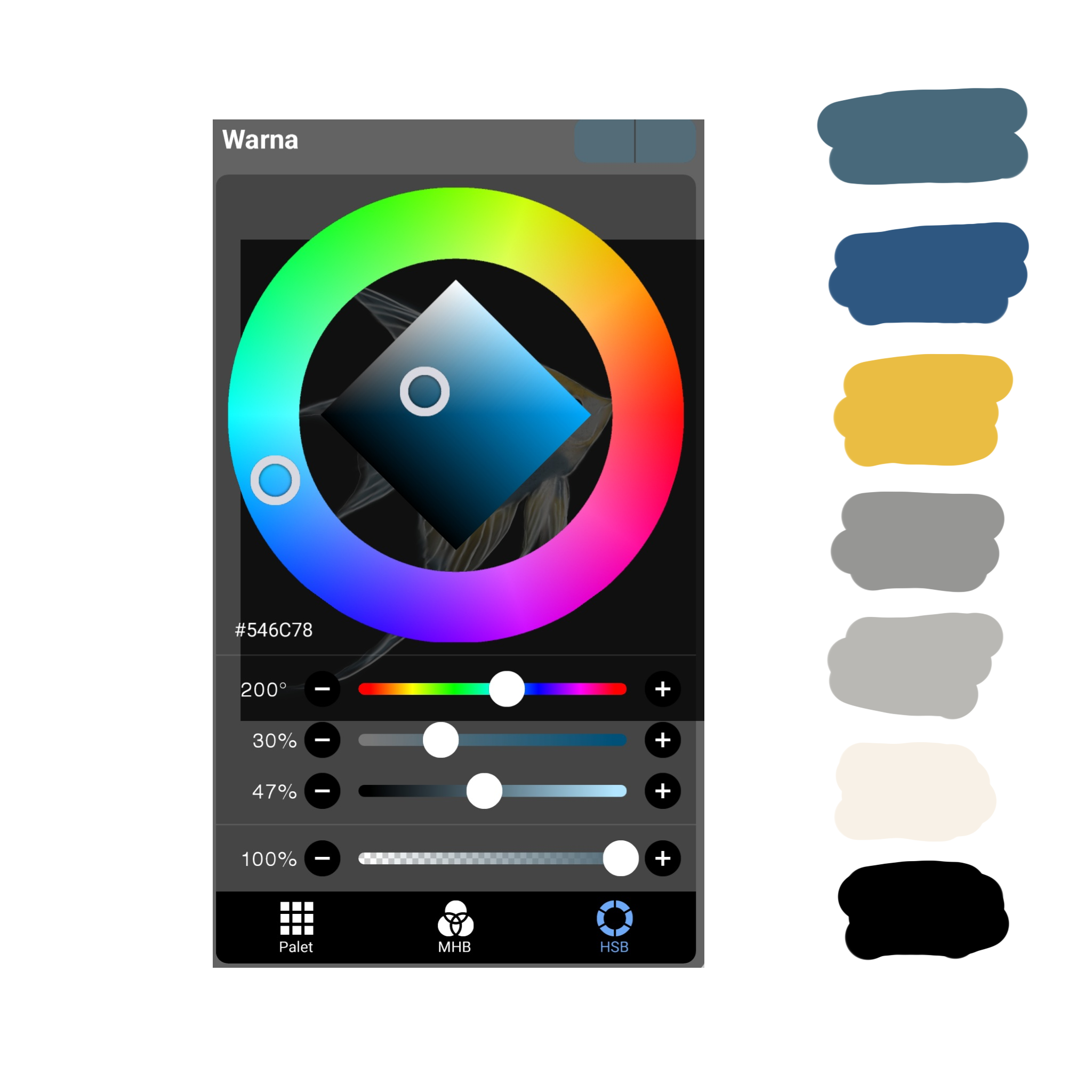
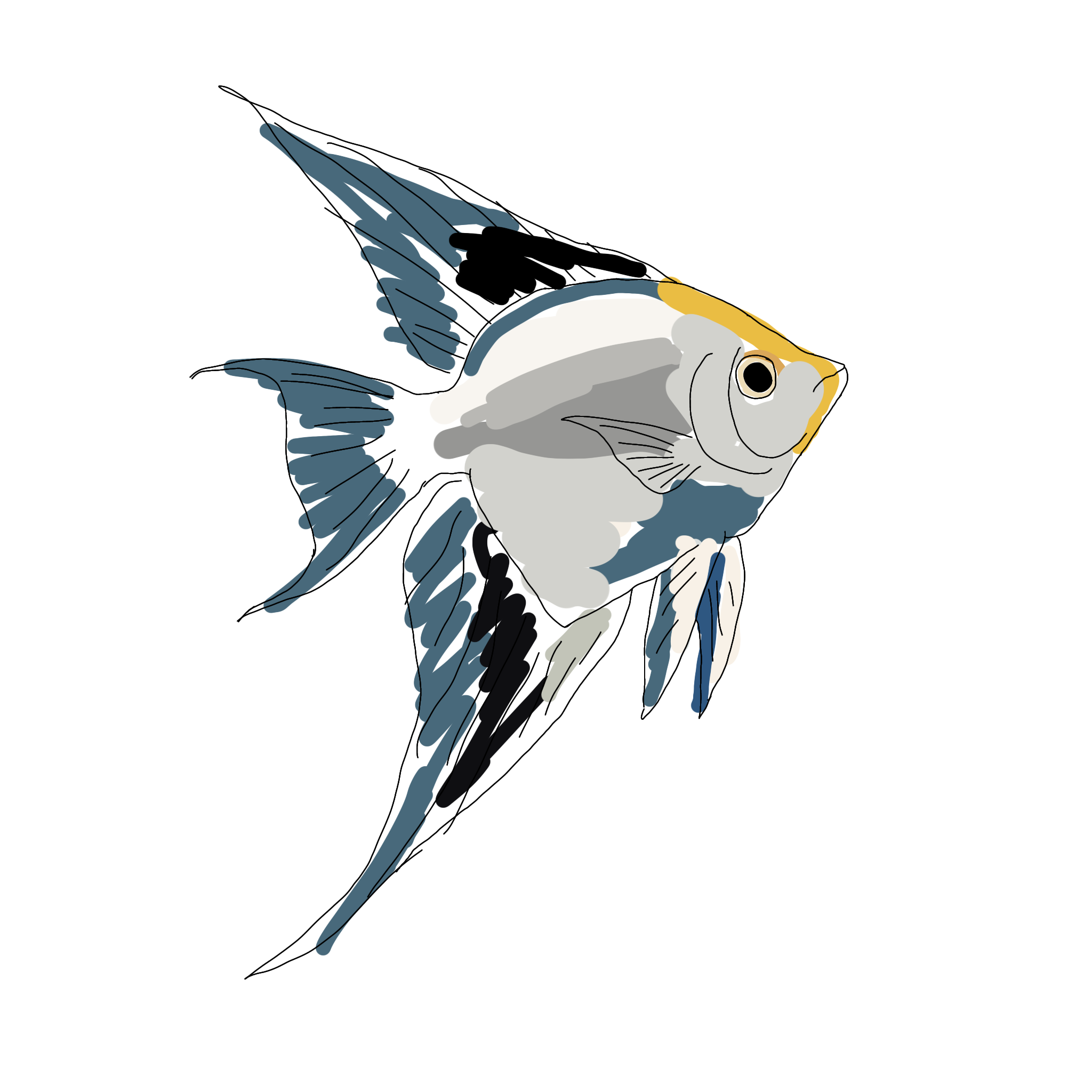
Next, the coloring stage here we use several colors, from dark blue to light blue, yellow to slightly brown, dark and light gray, black. The colors are all arranged according to your wishes
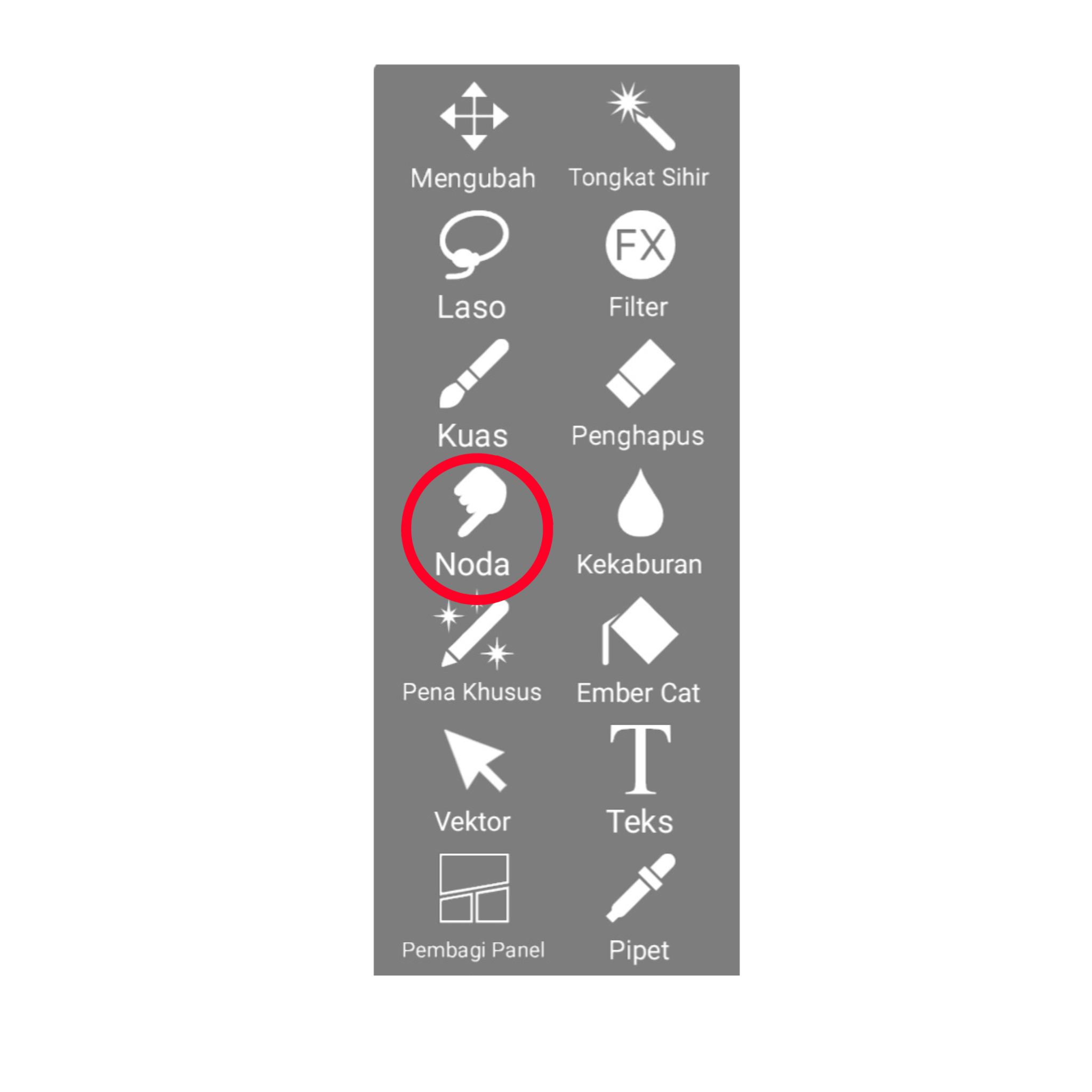
Next, we use the smudge tool—marked in red—to blend colors and create gradient and shading effects.
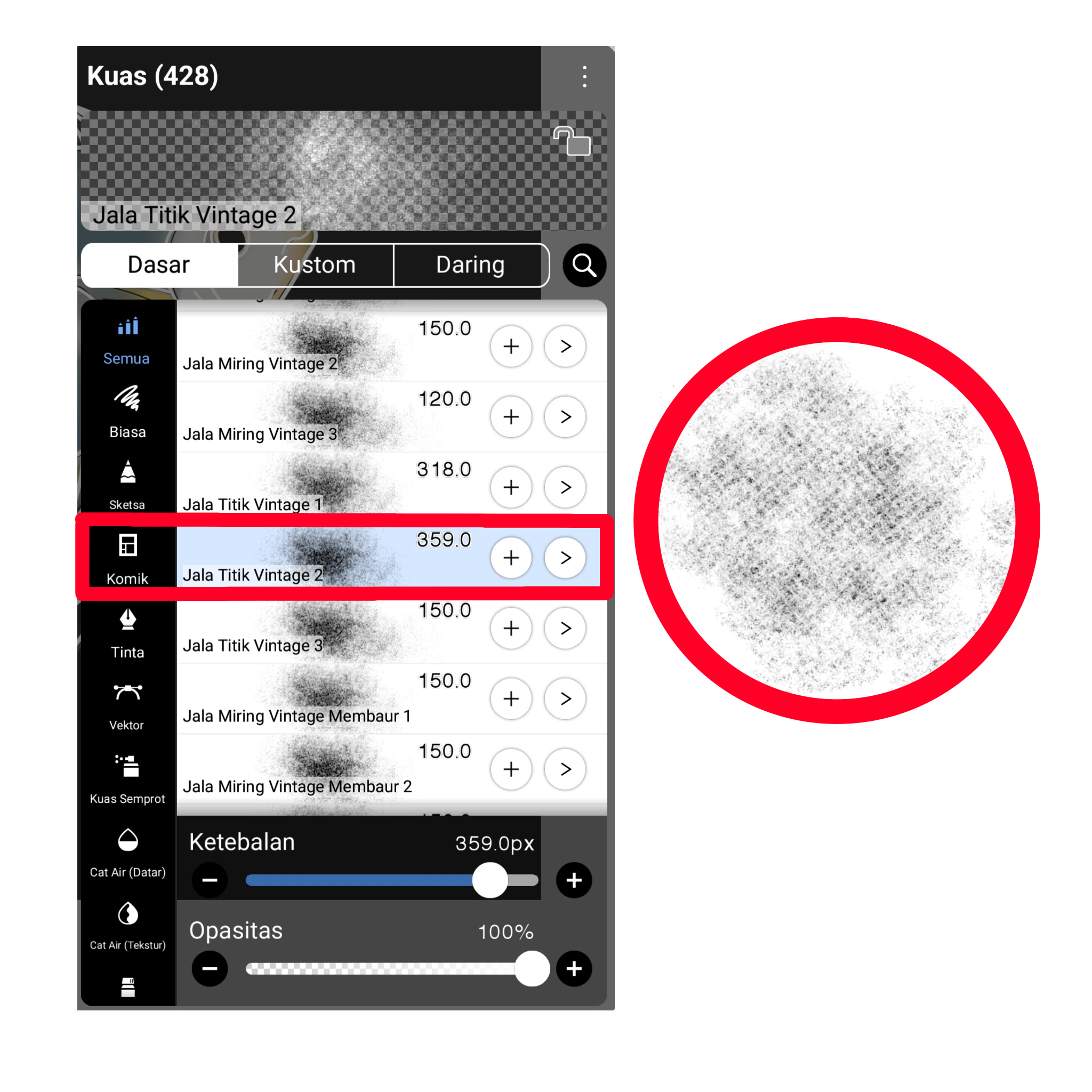
Next, we use the mesh-pattern brush—highlighted in red—to subtly create a fish-scale effect on the image, and add white lines following the initial sketch, since the background is black.
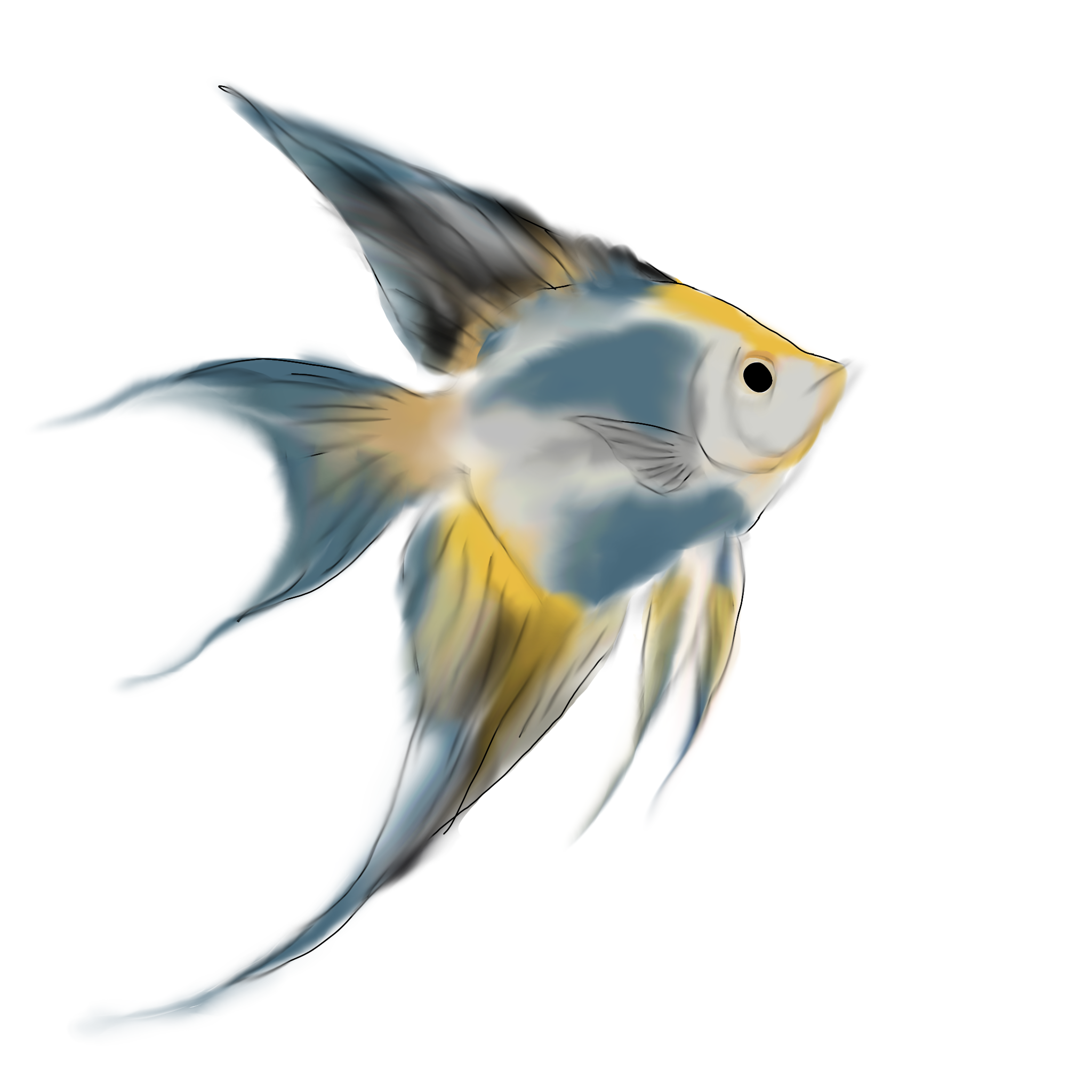
Next, once the white line has been added, blend it again using the Smudge tool—just as before—to smooth it out until the image is complete.
THE FINAL RESULT
Thank you for joining me as I swam with the angelfish. I hope every step and piece of information shared proves useful to everyone; please leave comments or suggestions and provide a fitting rating.
Lo que aprendí de tu proceso es que el mesh‑pattern brush, resaltado en rojo, crea una textura de escamas muy realista; ¿probaste bajar la opacidad para hacerlo más sutil? sin vueltas, la vida me enseñó que ese pequeño ajuste puede cambiar todo el resultado 🎨
Lo que aprendí de tu proceso es que el mesh‑pattern brush, resaltado en rojo, crea una textura de escamas muy realista; ¿probaste bajar la opacidad para hacerlo más sutil? sin vueltas, la vida me enseñó que ese pequeño ajuste puede cambiar todo el resultado 🎨
That's right—tone down the mesh-patterned brush slightly so it isn't too stark, creating a fish-scale effect.
stunning
Thank You