Smooth Transition Tutorial
Assalamu Alaikum
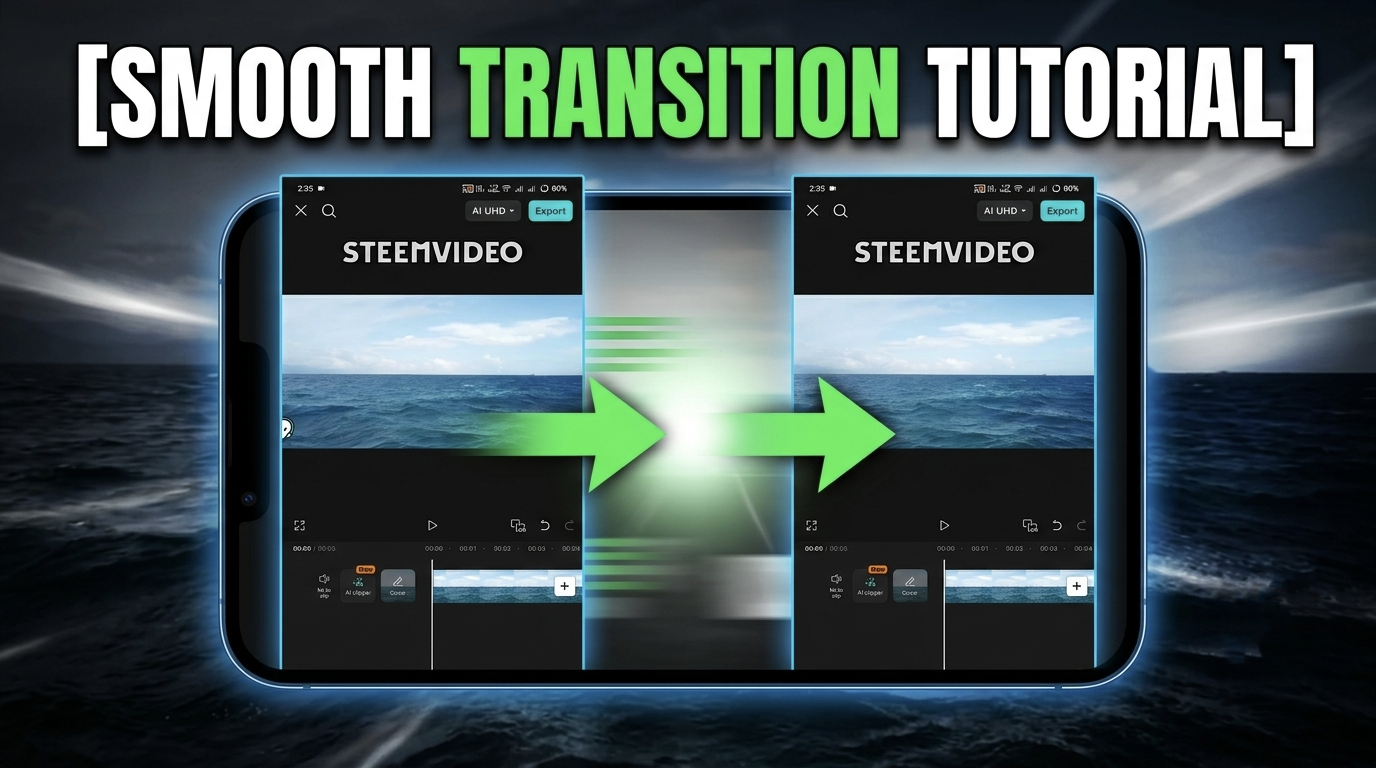
Today I will teach you how to use Smooth Transition from one video to another. Basically, in the edit that I will do, you can make two video clips into a cinematic video or use it to make your video more interesting. Let's not talk anymore, let's start the video.
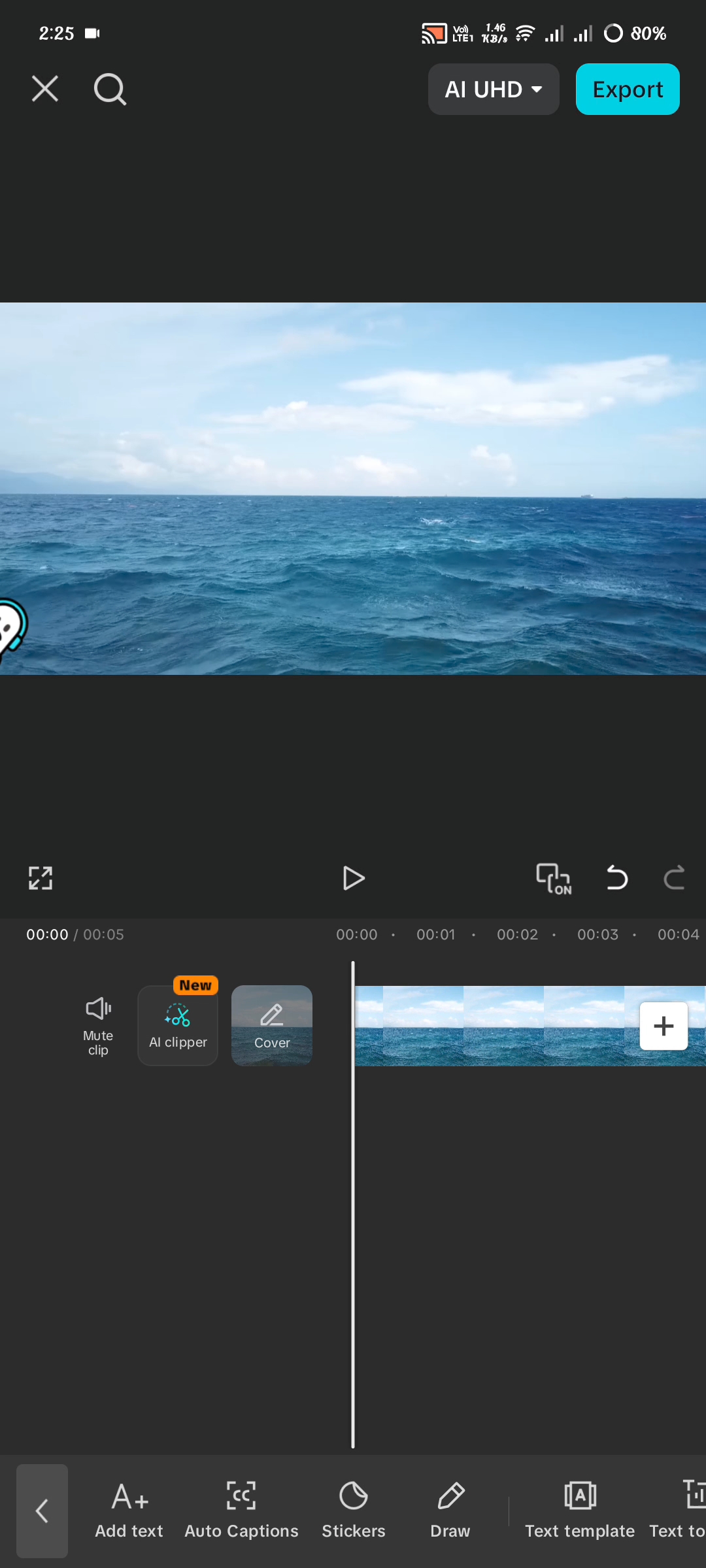

First, you will take a video clip, you will not bring the other video with this video right away, just take the clip first. Then you will cut the video after just 5 seconds and you will use a text on the video, here you can write anything I have written transition. Remember that you have to keep the text white and give it a black shadow behind it.
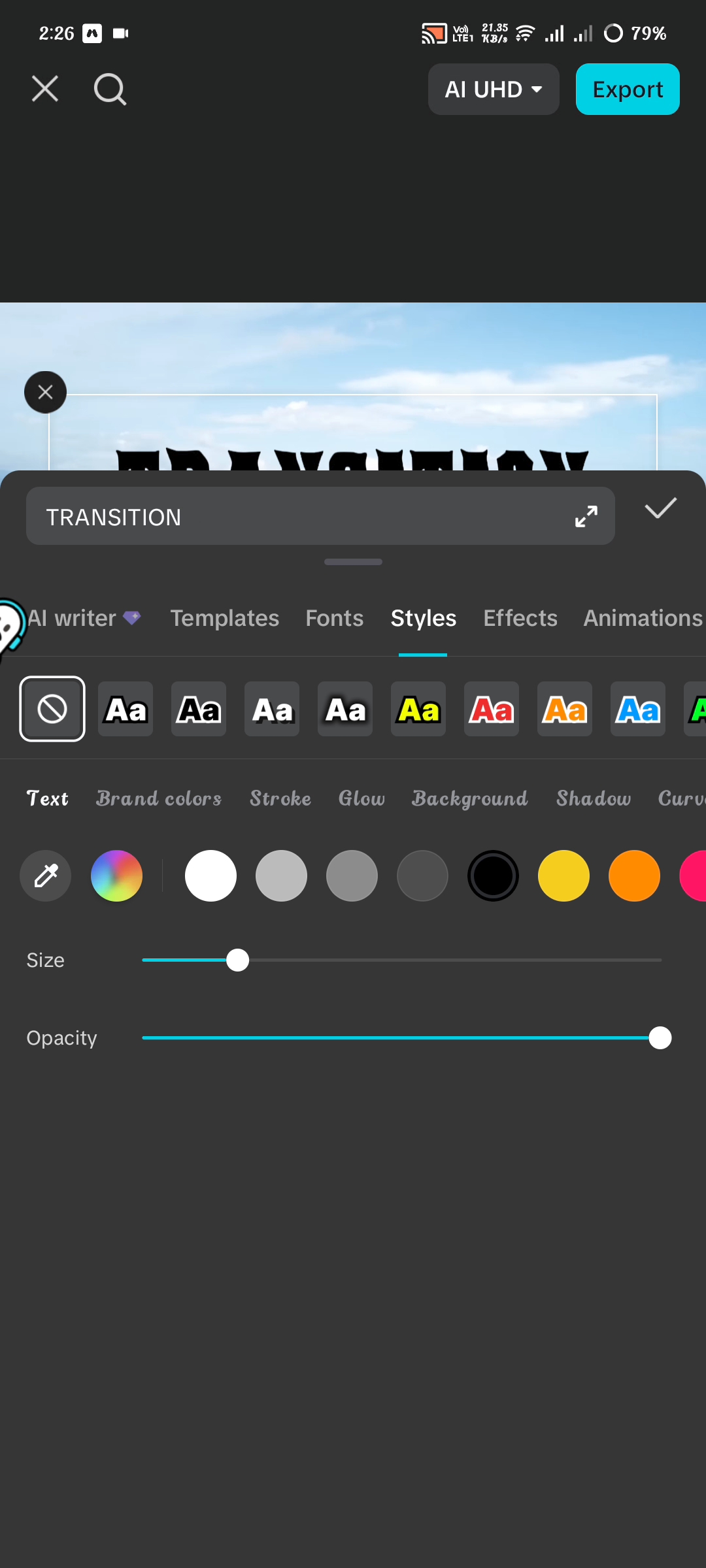
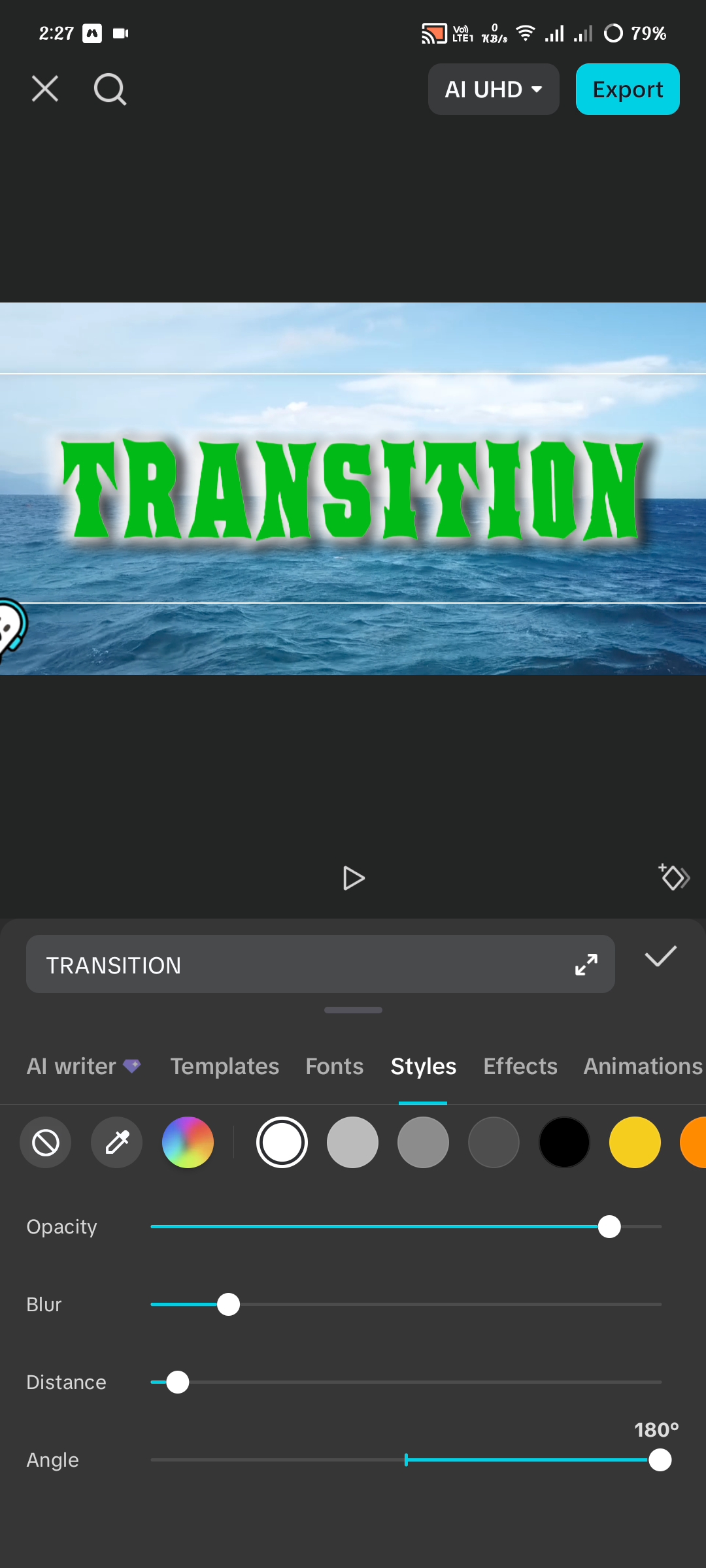
After giving the black shadow behind the text, you will duplicate it and make it green and make the shadow behind it white. I forgot to tell you one thing in the middle, you will zoom in and enlarge the entire text so that it goes completely outside the screen. If you watch my video carefully from beginning to end, you will be able to edit this video yourself. Today's discussion concludes here. I hope you've found it interesting. Please share your thoughts on today's topic. Prayers for everyone. May everyone be well. Amen.

Twitter
Curated by: @ahsansharif