Adobe Illustrator । Graphics Design । Tutorial । Banner Design। Ep-165
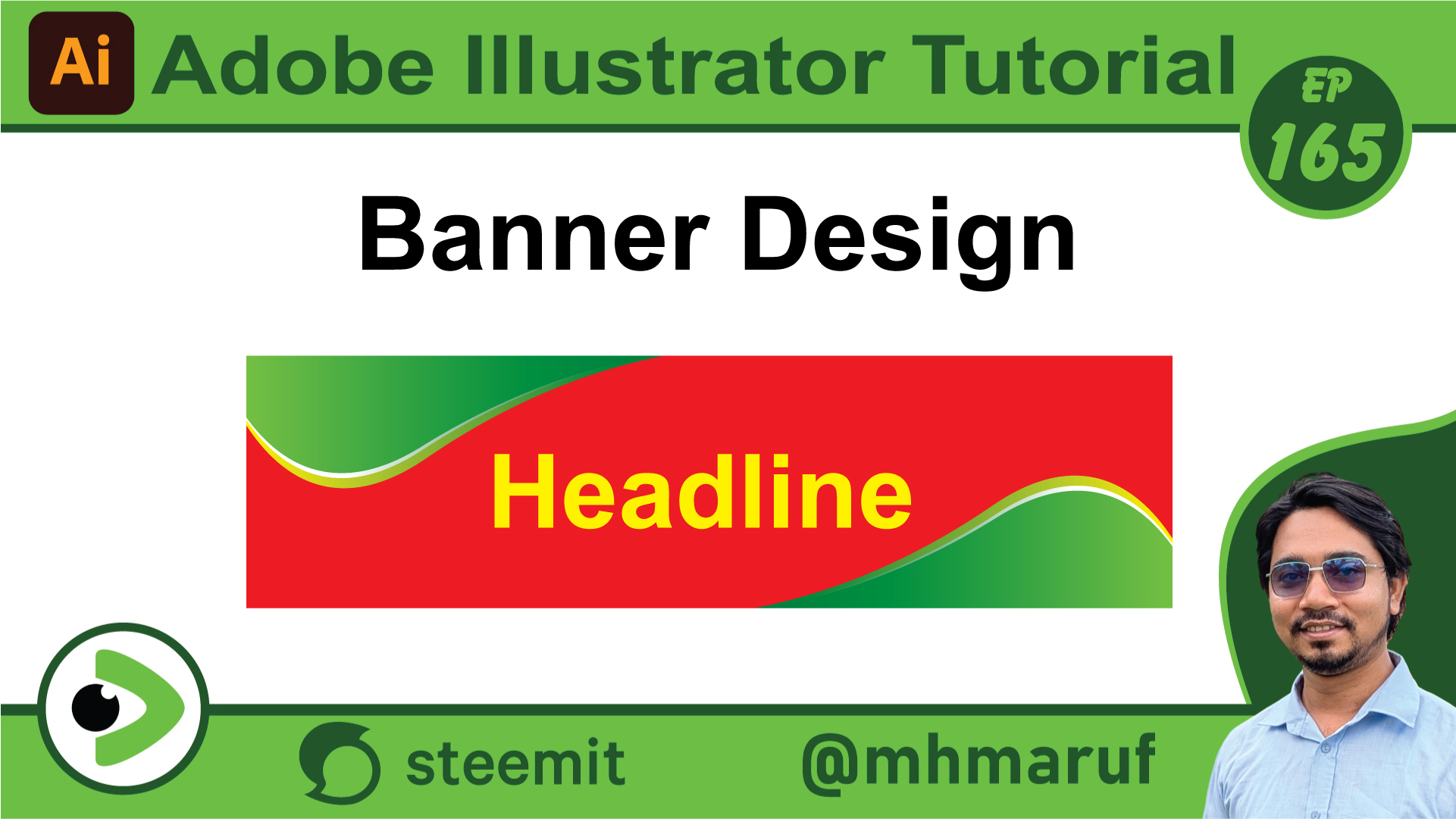
Hola queridos amigos, ¿cómo están todos? Hoy tengo otro nuevo video. Hoy diseñaremos un banner, así que comencemos. Primero, estoy tomando un tamaño. Luego estoy tomando el color rojo en él. Hice el color de relleno rojo. Luego dibujaré una línea con la herramienta pluma. Completé esta línea y quité la parte exterior con la herramienta creador de formas. Ahora miren, he aplicado un color de relleno aquí con un degradado. Lo copiaremos y pegaremos al frente. Luego lo haré más pequeño. Daré otro color debajo. Lo haré blanco. Bien, luego agruparemos estos tres juntos. Miren, los he agrupado. Como este cuadro está agrupado, lo copiaremos y lo rotaremos y lo alinearemos a esta esquina. Ahora podemos escribir el texto del banner aquí. Miren, estoy escribiendo el título. Solo estoy agregando texto. Si quieren, pueden crear fácilmente un fondo de banner como este. Así que este fue mi video corto del diseño de banner de hoy. Me despido por hoy. Que todos estén bien y saludables. Que Alá nos proteja.
Posted with Speem
✦ Hello dear friend
#play
!category 3
No olvides votar a @cotina como tu testigo o establecernos como proxy de voto!
Post agregado a la lista. Sera votado en los próximos minutos.
Your post have been rewarded by the Speak on Steem curator team!
Now become a plus member delegating at least 500 SP
Ways to support us:
Curated by @alejos7ven
High-Yield Curation by @steem-seven
Your content has been supported!
Maximize your passive income!
Delegate your SP to us and earn high rewards
Click here to see our Tiered Reward System
We are the hope!