Why Your Accounts Payable (AP) Team Needs AI-Powered Document Scanning Now
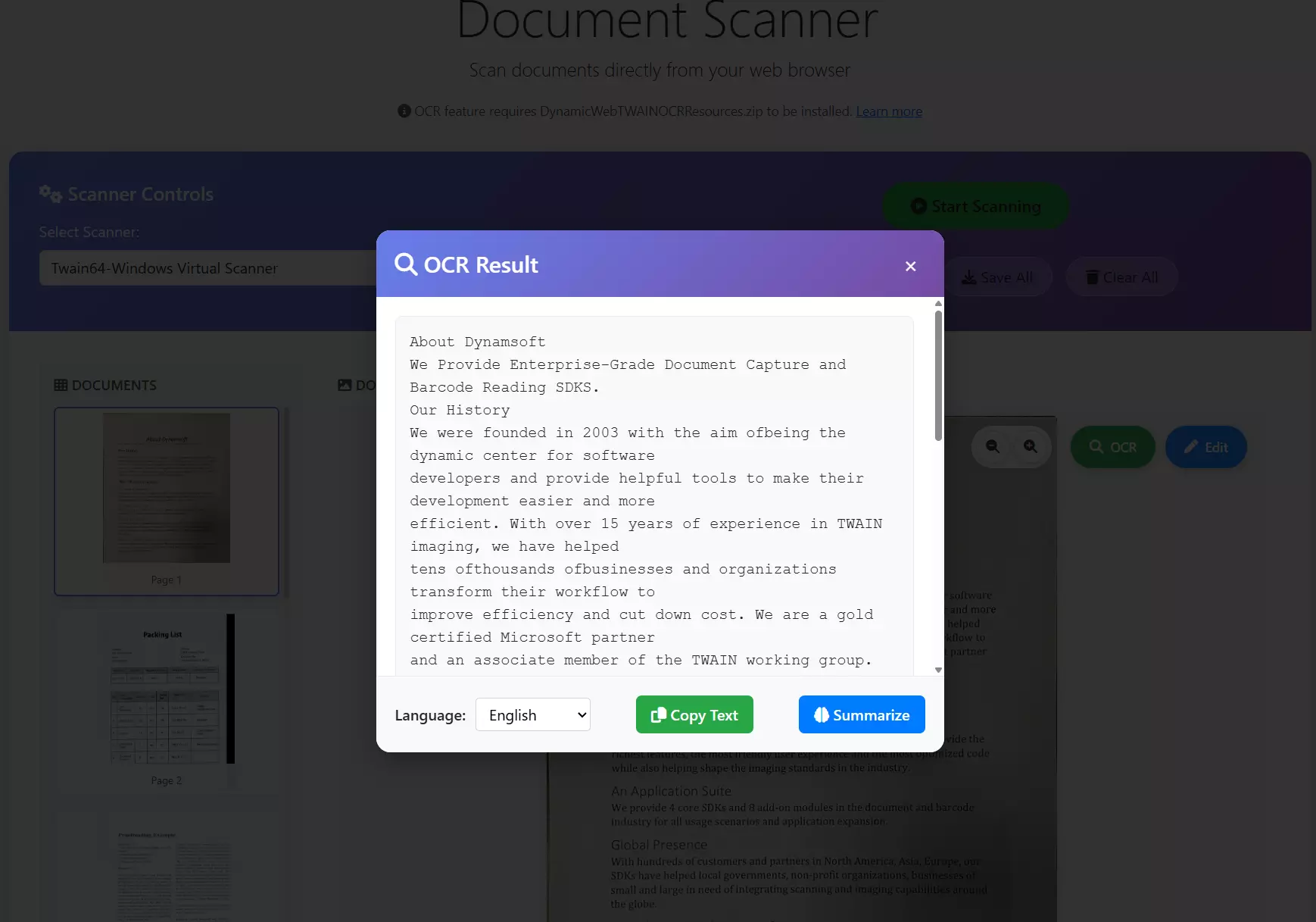
Accounts payable teams handle a massive volume of documents, invoices, receipts, packing slips, and delivery confirmations. The work often starts with capture: turning paper, email attachments, and phone photos into structured, usable data. Rising invoice volumes, hybrid approval processes, and compliance demands have turned AP into a cash flow and vendor relationship bottleneck.
AP needs more than digitization; it needs intelligent document capture powered by AI, OCR, and barcode or QR scanning that feeds clean data into approval workflows and ERP systems. This article explains what that means, why timing matters, and how solutions built on enterprise-grade scanning technology help AP teams eliminate manual friction.
Beyond Traditional Scanning: What “AI-Powered” Capture Actually Does
Traditional scanning converts documents into images or PDFs. AI-powered document scanning, by contrast, understands the content it captures. It combines image enhancement, OCR, document layout understanding, validation, and structured output, enabling AP systems to use data with minimal human intervention.
| Capability | What it delivers for AP | Why it matters |
|---|---|---|
| Smart capture | Auto-detect, enhance, and crop document edges | Higher OCR accuracy from the start |
| OCR | Converts printed text into structured data | Eliminates manual keyboard entry |
| Layout-aware extraction | Identifies vendor, invoice number, totals, line items | Reduces exceptions and rework |
| Data validation | Checks for missing fields or mismatches | Prevents errors upstream |
| Structured exports | Outputs JSON or key-value pairs | Ready for ERP or workflow automation |
Over time, these capabilities shift AP from reactive document processing to proactive data preparation. This results in lower processing costs and faster cycle times.
The Hidden Cost in AP: Poor-Quality and Inconsistent Invoice Inputs
Most automation fails not on clean, standardized invoices, but on edge cases:
- Low-quality photos or scans
- Crooked pages, glare, shadows
- Multi-page invoices and attachments
- Handwritten notations on vendor paperwork
- Documents arriving through diverse channels (email, portal uploads, mail)
Modern capture engines address these messy inputs by guiding users during capture, automatically correcting image quality, and extracting key data even from imperfect sources.
Why Finance Teams Should Act Now
Here are the practical drivers pushing AP teams toward intelligent scanning today:
1) Manual entry remains a silent tax on productivity
Even with ERP systems, AP clerks often retype invoice details. Intelligent scanning reduces manual entry and accelerates data availability in downstream systems.
2) Remote and hybrid approvals demand higher capture quality
Invoices captured by field teams or remote staff vary in quality unless scanning is guided with intelligent feedback and enhancement.
3) Faster payment cycles start at document intake
AP leaders know that slow approvals often start with comments like “we can’t read this” or “where’s page two?” AI capture solves these issues before they delay finance workflows.
4) Audit readiness improves with searchable data
OCR converts images into searchable digital assets, simplifying retrieval for audits or supplier inquiries.
5) Duplicate and incorrect invoices hide in manual processes
Without structured capture and validation, duplicate payments, mismatches, and false approvals become harder to detect.
6) AP is evolving into a data function
Today’s AP teams provide outlays for cash forecasting, vendor performance insights, and spend analytics, all of which depend on clean, structured data.
Where Barcode and QR Scanning Improves AP Workflows
When people hear barcode scanning, they often think of retail. In AP, barcodes and QR codes help tie unstructured paperwork to structured systems, reducing lookup errors and speeding routing.
| Use Case | Example | AP Benefit |
|---|---|---|
| Mailroom intake routing | QR label on batches of incoming mail | Automated sorting and assignment |
| Invoice-to-PO matching | Scan barcode on packing slip or PO printout | Faster reconciliation |
| Project or cost coding | QR for cost center or job number | Reduces manual coding overhead |
| Attachment linking | Barcode on delivery slips tied to shipment ID | Quicker verification and fewer “missing docs” |
| Audit retrieval | Scan document ID to open digital record | Faster access during reviews |
When document scanners integrate barcode recognition with intelligent capture and OCR, AP teams remove friction at intake and preserve structured identifiers that would otherwise be lost or manually retyped.
This is where enterprise-grade document scanning SDKs that include barcode scanning become especially valuable, as they let developers build robust intake experiences that work reliably across both mobile and desktop interfaces.
Reference Architecture: What an Intelligent AP Capture Flow Looks Like
Below is a practical sequence many AP teams adopt as they modernize:
| Step | What happens | Output |
|---|---|---|
| Document Capture | Users scan or upload images/PDFs with smart enhancements | Clean, normalized images |
| OCR & Field Extraction | AI identifies key fields and layout | Structured invoice data |
| Barcode/QR Decoding | Any codes on documents are read | Structured identifiers linked to records |
| Data Validation | Rules check required fields and total amounts | Exception flags for review |
| Matching & Routing | Links invoices to POs and workflows | Ready for approval or posting |
This architecture decouples capture from downstream systems, letting AP teams iterate and improve without forcibly replacing core ERPs.
What to Look for in an AI Scanning SDK for AP
Not all scanning technology delivers the same value. When evaluating an SDK for enterprise AP use cases, consider:
- Image quality automation: auto-crop, de-skew, glare removal
- OCR performance on real invoices: including multi-page layouts
- Barcode and QR scanning co-located with OCR: not a separate add-on
- Configurable export formats: JSON, XML, or integration-ready blobs
- On-device vs server-side options: depending on privacy and performance needs
- Developer experience: robust APIs, samples, and documentation
- Security & compliance posture: enterprise controls, encryption, logging
An SDK that supports both intelligent OCR and barcode scanning in one package lets developers build richer workflows with fewer platform dependencies. This reduces time-to-value for AP automation projects.
Implementation Tip: Start with a Two-Week Intake Pilot
Many teams begin with the invoice intake component:
- Capture invoices via upload or mobile capture.
- Extract a small set of key fields (vendor, date, amount)
- Validate mandatory information
- Introduce barcode/QR scanning to reduce lookups.
- Export structured data to your AP workflow
This approach yields rapid feedback and helps stakeholders see measurable improvements without a full ERP implementation.
Bottom Line: AI-Powered Scanning Is a Practical Upgrade
Intelligent document capture is not about hype; it is about removing friction from invoice processing, reducing manual work, and ensuring AP teams can focus on exceptions and value-add activities.
By combining OCR with reliable barcode and QR scanning within a unified scanning SDK, organizations gain:
- cleaner document capture
- fewer errors and exceptions
- faster approvals
- streamlined matching
- better audit readiness
For AP leaders seeking to improve precision, speed, and scalability, embracing AI-driven capture technology now makes strategic sense.