Product Advertisement Design in Photoshop
Assalamu Alaikum
My dear friends, how are you all? I hope everyone is very well. By the grace of Allah, Alhamdulillah, I am also well.
Like every day, today I have come to you with a new post. This post is an art post. I always try to share different kinds of posts with you. Among them, this art post is one of them. I always try to present different kinds of art to you. Especially the natural types of art, I like to do those a bit more. In today’s art that I shared with you, I tried to make all the designs very perfectly. At the same time, I tried to give a good combination of colors here. I spend much more time behind each artwork now than I used to before. While continuously creating different types of art, many ideas come to mind, and many designs have to be deleted again. Because of this, I face many kinds of problems while matching color combinations. So it takes a lot of time and effort to create these artworks. But in the end, when all of you like the artwork, all that effort disappears instantly.
Product Advertisement Design with Photoshop
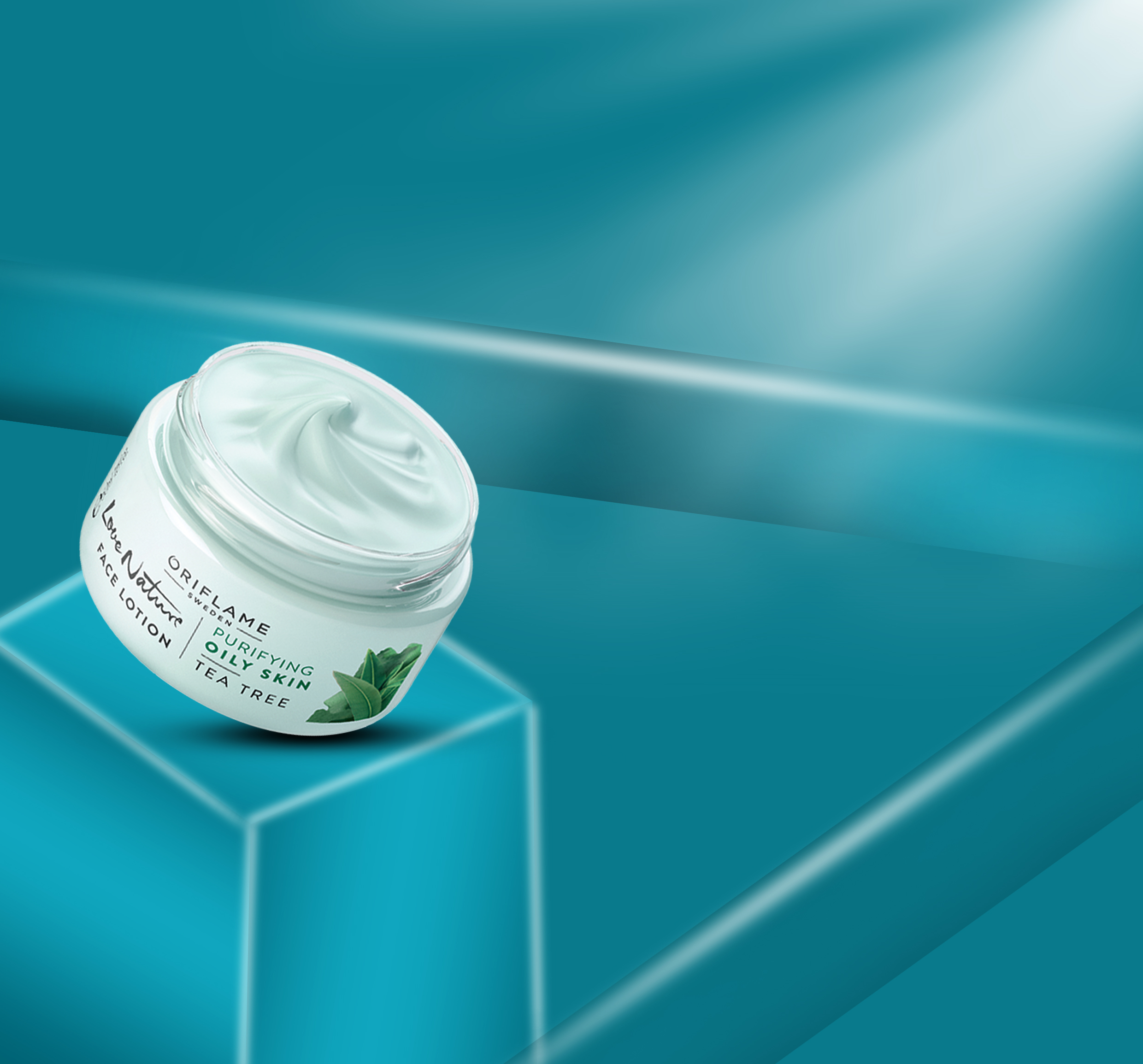
Required Materials
- Desktop
- Adobe Photoshop 2023
Drawing Process is as follows:
First Step
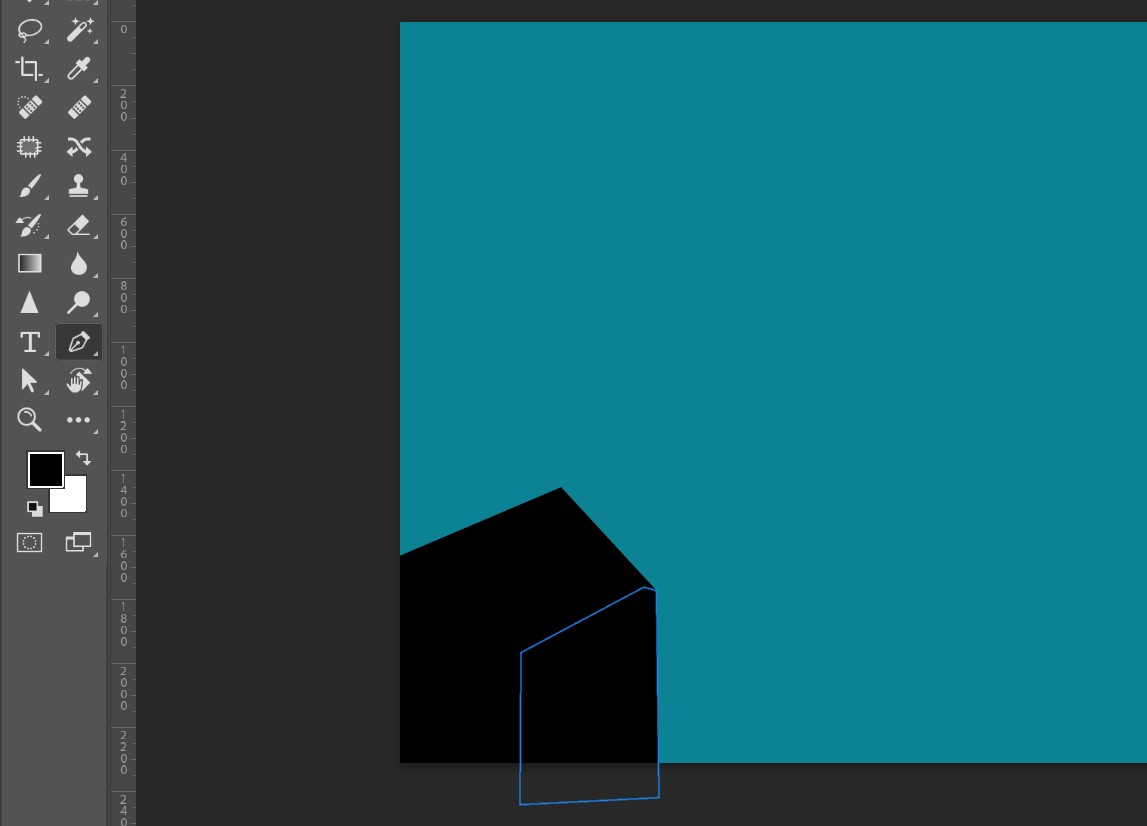
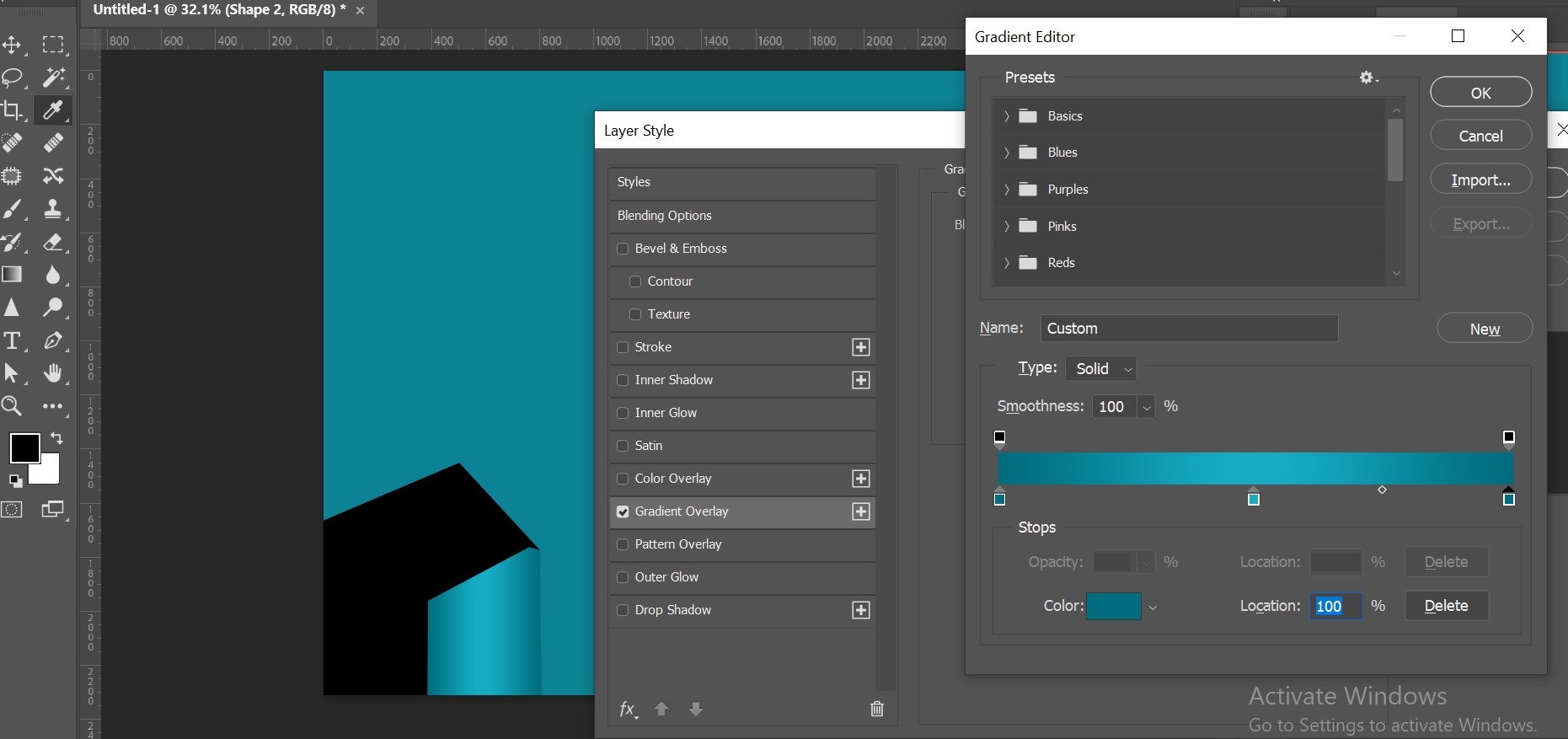
First, I opened Photoshop and created a box inside it to place the product.
Second Step
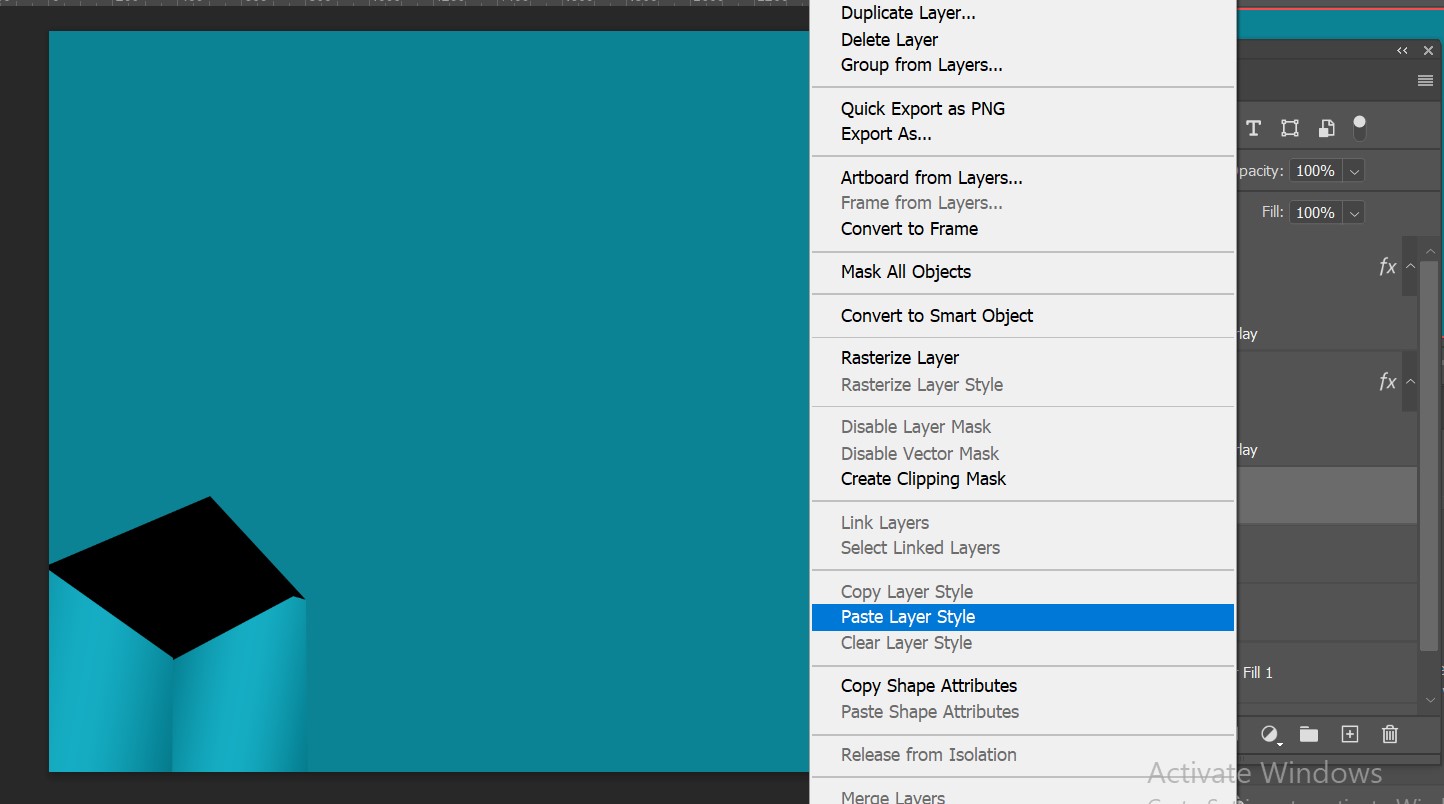
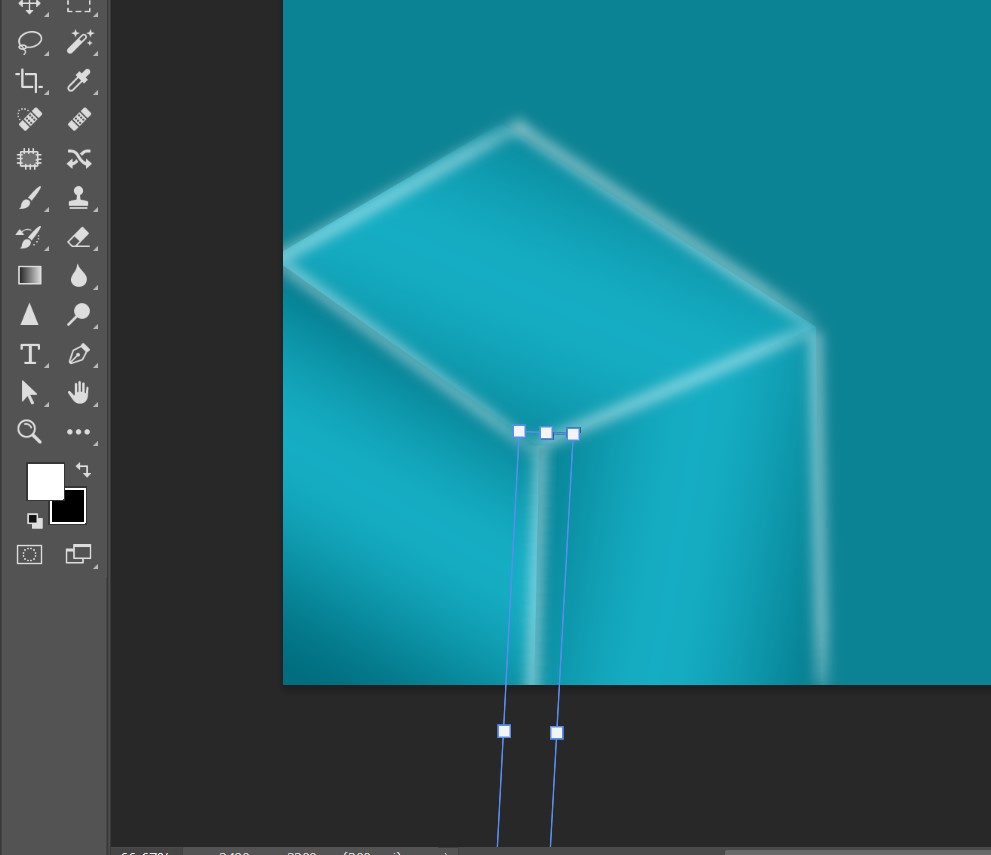
Then I applied a background color here and started designing with some color combination using the box that I created to place the product.
Third Step
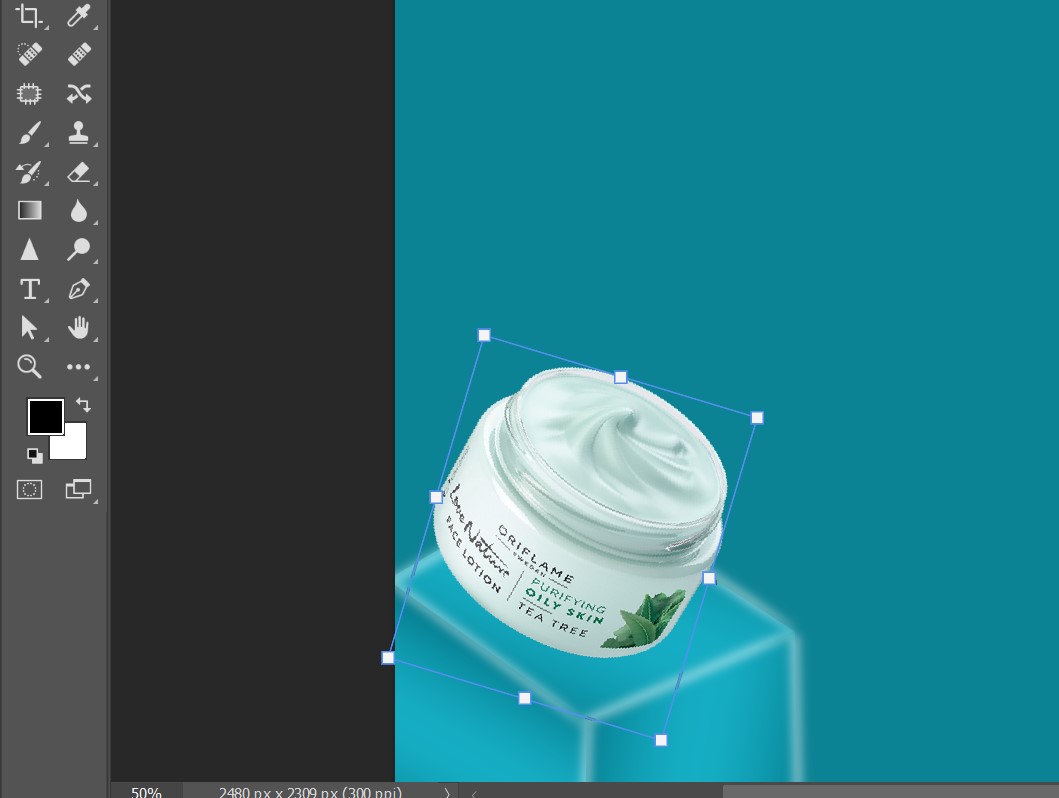
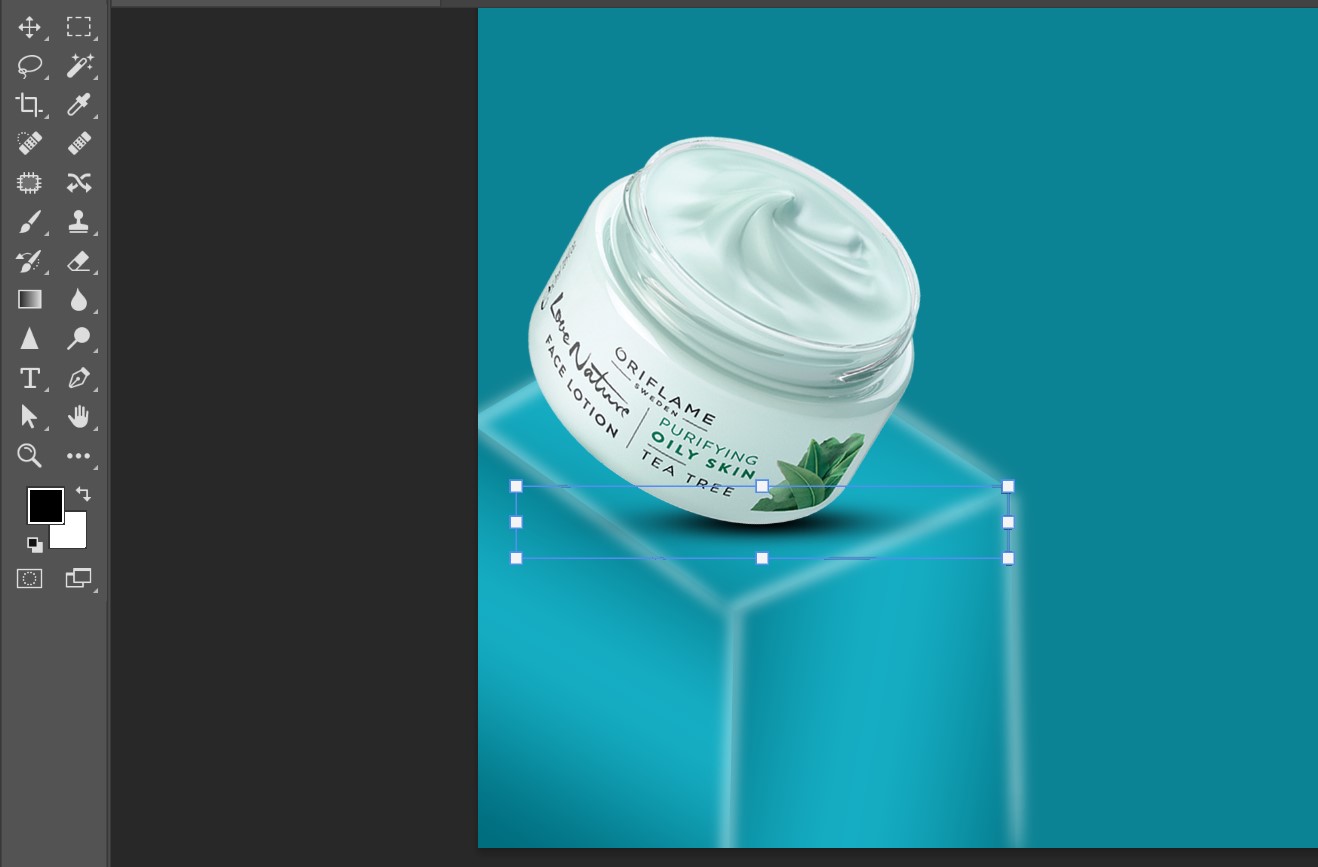
Then I placed the product here and created some designs around it. To make it look like it is placed realistically, I started applying lighting effects.
Fourth Step
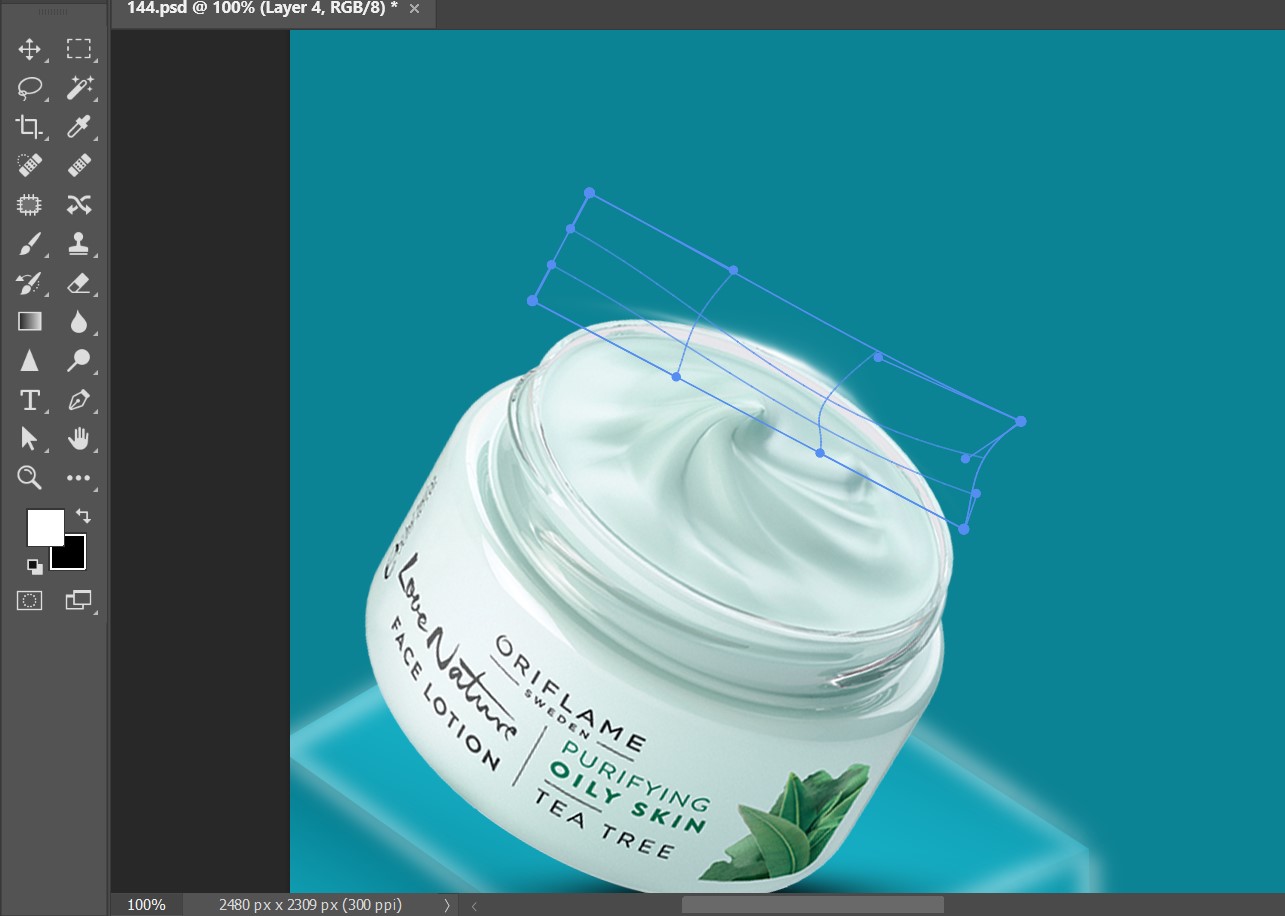
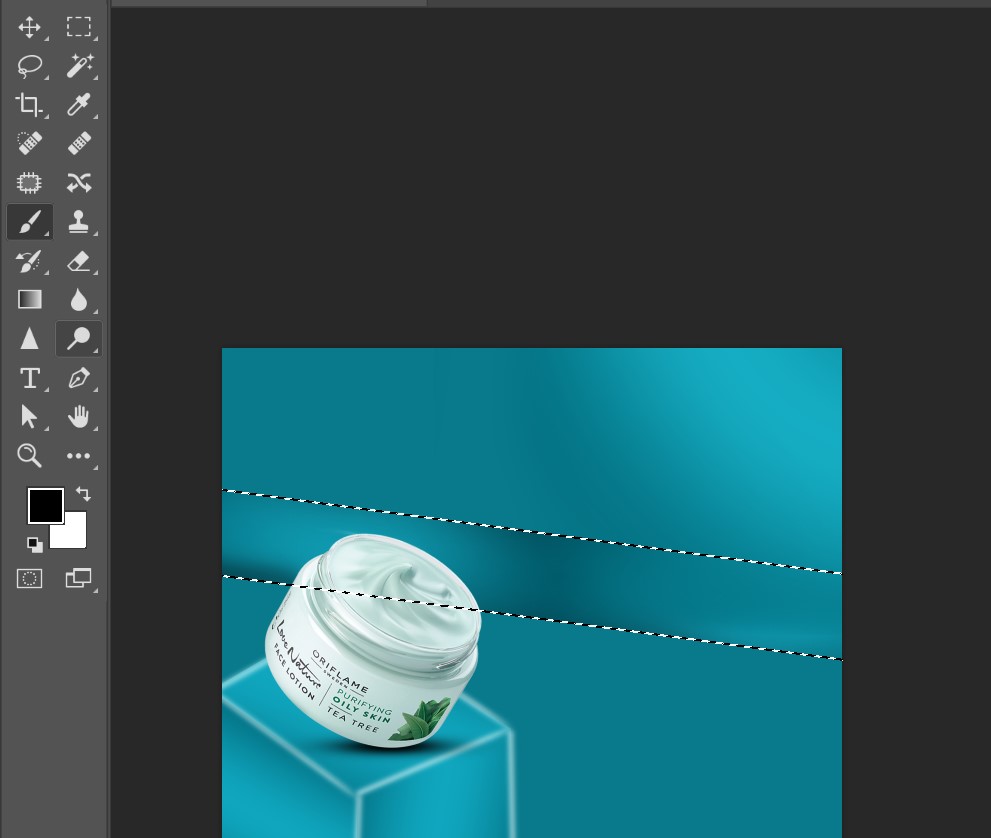
Here, along with the lighting effect, I added more designs to the background to give it a realistic look and adjusted the color combination properly.
Fifth Step
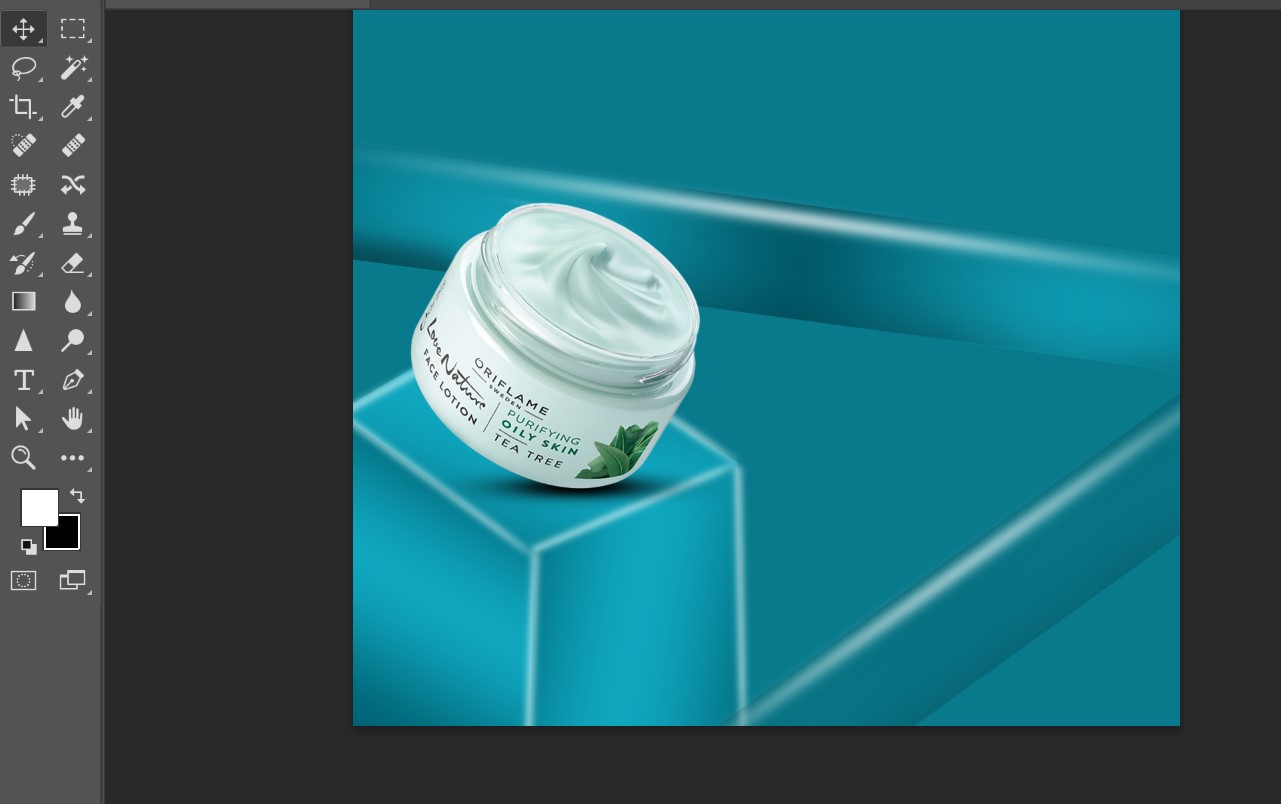
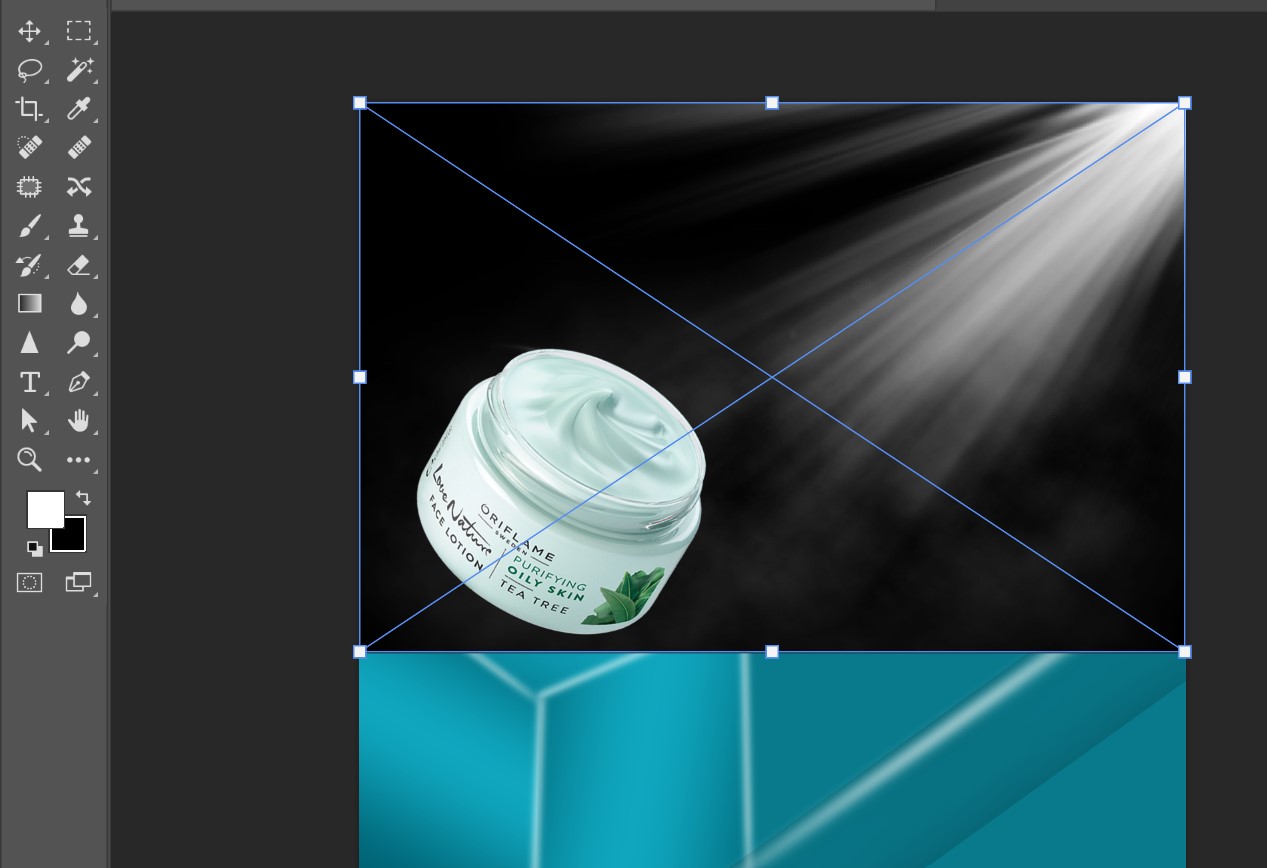
Then I adjusted the product more properly. Wherever lighting was needed, I applied it properly and added more necessary designs to complete the product design perfectly.
Final Outlook

Post Details
| Category | Art |
|---|---|
| Photographer | @bijoy1 |
| Device | Desktop |
| Location | Feni, Bangladesh |
That’s all for today. I hope you all liked my post. If you like it, don’t forget to let me know in the comments. Take care of yourselves. My deep love and respect for you all. Insha Allah, see you again with a new post.
Thank you and much love for reading the post.
🎉 Congratulations!
Your post has been upvoted by the SteemX Team! 🚀
SteemX is a modern, user-friendly and powerful platform built for the Steem community.
🔗 Visit us: www.steemx.org
✅ Support our work — Vote for our witness: bountyking5