Outro Video Editing
Assalamu Alaikum
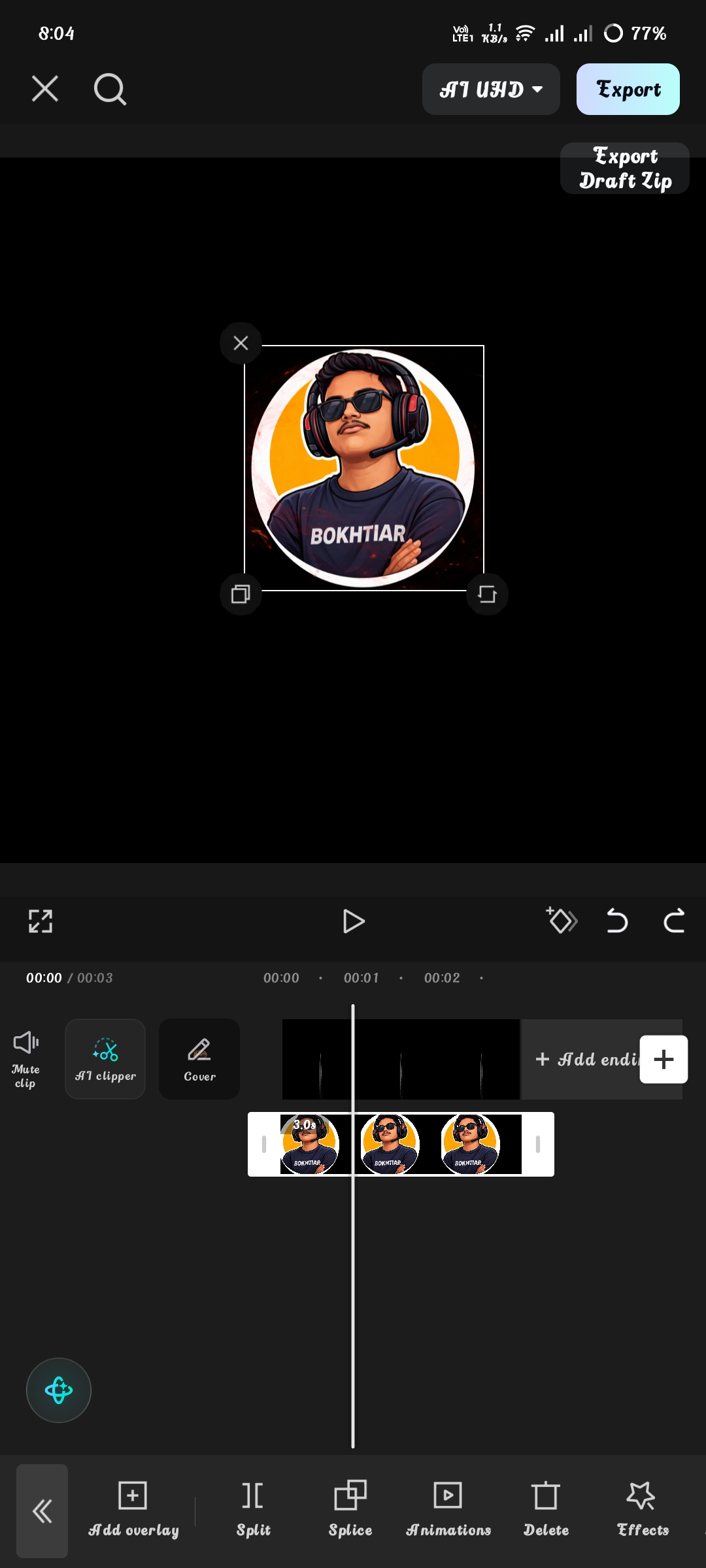
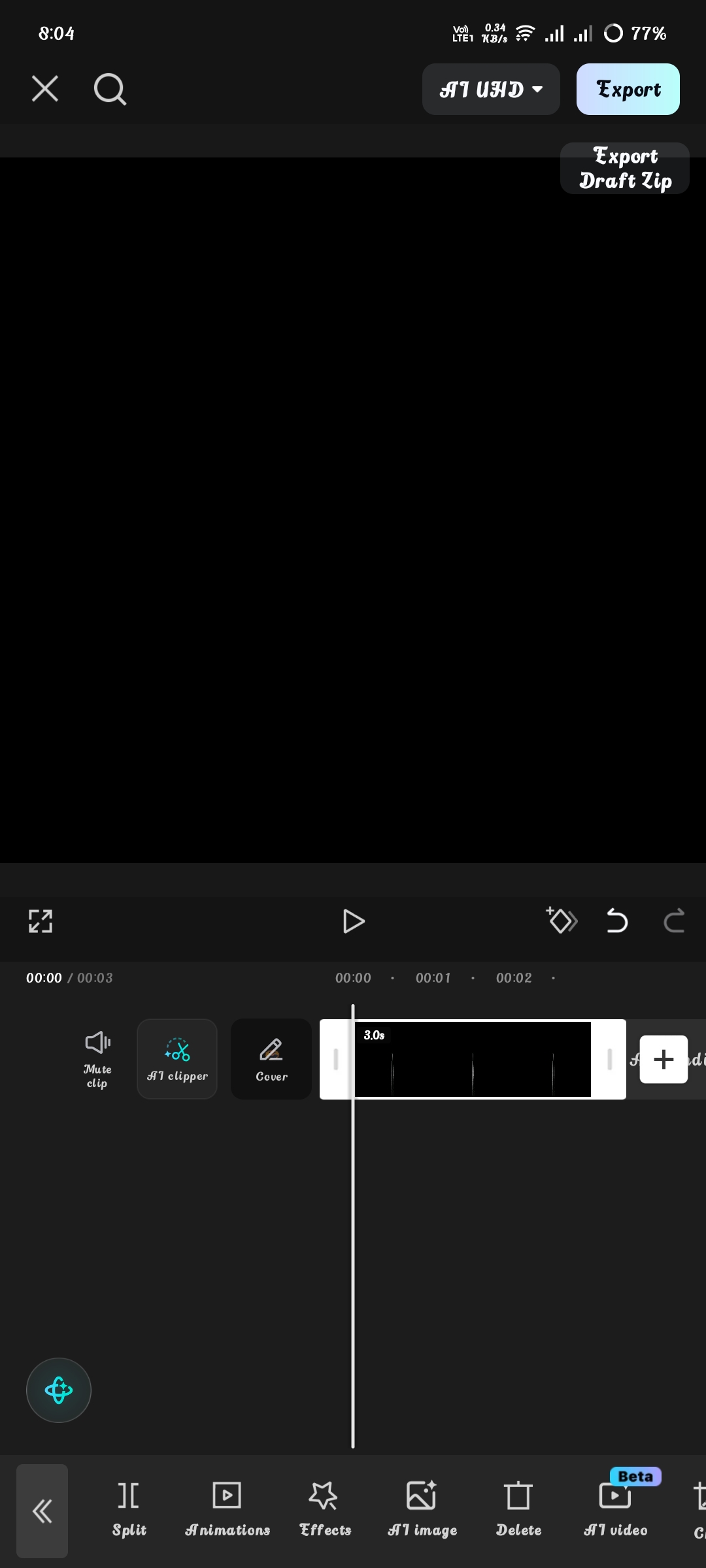
I edited the video in capcut. For this edit, I first took a black background. Then I placed my YouTube channel logo in the middle.
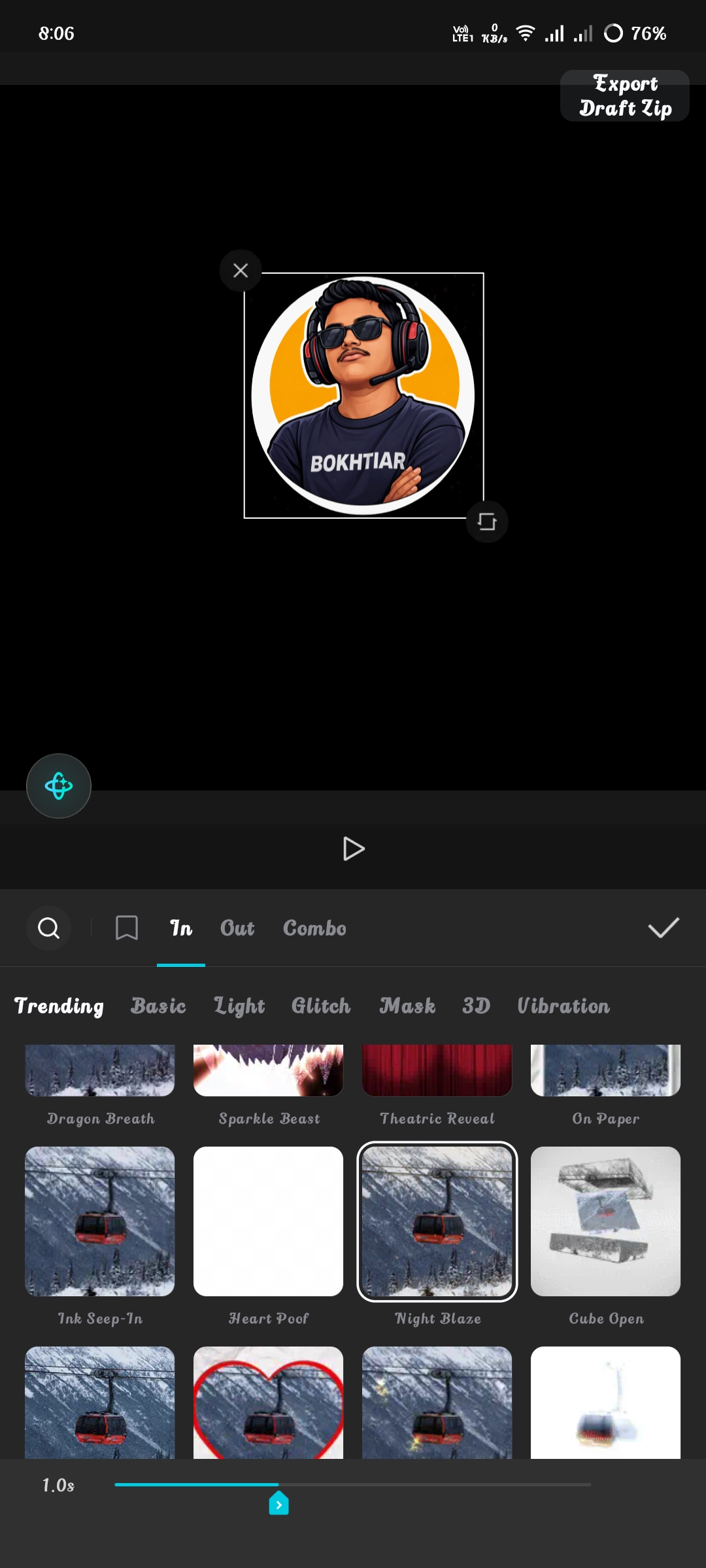
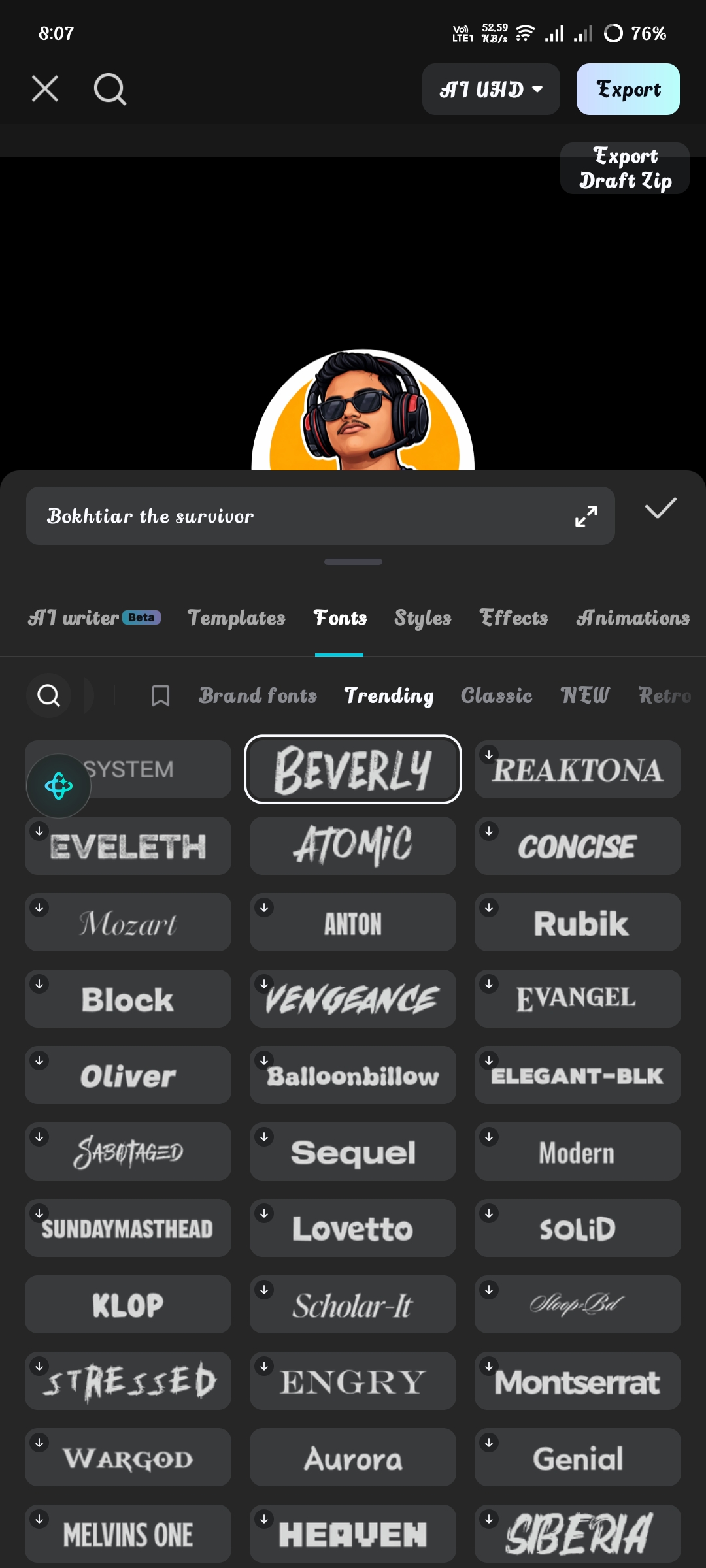
Click on the channel logo, go to the animation option, select Night Blaze animation and set it to 1 minute. Then for the text, click on the text option and select Beverly font.
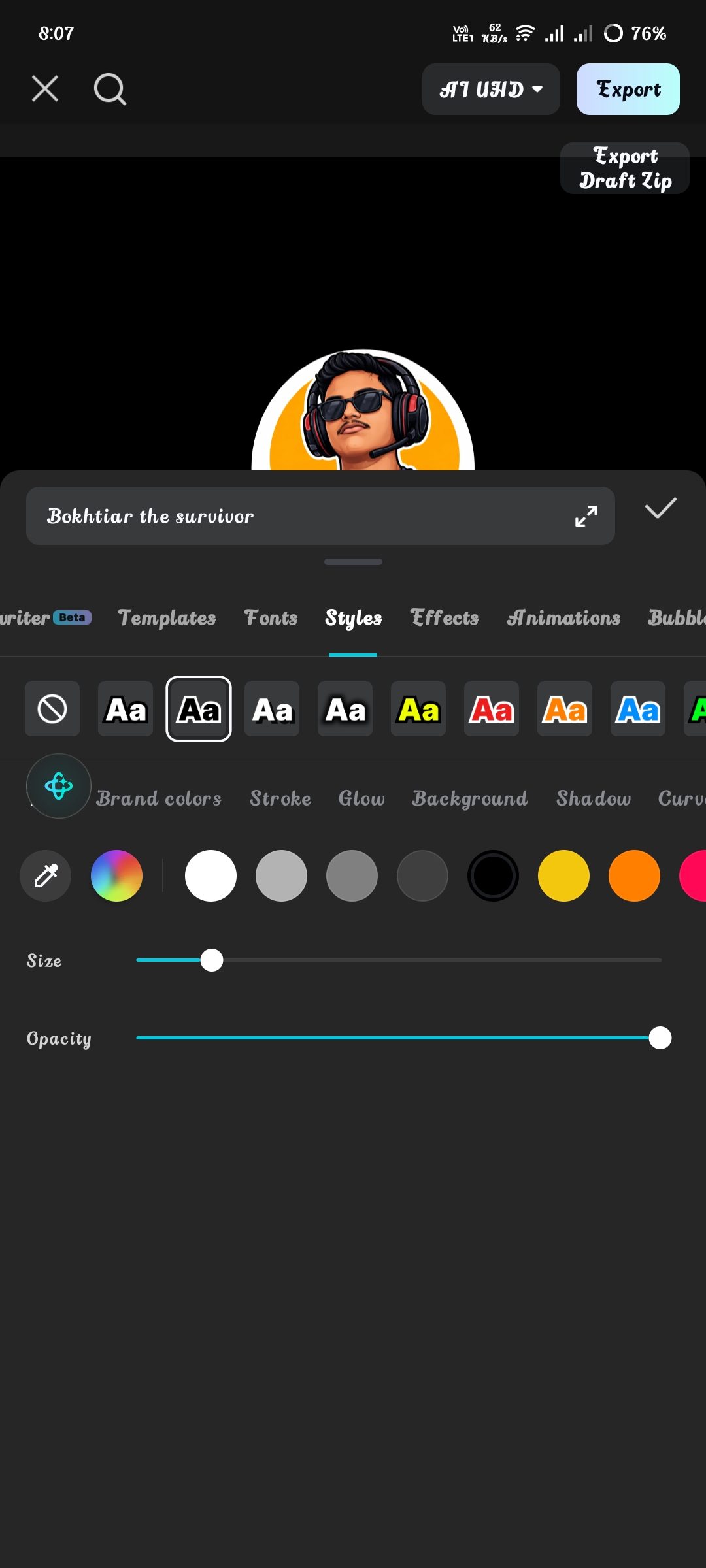
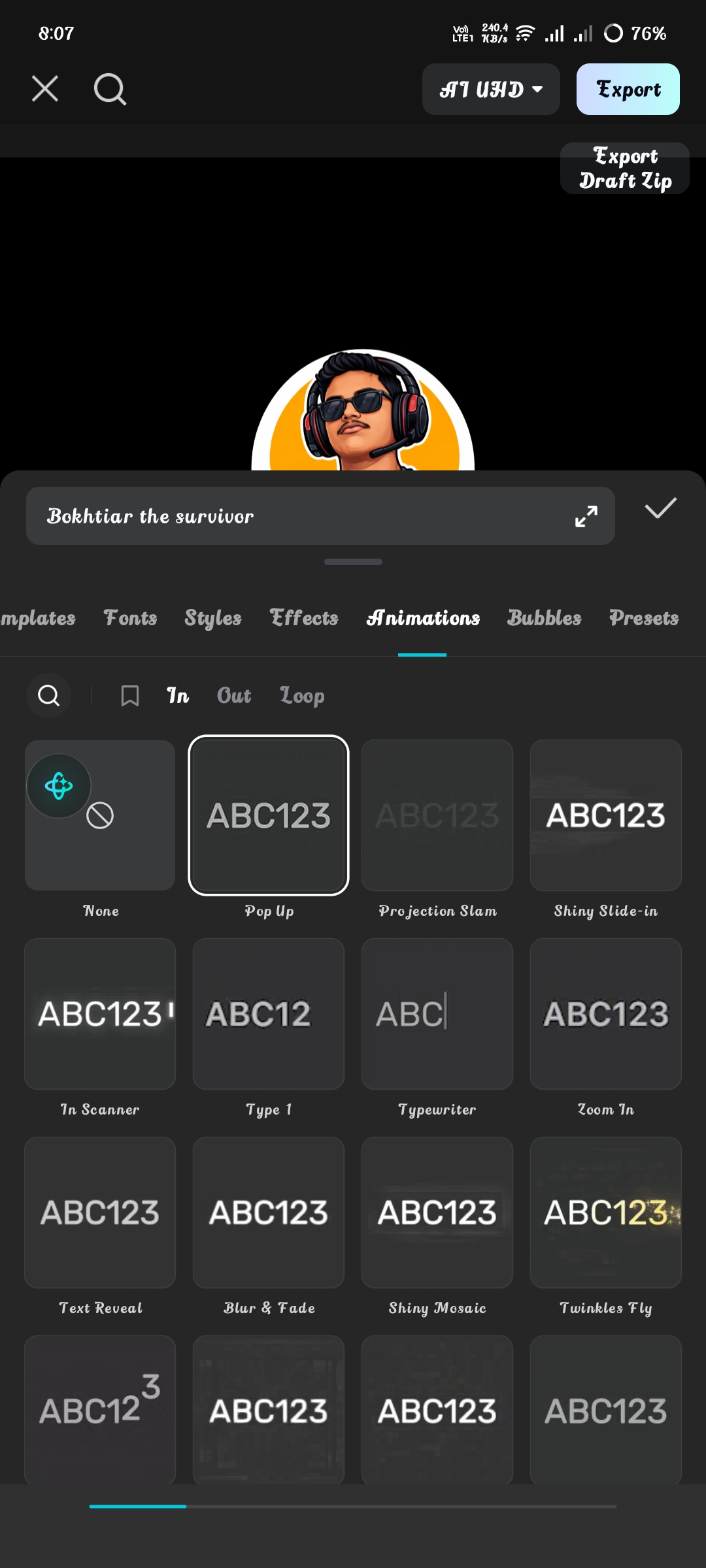
After writing the channel name, go to the font style option and select that the text will be black and its borders will be white. And go to the animation option and select pop-up animation.
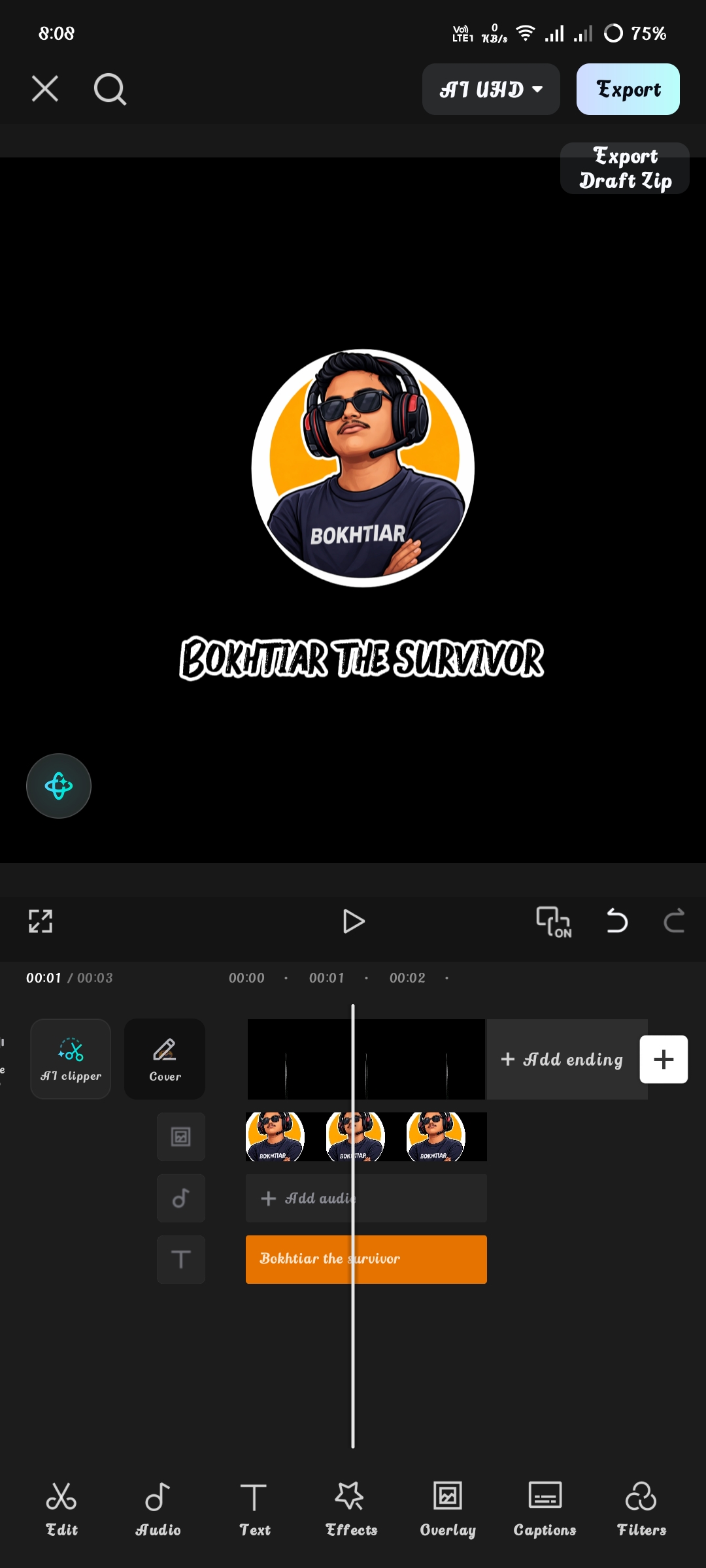
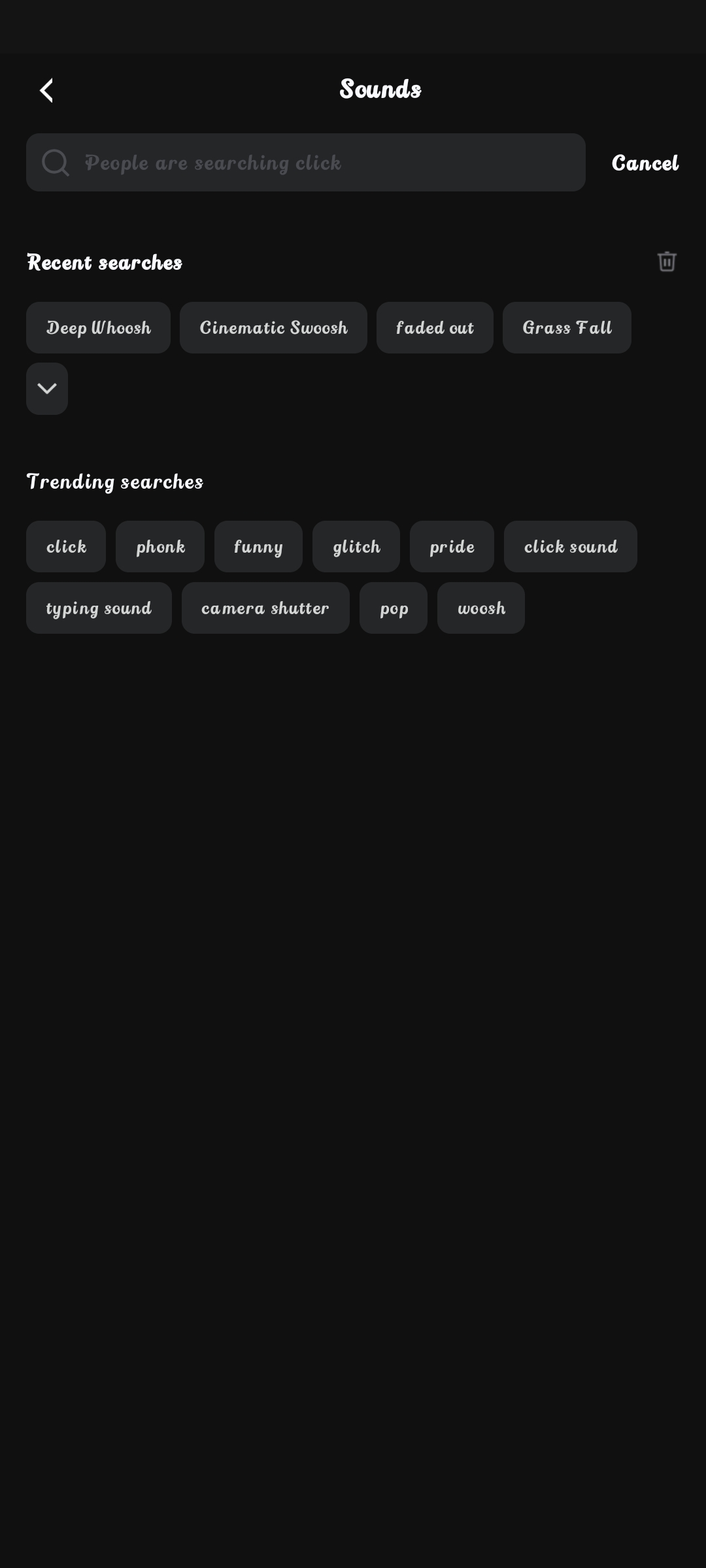
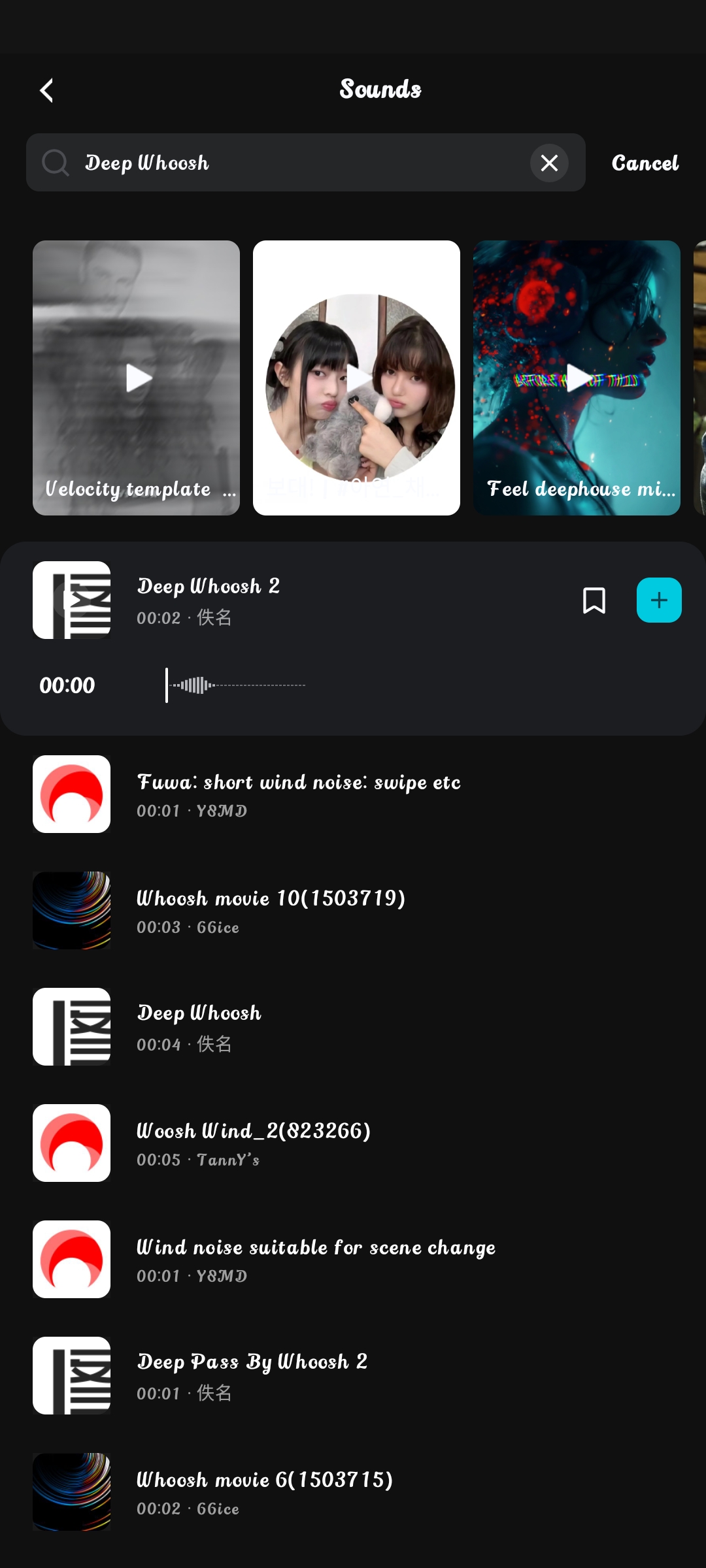
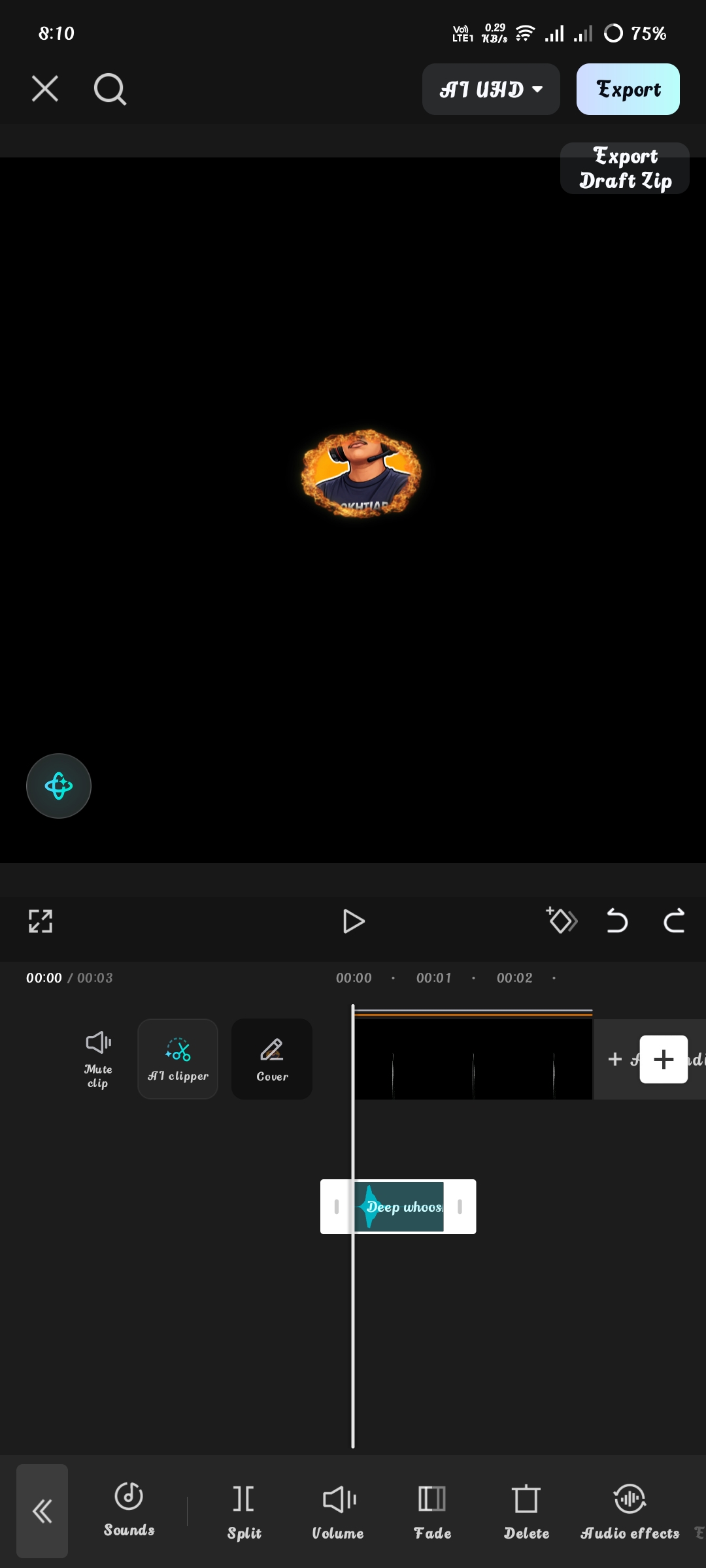
After completing these tasks, go to the Sound option and search for deep whoosh and select the first one that comes up. After that, I put the sound from the beginning without cutting it.
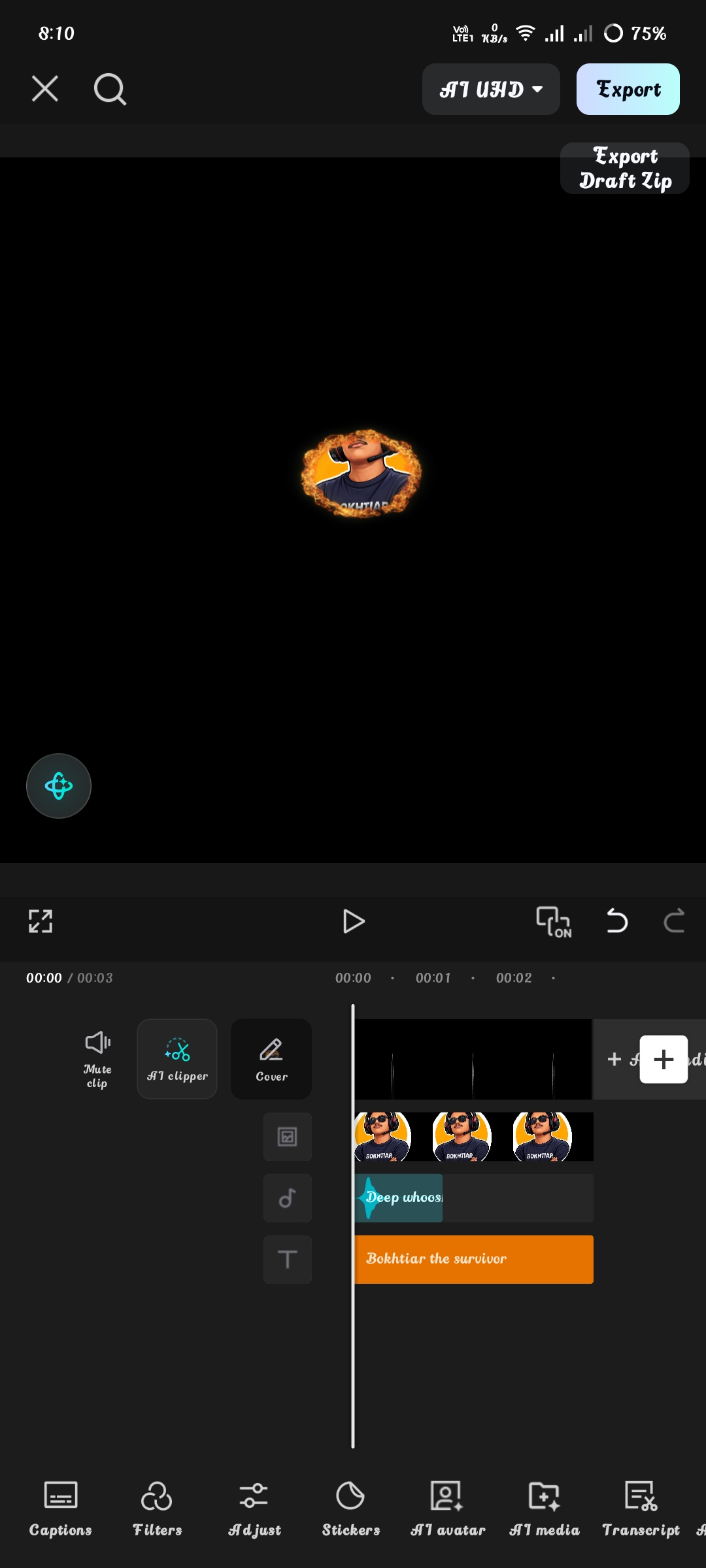
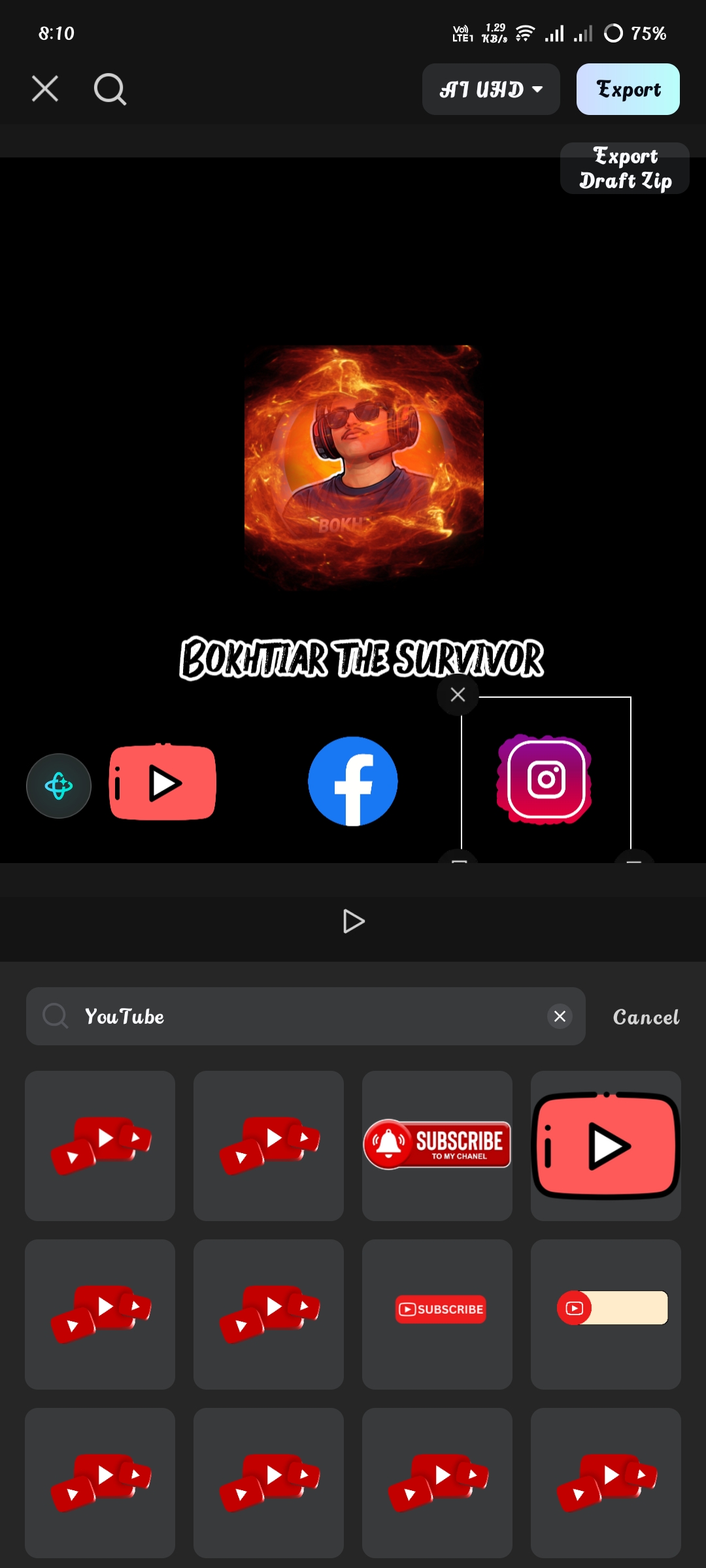
Then go to the sticker option and search for YouTube, Facebook, Instagram and select the logos below and place them in the place of your choice.
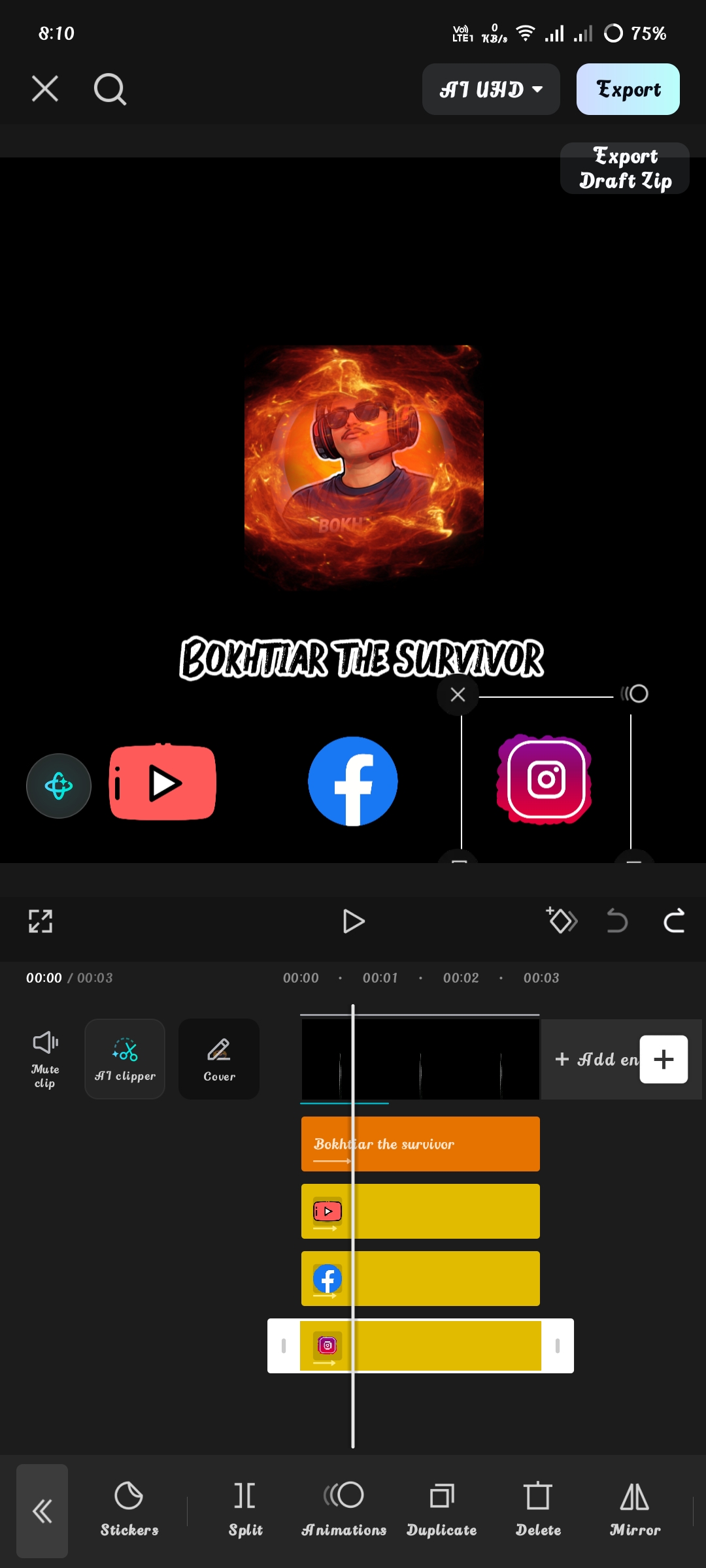
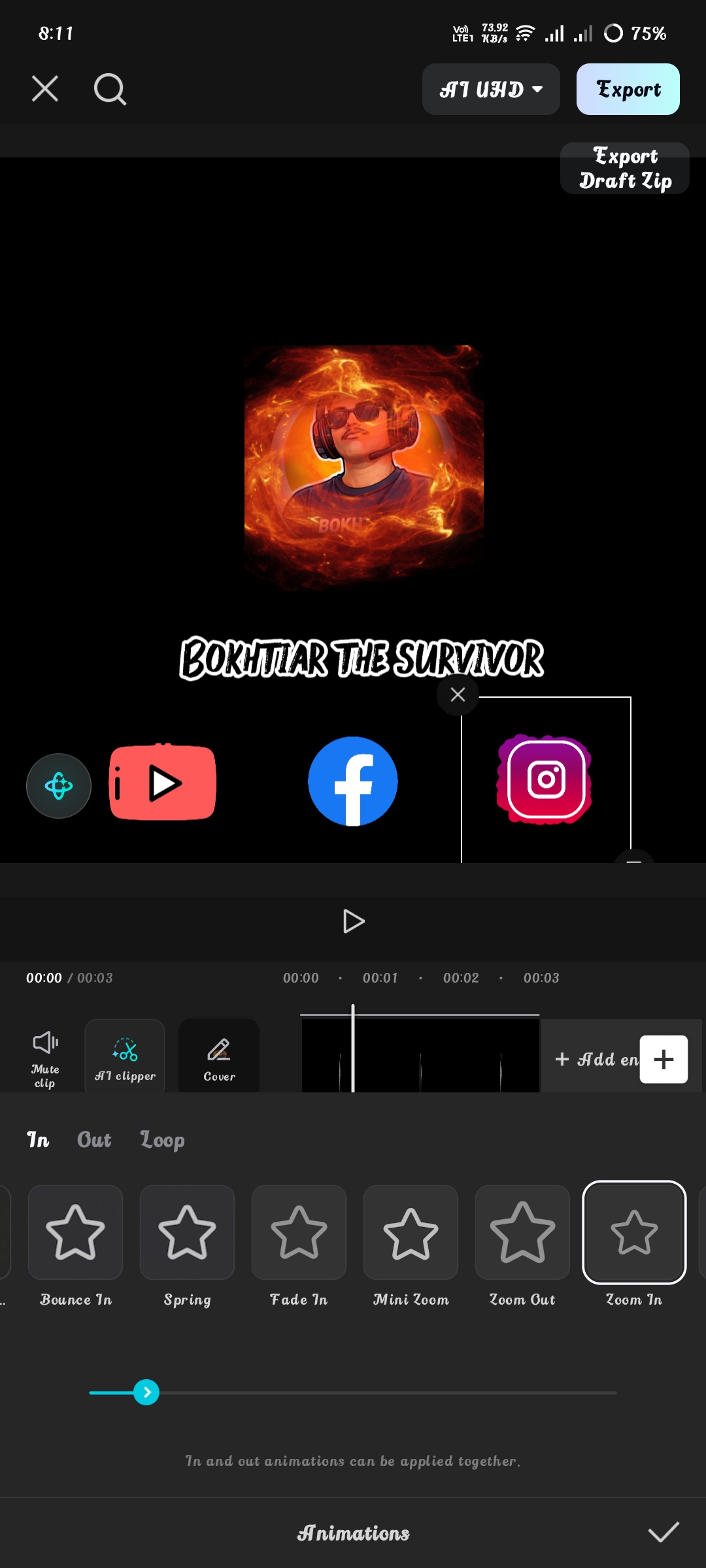
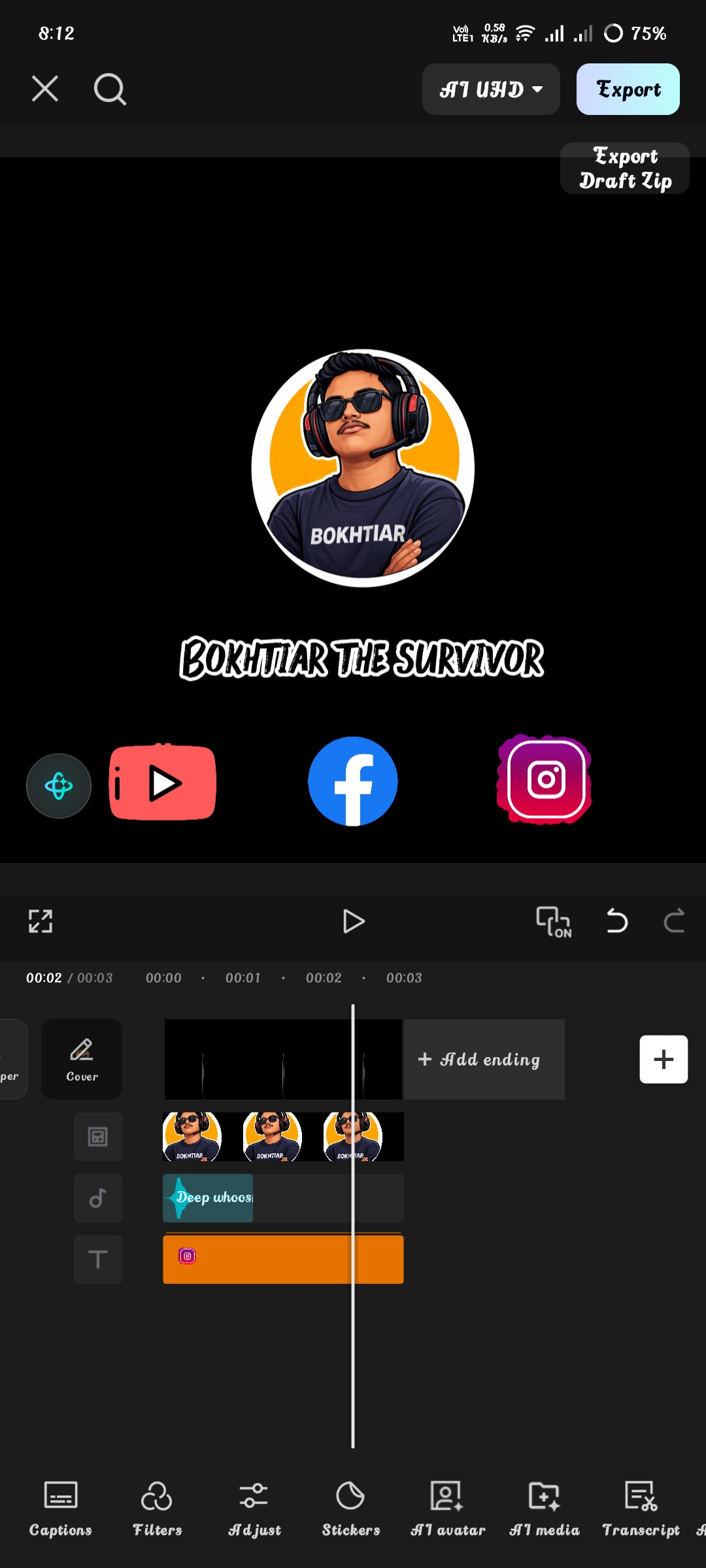
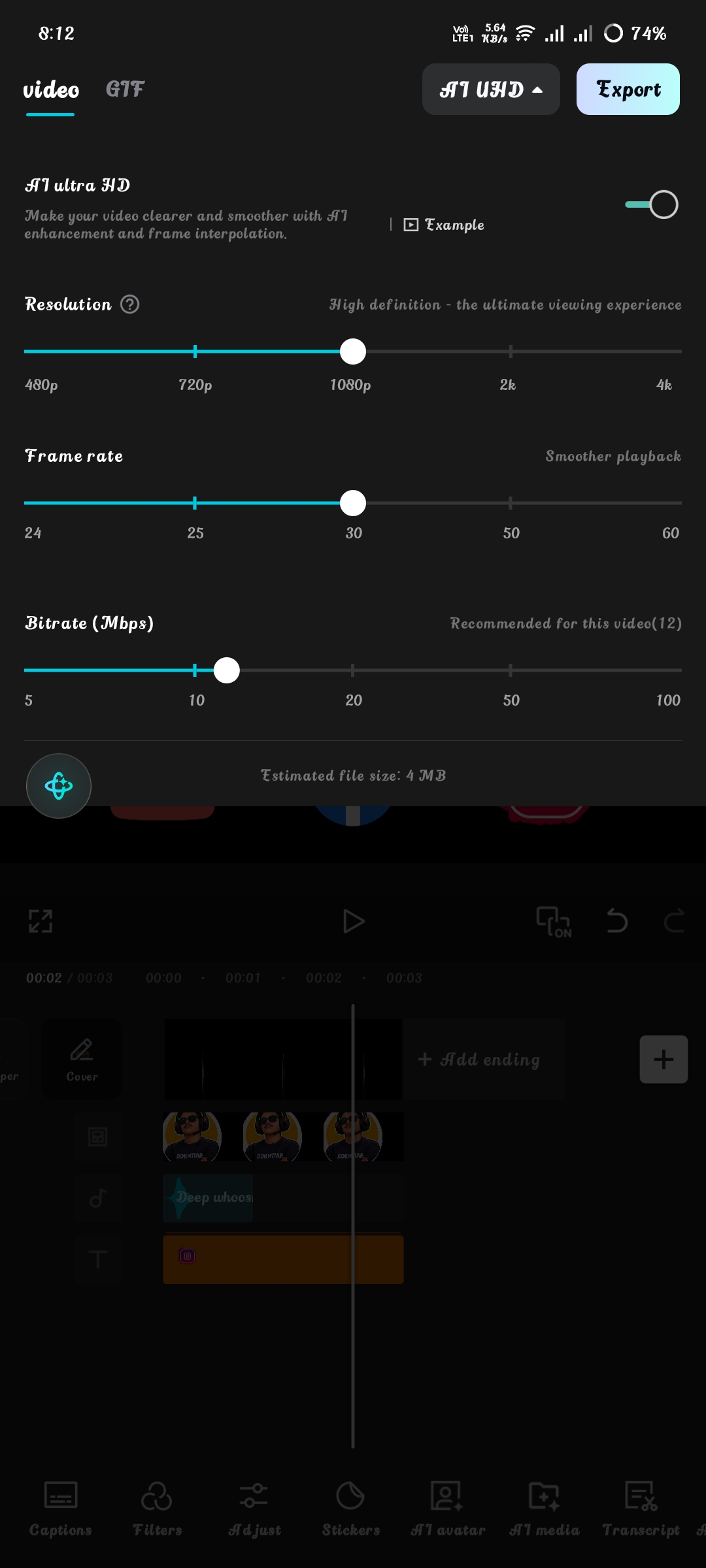
Then click on these and select Zoom in animation and then click on the AI UHD option. Here, the resolution is 1080p, frame rate is 30, and bitrate is recommended.

Twitter