Achievement 2 @sohailahmad75 Task : Basic Security on Steem
Hello everyone! 👋
I hope you are all doing well. Today I am very happy to share my Achievement 2 post on Steemit.
I am learning step by step and trying my best to understand all the rules and features of this platform.
Steemit is a great place to learn, share ideas, and connect with people from different countries.
I am thankful to the Steemit team and community members for their support and guidance.
I hope I will continue my journey here and complete more achievements successfully.
Thank you so much for your time and support.

Answers of questions of acheivment 2.
Question 1:
Have you retrieve all your keys on steemit?
Answers:
Yes Retrieve all my key which are in the form of PDF.
Question2
Do you know each of these key functions and restrictions?
Answer:
yes I know the functions of each key. Let me describe the functions of all keys.
Posting key:
**The Posting **key is using for posting a new posts for steemit. I is also use for commenting on other post,and also use for following and unfollowing. This key is also using for resteem
Active key:
Active key is used for important work like transferring funds, power up or power down, converting Steem Dollars, voting for witnesses, updating profile, and market orders. This key is powerful, so it should be used carefully.
Owner key:
Owner key is the most powerful key of the account. It can change all other keys, so it is only used when the account is hacked or needs recovery. This key should be kept offline and very safe.
Memo key:
Memo key is used to encrypt and read private messages in wallet transfers. When sending money, this key helps keep the memo message secure. It is not used for login, only for secret messages.
Question 3:
How do you plan to keep your master password?
Answer:
I have make the plan to save all my key in notepad soft form in computer and also save in google drive.
Question 4:
Do you know how to transfer your steem token to another steem user account?
Answer:
yes I know 1st you need to open your account wallet and then.
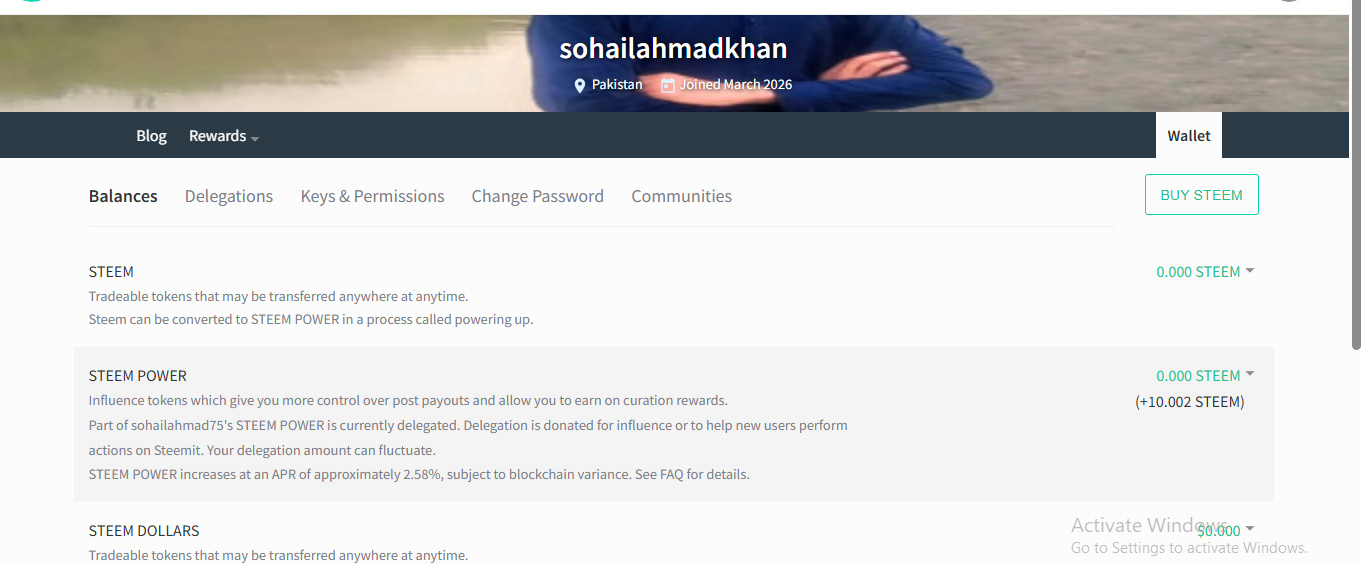
after then you click to drop down bottom
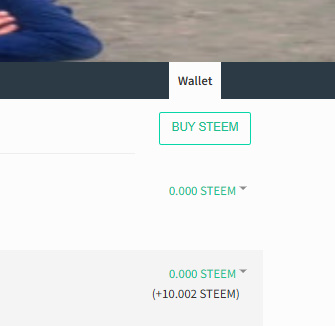
after that write the user name where you want to transfer fund also write the amount of fund which you want to transfer.
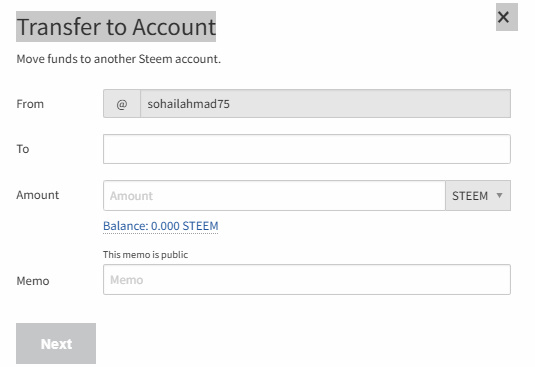
and than click on next and apply active key and your fund will transfer successfully.
Question 5
Do you know how to power up your STEEM?
Answer:
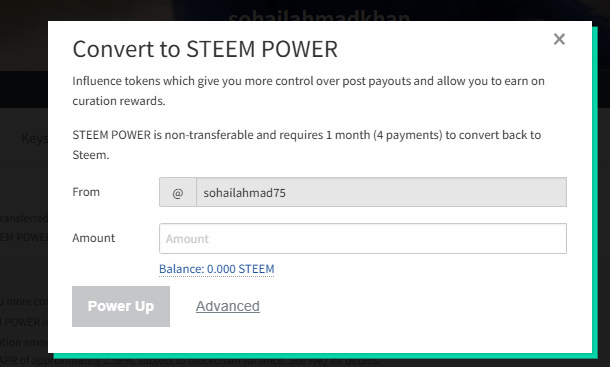
yes I know how to power up let me show step by step that how to power up. 1st you open your steem wallet. Then click on drop down botton there you will see the power up option.
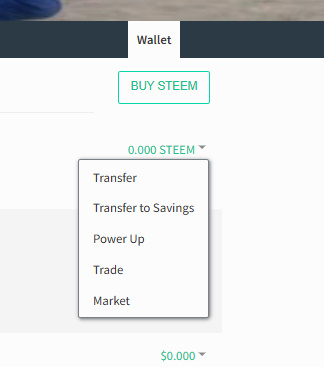
then click on power up button write the amount you want to power up button and apply your active key.