Improving Mobile Responsiveness on Steem.com official
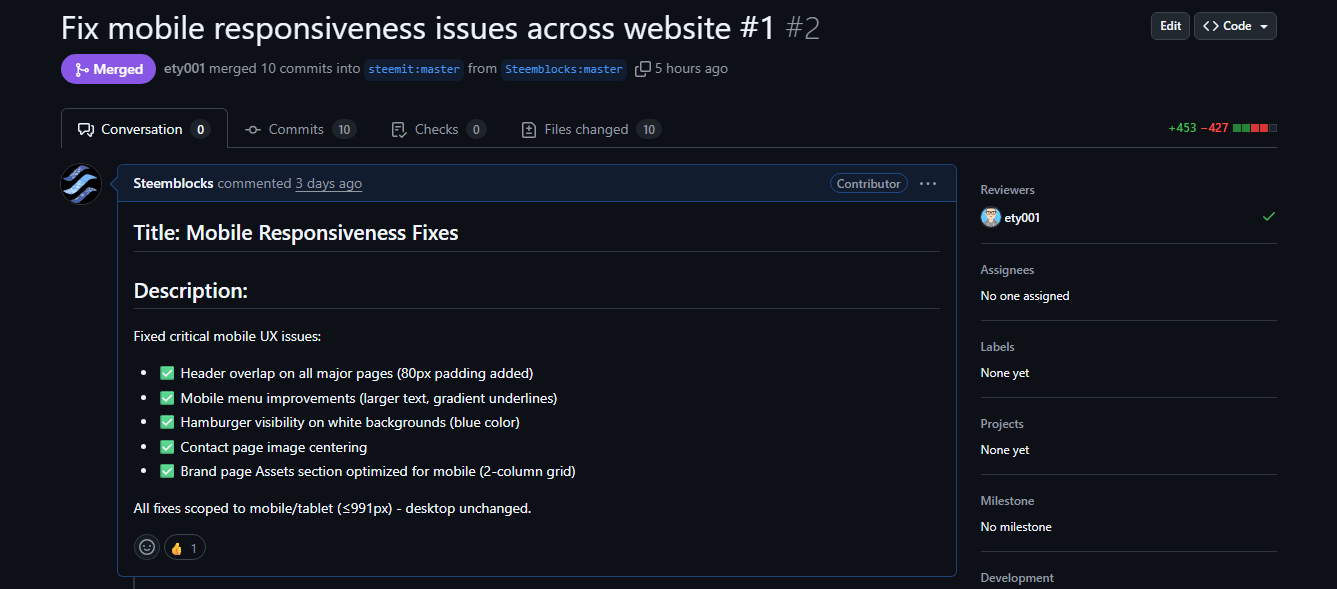
Improving Mobile Responsiveness on Steem.com
I recently worked on a set of mobile responsiveness issues on the official Steemit Inc repository for steem.com. While browsing the site on smaller devices, I noticed several UI elements not behaving properly on screens below 991px. These issues affected the usability and overall user experience, especially on mobile and tablets.
To help improve the website, I submitted a pull request addressing the following points:
.jpeg)
Issues Identified
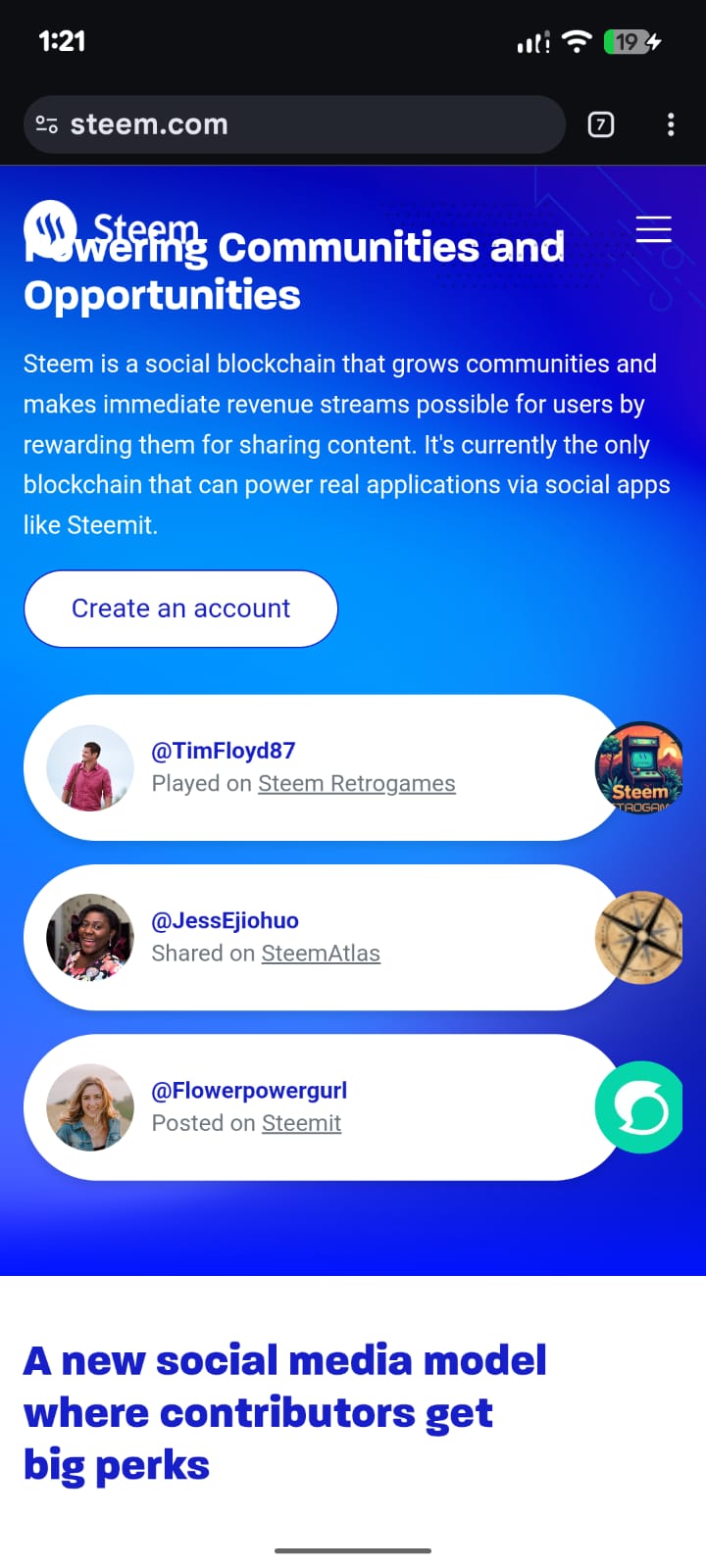
- The header was overlapping content, causing the page body to scroll underneath the fixed header on Home, FAQ, About, and Brand pages.
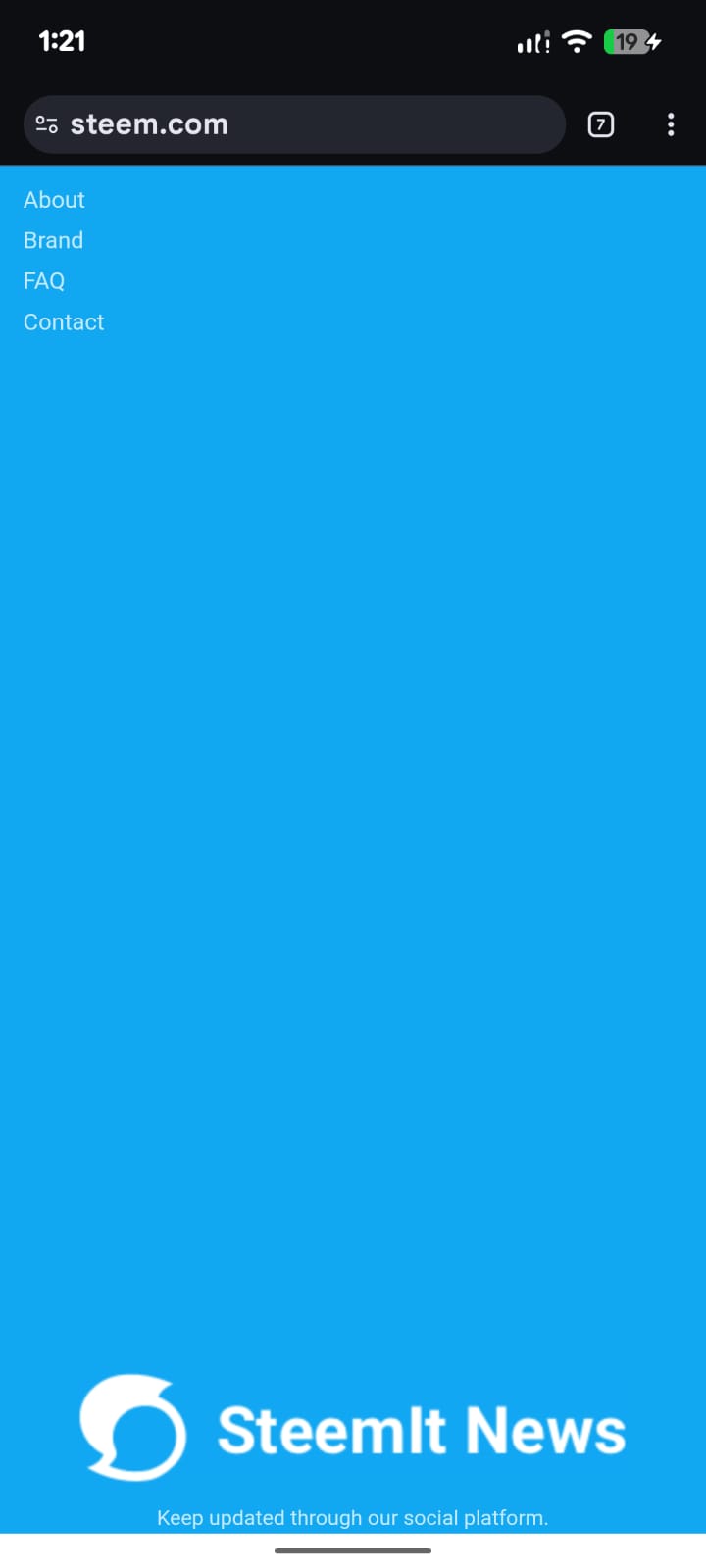
- The mobile menu text appeared too small and lacked clear interaction feedback.
- The hamburger icon was white, making it hard to see on white backgrounds across multiple pages.
- The contact page image was not centred on smaller screens.
- The Brand page asset icons were displayed in a tight 3-column grid, making them look crowded on mobile devices.
Fixes Implemented
I made layout and style adjustments to ensure the header and content maintain proper spacing. The mobile menu font size and click feedback were improved for better readability. To resolve visibility issues, the hamburger icon color was updated where necessary so it remains clear on all backgrounds. The contact page image was centered and the brand asset icons were reorganized for better spacing and clarity on mobile screens.
These changes have been submitted to the official Steemit repository and merged into the project.
GitHub Issue: https://github.com/steemit/steem.com/issues/1
Pull Request: https://github.com/steemit/steem.com/pull/2
This was a good opportunity to contribute to the Steem ecosystem and improve the browsing experience for mobile users. I plan to continue reviewing and enhancing UI/UX areas across Steem’s platforms where needed.
Best regards
@Dhaka.witness
Witness Rank: 28th
Thanks for supporting us 💖
Our other contributions:
We are doing multiple things. Here are some of the track records:
SteemBlocks - Advanced Steem Blockchain Explorer and Analytics Platform.
https://steemblocks.com/SteemStats: A powerful multifunctional Discord bot, it's the most featured and largest Discord bot based on the Steem blockchain ever created.
https://discord.com/oauth2/authorize?client_id=1276922336842612777Steem Burn Pool: A non-profit project aimed at serving the investors and volunteer participants who are interested in burning STEEM. (Backend working mechanism is Currently Under Construction & will be released soon.)
https://burn.steemblocks.com/
Also, various tools and open-source work:
Steem Websocket Bridge. https://github.com/Steemblocks/Steem-WebSocket-Bridge-v2
Witness Missed Block Alert tool. https://github.com/Steemblocks/Steem-MissedBlocks-Telegram-Bot
Seed Node: 1. seed2.dhakawitness.com:2001, 2. seed.dhakawitness.com:2001
WbSocket: https://dhakawitness.com/
and some more small tools you might find in our GitHub Profile
https://github.com/Steemblocks
Thank you for the frequent update and improvement on Steemit.
Please could you consider adding people's blog posts for visitor to see? I can't seem to see it any longer for almost a year now. The only way to see people's recent posts is through the community which they posted it on or my feed. When you check their profile, you can’t see their recent post or the old ones. All you will see is their reblogged posts.
Also, I can’t seem to see other people's wallets. It's been along time. I don’t know why it was removed.
Also, do you have any recommended app for steemit? The one I was using is Steempro and it is no longer working.
Regards.
Hi, sorry for the late reply. Could you please clarify where to add blog posts so that visitors can view them?
Like in this account https://steemit.com/@kingdouglas, when I visit it, I can't be able to see his recent post. Only in the community which he shares it I can be able to see that post. Also only when he Revlon that post or his own post will I be able to see them.
Normally, I should be able to see his:
This link below is his recent post done yesterday but I can't find it if I visit his account. I was only able to see it through the community.
https://steemit.com/steem-cameroon/@kingdouglas/double-celebration-my-birthday-and-my-friend-s-traditional-marriage-04-12-2025
The screenshot attached below gives a clue of what I am talking about. You can see the features that I added with red ink.
The only post I could see is the one he did 11 months ago and that is because he reblogged it. His most recent post should also be seen.
Hi, it works completely fine, in mobile devices the navigation menu is left side below, I have makes it, the the users can hide it or show it. As you see in my screenshots.
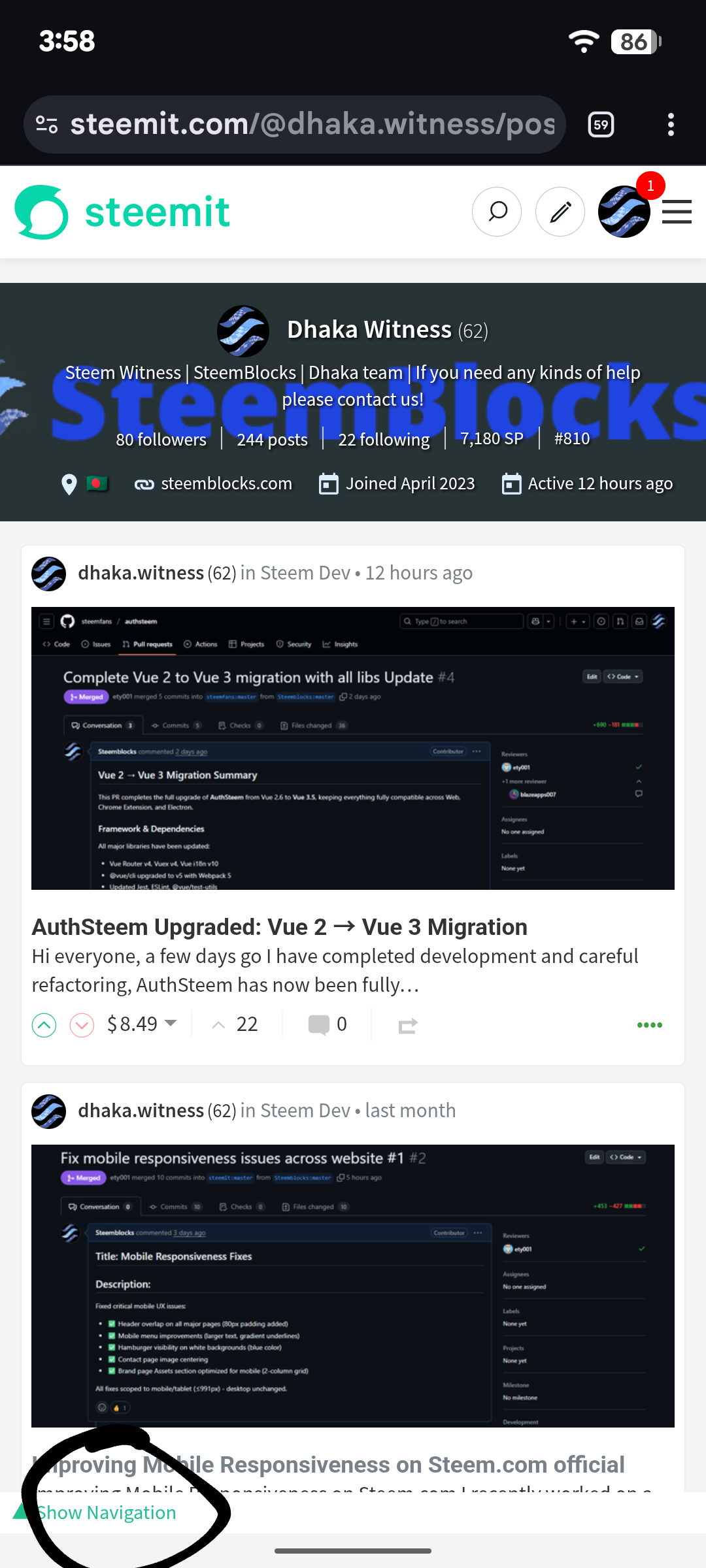
Hi, it works completely fine, in mobile devices the navigation menu is left side below, I have marked it, the the users can hide it or show it. As you see in my screenshots.

Okay, there is a mobile device that is still functioning? Whats its name? AutoSteem?
I used to use PlaySteem, SteemPro and SteemMobile until it stopped working.
For AuthSteem, I can't find it on playstore.
Authsteem is a web based. Currently deployed on https://auth.steem.fans/ you won't find it in playstore
Oh, okay, that's cool.
I have tried the link you shared but i don't know how to go about it.
But how about developing an app that has these features with the site?
I think it would be nice.
I am currently developing desktop wallet, will be released soon.
I am currently developing desktop wallet, will be released soon.