Building a Live STEEM Price Ticker with SteemTwist Live Twist ⚡💱
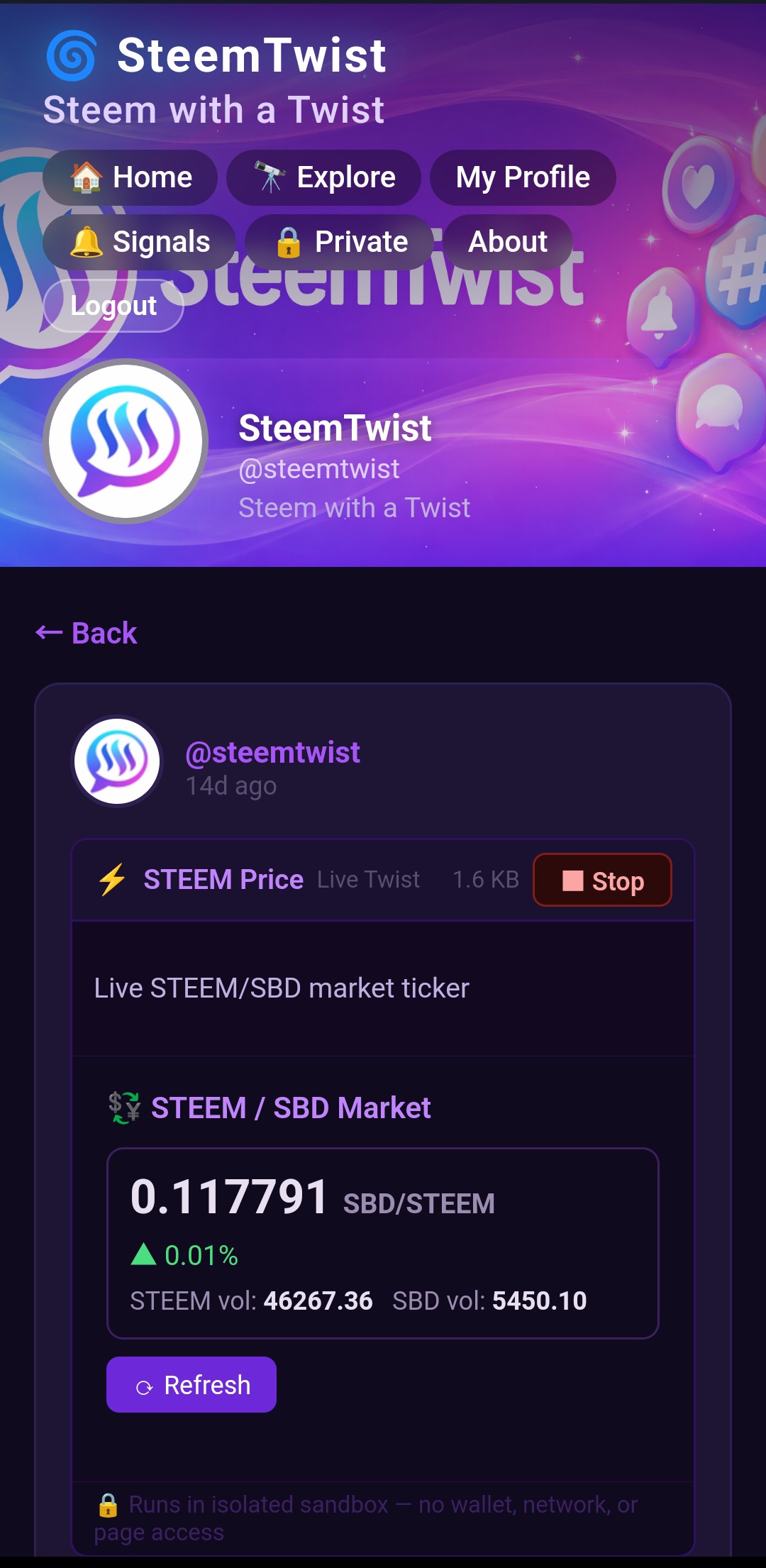
Twist your Steem experience with SteemTwist: Steem with a Twist
Hello fellow Steem Devs and Twisters! 🌀
Have you ever wished you could embed a live, interactive widget directly inside a Steem post — one that fetches real blockchain data and updates on demand, without any backend server, without any external hosting, and without asking your readers to leave the page?
That is exactly what Live Twist makes possible on SteemTwist. In this tutorial, we will walk through one of its built-in query templates: the STEEM Price ticker — a compact widget that pulls the live STEEM/SBD market ticker straight from the Steem blockchain and renders it as a styled card inside the post.
What Is a Live Twist? ⚡
A Live Twist is a special type of post on SteemTwist where, instead of (or alongside) regular markdown text, you write a small JavaScript program. That program is stored on-chain inside the post's json_metadata field and runs in the reader's browser when they click the ▶ Run button.
Execution happens inside a sandboxed < iframe> with sandbox="allow-scripts" only. The sandbox has no access to the parent page's DOM, no access to localStorage, no network access of its own (fetch and XMLHttpRequest are blocked), and Steem Keychain is completely unreachable from inside it. What the sandbox can do is communicate with the SteemTwist parent page through a controlled postMessage bridge, which exposes a small, safe API for rendering output and querying the blockchain.
The key methods available inside a Live Twist are:
| Method | What it does |
|---|---|
app.render(html) | Sanitise and display HTML output inside the widget |
app.query(type, params) | Send a read-only Steem API request via the parent page |
app.onResult(callback) | Receive the response from app.query() |
app.ask(type, params) | Like app.query() but returns a Promise — great for concurrent queries |
All queries are routed through the parent page, which validates and sanitises every parameter before forwarding them to the Steem RPC node. String values are capped at 256 characters, limits are clamped to 1–100, and the entire allowed query surface is a fixed allowlist. Nothing untrusted can reach the blockchain API directly.
The STEEM Price Template 💱
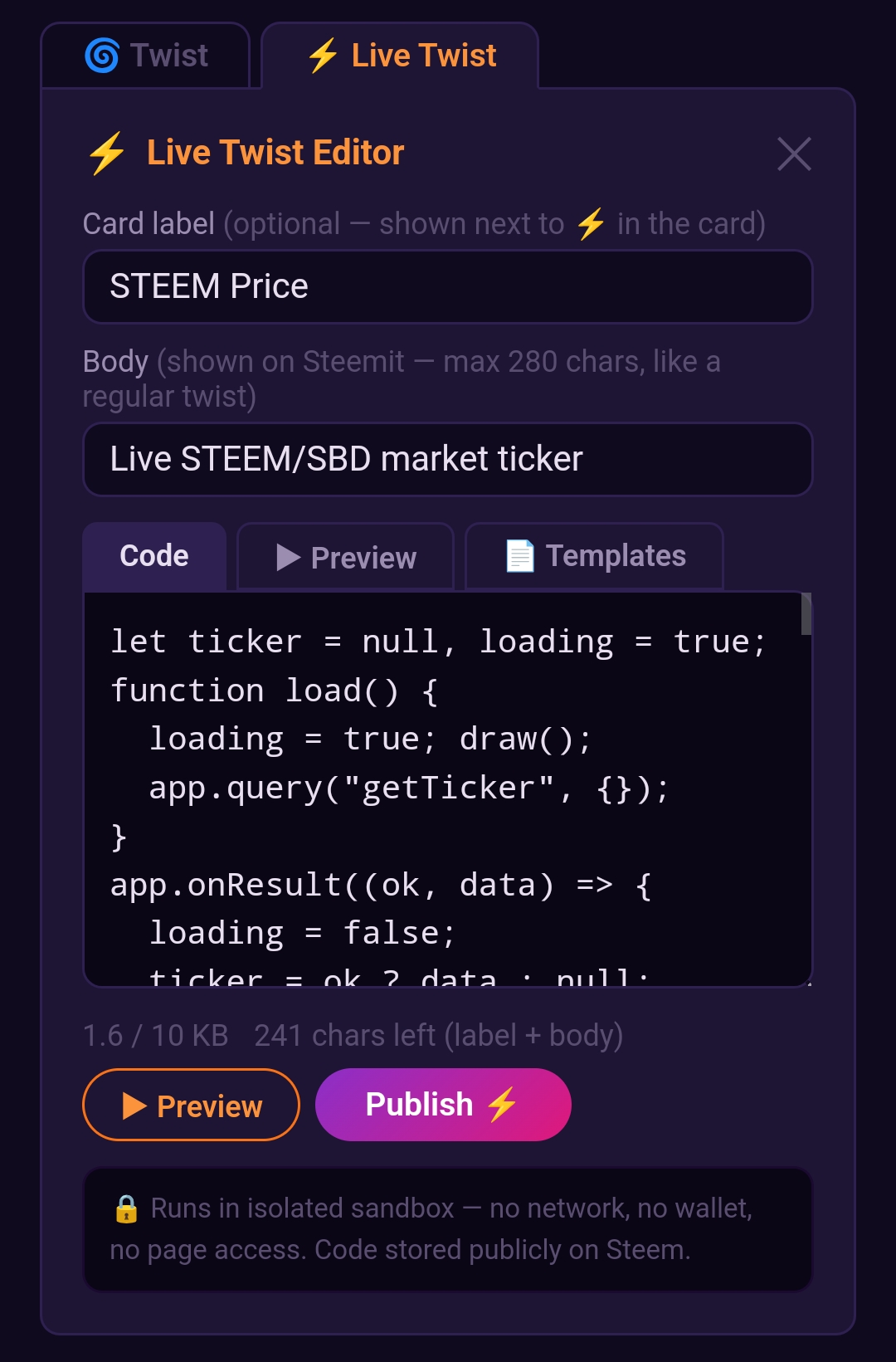
The Queries tab of the Live Twist composer includes a ready-to-use STEEM Price template. Let's look at the full code and break it down step by step.
let ticker = null, loading = true;
function load() {
  loading = true;
  draw();
  app.query("getTicker", {});
}
app.onResult((ok, data) => {
  loading = false;
  ticker = ok ? data : null;
  draw();
});
function draw() {
const latest = ticker ? parseFloat(ticker.latest).toFixed(6) : "—";
const sbd_vol = ticker ? parseFloat(ticker.sbd_volume).toFixed(2) : "—";
const steem_vol = ticker ? parseFloat(ticker.steem_volume).toFixed(2) : "—";
const pct = ticker ? parseFloat(ticker.percent_change).toFixed(2) : "—";
const up = ticker && parseFloat(ticker.percent_change) >= 0;
app.render(
"<div style='padding:8px;'>" +
"<div style='font-weight:600;color:#c084fc;margin-bottom:10px;'>💱 STEEM / SBD Market</div>" +
(loading
? "<div style='color:#9b8db0;'>Fetching…</div>"
: !ticker
? "<div style='color:#fca5a5;'>Could not load ticker.</div>"
: "<div style='background:#0f0a1e;border-radius:8px;padding:10px;border:1px solid #3b1f5e;'>" +
"<div style='font-size:22px;font-weight:700;color:#e8e0f0;'>" + latest +
" <span style='font-size:13px;color:#9b8db0;'>SBD/STEEM</span></div>" +
"<div style='font-size:13px;color:" + (up ? "#4ade80" : "#f87171") + ";margin-top:4px;'>" +
(up ? "▲" : "▼") + " " + pct + "%</div>" +
"<div style='font-size:12px;color:#9b8db0;margin-top:6px;'>" +
"STEEM vol: <b style='color:#e8e0f0;'>" + steem_vol + "</b> " +
"SBD vol: <b style='color:#e8e0f0;'>" + sbd_vol + "</b></div>" +
"</div>"
) +
"<button id='r' style='margin-top:8px;font-size:12px;'>⟳ Refresh</button>" +
"</div>"
);
const r = document.getElementById("r");
if (r) r.onclick = load;
}
load();
Step-by-Step Walkthrough
Step 1 — State variables
let ticker = null, loading = true;
We keep two pieces of state: ticker holds the market data returned from the API (or null if it hasn't arrived yet or failed), and loading is a boolean flag so the widget can show a "Fetching…" placeholder while the request is in flight.
Step 2 — Triggering the query
function load() {
loading = true;
draw();
app.query("getTicker", {});
}
load() sets the loading flag, re-renders the widget immediately (so the user sees the spinner), then fires app.query("getTicker", {}). This sends a message through the postMessage bridge to the SteemTwist parent page, which calls steem.api.getTicker() on the Steem RPC node and routes the response back.
getTicker takes no parameters, so we pass an empty object {}.
Step 3 — Receiving the result
app.onResult((ok, data) => {
loading = false;
ticker = ok ? data : null;
draw();
});
app.onResult() registers a callback that fires when the parent page sends back the API response. The callback receives two arguments: ok (a boolean indicating whether the call succeeded) and data (the result object, or an error if ok is false). We store the ticker data and re-render.
The getTicker response object looks like this:
{
  "latest": "0.247000",
  "lowest_ask": "0.248500",
  "highest_bid": "0.246000",
  "percent_change": "1.230000",
  "steem_volume": "12345.678 STEEM",
  "sbd_volume": "3050.120 SBD"
}
Step 4 — Rendering the widget
function draw() {
  const latest  = ticker ? parseFloat(ticker.latest).toFixed(6) : "—";
  // ...
  app.render( /* HTML string */ );
}
draw() is called both immediately (to show the loading state) and again after the result arrives. It builds an HTML string and passes it to app.render(), which runs the output through DOMPurify before inserting it into the widget container. The price change percentage is coloured green (#4ade80) when positive and red (#f87171) when negative, giving the ticker an at-a-glance feel.
After rendering, we grab the Refresh button by ID and wire its onclick back to load(), so readers can refresh the price at any time without reloading the page.
Step 5 — Kick it off
load();
A single call at the bottom starts the whole cycle — fetch, render loading state, receive result, render data.
Why This Pattern Matters for Steem Developers
This small example demonstrates something quite powerful: the Steem blockchain itself is the backend. There is no Node.js server, no REST API, no database. The price data comes directly from steem.api.getTicker() — the same call any steem-js application would make — but the widget lives inside a post, runs in the reader's browser, and is fully self-contained in about 40 lines of plain JavaScript.
Because the code is stored in json_metadata on-chain, it is permanent and censorship-resistant just like any other Steem content. Anyone viewing the post on SteemTwist can run the widget. The author can edit the code and republish, and readers will always get the latest version.
The same pattern — query the chain, hold state, render HTML — can be extended to show follower counts, trending tags, recent posts from a user, witness rankings, reward pool stats, and much more. All of it without leaving the post, and all of it secured by the sandbox so readers never have to worry about what the code is doing behind the scenes.
How to Post Your Own Live Twist
- Open SteemTwist and sign in with Steem Keychain
- Open the twist composer and click the ⚡ Live Twist tab
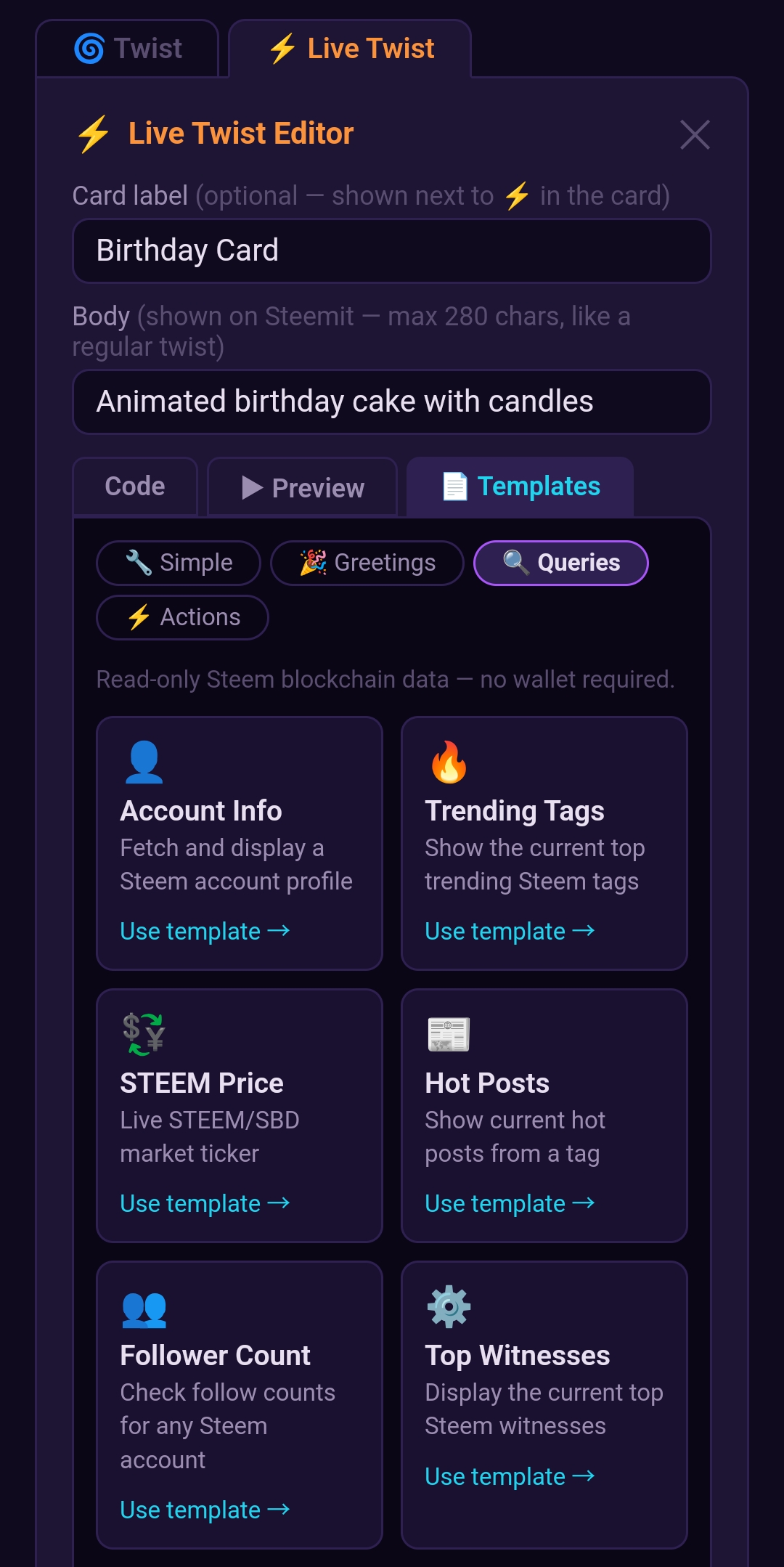
- Click Templates and select Queries → STEEM Price
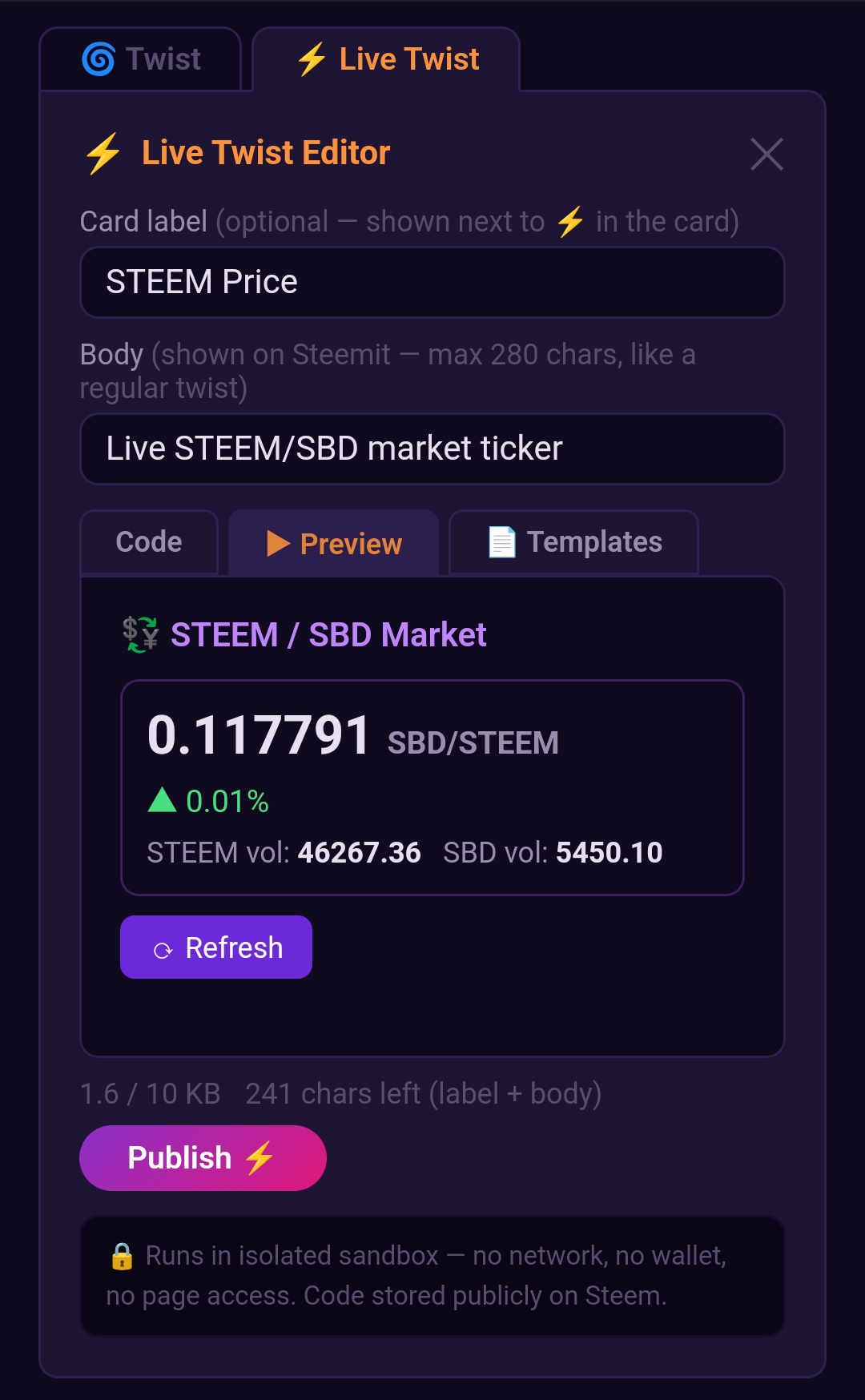
- The code loads into the editor — hit ▶ Preview to see it run live before publishing
- Add a card label and body text, then click Publish ⚡
The Keychain extension will ask you to approve the broadcast. Once confirmed, your Live Twist is on-chain and anyone on SteemTwist can run it.
Closing Thoughts
Live Twist turns Steem posts into interactive blockchain-native applications. The STEEM Price template is one of the simplest examples, but it shows the full cycle clearly: trigger a query, handle the result, render styled output, wire up interactivity. All inside a sandboxed, safe, zero-dependency JavaScript environment baked into a post.
If you are a Steem developer looking for a new way to present on-chain data to your readers — or just want to make your posts more engaging — Live Twist is worth exploring. The Templates gallery has 40 starting points across queries, actions, widgets, and greetings to get you going.
Happy building! 🌀⚡
Twist your Steem experience with SteemTwist: Steem with a Twist
See also:
- By eliminating downvotes, Blurt ensures users are rewarded based on positive consensus, not through whale punishment. Please join through this link or this link with the invite code "puncakbukit."
- 🌀 SteemTwist — Steem with a Twist
- 🧬 Introducing SteemBiota — Raise, Breed & Evolve Creatures on the Steem Blockchain!
- 🎮 Reversteem — Play Reversi on the Steem Blockchain!
- @steem.amal: Charity At Your Fingertips
- Maximize curation rewards: follow our trail! Maksimalkan reward kurasi: ikuti trail kami! トレイルをフォローし、キユレーション報酬を最大化!
Upvoted! Thank you for supporting witness @jswit.