Building a Decentralized Steem Blog Feed: Today's Development Journey
What started as a simple idea transformed into a highly responsive, feature-rich decentralized feed. Here is a deep dive into everything we built today and exactly how it works under the hood.
#1. Smart Pagination: The "Load More" Mechanics
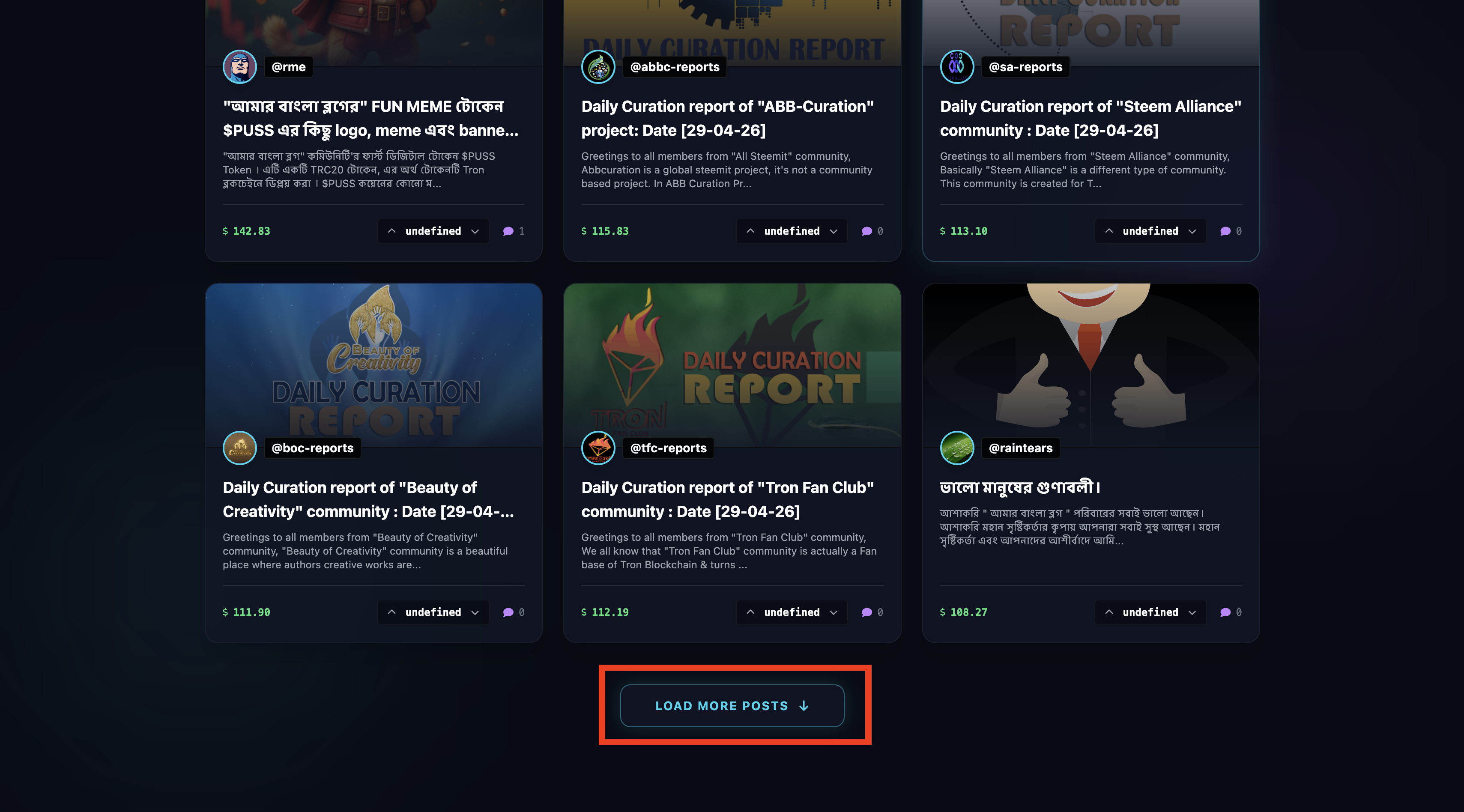
Unlike standard databases, the Steem blockchain doesn't use simple "Page 1, Page 2" pagination. To create a continuous scrolling experience, we implemented a dynamic "Load More" system.
How it works: When you fetch a batch of posts, the script remembers the exact author and permlink of the very last post in that batch. When the user clicks "Load More," we send those details back to the Steem API (start_author and start_permlink) to say, "Hey, start fetching the next 21 posts right from this exact spot." We then seamlessly append these new cards to the UI without reloading the page.
#2.Flawless Thumbnails & Snippet Sanitization
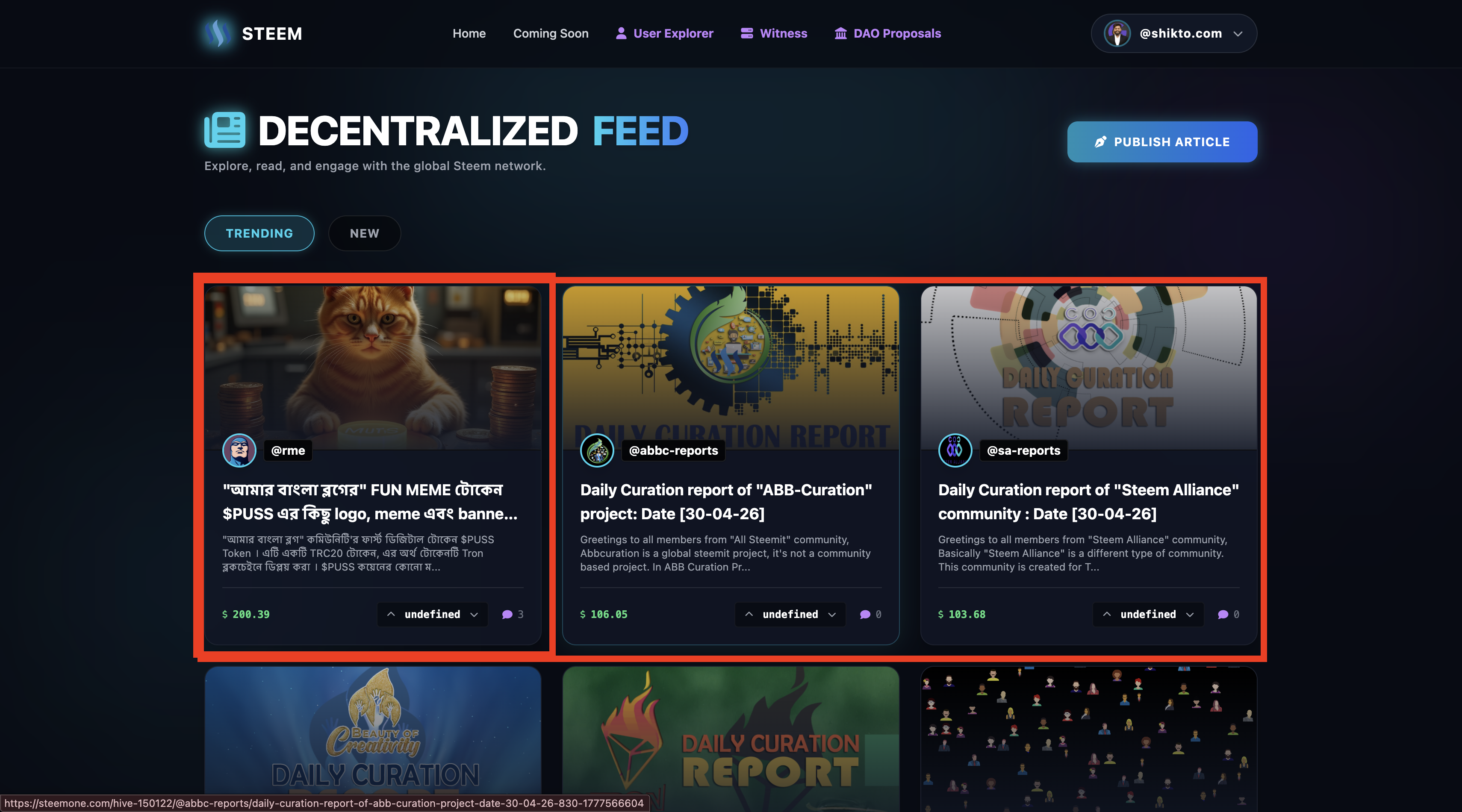
Blockchain data can be messy. Authors use different markdown apps, and sometimes json_metadata don't properly record the cover image. We built a two-layer defense system to ensure the feed always looks beautiful:
Intelligent Thumbnail Extraction: First, the app checks the official metadata for an image. If it's missing or broken, a custom fallback Regex actively scans the raw markdown body of the post, hunting for the first image URL it can find to use as the thumbnail.
Aggressive Snippet Cleaning: To generate the 150-character preview text, we wrote an aggressive sanitizer. It strips out embedded markdown images, HTML tags, raw URLs, and styling characters, leaving behind perfectly clean, readable text.
#3.Clean Steemit-Style URLs
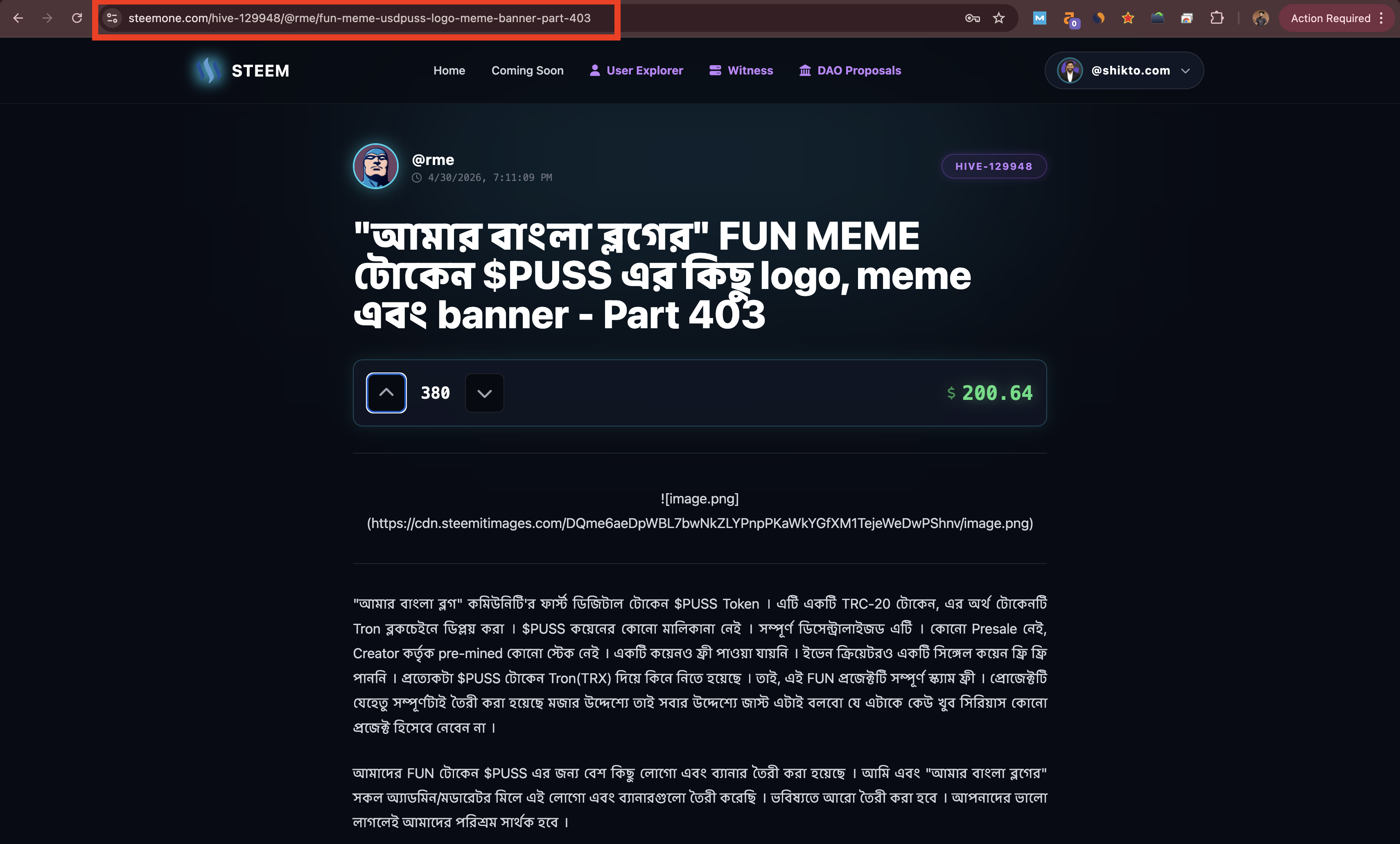
We wanted our application's links to look exactly like the native Steemit platform (/category/@author/permlink). We updated the feed to generate these clean URLs dynamically. Paired with a clever .htaccess routing rule on the backend, these beautiful links are silently translated to our read.php engine behind the scenes.
#4.Inline Voting with Dynamic UI State
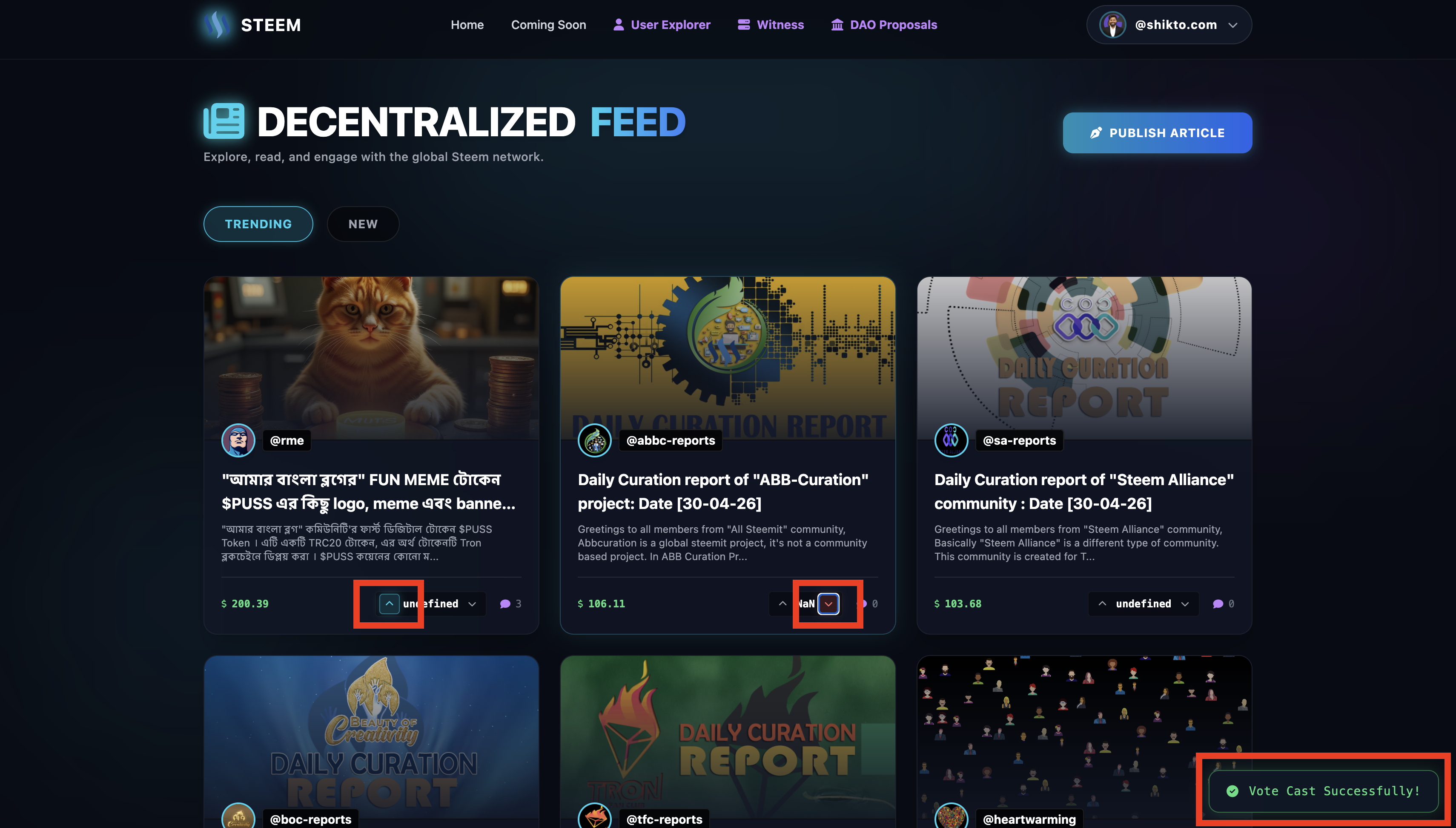
Why open a post just to upvote it? We brought the core Web3 interaction right to the feed cards.
How it works: We added interactive Upvote and Downvote buttons directly to the feed. When the feed loads, the script checks the active_votes array against the currently logged-in user. If you've already upvoted a post, the button glows a beautiful cyan; if you've downvoted, it glows red. Clicking the buttons triggers steem_keychain (or the active key) to securely broadcast the vote to the blockchain.
#5. The "Active Voters" Modal
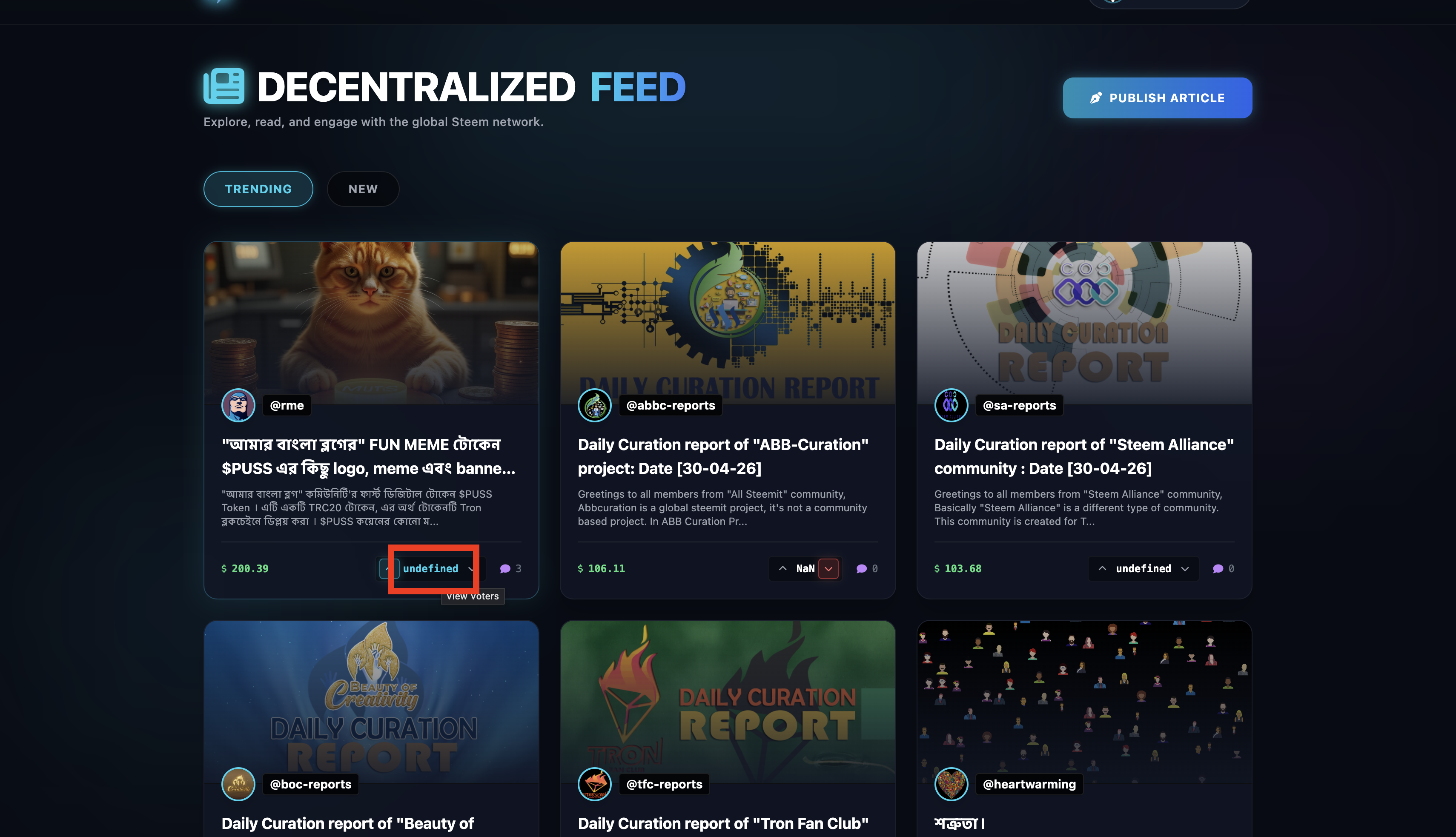
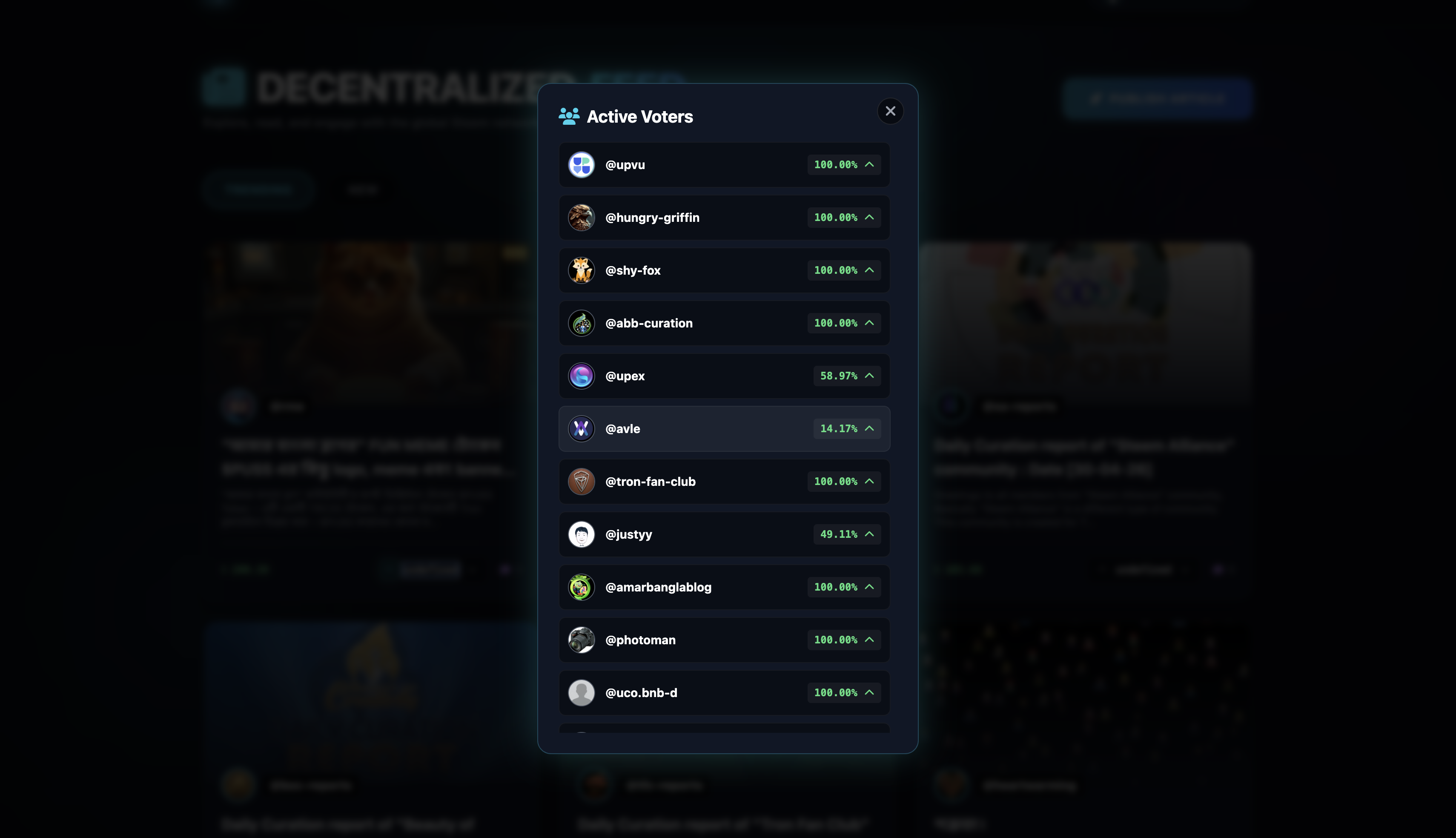
Transparency is key in a decentralized ecosystem. We added a clickable vote-count button on every post card. Clicking this triggers an API call (getActiveVotes) and opens a sleek, glassmorphic modal overlay.
This modal displays a list of everyone who voted on the post, grabbing their Steem profile avatars and calculating their exact vote weight percentage in real-time, complete with color-coded up/down arrows.
#6.Custom Toast Notifications
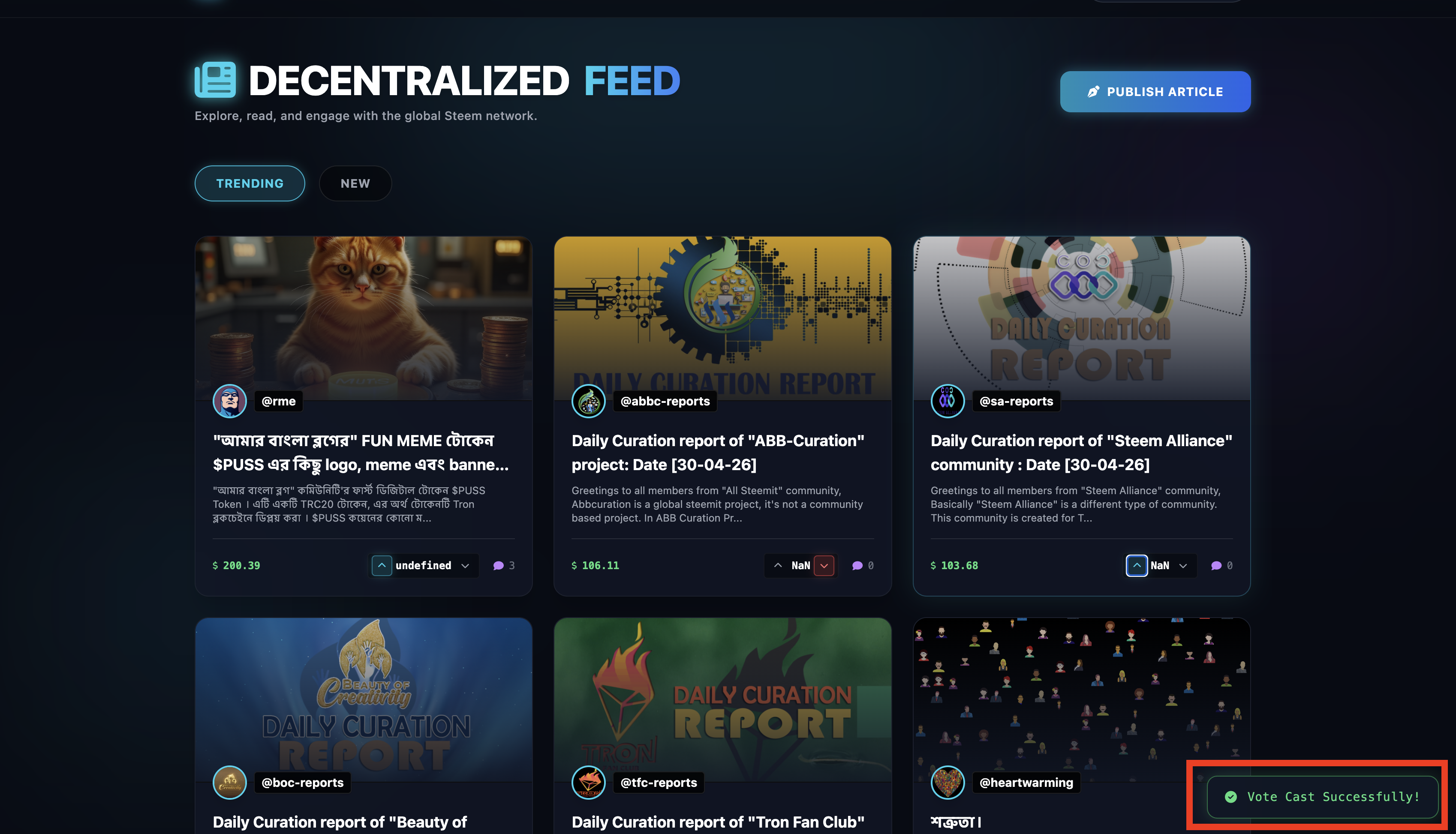
Nobody likes ugly browser alert() popups. We designed a custom, theme-matching Toast Notification system. Now, when a user casts a vote, encounters an error, or needs to log in, a beautiful, animated notification slides in from the bottom corner of the screen and gracefully fades away.
#7. 100% Mobile-First Responsive Design
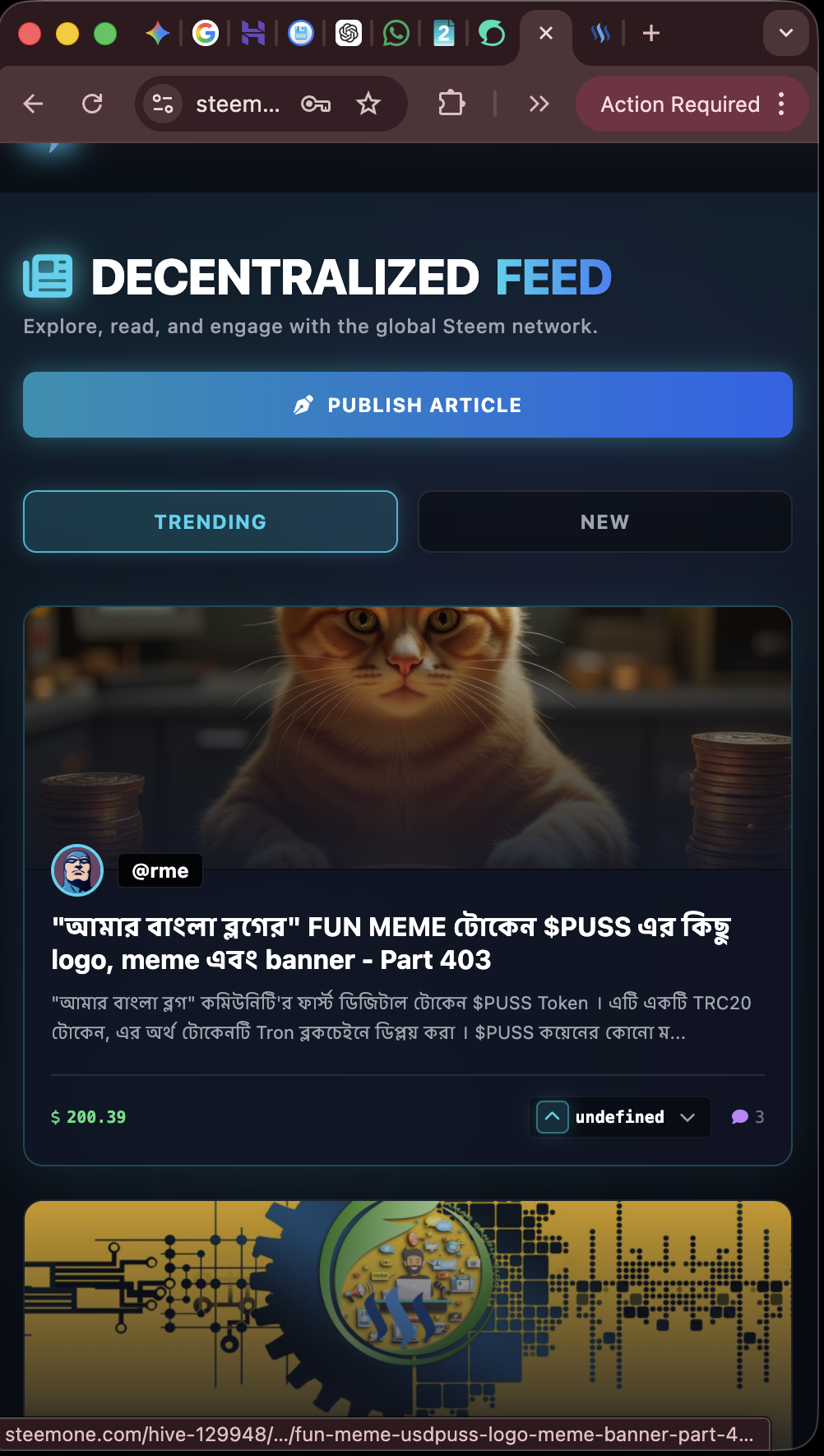
Today's updates transformed the "blog" feed from a basic API fetcher into a robust, beautiful, and highly interactive Web3 portal. Onward and upward!
We are waiting for more update...