I'm Back! 🚀 My Return to Steemit + A Fresh 50 STEEM Power Up Breakdown!
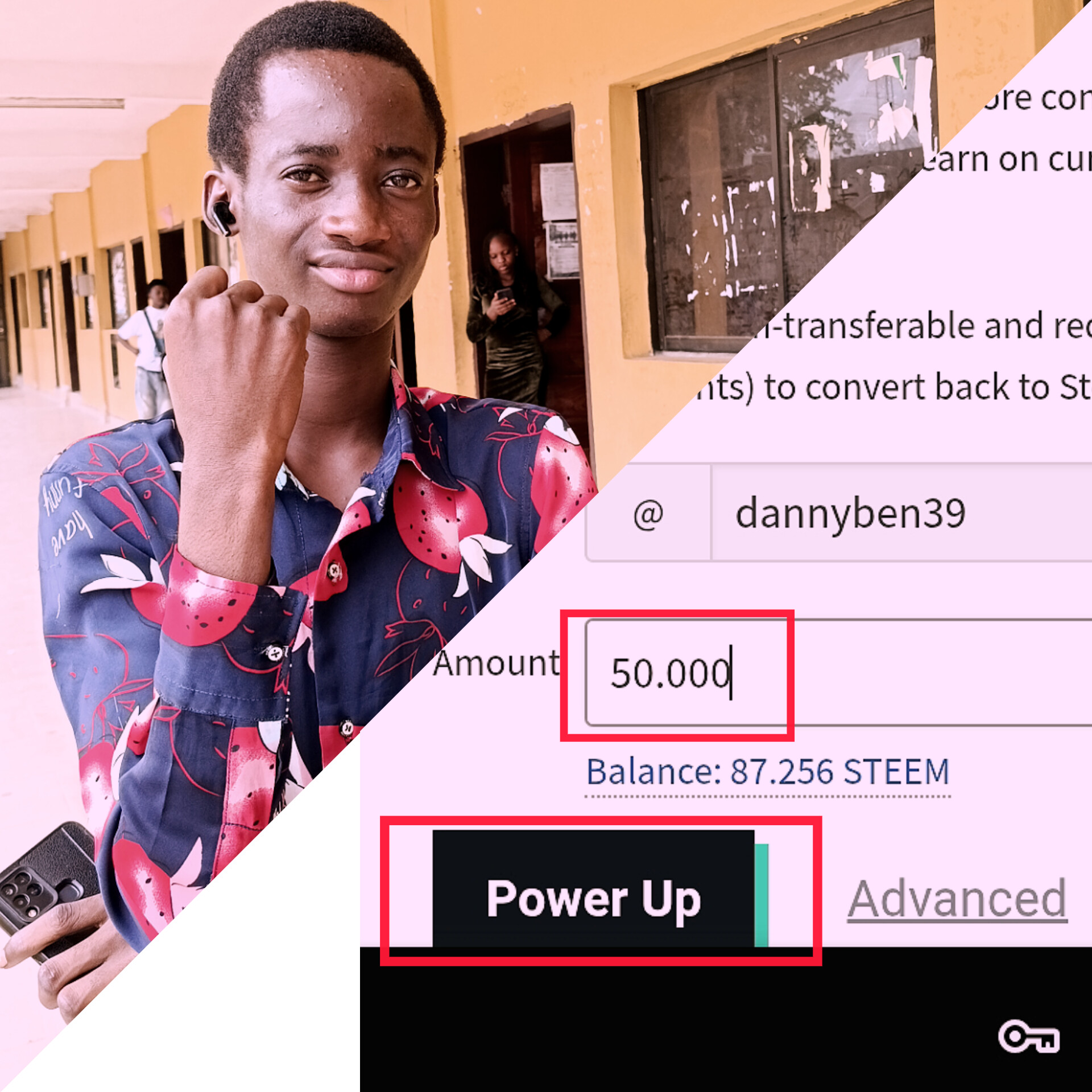
Oh, how I have missed this wonderful community! You might have noticed my blog has been a bit quiet for the past few months. If you look closely at my profile in my last post was from about 5 months ago.
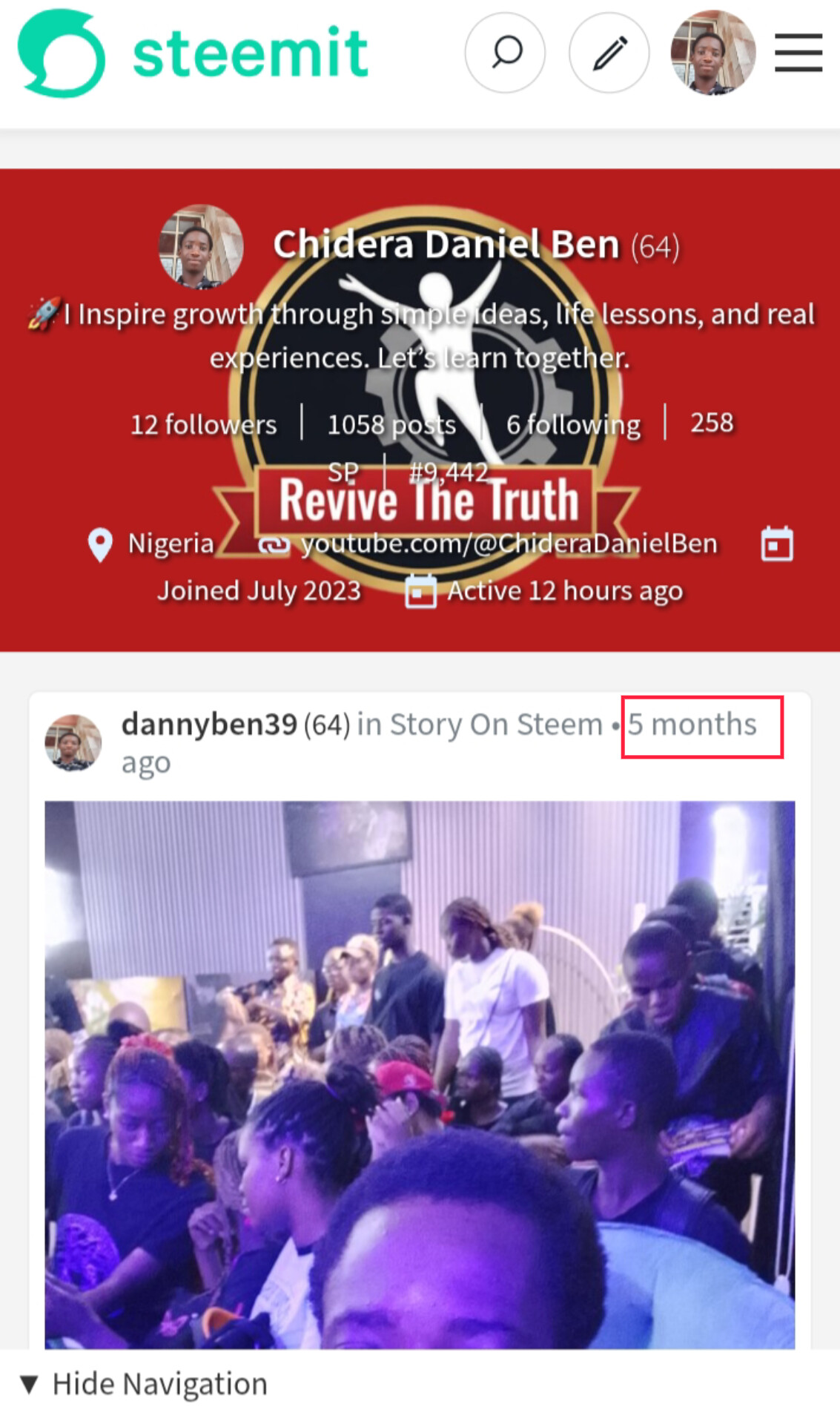
No, I didn't abandon you all! Disaster struck at school, I unfortunately lost my phone, which completely locked me out of my active digital life and my beloved Steemit account. It took some time to get sorted out, but I am finally back, re-armed, and ready to create content again!
To celebrate my comeback and show my commitment to long-term growth here, I decided to do a Power Up of exactly 50 STEEM!
1 STEEM is currently trading at approximately ₦54.21 (Nigerian Naira).
That means my 50 STEEM power-up is worth about ₦2,710.38.
It’s not just about the fiat value, though; it's about building influence and supporting the ecosystem! Here is the fun, step-by-step breakdown of how I did it:
Step 1:
Checking the Vault
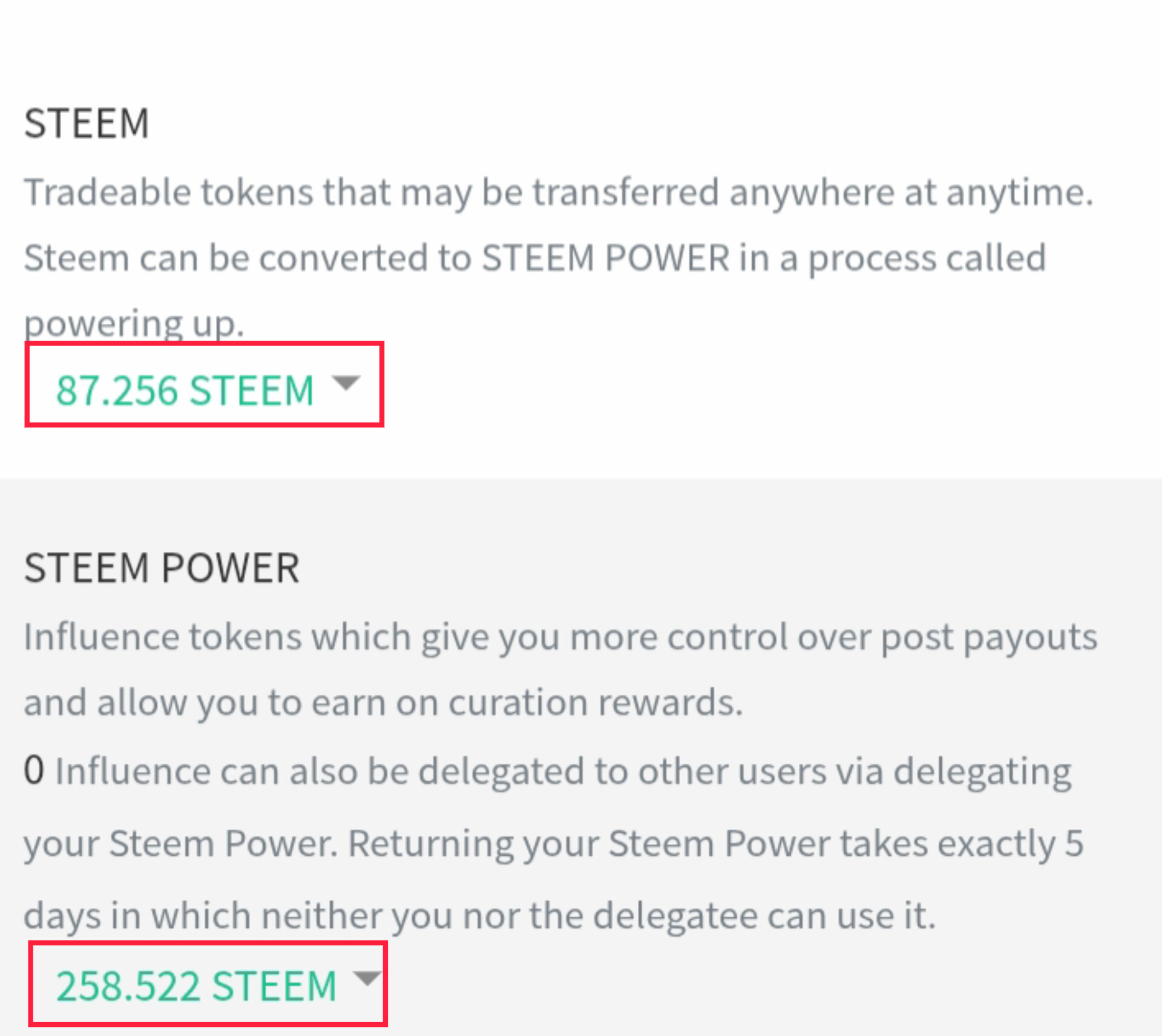
First, I headed over to my wallet tab. As you can see, I was sitting on a liquid balance of 87.256 STEEM and a starting Steem Power of 258.522 STEEM. It was time to put some of that liquid STEEM to work!
Step 2:
Activating the Option
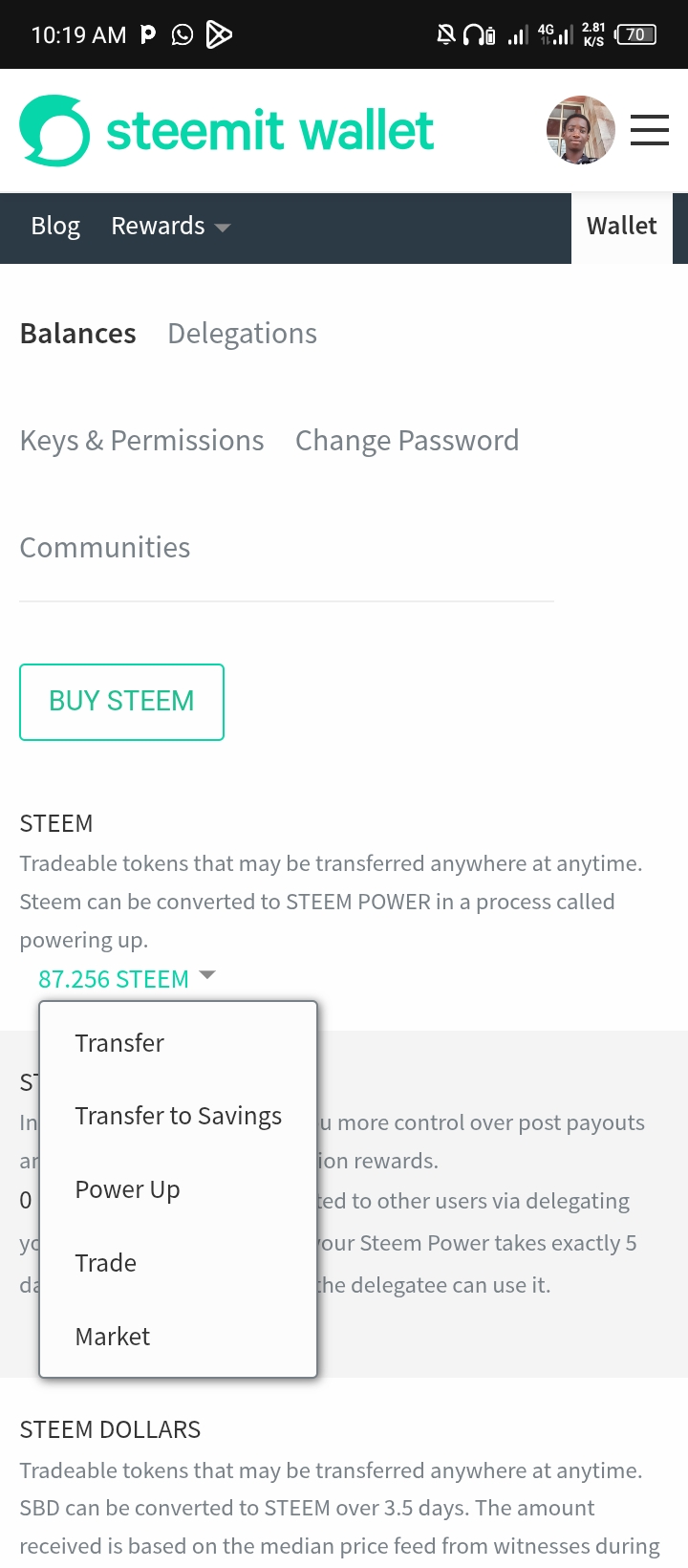
Step 3:
Setting the Amount
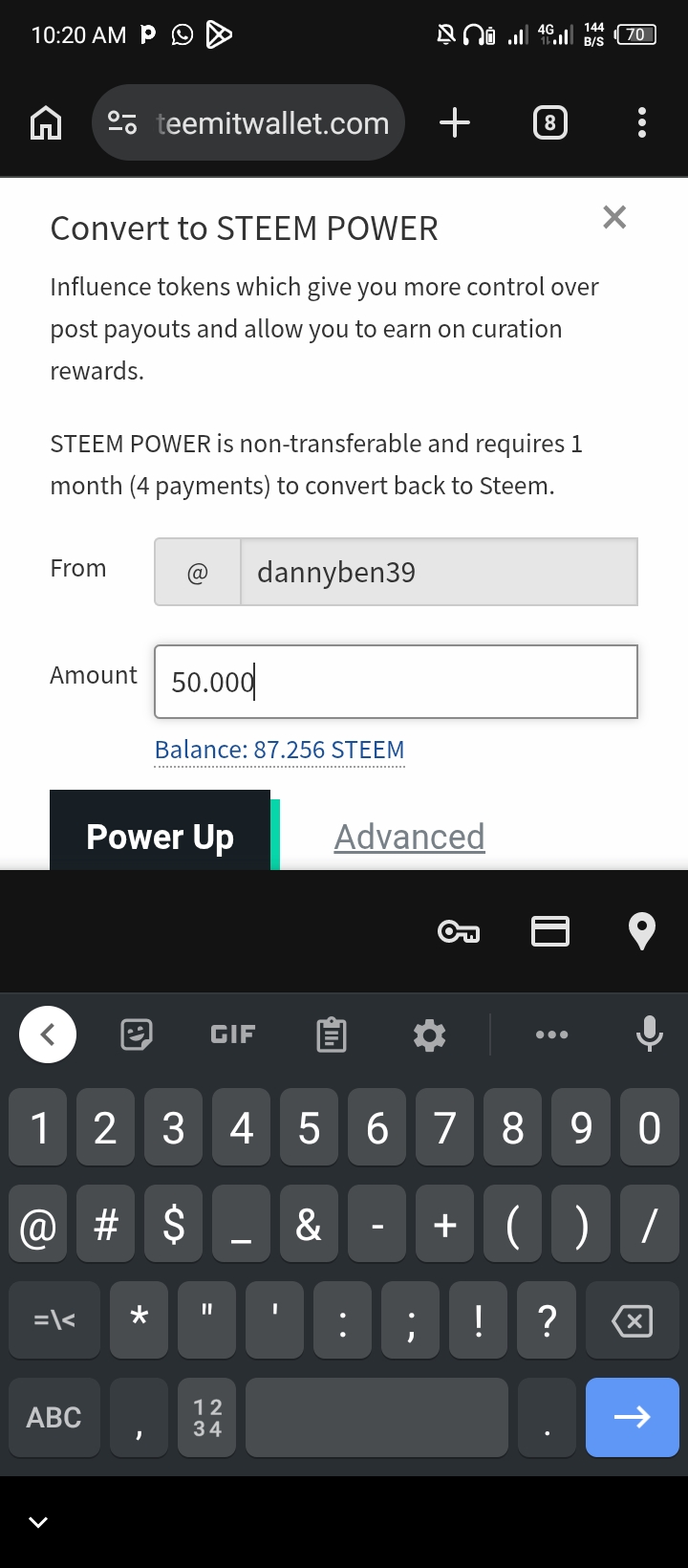
Clicking that brought up the "Convert to STEEM POWER" page. Without waisting much time I type in exactly 50.000 into the amount field, leaving me with a healthy remaining balance
Step 4:
Confirming the Move
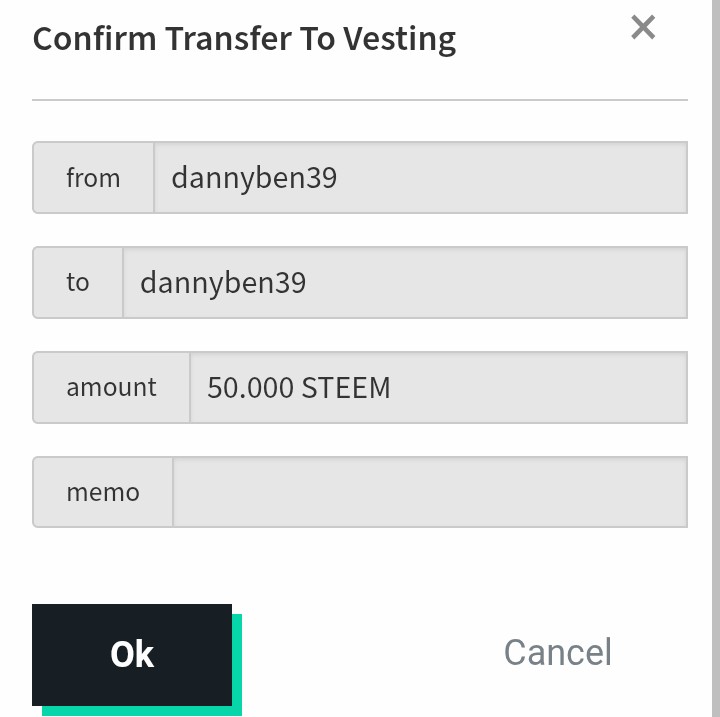
Steemit then asked me to confirm the transaction. The confirmation screen which showed the destination details: transferring 50.000 STEEM to vesting for @dannyben39. I confidently clicked "Ok".
Step 5:
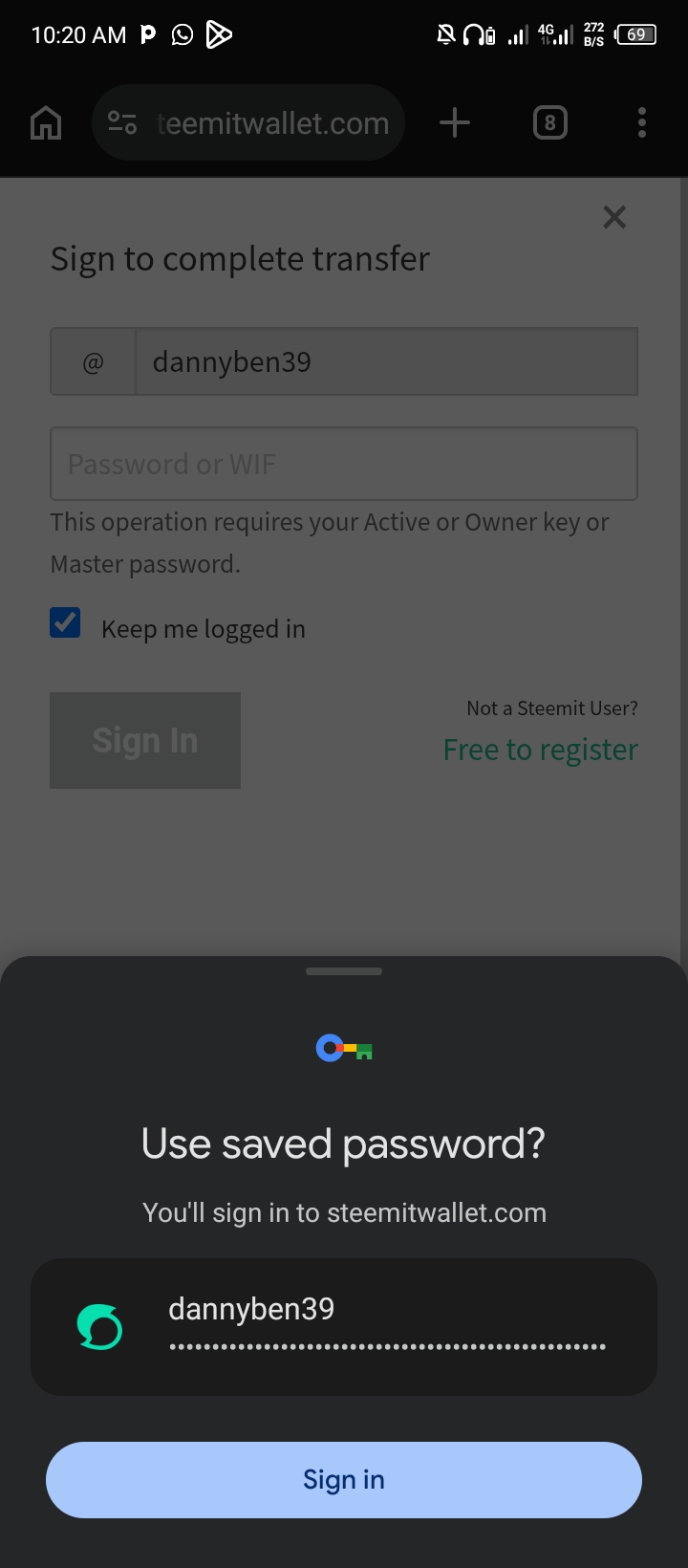 | Securing the Transaction |
|---|
Security first! The platform prompted me to sign in with my Active Key to authorize the vesting transfer. Luckily, I had my credentials securely saved, as captured, so I just hit "Sign In".
Step 6:
Mission Accomplished!
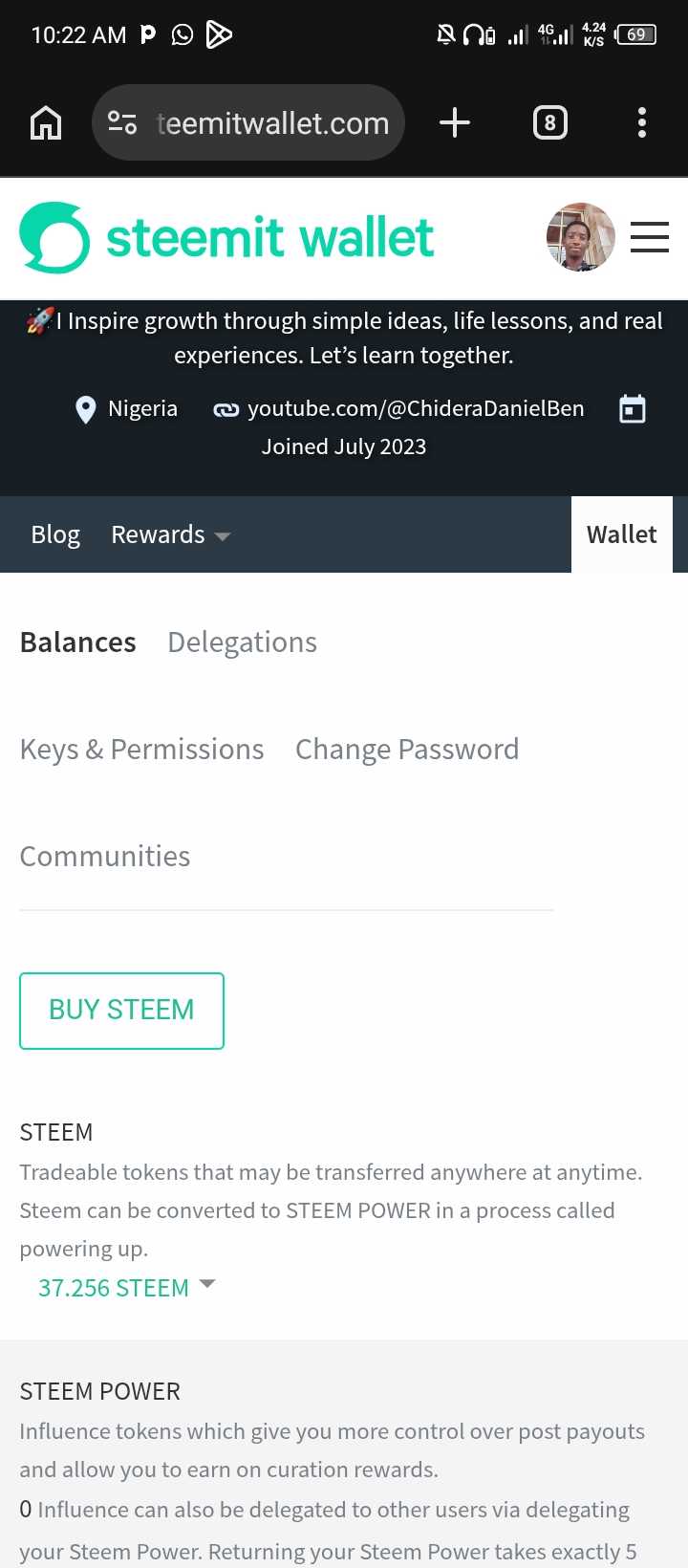
It feels incredibly satisfying to invest back into my account right after getting back online. Losing a phone at school was a massive setback, but milestones like this make the comeback feel sweet.
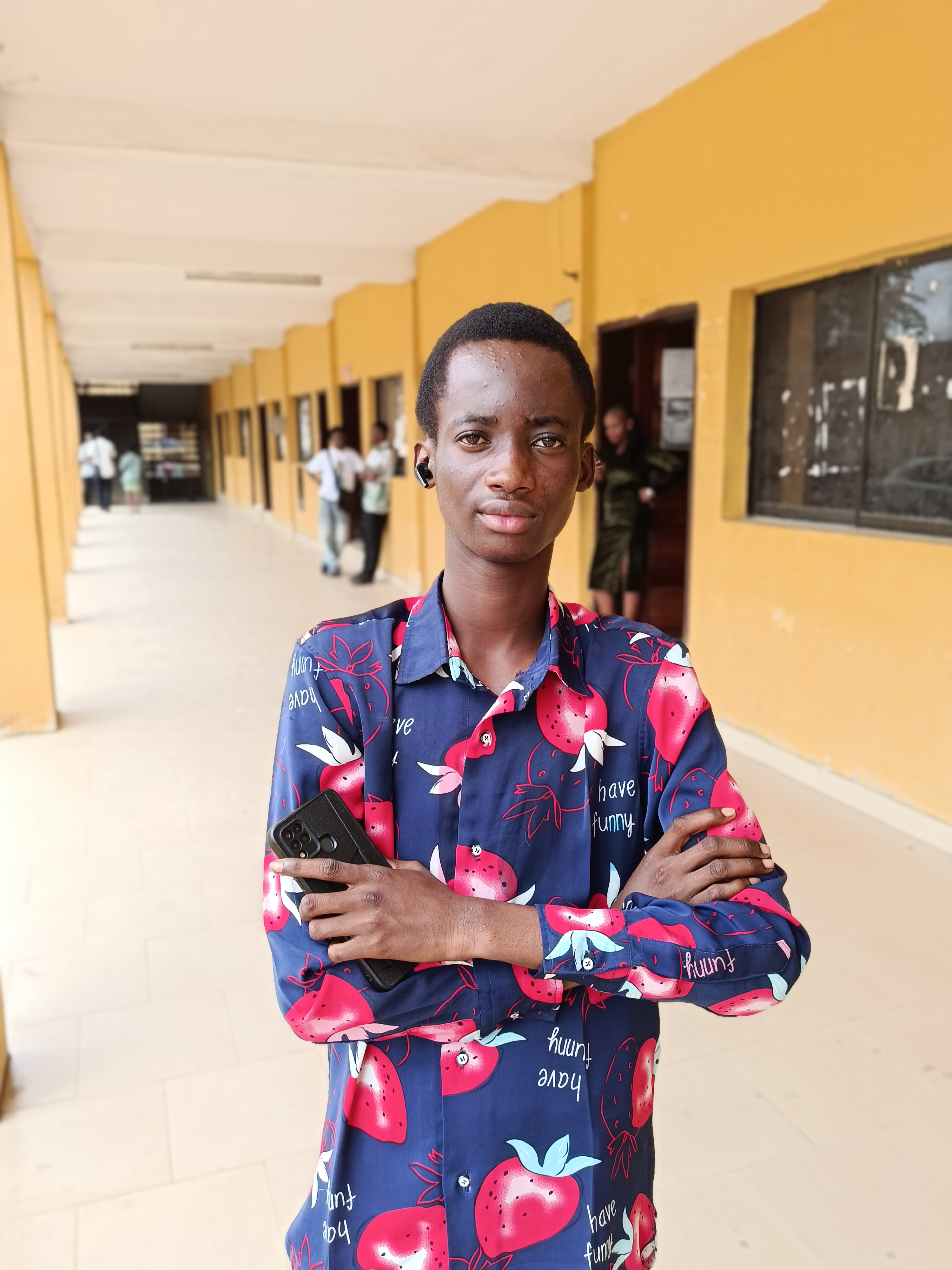
Thank you to everyone who has welcomed me back or checked up on me. Let's make the rest of the year incredible!
@steem4nigeria
@ngoenyi
@steemkidss
@dannyben39 (To my humble self)