1XBET Login PH Password Manager Guide: Why Autofill Can Warn You About Lookalike Login Pages
1XBET Login PH Password Manager Guide: Why Autofill Can Warn You About Lookalike Login Pages
A defensive login-security guide to domain matching, password-manager autofill, phishing signals and safer verification habits
A familiar-looking login page can still be the wrong page. Logos, colors and form layouts are easy to copy; the domain behind them is harder to fake perfectly. For Filipino users researching account access through 1XBET Login PH, that makes password-manager behavior worth understanding. In Chrome, Google Password Manager matches saved credentials with the websites they belong to rather than simply filling them into sites that look similar. When expected autofill suddenly disappears, that can be a useful warning to stop and inspect the address before typing anything manually.
The key word is warning. Autofill is not a certification system, and a password manager cannot tell you that every page, company or transaction is legitimate. A genuine site can fail to trigger autofill after a redesign, a different subdomain, a cleared browser profile or a settings change. A malicious page can also imitate the appearance of a trusted service. The safest habit is to combine password-manager signals with independent domain checking and a verified route to the account.
1. Password managers bind credentials to a site, not to a logo
A password manager stores more than a username and password pair. It also records where those credentials are intended to be used. Google describes this as matching passwords with the websites they are meant for, which helps reduce the chance that a saved password is offered on a merely similar-looking site. That is important because phishing pages often win by visual imitation: they copy a brand mark, login form and urgent message while using a different hostname.
This creates a useful asymmetry. A person may glance at a convincing screen and think “this looks right,” while the password manager may notice that the location does not match the saved record. If a password normally appears automatically and suddenly does not, do not treat the missing suggestion as an inconvenience to work around. Treat it as a reason to verify the page.
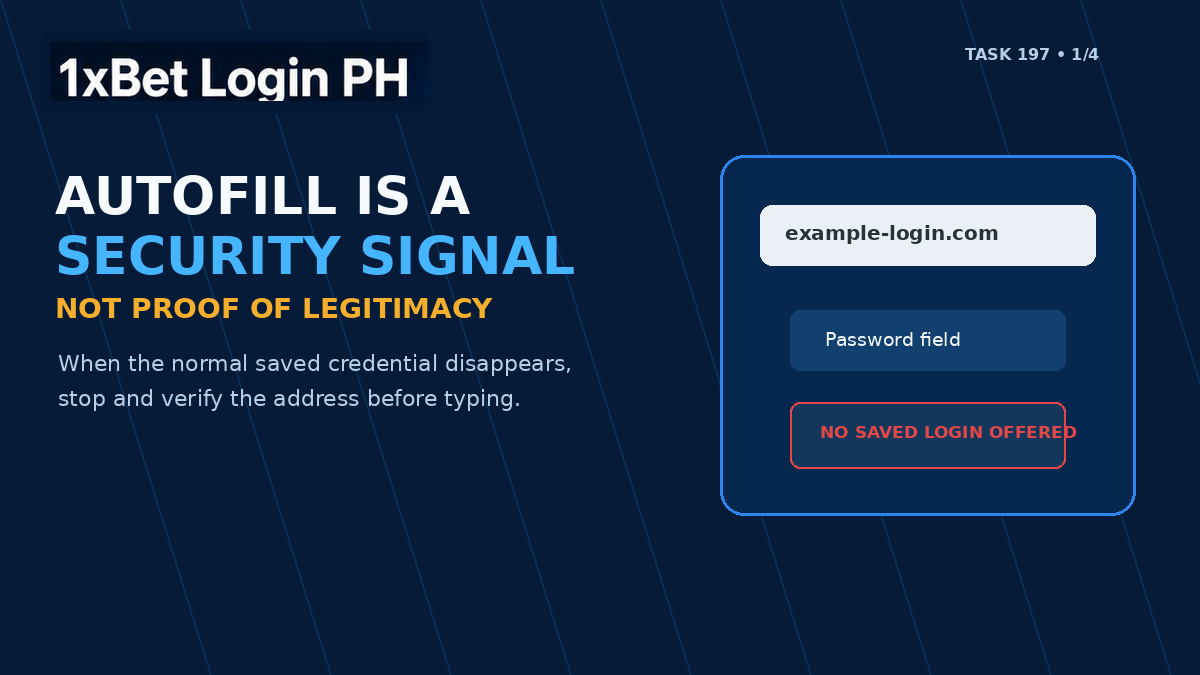
2. Missing autofill should trigger a domain check
Suppose you usually sign in through a saved bookmark and the password manager offers your credential immediately. One day you arrive through a message, search result or forwarded link and the form stays empty. Several harmless explanations are possible: you may be in a different browser profile, autofill may be disabled, the site may have changed its login host, or the password record may have been removed. But a lookalike domain is also possible.
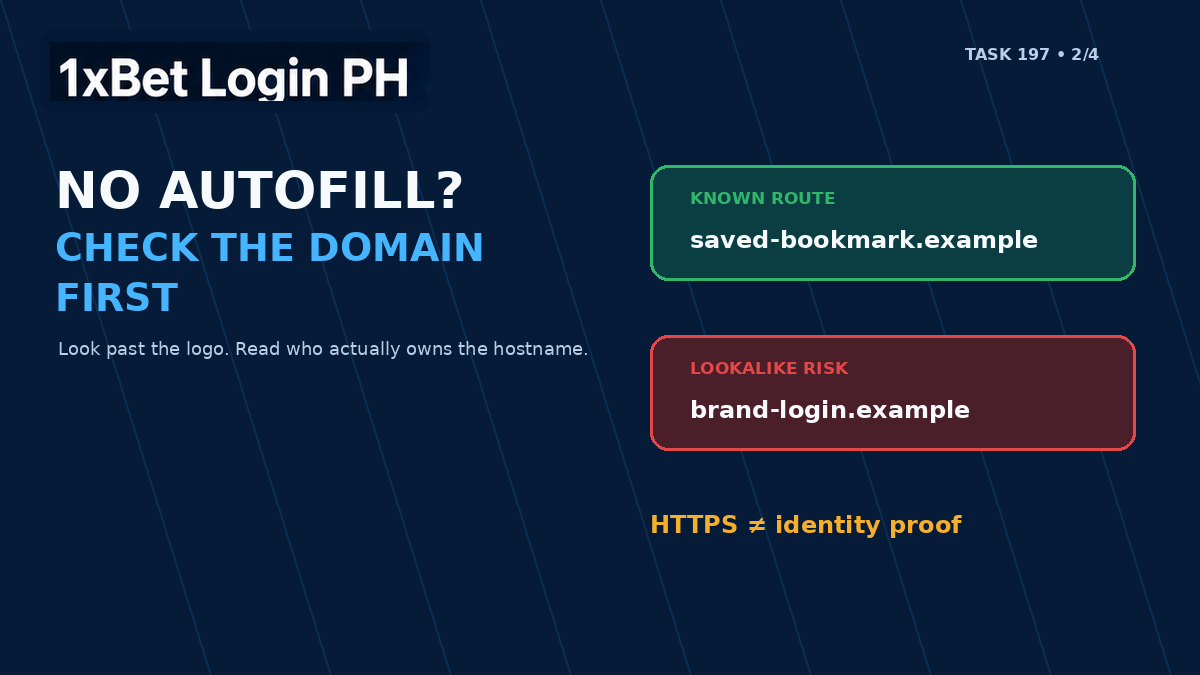
Before typing manually, read the hostname from right to left around the registered domain. Attackers often rely on extra words, hyphens, misleading subdomains or small spelling changes. A string such as “brand-login.example.com” belongs to example.com, not to a brand whose real registered domain is somewhere else. The presence of HTTPS does not fix that problem; HTTPS protects the connection to the site you reached, not the legitimacy of the organization behind the domain.
3. Autofill appearing is useful, but it is not absolute proof
The opposite mistake is trusting a page only because a password manager offers a credential. Browser and password-manager implementations differ, saved records can be broad or duplicated, and account owners can accidentally save credentials to the wrong place. A compromised legitimate site can also remain on the correct domain. For that reason, autofill should be one layer in a verification routine, not the final verdict.
NIST's current digital-identity guidance supports password managers and autofill because they make it easier to use long, unique passwords. At the same time, NIST is explicit that ordinary passwords are not phishing-resistant authenticators. A user can still be tricked into giving a password to an impostor if the workflow depends on manual judgment. Stronger phishing-resistant methods, such as properly implemented passkeys, bind authentication more tightly to the verifier. That distinction matters: password managers reduce risk, but they do not eliminate the need to verify where you are.
4. The safest route starts before the login form
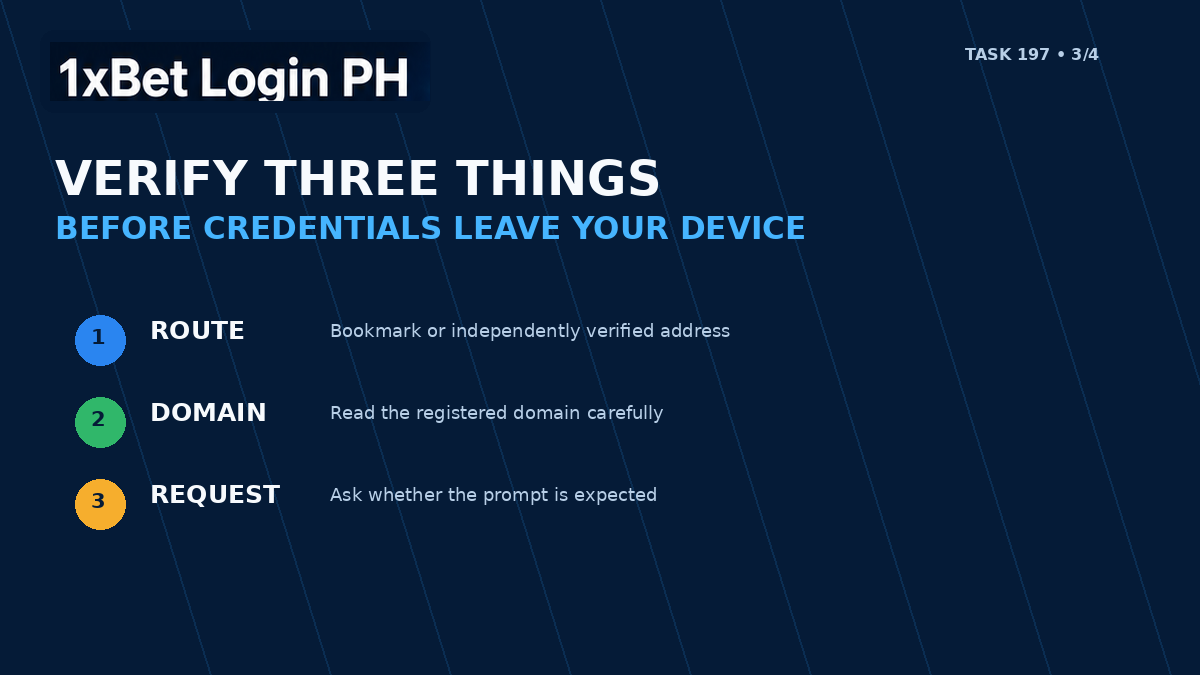
The FTC recommends avoiding links in unexpected messages and reaching a company through a website or contact route you already know is genuine. That advice fits account login especially well. Instead of repeatedly searching for a login page or following a link sent through chat, keep a verified bookmark or start from a trusted information page whose role you understand.
The 1XBET Login PH login-safety guide explains a similar principle: confirm the route before entering credentials, use a private connection when practical, and keep passwords and one-time codes away from third parties. The site identifies itself as an independent informational guide rather than the account operator, so credentials should never be entered into the guide itself.
5. A password manager also makes unique passwords practical
The phishing benefit is only one reason to use a password manager. Unique passwords limit the damage from credential stuffing, where a password leaked from one service is tested against other accounts. A manager can generate long random passwords and remember them without forcing the user to reuse a familiar phrase across email, entertainment accounts and financial services.
The master account protecting the password vault still deserves strong protection. Use the strongest available authentication for the manager itself, keep recovery options current, and protect the device with a screen lock. If the manager warns that a saved password has appeared in a known breach, change that password on the verified site and change every other account where the same credential was reused.
6. What to do when the signal and the page disagree
When a login page looks normal but the password manager behaves differently, avoid guessing. Close the page if it came from an unexpected message. Open a known bookmark or independently verified route. Compare the domain letter by letter. Confirm that the request itself makes sense: a normal login should not require an OTP to be sent to another person, a remote-access app, a “verification fee,” a crypto transfer or a full card PIN.
If you already entered a password into a suspicious page, act from a clean, trusted device. Change the affected password through the verified account route, secure the connected email account, end unfamiliar sessions where the service allows it, and review linked payment accounts for unauthorized activity. Do not keep interacting with the suspicious page simply to “test” whether it was real.
A practical checklist for Filipino users
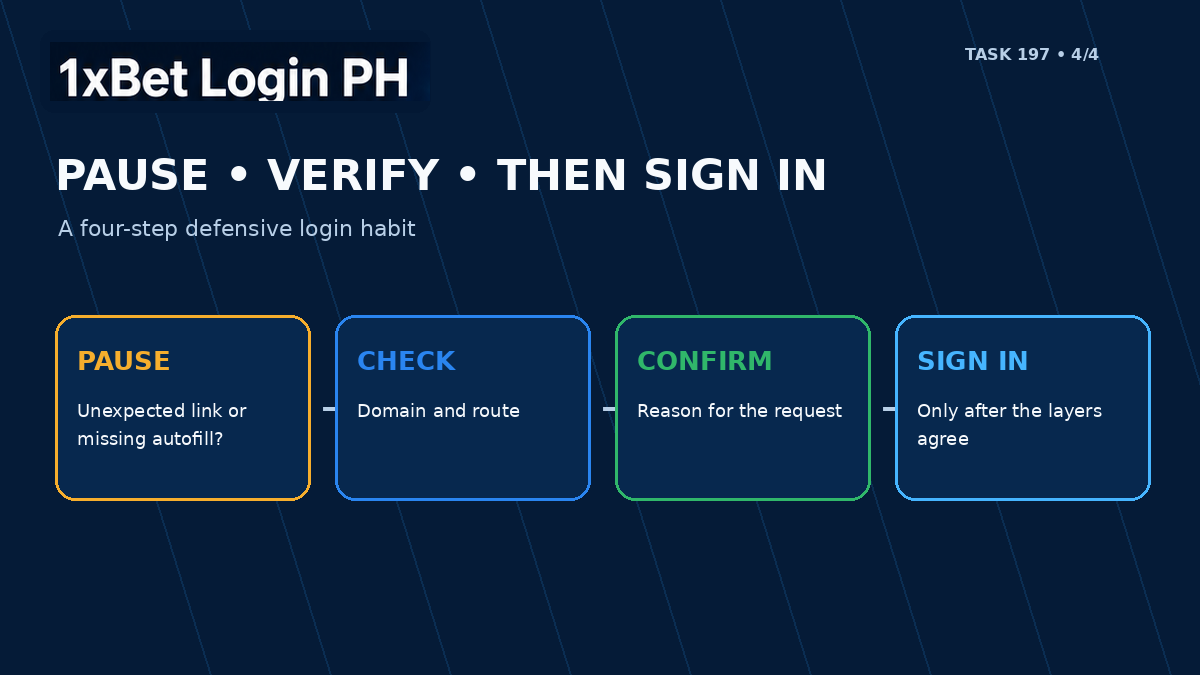
Before entering any account credential, use this short sequence:
Start from a bookmark, known application or independently verified address.
Check the registered domain, not just the logo or page title.
Notice whether your normal password-manager entry appears as expected.
If autofill is missing, investigate before typing manually.
If autofill appears, still verify the domain and the reason for the request.
Never share a password, OTP, MPIN, PIN or recovery code with a person claiming to be support.
Use a unique password and protect the password manager itself with strong authentication.
Keep the connected email account and device secure because they often control recovery.
Read the signal, then verify the destination
Password-manager autofill can make login both faster and safer because it reduces manual typing and ties saved credentials to the sites for which they were stored. Its most valuable security lesson is behavioral: when something changes, notice it. A missing suggestion, unfamiliar domain, unexpected verification prompt or strange support message is a reason to stop before a credential leaves your device.
For 1XBET Login PH readers, the practical rule is simple: use the password manager as one security signal, not as a certificate of legitimacy. Verify the route, read the domain, understand who is asking for information, and only then decide whether to sign in. That layered habit is more reliable than trusting a familiar logo, a padlock icon or a rushed message on its own.
Sources & References
Google Chrome Help — How Chrome protects your autofill and password data — https://support.google.com/chrome/answer/14271924
NIST SP 800-63B — Authenticators and phishing resistance — https://pages.nist.gov/800-63-4/sp800-63b/authenticators/
NIST — How Do I Create a Good Password? — https://www.nist.gov/cybersecurity-and-privacy/how-do-i-create-good-password
FTC Consumer Advice — How To Recognize and Avoid Phishing Scams — https://consumer.ftc.gov/articles/how-recognize-avoid-phishing-scams
1XBET Login PH — Paano Mag-Login sa 1xBet Philippines — Step-by-Step Guide 2026 — https://1xbetlogin.ph/blog/paano-mag-login-sa-1xbet-philippines-step-by-step-guide-2026/