Achievment 2 @salmankhan15 task:Security on steem
Script:
Hello friends 👋
Today I want to share a little about my journey on Achimenet and Steemit. These platforms are very helpful for people who want to share their ideas, knowledge, and daily experiences with the world.
I recently started exploring Achimenet and I really like the concept. It gives users a chance to connect with others and learn new things. At the same time, Steemit is also a great place where people can write blogs, share photos, and interact with a global community.
My goal is to stay active, share quality content, and support other creators. I believe that consistency and creativity are the keys to success on these platforms.
Thank you everyone for reading my post. I hope to connect with many amazing people here.
Have a great day! 😊
NOW LET ME ANSWER THE QUESTION WHICH IS ASKED IN THE ACHIEVEMENT
Question 1
Have you retrieve all your keys on steemit?
answer
YES
Question 2
Do you know the each of these key funtion and restiction ?
answer
yes i know the each of these key funtion and restiction
#1️⃣ Master Password
This is the main and most powerful password.
It can generate or recover all other keys.
You should store it safely and never share it.
2️⃣ Owner Key
This key controls account ownership.
If your account gets hacked, you can use the Owner Key to change all keys.
It should not be used daily.
3️⃣ Active Key
This key is used for financial and wallet actions, such as:
Transferring funds
Power up / power down
Managing wallet transactions
4️⃣ Posting Key
This key is used for daily activities, such as:
Posting content
Commenting
Voting
Following or muting accounts
qustion 3
how do you plan to keep your master password ?
ANWERS
I save the all keys in MY googel drive and also i take out of my all keys
qustion 4
do you know how to transfer yyour steem token to another steem user account ?
anwer
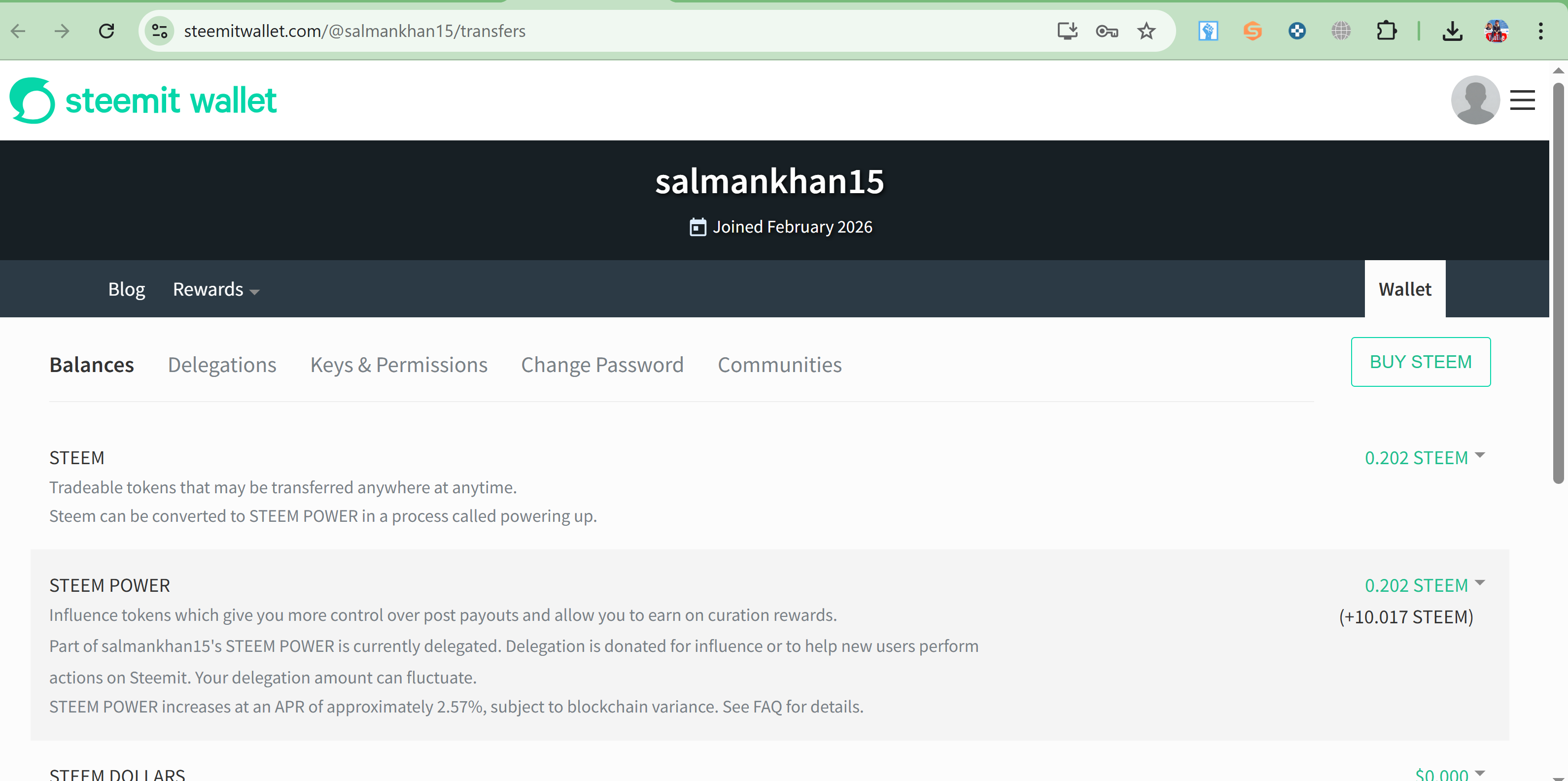
Yes, I know how to transfer STEEM tokens to another user on Steemit. First, go to your wallet and find the STEEM balance. Then click on the transfer option. After that, enter the username of the person you want to send STEEM to, add the amount, and write a memo if needed. Finally, confirm the transaction using your Active Key. Once confirmed, the STEEM tokens will be transferred instantly on the Steem Blockchain.
Qustion 5
do you know how to power up your steem
answer
Yes, I know how to power up STEEM on Steemit. First, go to the wallet and find your STEEM balance, then click on Power Up. Enter the amount you want to convert and confirm the transaction using your Active Key. After that, your STEEM will be converted into Steem Power on the Steem Blockchain. 🚀