7 Resource Distribution Profiles Managed by an AI-Powered PC
Your computer struggles every single day. You open multiple browser tabs, and your system slows down. You launch a game, and your PC freezes. You render a video, and everything else stops working. These problems happen because traditional computers cannot manage resources intelligently. They distribute power and memory without understanding what you actually need right now. This creates bottlenecks and ruins your experience.
AI-powered PCs change this entire game. They learn your habits and predict your needs. They shift resources automatically based on what matters most. These smart systems create specific distribution profiles for different tasks. Each profile optimizes performance for particular activities.
Let's talk in detail!
1. Gaming Performance Profile
Gaming demands intense graphics processing and quick response times. An AI-powered PC recognizes when you launch a game instantly and reallocates CPU, GPU, memory, and power budgets to prioritize frame rates and input responsiveness. The system shifts most resources toward your graphics card and processor. Background applications get minimal allocation during gaming sessions.
The AI monitors frame rates throughout your gameplay. It adjusts resource distribution when performance drops below target levels. Your game stays smooth even during action-heavy sequences.
Smart Background Management
The system doesn't completely shut down other programs. It keeps essential services running at reduced capacity. Your antivirus keeps protecting you, but uses fewer resources. All other messaging apps also stay connected, but they work in low-power mode.
2. Content Creation Workflow
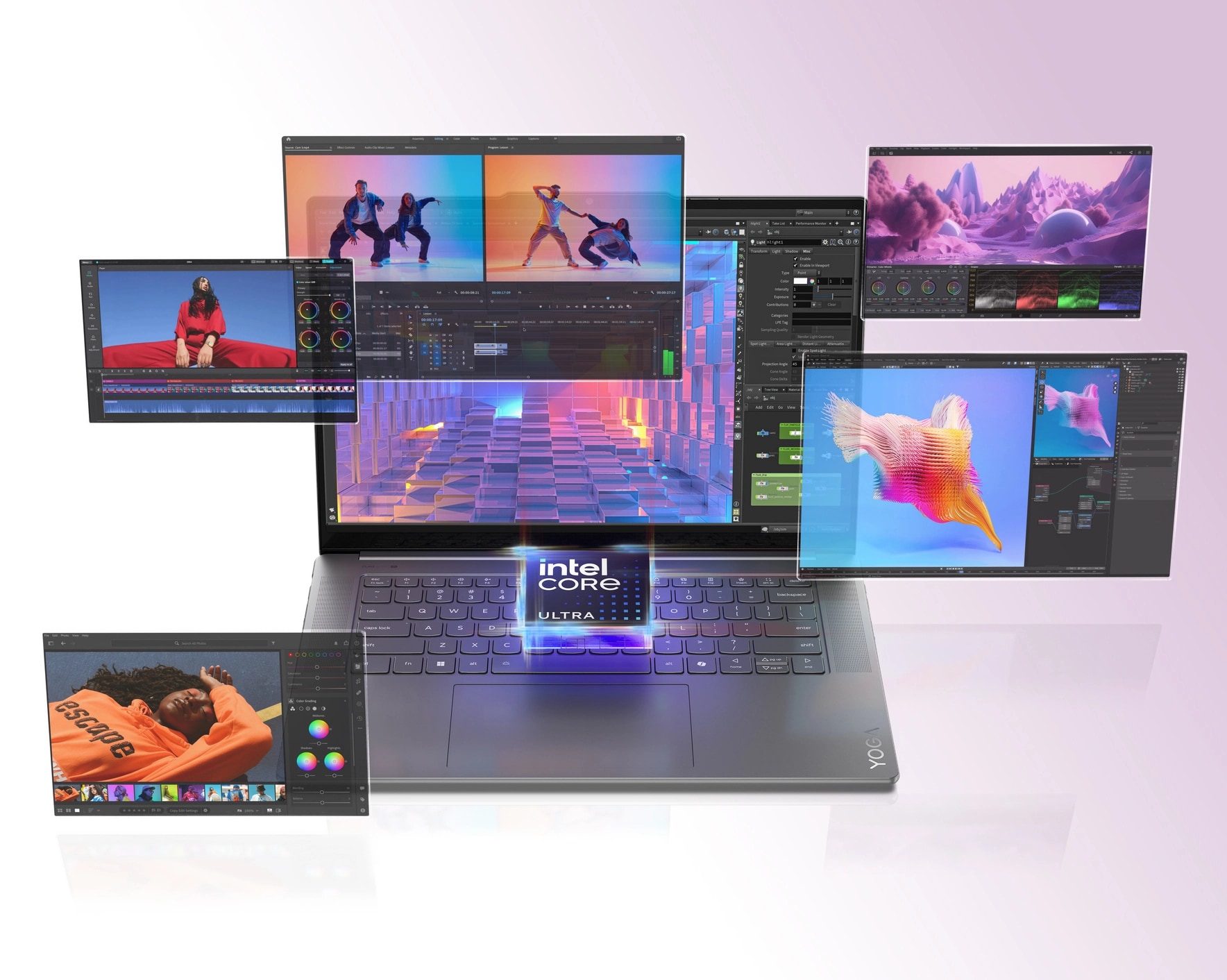
Massive processing power is a must for video editing and 3D rendering tasks. The AI senses the moment you launch one of the creative applications, such as Adobe Premiere or Blender. Resources immediately shift to support these demanding applications.
The system allocates extra RAM to prevent timeline lag. It prioritizes CPU cores for faster rendering tasks. Your storage speed increases to handle large file operations smoothly.
Real-time previews become faster and more responsive. Export times decrease significantly compared to standard resource allocation. The AI understands which creative tasks require burst performance and which need sustained power.
3. Professional Multitasking Mode
Office work involves juggling spreadsheets, presentations, and communication tools simultaneously. The AI creates a balanced distribution profile for productivity applications. No single program dominates your system resources.
Your email client, web browser, and document editors all receive adequate allocation. The system prevents any one application from causing slowdowns. Context switching between programs happens instantly without delay.
Meeting Optimization
Video conferencing triggers specialized resource management. The AI boosts your camera and microphone, and network bandwidth priority. Screen sharing gets enhanced processing to maintain clarity during presentations.
Background downloads pause automatically during important calls. Your bandwidth focuses entirely on maintaining connection quality. This prevents embarrassing freezes during crucial business meetings.
With AI-powered PCs used across different spheres of professional and personal life, their market value is skyrocketing. The total market share of AI PCs is expected to surpass $260.43 billion by 2030.
4. Battery Conservation Profile
Laptop users face constant power management challenges. The AI activates energy-saving distribution when unplugged from charging. Screen brightness, processor speed, and background sync all reduce automatically.
Non-essential processes enter hibernation mode to extend battery life. The system maintains enough performance for basic tasks while maximizing runtime. You can work for hours longer without finding an outlet.
The AI learns your typical battery usage patterns. The device forecasts the duration of power usage and modifies its performance accordingly. The power-saving mode is activated when the battery level reaches an extremely low point.
5. Download and Installation Priority
Large downloads and software installations usually slow everything else down. The AI recognizes these activities and creates temporary distribution profiles. Your download gets sufficient bandwidth without choking other internet usage.
Installation processes receive necessary disk access without freezing your system. You can continue working while updates happen in the background. The AI schedules resource-intensive installations during idle periods when possible.
Security updates receive the highest priority in this profile. Critical patches install immediately with full resource allocation. Non-urgent updates wait for convenient moments.
6. Entertainment Streaming Setup
Watching movies or streaming music requires consistent performance rather than peak power. The AI allocates moderate resources to ensure smooth playback. Buffering becomes rare even with multiple streams running.
Network bandwidth gets optimized for streaming quality. The system reduces background uploads that might interfere with viewing. Audio processing receives dedicated resources for clear sound quality.
The profile adjusts based on content resolution and streaming service. 4K video gets more allocation than standard definition content. Music streaming uses minimal resources while maintaining audio fidelity.
7. Development and Coding Environment
Programmers run complex development tools, virtual machines, and testing environments simultaneously. The AI recognizes IDEs and compilers, and containerization software. Resources shift to support code compilation and automated testing.
Virtual machines receive dedicated cores and memory allocation. Your host system maintains responsiveness while VMs operate. Build processes complete faster with optimized resource distribution.
The AI learns your development workflow over time. It preloads commonly used tools and libraries into memory. Context switching between the code editor, terminal, and browser happens seamlessly.
Conclusion
AI-powered resource distribution transforms how computers serve us. These seven profiles represent just the beginning of adaptive computing. Your AI-powered PC becomes a partner that understands and anticipates your needs.
The technology keeps evolving with more sophisticated prediction algorithms. Future profiles will handle even more complex scenarios automatically. Your computer will truly work for you instead of against you. This intelligent approach makes computing feel effortless and natural. Every task gets exactly what it needs precisely when it needs it.