Free Thumbnail Maker for YouTube Shorts: A Complete Guide for Creators Who Want More Clicks
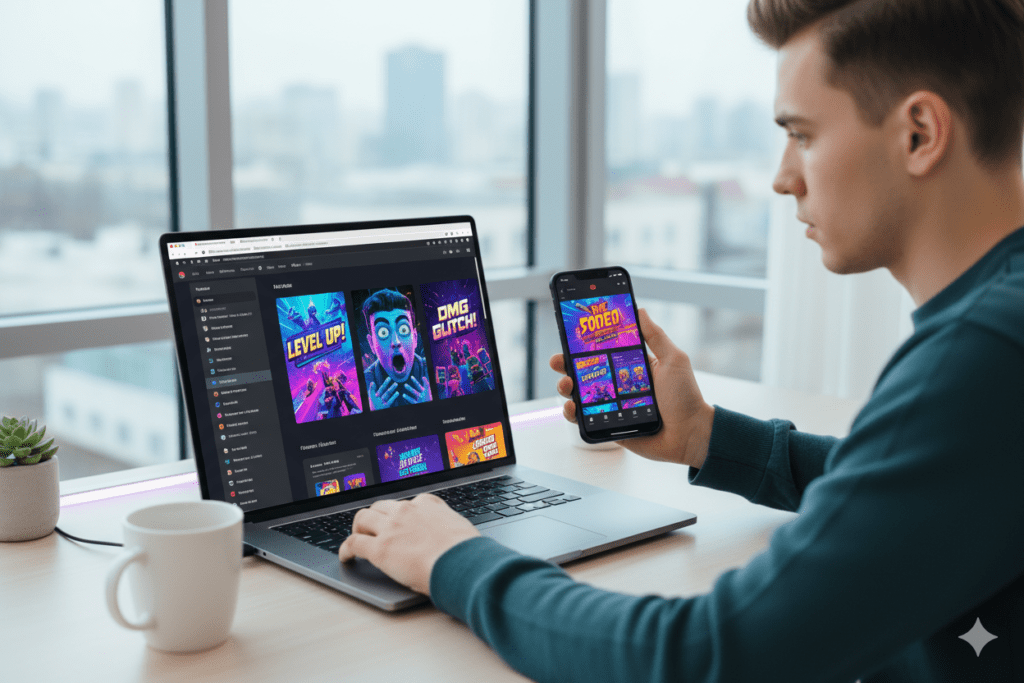
Short-form video is dominating social media, and YouTube Shorts has quickly become one of the best ways for creators to reach new audiences.
Millions of creators upload Shorts every day, hoping their videos will go viral. But while many people focus on recording and editing their videos, one crucial element is often overlooked:
The thumbnail.
Even though Shorts autoplay in the vertical feed, thumbnails still appear in multiple important places across YouTube, including search results, channel pages, and suggested videos.
This means a strong thumbnail can influence whether viewers click your video or scroll past it.
Because of this, many creators are now using a free thumbnail maker for YouTube Shorts to design better thumbnails quickly without needing graphic design skills.
In this guide, we’ll explore:
Why thumbnails still matter for Shorts
The recommended thumbnail size
How free thumbnail maker tools work
Best practices for creating high-click thumbnails
How AI is changing thumbnail creation
Let’s dive in.
Why Thumbnails Still Matter for YouTube Shorts
A common myth among creators is that thumbnails don’t matter for Shorts.
While it’s true that Shorts autoplay in the Shorts feed, your videos also appear in other places where thumbnails are visible.
These include:
YouTube search results
Channel pages
Suggested videos
Desktop browsing sections
In these areas, viewers decide whether to watch your video based on the thumbnail first.
Some optimization tools even estimate that thumbnails can influence a large portion of a video's click-through rate (CTR), making them one of the most important visual elements of a video.
In simple terms:
A great thumbnail turns impressions into views.
What Is a Free Thumbnail Maker for YouTube Shorts?
A thumbnail maker is an online tool that helps creators design YouTube thumbnails quickly.
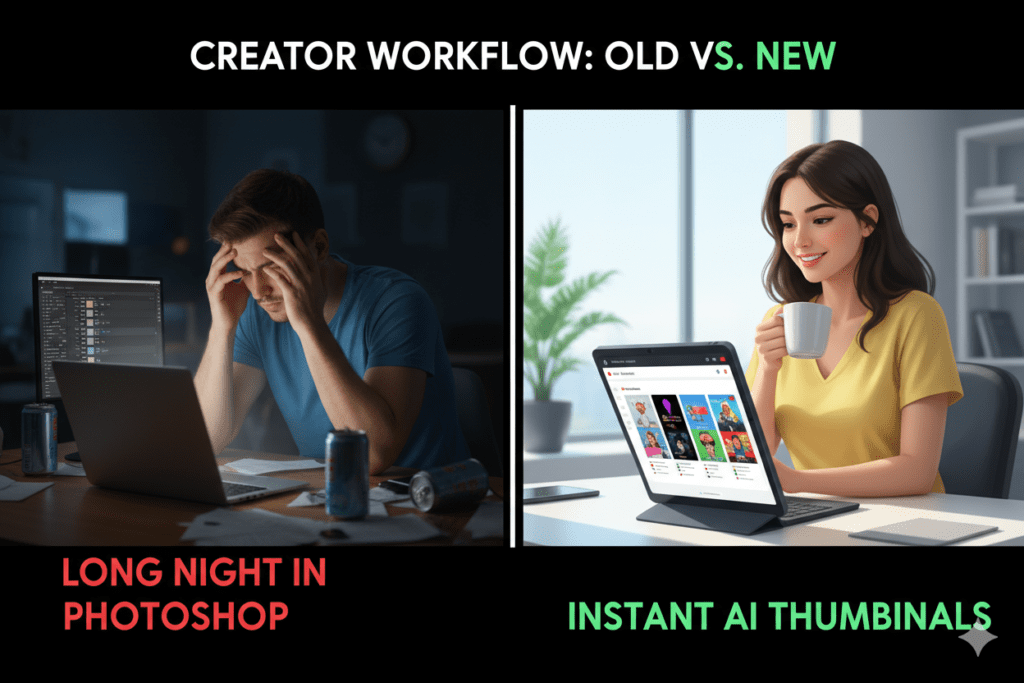
Instead of using complex software like Photoshop, these tools allow you to create thumbnails with simple drag-and-drop editors.
Most thumbnail maker tools include features such as:
Ready-made templates
Custom fonts and text overlays
Image filters and effects
AI-generated thumbnails
Export formats optimized for YouTube
Some AI-powered thumbnail generators can even analyze your video and automatically detect the best frame to use as a thumbnail.
This makes the entire process much faster and easier for beginners.
Recommended Thumbnail Size for YouTube Shorts
Using the correct thumbnail dimensions is important if you want your image to look sharp across devices.
The recommended YouTube thumbnail size is:
1280 × 720 pixels with a 16:9 aspect ratio.
This resolution ensures your thumbnail appears clear on both desktop and mobile screens.
Other important requirements include:
Minimum width: 640 pixels
Maximum file size: 2MB
Supported formats: JPG, PNG, GIF
Some creators also design vertical thumbnails (1080 × 1920) to better match the Shorts format.
Challenges Creators Face When Designing Thumbnails
Designing a good thumbnail might seem simple, but many creators struggle with it.
Here are some common challenges.
- Choosing the Right Frame
YouTube often selects a random frame automatically, which may not represent your video well.
- Poor Image Quality
Low-resolution screenshots can make thumbnails look unprofessional.
- Too Much Text
Small screens make long phrases difficult to read.
- Lack of Visual Focus
A thumbnail should communicate the idea of the video instantly.
These issues are why many creators rely on thumbnail maker tools.
How AI Thumbnail Makers Work
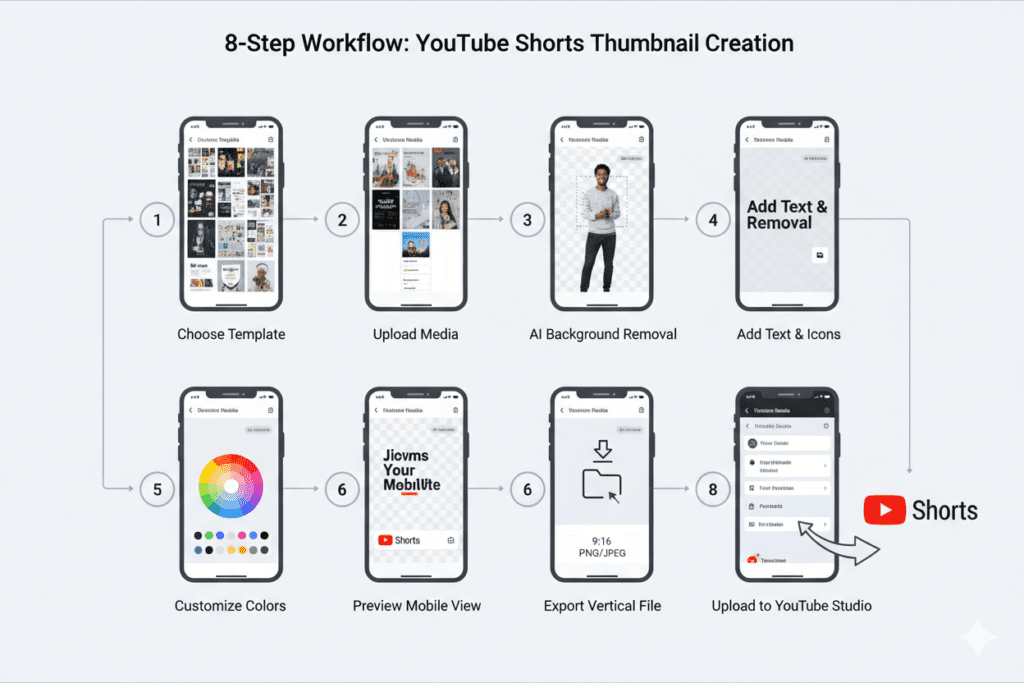
Artificial intelligence is transforming how creators design thumbnails.
Instead of manually editing images, AI tools can generate thumbnails automatically.
Here’s how they typically work.
Frame Detection
AI analyzes your video and identifies the most visually engaging frames.
Layout Optimization
The tool automatically places text and images in positions that attract attention.
Color Enhancement
AI improves contrast, brightness, and saturation to make thumbnails more visible.
Multiple Thumbnail Variations
Some tools generate several thumbnail designs so you can choose the best one.
This automation allows creators to produce professional thumbnails in seconds instead of hours.
Best Practices for Creating High-Click Shorts Thumbnails
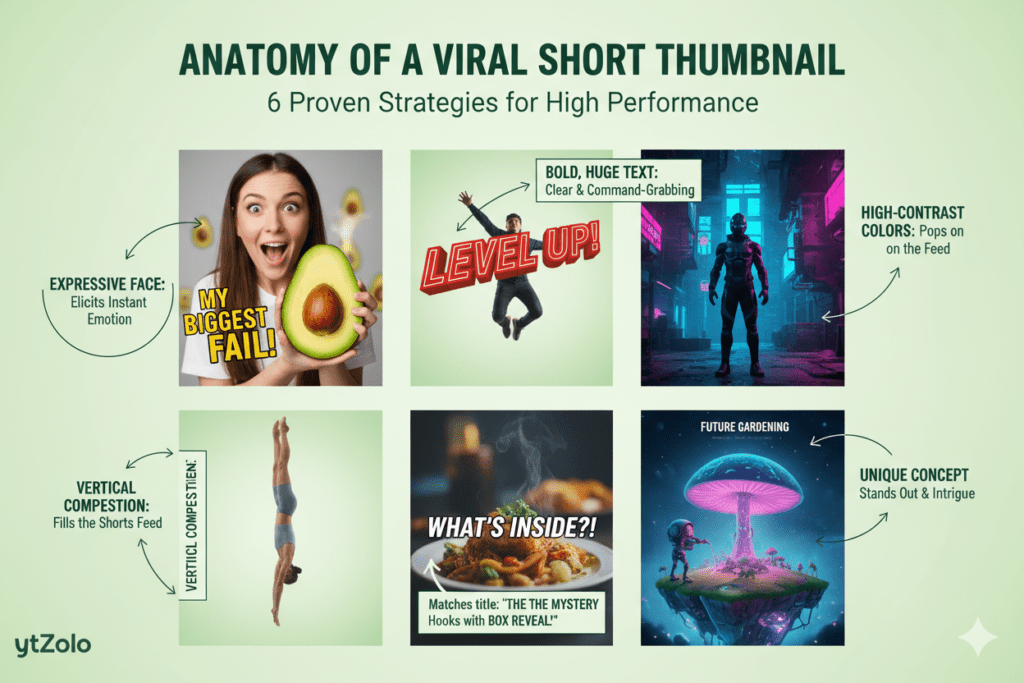
Even with the best tools, design principles still matter.
Here are some proven strategies used by successful creators.
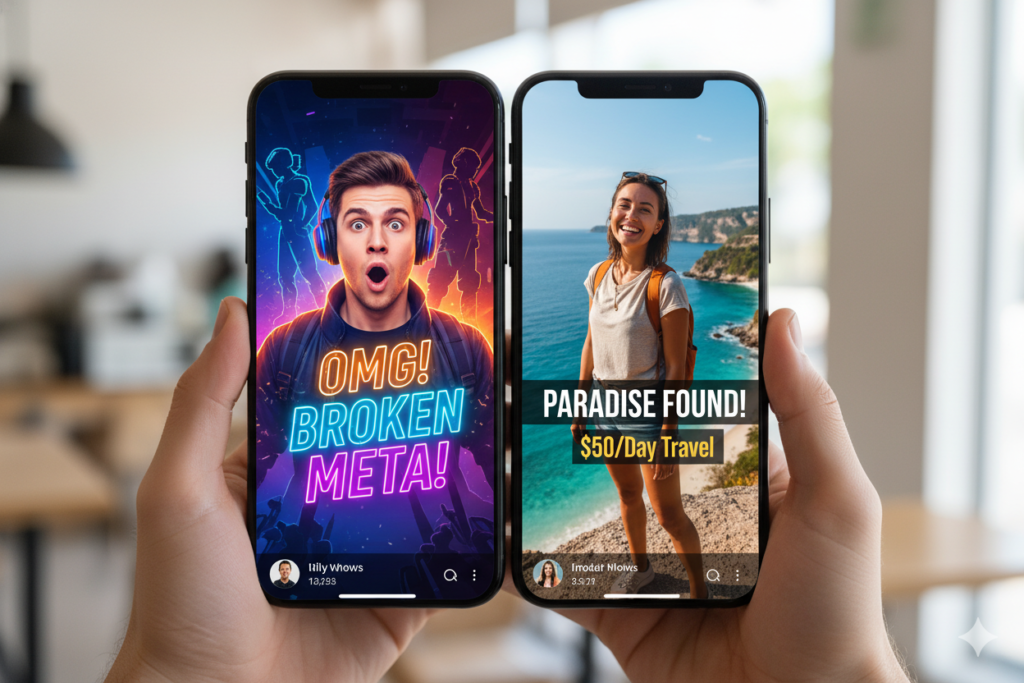
- Use Faces and Emotions
Human faces naturally attract attention.
Expressions like surprise, excitement, or curiosity often perform better because they trigger emotional reactions.
- Use Bold Colors
Bright, high-contrast colors help thumbnails stand out in crowded feeds.
Common combinations include:
yellow + black
red + white
blue + orange
- Keep Text Short
The best thumbnails usually contain three to five words.
Examples include:
“Secret Trick”
“Don’t Do This”
“Viral Hack”
Short text is easier to read on mobile devices.
- Focus on One Main Element
A successful thumbnail should highlight one key subject, such as:
a product
a facial reaction
the final result of a tutorial
Avoid cluttering the image with too many elements.
- Maintain Brand Consistency
Top YouTube channels often use consistent visual styles.
This includes:
similar colors
recognizable fonts
consistent layouts
Brand consistency makes your content easier to recognize.
The Importance of Thumbnail Testing
Professional creators rarely rely on a single thumbnail.
Instead, they experiment with different versions.
This process is called thumbnail testing.
Testing helps identify:
which colors attract attention
which text drives clicks
which layout performs best
Even small improvements in thumbnails can significantly increase click-through rates.
How AI Tools Are Transforming YouTube Workflows
Modern creators are increasingly relying on AI tools to streamline their content production process.
These tools can help with:
script writing
topic research
thumbnail creation
video titles and SEO
Instead of juggling multiple tools, some creators prefer platforms that combine these features into a single workflow.
For example, if you want a deeper breakdown of how AI tools help generate thumbnails and other YouTube growth assets, you can check out this guide on free thumbnail maker for YouTube Shorts:
https://ytzolo.com/blog/free-thumbnail-maker-for-youtube-shorts/
Platforms like this aim to simplify the process of creating YouTube content.
Common Thumbnail Mistakes to Avoid
Even experienced creators sometimes make mistakes when designing thumbnails.
Here are the most common ones.
Overcrowded Designs
Too many elements confuse viewers.
Blurry Images
Low-quality thumbnails reduce professionalism.
Misleading Thumbnails
Clickbait may generate clicks initially but harms long-term trust.
Ignoring Mobile Screens
Always check how your thumbnail looks on smaller devices.
The Future of Thumbnail Creation
Thumbnail design is evolving rapidly.
With the rise of AI, future tools may offer features like:
automated thumbnail generation
CTR prediction before publishing
automatic A/B testing
AI-generated design suggestions
These innovations will make it easier for creators to optimize their videos and improve performance.
Final Thoughts
YouTube Shorts has created incredible opportunities for creators to grow their audiences quickly.
But as competition increases, simply uploading videos is not enough.
The way your content is packaged — especially the thumbnail — plays a huge role in whether people click your video.
Using a free thumbnail maker for YouTube Shorts allows creators to produce professional thumbnails quickly without needing advanced design skills.
And in a crowded content landscape, a powerful thumbnail can be the difference between a video that gets ignored and a video that gets thousands of views.