Reaction Video Thumbnail Maker: Create Thumbnails That Actually Get Clicks (2026)
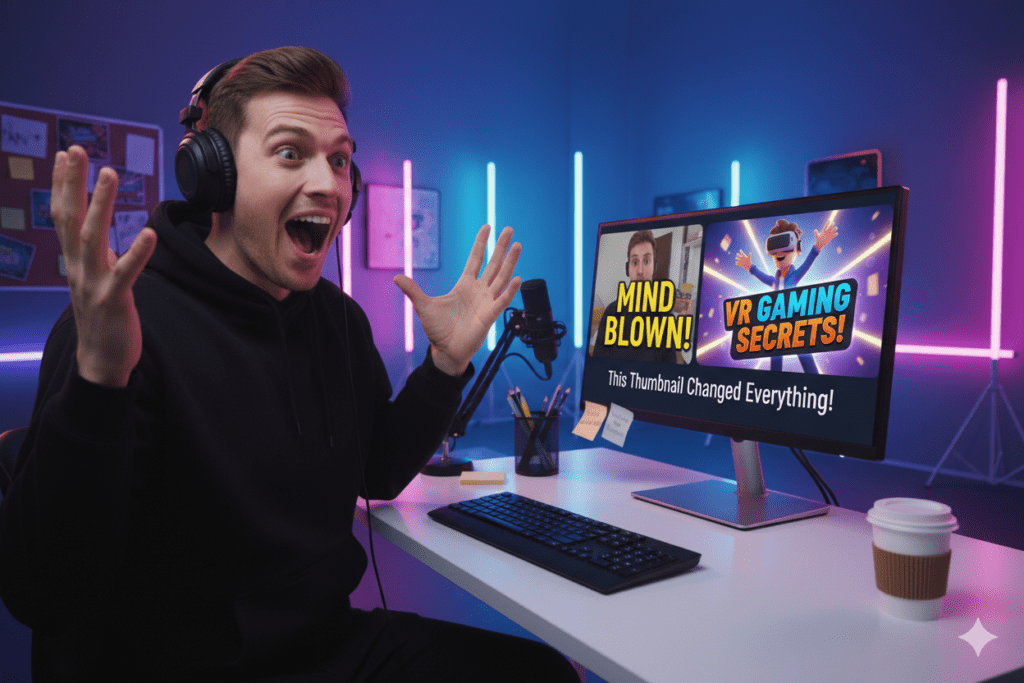
If you’ve ever uploaded a reaction video and felt disappointed with the views, you’re not alone. Most creators focus heavily on editing the video but overlook the one element that decides whether anyone clicks in the first place — the thumbnail.
In the world of reaction content, your thumbnail is not just an image. It’s a promise. It tells the viewer what emotion they’re about to experience. And if that promise isn’t clear or compelling, your video gets ignored.
That’s where a reaction video thumbnail maker becomes essential — not just for design, but for performance.
Why Reaction Thumbnails Are So Powerful
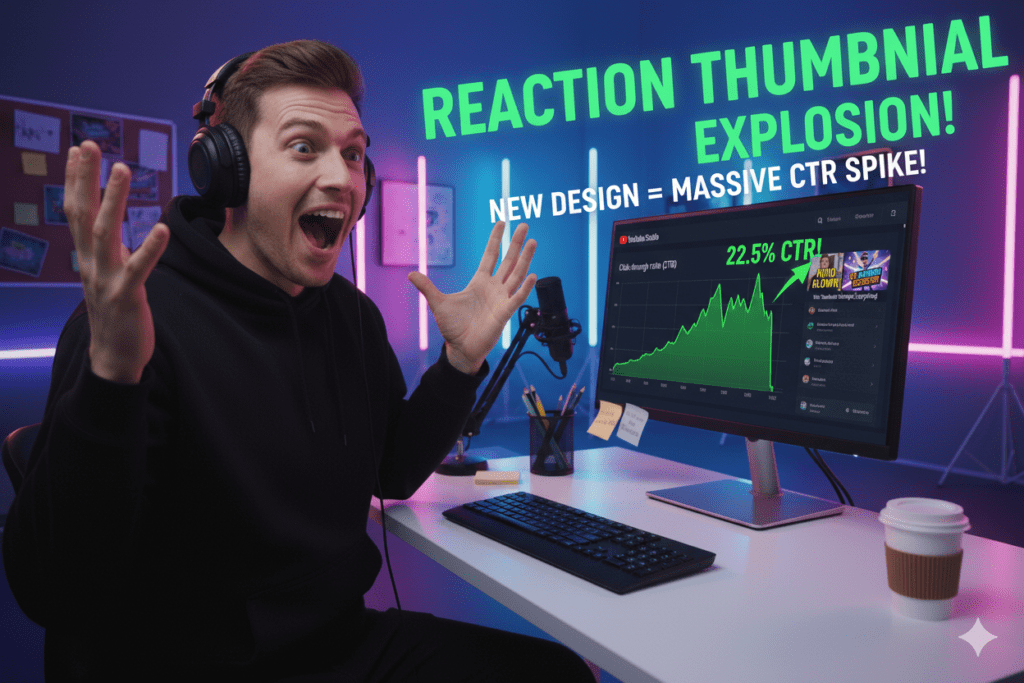
Reaction videos are built on emotion. People don’t click because they need information — they click because they’re curious about how someone reacted.
Think about it:
“Did they cry?”
“Was it shocking?”
“Is it funny or unexpected?”
Your thumbnail answers those questions instantly. If it fails to do that, the viewer scrolls past.
Unlike other niches, reaction content relies heavily on:
Facial expressions
Visual storytelling
Emotional triggers
That’s why your thumbnail carries more weight than you might think.
What Makes a High-Performing Reaction Thumbnail
A good thumbnail looks nice.
A great thumbnail gets clicks.
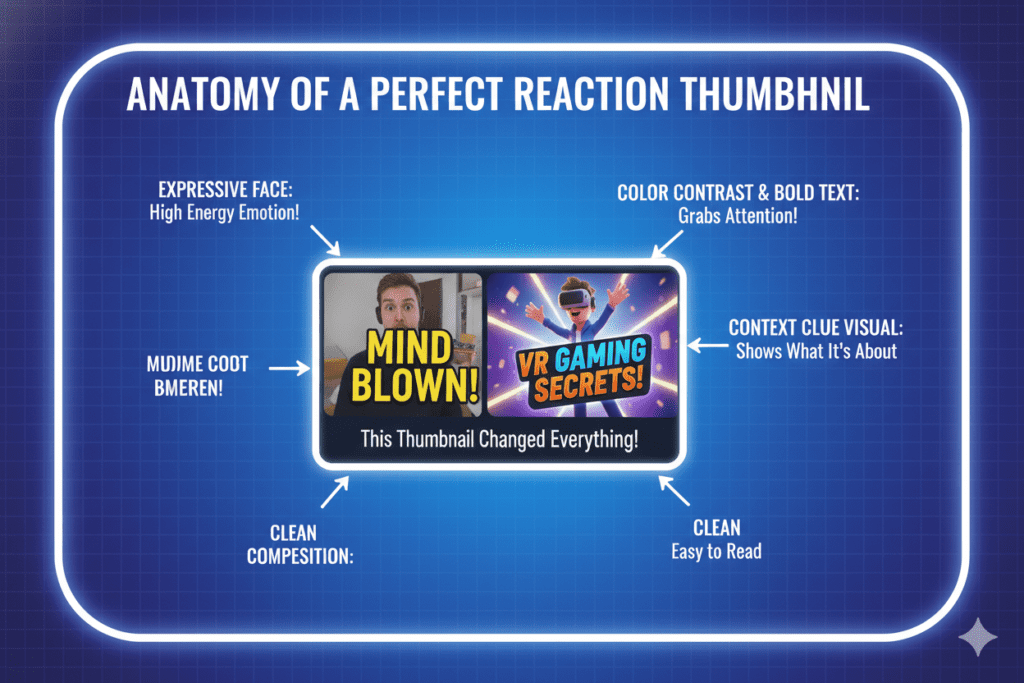
Here’s what actually works:
- Emotion That’s Impossible to Ignore
Your face is the centerpiece. And subtle expressions don’t work here.
You need exaggerated, clear emotions:
Shock 😱
Excitement 😲
Laughter 😂
Disbelief 🤯
The viewer should understand your reaction in less than a second.
- Clean and Focused Layout
Clutter kills clicks.
Your thumbnail should have:
One main subject (you)
One supporting element (what you’re reacting to)
Minimal distractions
If everything stands out, nothing stands out.
- Bold Colors and Contrast
YouTube is crowded. Your thumbnail is competing with hundreds of others.
To stand out:
Use bright backgrounds
Add outlines around your face
Increase contrast and sharpness
Your goal is simple: stop the scroll.
- Short, Emotional Text
Avoid long sentences.
Instead, use 2–4 impactful words:
“NO WAY 😱”
“THIS IS CRAZY”
“I WAS WRONG…”
Text should increase curiosity — not explain the video.
- Clear Context
Always show what you’re reacting to.
You can do this by:
Splitting the screen
Adding a blurred preview
Highlighting a key moment
This helps viewers instantly understand the situation.
Choosing the Right Reaction Video Thumbnail Maker
There are dozens of tools available, but not all are built for creators who want performance.
Here are a few categories:
Beginner-Friendly Tools
Simple drag-and-drop platforms that offer templates and quick edits. Good for speed, but limited customization.
Advanced Editing Tools
Professional software that gives full control over lighting, shadows, and composition — but requires skill and time.
AI-Powered Thumbnail Makers
These are becoming more popular. They help generate ideas, layouts, and styles based on trends and engagement patterns.
A Smarter Approach to Thumbnail Creation
Most creators design thumbnails based on what they like.
But high-performing creators design based on what works.
This shift in mindset changes everything.
Instead of guessing, you should:
Analyze high-performing videos
Study click-through rates
Understand audience behavior
Platforms like ytzolo.com are built around this idea — helping creators bridge the gap between creative design and actual performance without overcomplicating the process.
Step-by-Step: Create a Reaction Thumbnail That Gets Clicks
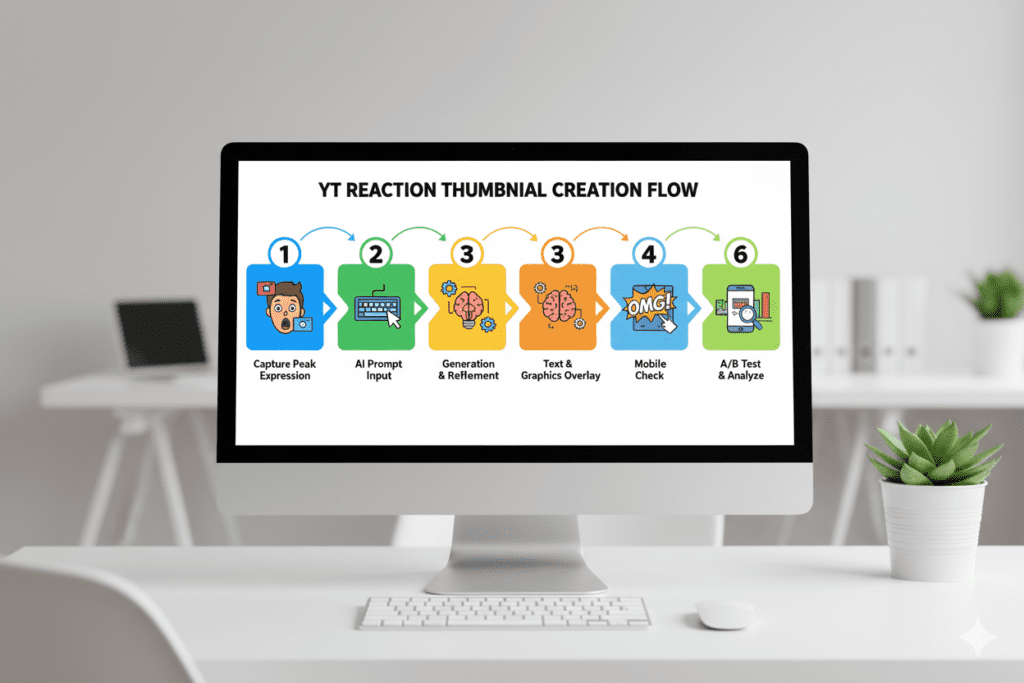
Let’s break this down into a simple workflow:
Step 1: Capture the Perfect Expression
While recording your video, exaggerate your reactions slightly.
Pause at the most emotional moment and use that frame.
Step 2: Remove the Background
Cut out your face and place it on a clean or vibrant background.
This instantly improves focus.
Step 3: Add a High-Impact Background
Use:
Bright gradients
Blurred scenes
Dramatic lighting effects
Avoid dull colors — they don’t attract attention.
Step 4: Highlight the Key Element
Show what you’re reacting to:
Add zoom effects
Use arrows or circles
Apply glow or blur for emphasis
This creates context and curiosity.
Step 5: Add Minimal Text
Keep it short and emotional.
Avoid explaining too much.
Step 6: Optimize for Mobile
Most viewers are on mobile.
Zoom out and ask:
Is the face clear?
Is the text readable?
Does it stand out at a small size?
If not, simplify further.
Common Mistakes That Kill CTR
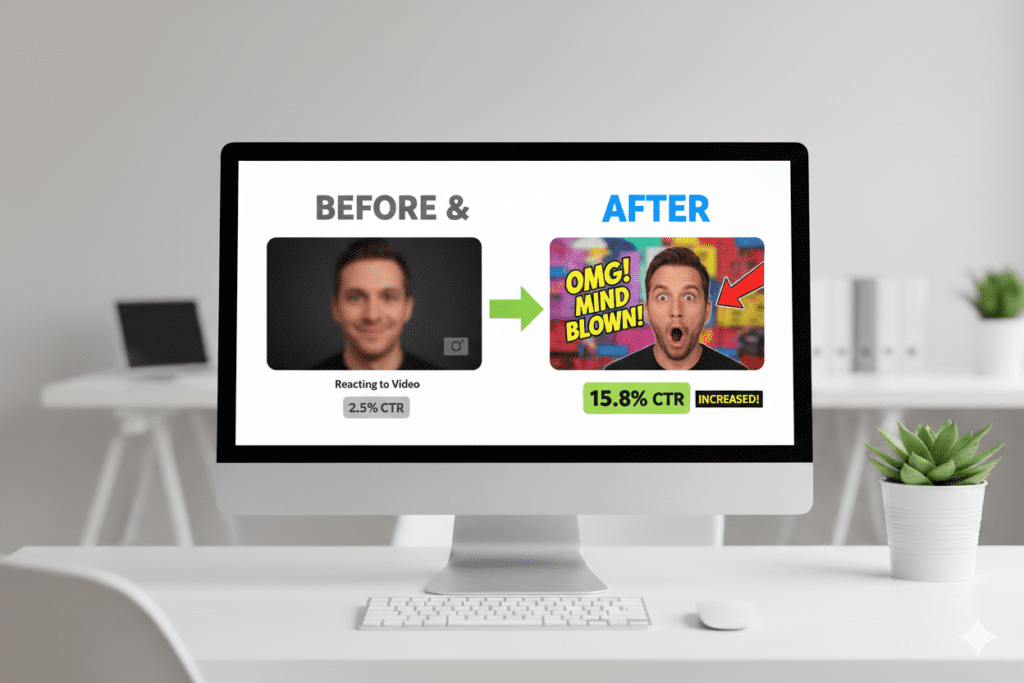
Even good creators make these mistakes:
❌ Too Much Going On
Crowded thumbnails confuse viewers.
❌ Weak Expressions
If your reaction looks normal, it won’t get clicks.
❌ Overuse of Text
Too many words reduce clarity.
❌ Misleading Clickbait
If your thumbnail lies, viewers leave quickly — and YouTube reduces your reach.
Reaction Thumbnail Trends in 2026
To stay competitive, you need to evolve with trends:
Extreme close-up facial expressions
Bright, saturated color schemes
Split-screen storytelling
Multiple emotional layers (before vs after reactions)
These styles are dominating high-CTR videos right now.
The Psychology Behind Why People Click
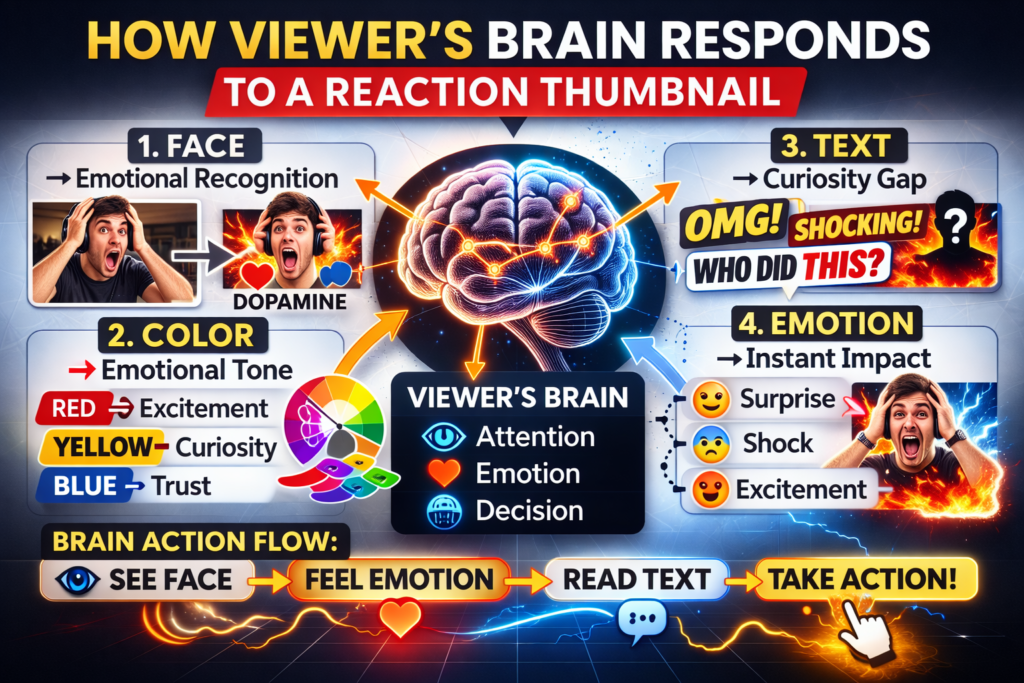
Understanding psychology gives you an edge.
Curiosity Gap
You show just enough to make viewers need the answer.
Emotional Trigger
Strong expressions make viewers feel something instantly.
Relatability
If viewers see a reaction they relate to, they’re more likely to click.
When these three combine, your thumbnail becomes powerful.
Testing and Improving Over Time
Creating one thumbnail isn’t enough.
You should:
Monitor CTR in YouTube Analytics
Update underperforming thumbnails
Experiment with different styles
Even a small improvement in CTR can significantly increase views over time.

Final Thoughts
A great thumbnail doesn’t happen by accident. It’s the result of understanding what makes people click and applying it consistently.
A reaction video thumbnail maker can help you design faster — but real growth comes from combining design with strategy.
Focus on:
Clear emotion
Simple layout
Strong contrast
Curiosity-driven elements
Do this consistently, and your thumbnails will stop being ignored — and start driving real results.