Step-by-Step Guide: Install AMD ROCm on Ubuntu with an RX 6600 GPU
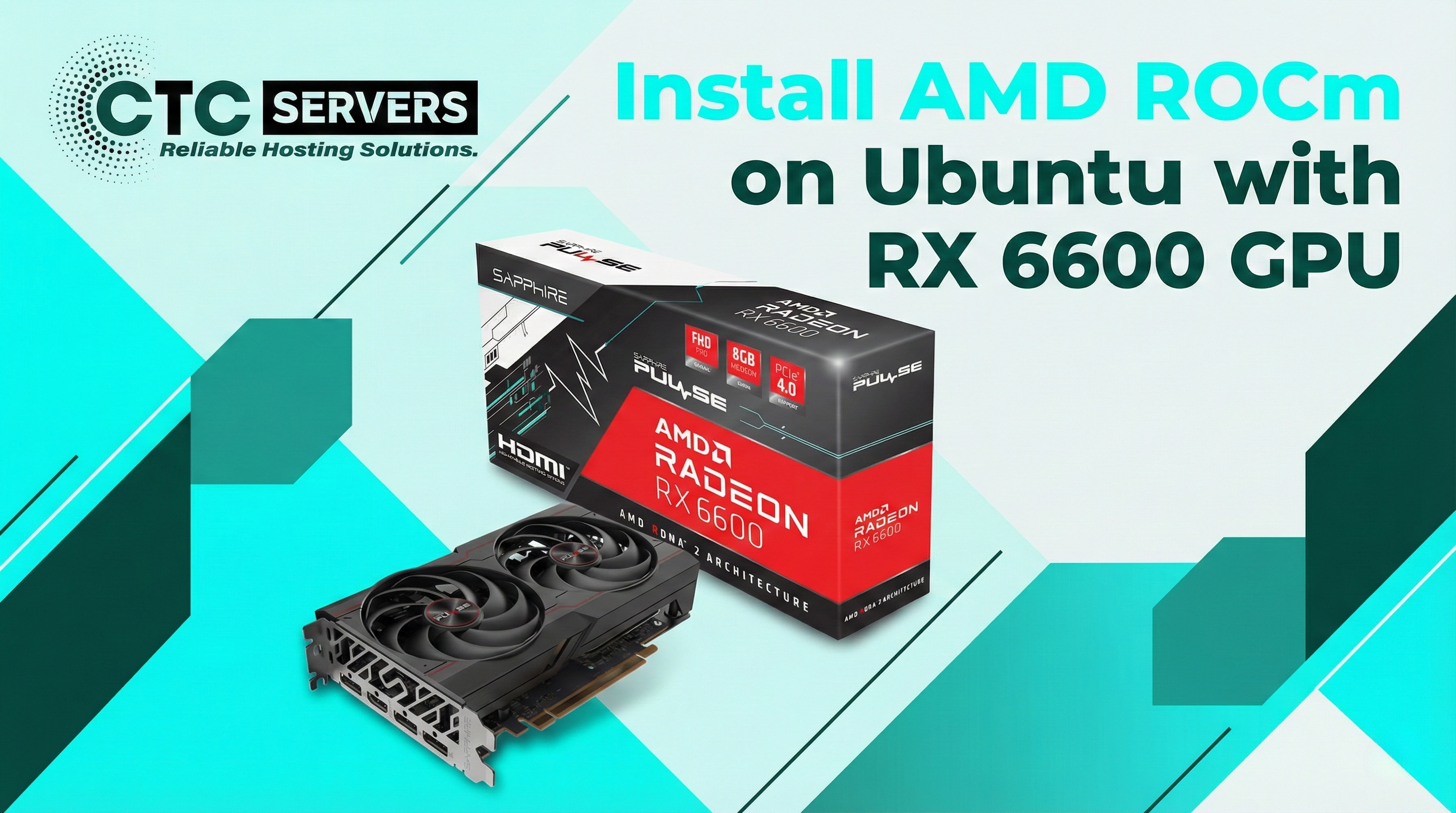
Want to run AI models like Llama 3.1 locally without massive cloud costs? AMD ROCm (Radeon Open Compute) lets you unlock the computing power of your AMD consumer GPU for machine learning and AI workloads right on Ubuntu.
⚠️ Important Note: The RX 6600 isn't officially supported by ROCm out of the box. Our guide shows you the exact environment overrides needed to make it work reliably!
What You Will Learn in This Tutorial:
System Prep & Permissions: Updating your kernel headers and configuring user groups for seamless GPU access.
Installing ROCm: Downloading the correct AMDGPU installer and configuring library paths.
Identifying Your GPU: Finding your exact RX 6600 device ID (crucial if your CPU has integrated graphics).
Ollama Setup (The "Override"): The secret sauce! We show you how to force ROCm to support the RX 6600 and tell Ollama exactly which hardware to target.
The Final Test: Running an AI model and monitoring power/clock speeds to verify the GPU is doing the heavy lifting.
Ready to set this up yourself? To keep this post clean, I haven't included the terminal commands here. If you want to see the code, copy the exact commands, and follow the technical step-by-step process, please visit the website!
🔗 Read More... https://www.ctcservers.com/tutorials/howto/install-rocm-amd-gpu-ubuntu/