GPerya APK Android Local Network Guide: Why Wi-Fi Access Can Work While Nearby Devices Stay Unreachable
GPerya APK Android Local Network Guide: Why Wi-Fi Access Can Work While Nearby Devices Stay Unreachable
A Philippines-focused Android networking guide to Local Network Protection, nearby-device permissions, mDNS, SSDP, sockets, Android 16 opt-in testing, and Android 17 enforcement.
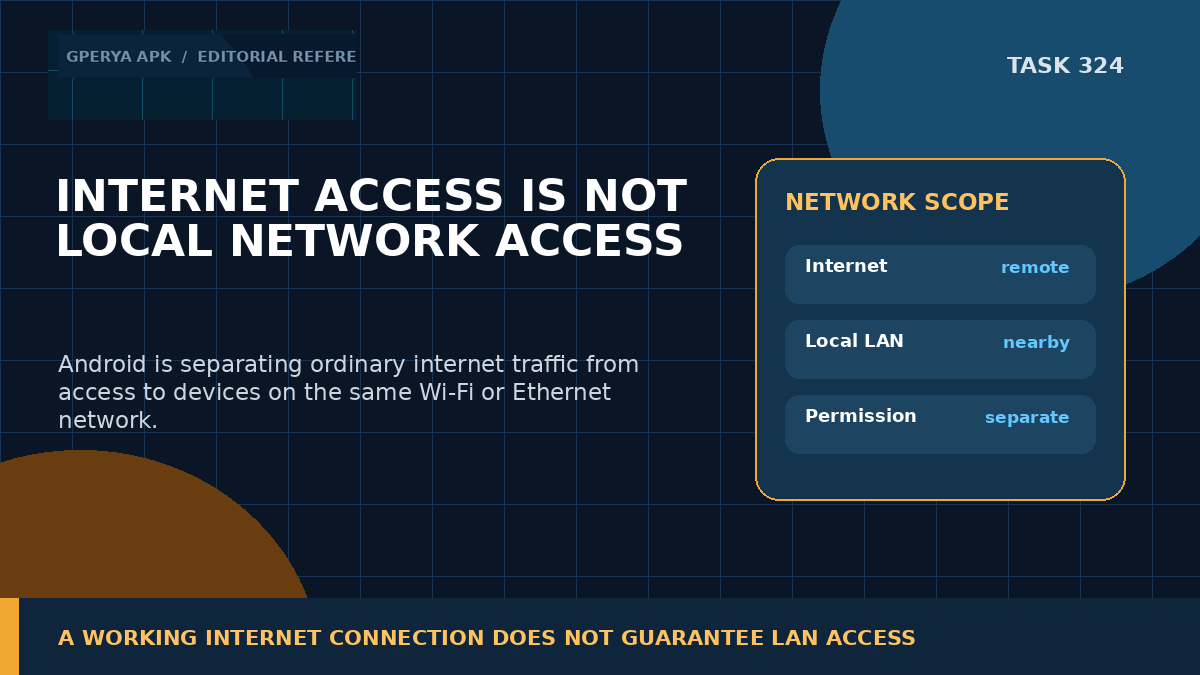
A phone can browse the web normally, load cloud data, and still fail to discover or connect to a device on the same Wi-Fi network. That behavior is becoming more important on modern Android because local-network access is being separated from ordinary internet access.
For Filipino readers using GPerya APK as a mobile-software reference, this distinction is useful whenever an app interacts with nearby devices, casting receivers, local dashboards, service discovery, or LAN-hosted content. A working internet connection only proves that remote networking works. It does not prove that the app is allowed to reach private addresses or local services on the same router.
Android's Local Network Protection work is designed around that privacy boundary. Android 16 introduced an opt-in restriction path for developers, while Android 17 adds an explicit ACCESS_LOCAL_NETWORK runtime permission for apps targeting API level 37 or higher.
1. Local network traffic is different from normal internet traffic
A local network is the Wi-Fi or Ethernet environment around the device: private IPv4 ranges such as 192.168.x.x and 10.x.x.x, link-local addresses, multicast traffic, broadcast traffic, and locally reachable IPv6 routes.
Internet traffic usually leaves that local environment and reaches public services through the router or mobile network. Android's newer protection model treats those paths separately because local-network access can reveal nearby devices and contribute to user fingerprinting or location inference.
That means “the internet works” is no longer enough information for troubleshooting. The application may have full cloud connectivity while LAN access is restricted.
2. Android 16 introduced the protection model as an opt-in test
Android 16's behavior-change documentation describes Local Network Protection as an opt-in feature during the transition period. Developers can enable a compatibility flag to understand which parts of the app rely on unrestricted LAN access.
Once the restriction is enabled for testing, local network traffic can fail unless the app has the relevant nearby-device permission state. Android specifically calls out raw sockets, mDNS, SSDP, NsdManager-based discovery, outgoing and incoming TCP connections, and UDP unicast, multicast, or broadcast traffic.
This is valuable because it lets developers find hidden dependencies before enforcement becomes the normal platform behavior.
3. The restriction applies below most networking libraries
Local-network protection is implemented deep in Android's networking stack. As a result, it is not limited to one API or one programming language.
Managed-code sockets, native sockets, libraries such as OkHttp or Cronet, and higher-level APIs that rely on local communication can all be affected. Even service discovery for .local names can require local-network permission under the protected model.
That architectural detail prevents a common mistake: swapping one HTTP library for another will not bypass a platform-level restriction. If the destination is a protected local address, the permission model still applies.
4. Android 17 introduces ACCESS_LOCAL_NETWORK
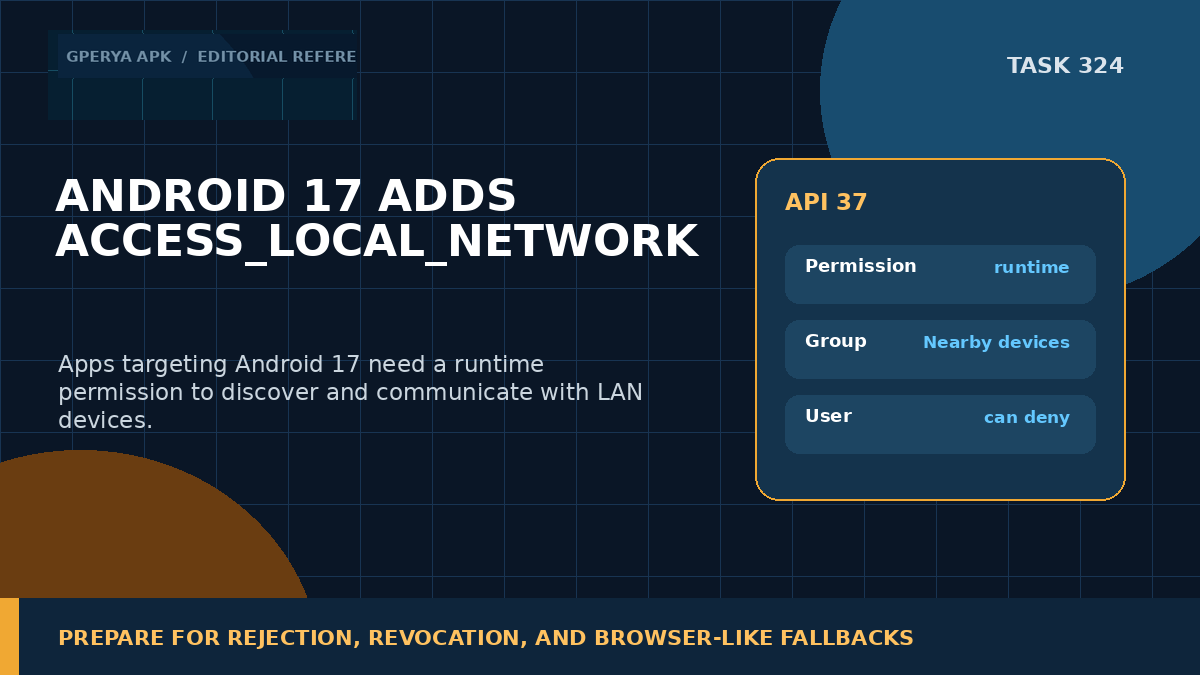
Android 17 formalizes the next stage with the ACCESS_LOCAL_NETWORK runtime permission for apps targeting API level 37 or higher.
The permission is part of the Nearby devices permission group and is intended for apps that need to discover or communicate with devices on the local area network, such as smart-home hardware, casting receivers, local services, or other LAN endpoints.
Because it is a runtime permission, the user can deny it. Applications must therefore be designed for the possibility that cloud features remain available while local-device features are unavailable.
5. Nearby Wi-Fi permission and local-network permission are related but not identical
Android already uses NEARBY_WIFI_DEVICES for several Wi-Fi management and nearby-device operations on Android 13 and later. That permission is part of the Nearby devices group and replaced some older cases that depended on precise location permission.
Local-network protection extends the privacy boundary further by focusing on the ability to communicate with LAN devices and addresses.
Developers should avoid assuming that every Wi-Fi-related feature uses the same permission. The correct requirement depends on the Android version, target SDK, and specific API or network operation being used.
6. WebView inherits the host app's local-network state
Android's current Local Network Protection guidance notes that WebView traffic requiring LAN access inherits the permission state of the host application.
That matters for hybrid apps. A web page embedded inside an app may successfully reach public HTTPS services but fail when JavaScript or embedded content tries to connect to a local address or local service.
Support teams should therefore check the host application's permission state before blaming the WebView renderer, the router, or the local device itself.
7. Casting and device discovery need careful migration
Many casting and device-discovery flows rely on local network protocols. Android's guidance explicitly identifies casting as an area affected by the transition, while also noting that future system-mediated pickers can reduce the need for broad permission prompts in some scenarios.
This is a better privacy direction because a user should not have to grant unrestricted LAN access merely to select one nearby device.
Applications should therefore prefer platform-mediated discovery or picker flows where available and request broad local-network permission only when their core functionality genuinely requires it.
8. Permission denial should produce a feature-level fallback
A denied local-network permission should not make the whole application look offline.
If cloud content still works, keep it working. Disable or explain only the features that require LAN access. For example, a nearby-device button can show that local access is unavailable while account data, remote APIs, and ordinary web content remain functional.
This distinction reduces unnecessary troubleshooting. It also prevents the user from being told to reset Wi-Fi, reinstall the app, or clear data when the real issue is a permission decision.
9. A practical test sequence
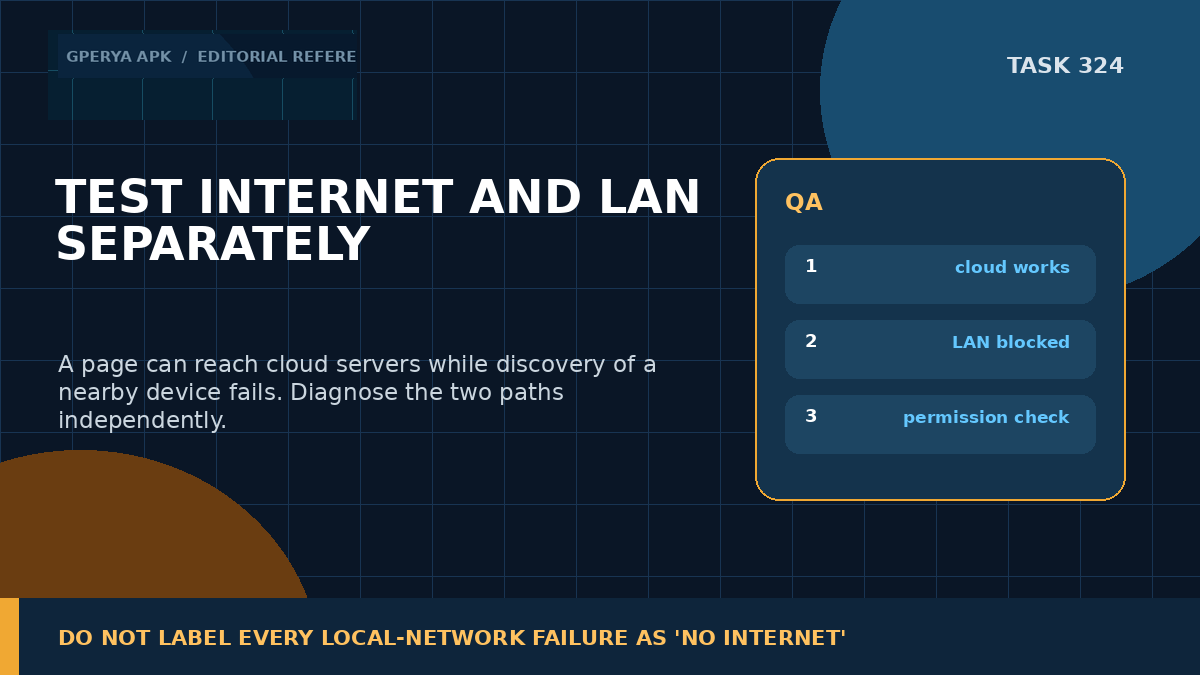
Start by testing a normal public HTTPS endpoint to confirm internet connectivity. Then test the local-network feature separately: device discovery, a private IP address, a .local hostname, or the relevant LAN service.
Check the Android version, target SDK, current Nearby devices permission state, and whether the app has opted into or is subject to Local Network Protection. Re-test after permission denial and revocation, not only after granting access.
GPerya app download guide can provide brand-side context for Android access and installation, but local-network behavior should be diagnosed from Android's actual permission and network state rather than inferred from the APK name or installation source.
Final takeaway
Modern Android is making one privacy boundary clearer: reaching the internet and reaching nearby devices are not the same permission problem.
For GPerya APK-related Android troubleshooting, a phone that loads cloud content but cannot find a local device may be behaving exactly as the platform intends. Android 16 provides the transition and testing path, while Android 17 introduces ACCESS_LOCAL_NETWORK for apps targeting API 37 and higher.
The durable engineering approach is to separate cloud and LAN diagnostics, request local access only when the feature truly needs it, handle denial without breaking unrelated functionality, and test the complete permission lifecycle before release.
Sources & Benchmark References
• Android Developers — Android 16 behavior changes / Local Network Permission — https://developer.android.com/about/versions/16/behavior-changes-16
• Android Developers — Android 17 behavior changes / Local network permission — https://developer.android.com/about/versions/17/behavior-changes-17
• Android Developers — Manifest.permission.ACCESS_LOCAL_NETWORK — https://developer.android.com/reference/android/Manifest.permission
• Android Developers — Nearby Wi-Fi devices permission — https://developer.android.com/develop/connectivity/wifi/wifi-permissions
• GPerya APK — Homepage / brand-side context — https://gperya-apk.com/
• GPerya APK — App download guide / brand-side context — https://gperya-apk.com/gperya-app-download/