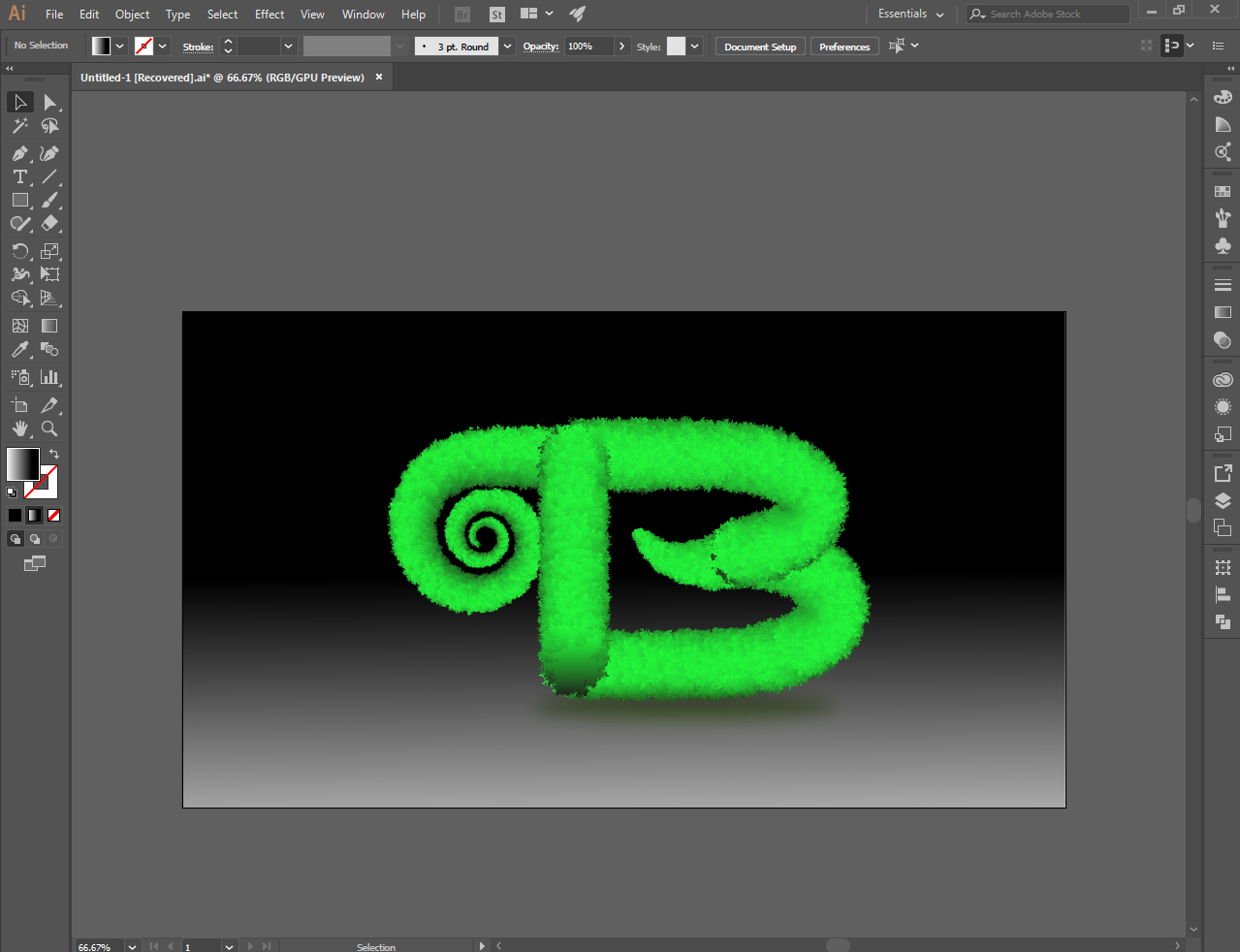
Making Realistic Text Using Illustrator
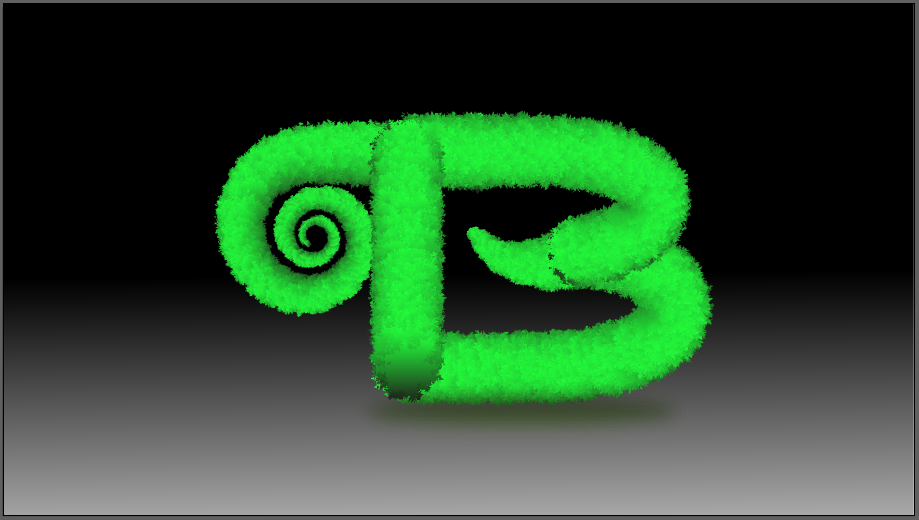
You can use illustrator to make realistic text, as I did in this letter. You can do it with any of the letters you want to make them realistic with the illustrator.
I will show you the simple procedure how to make realistic text to the illustrations below.
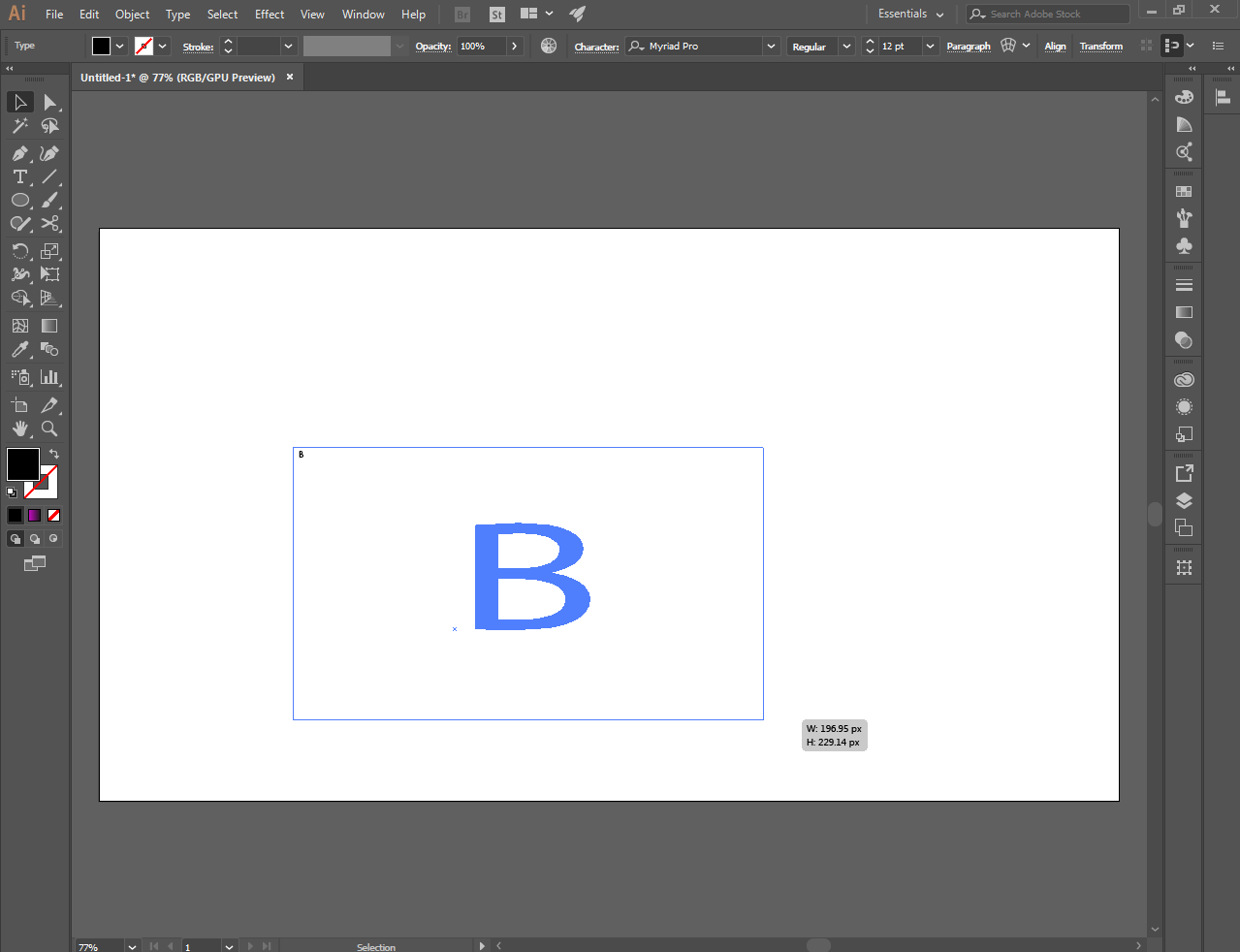
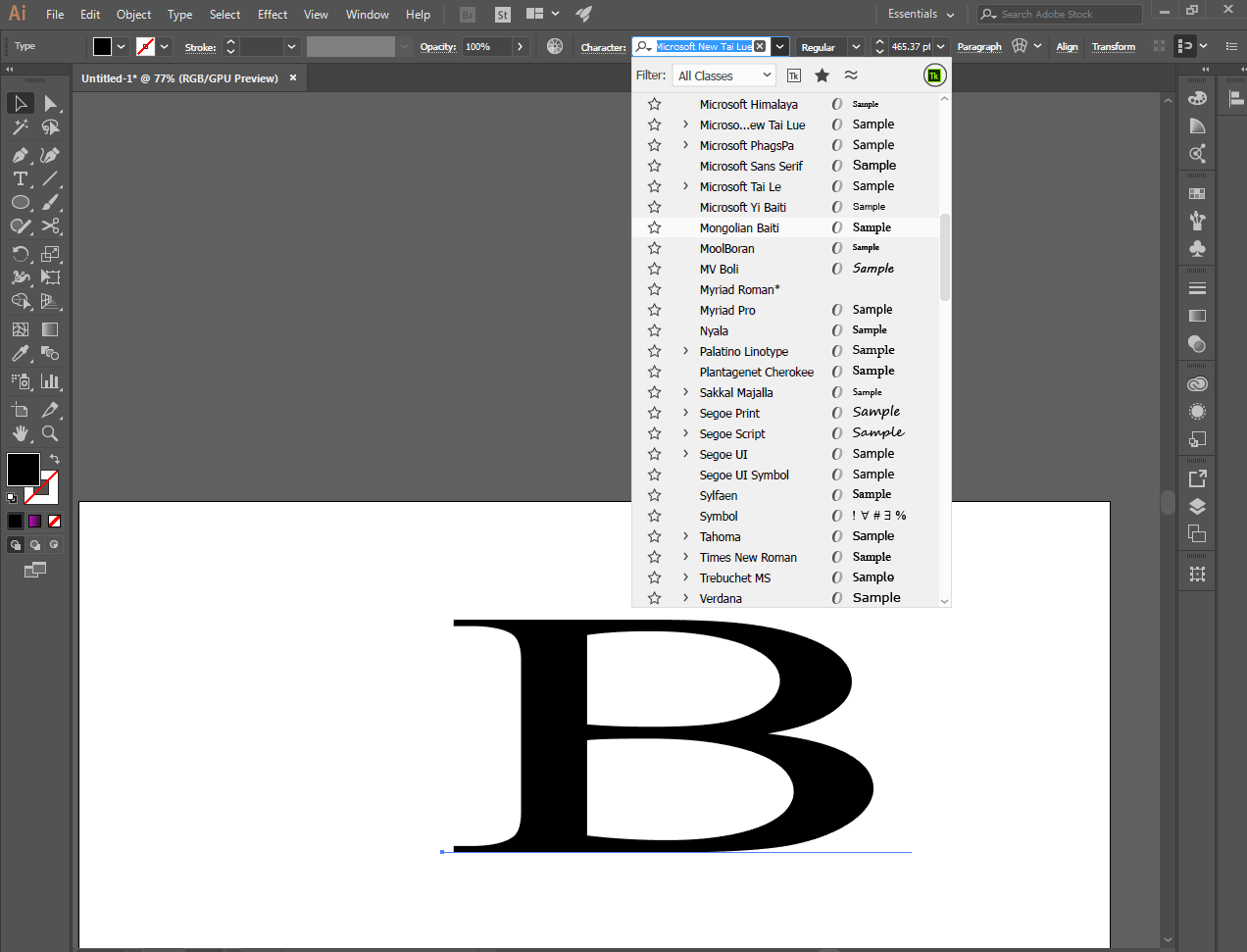
First, you can choose letters from the the type tool
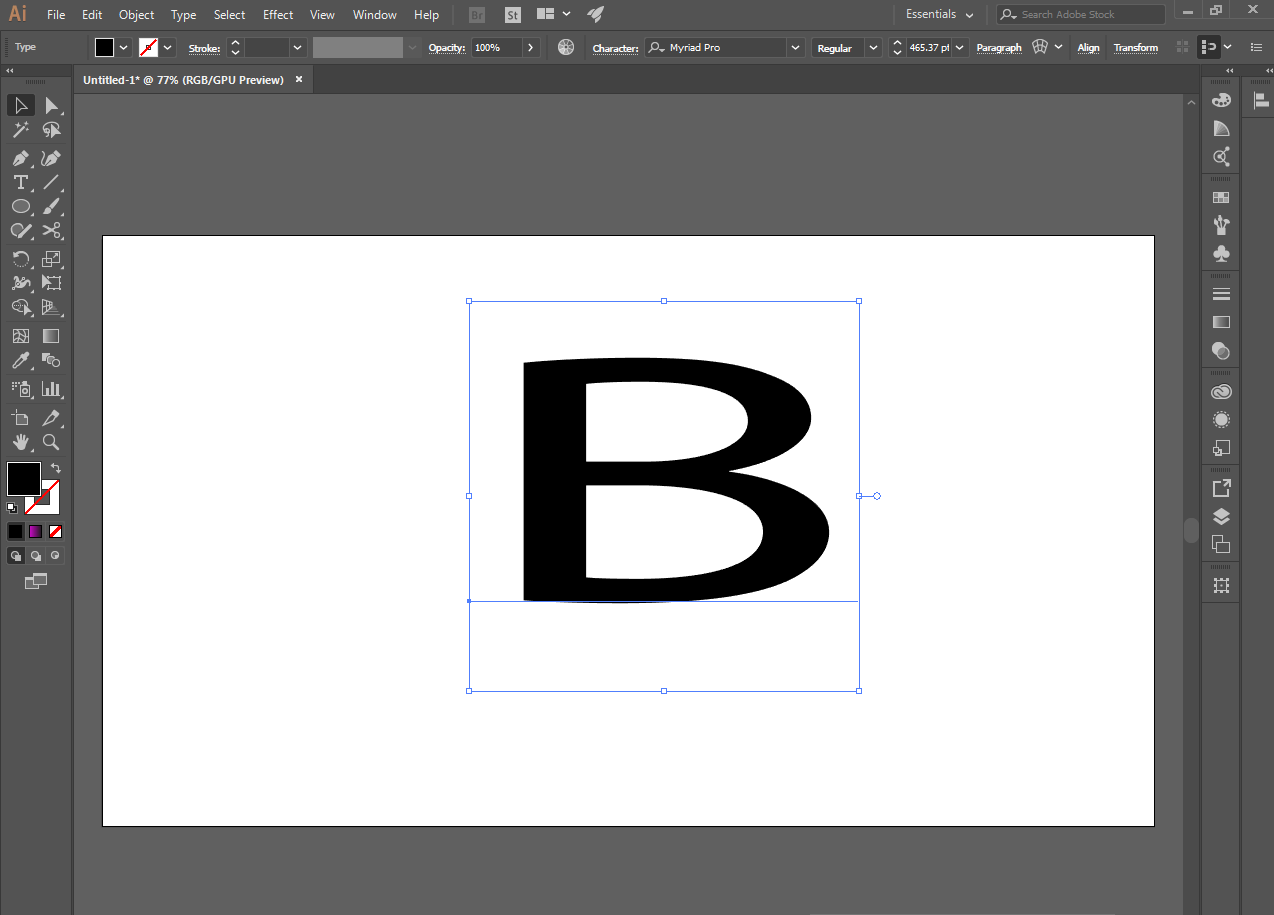
Then choose the font you want in the letter you selected, I choose bold letter
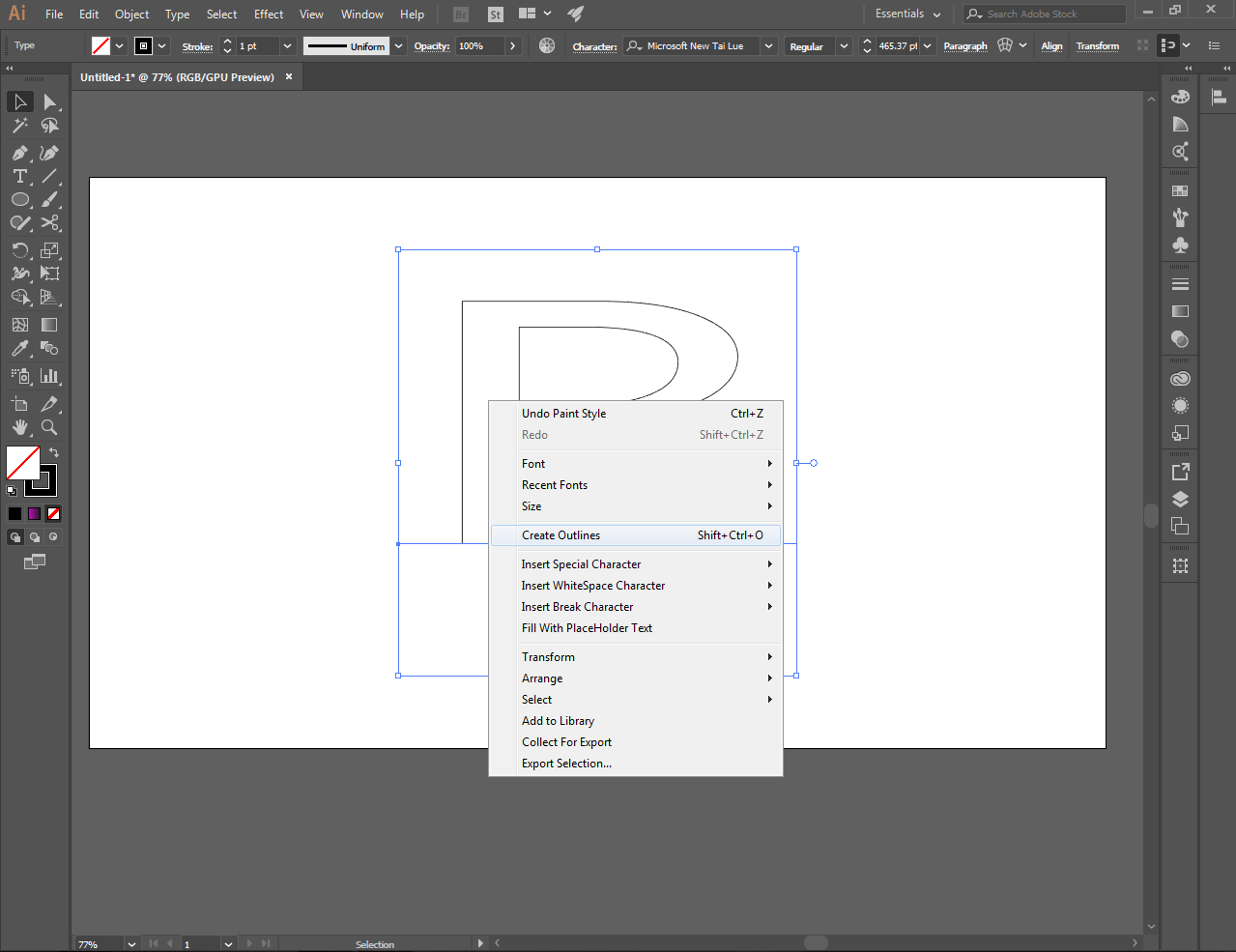
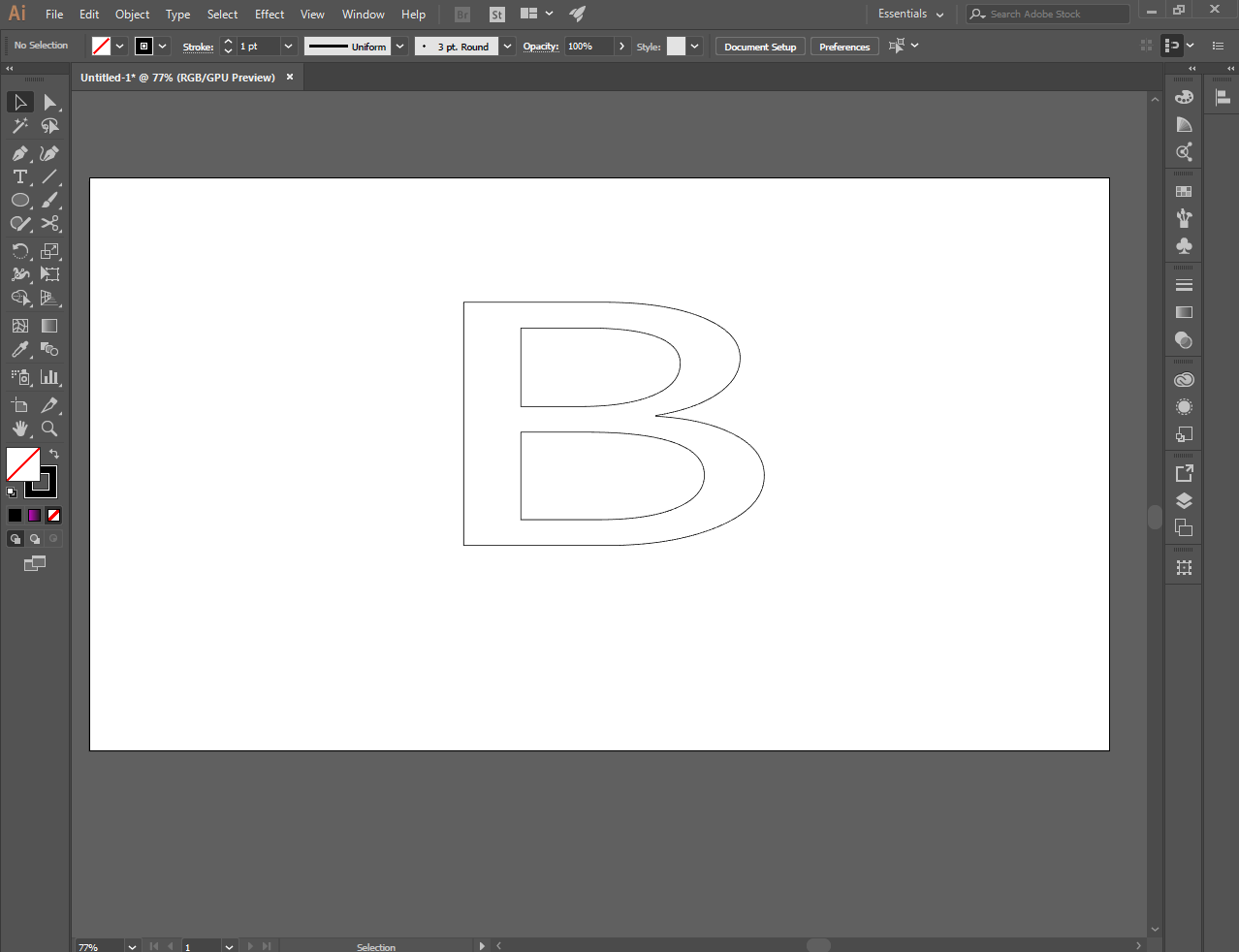
Then select create outlines
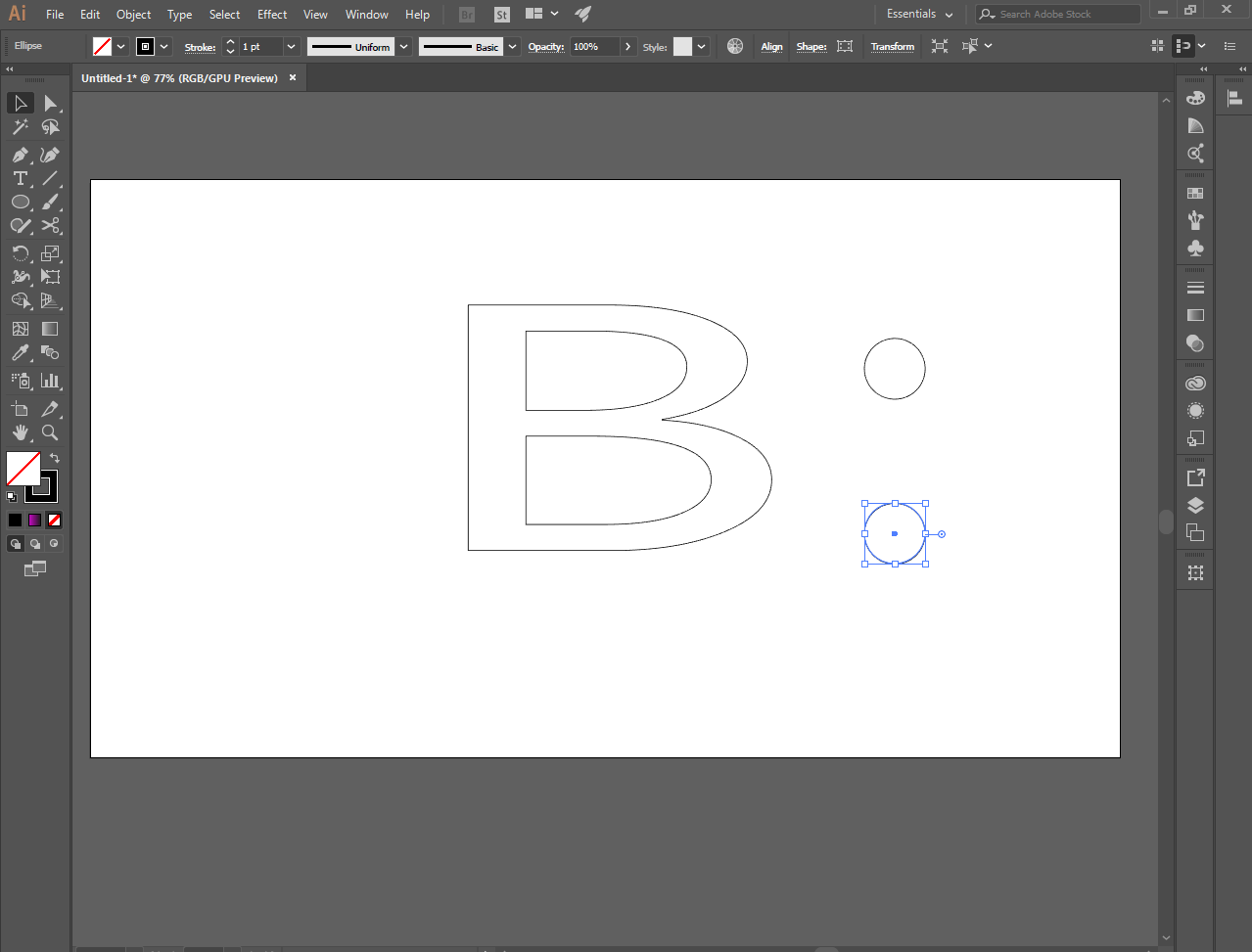
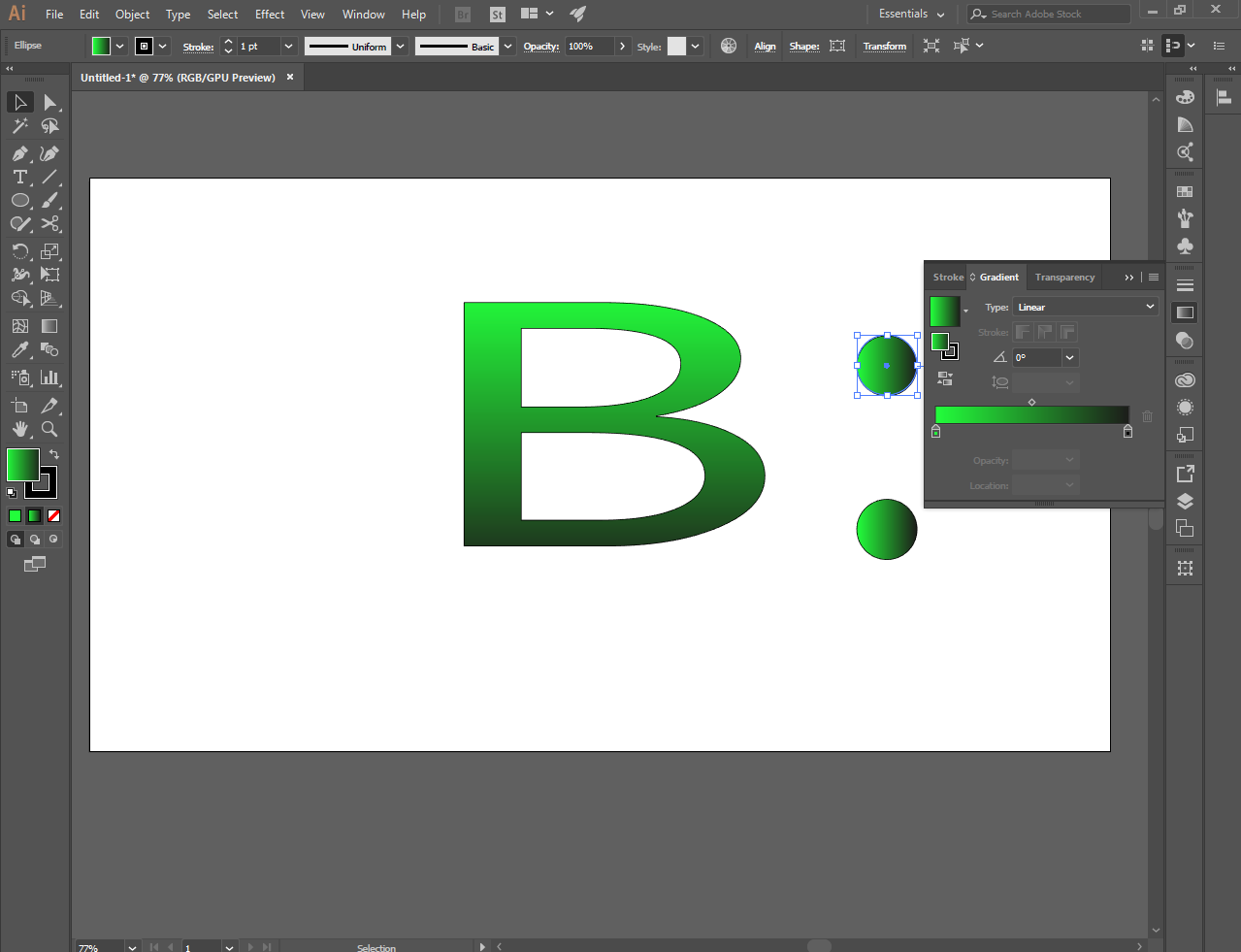
Make 2 small perfect circle using the elipse tool
And color it using the gradient tool. I chose green for everyone
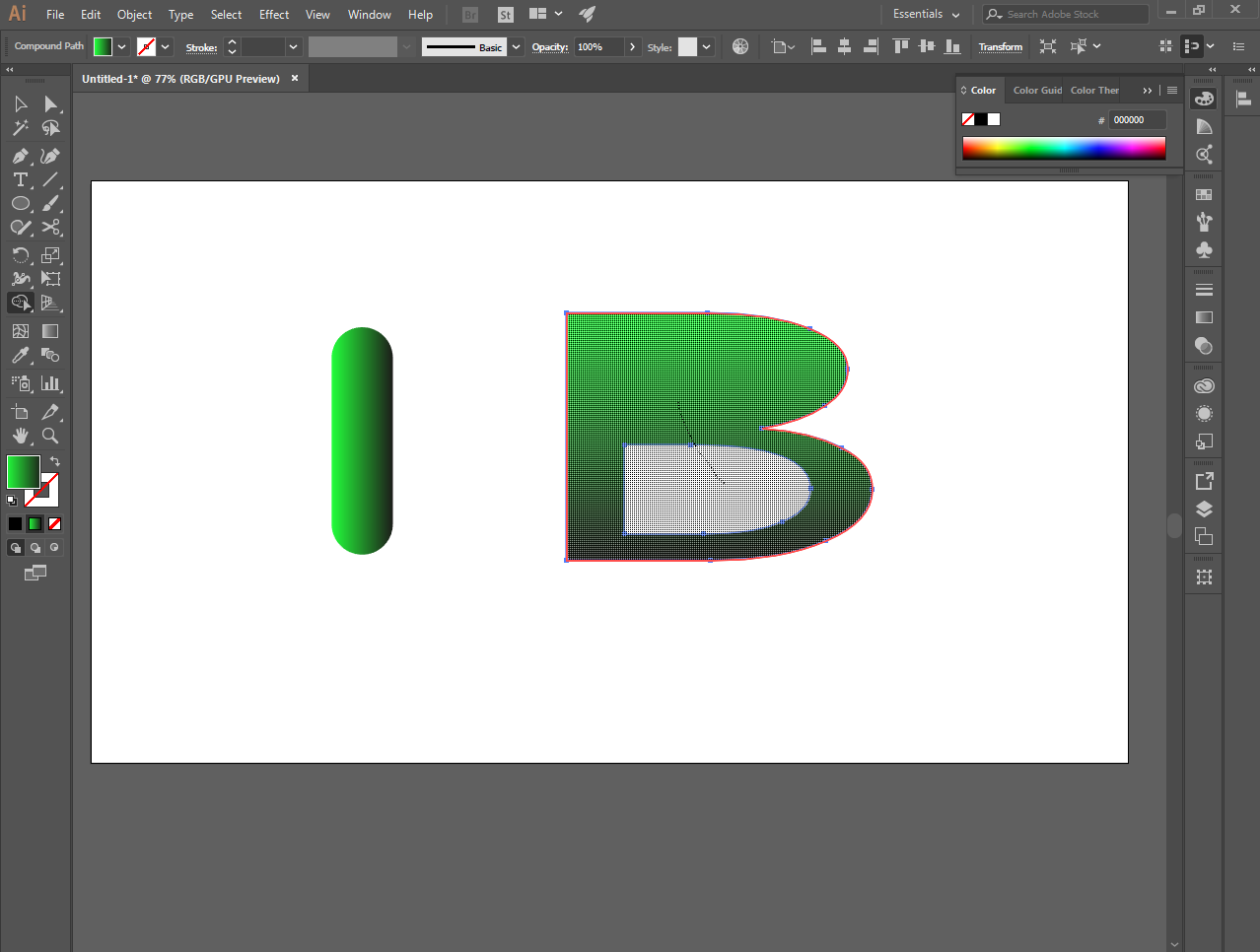
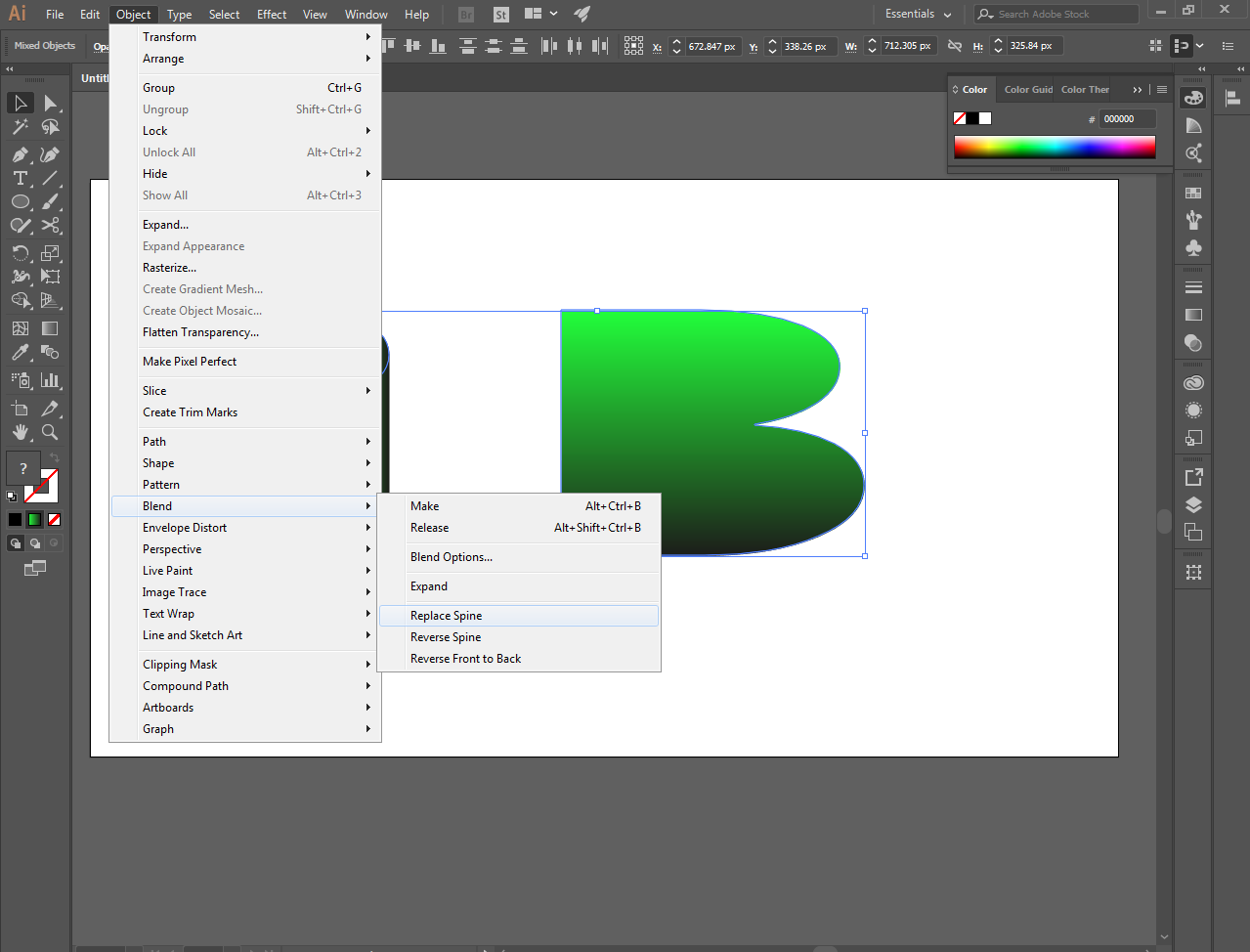
And combine them all through the blend tool to make a realistic text
This is it.
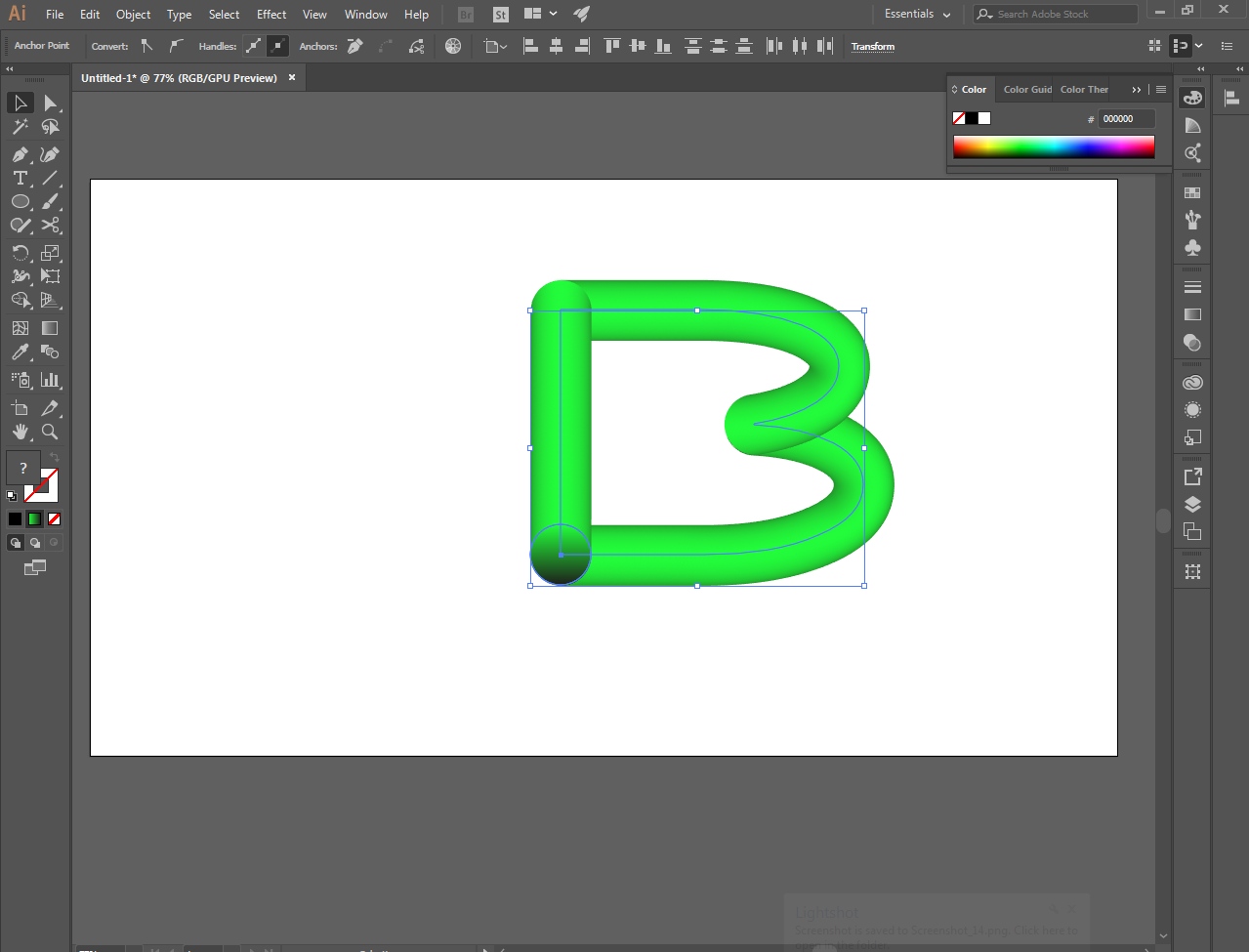
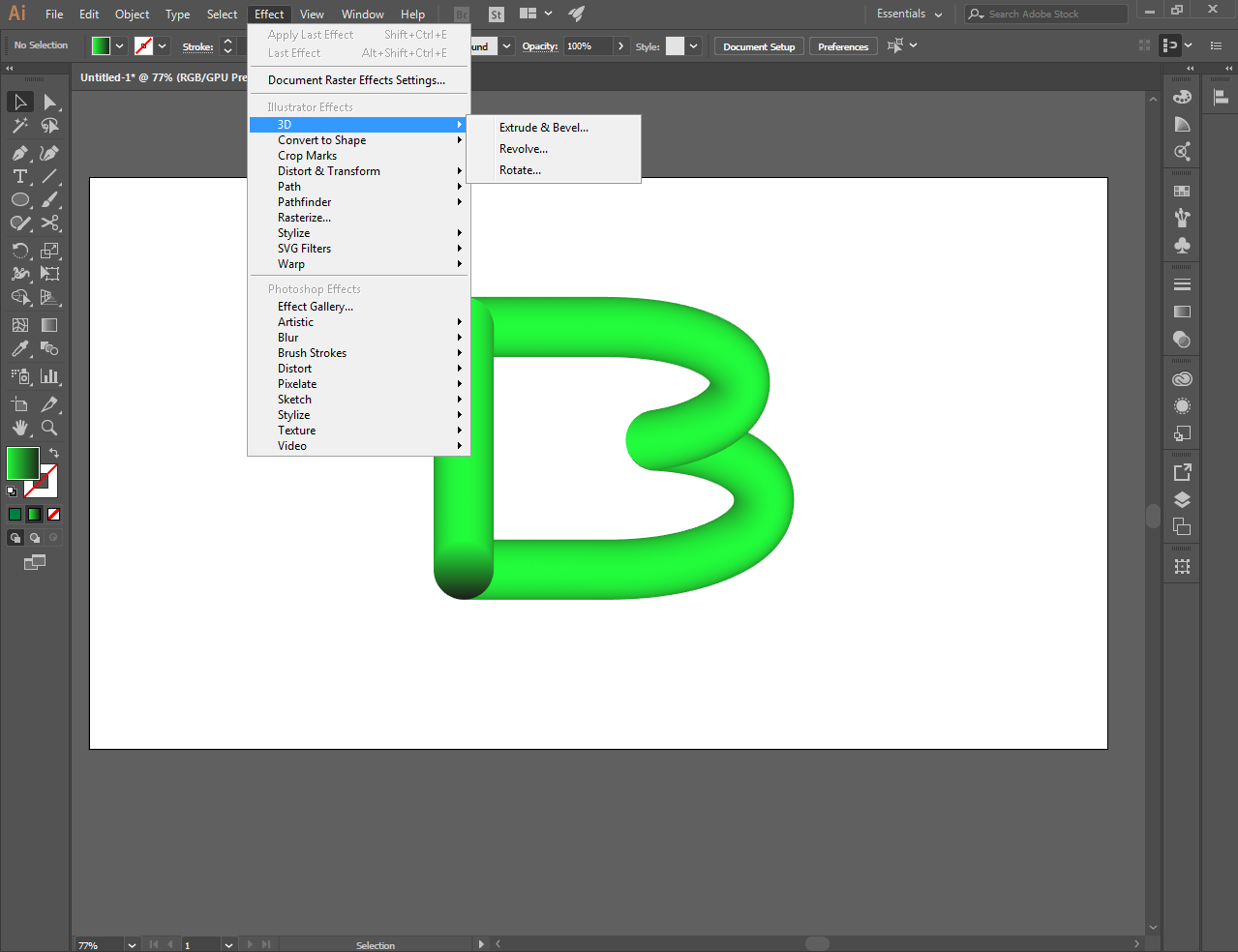
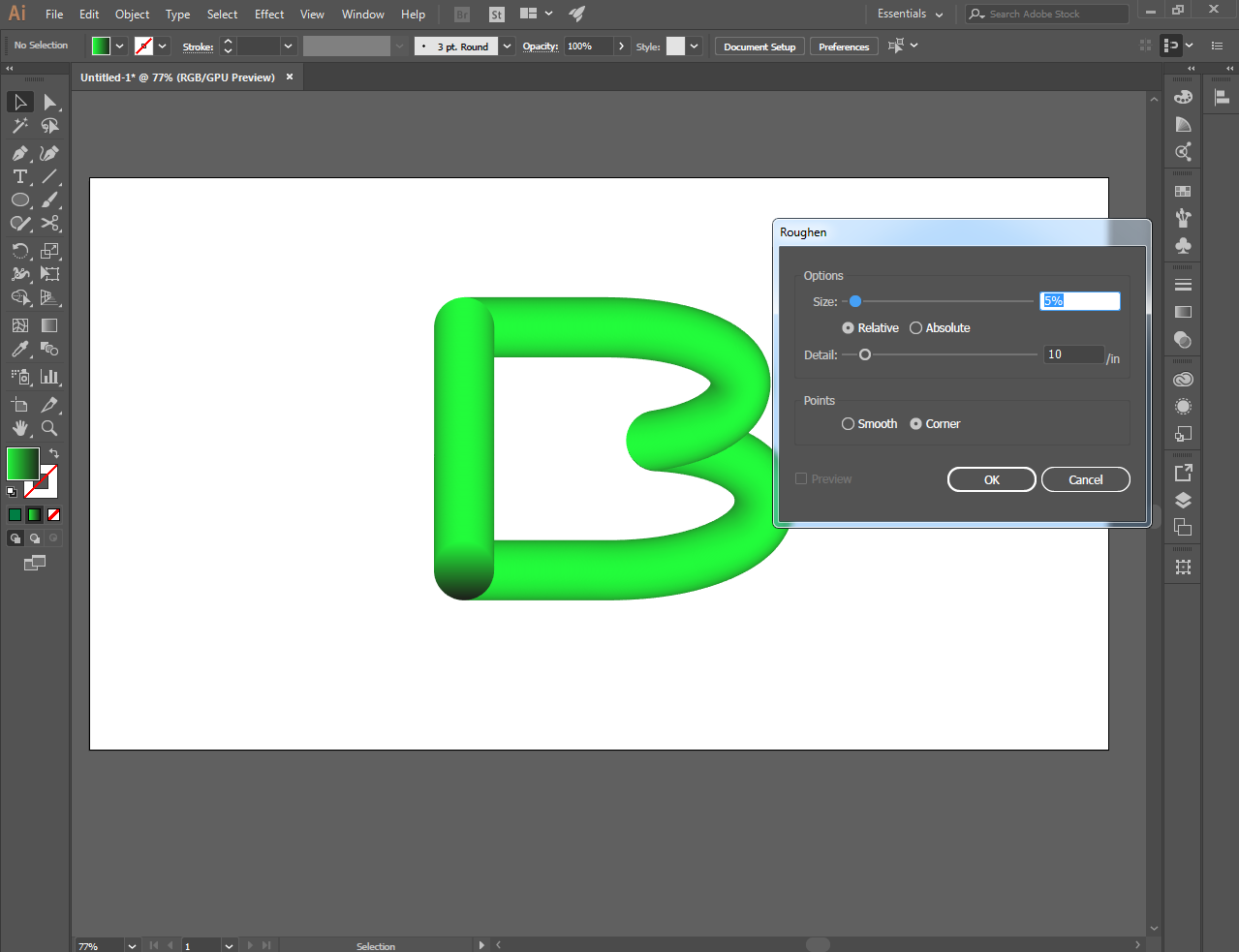
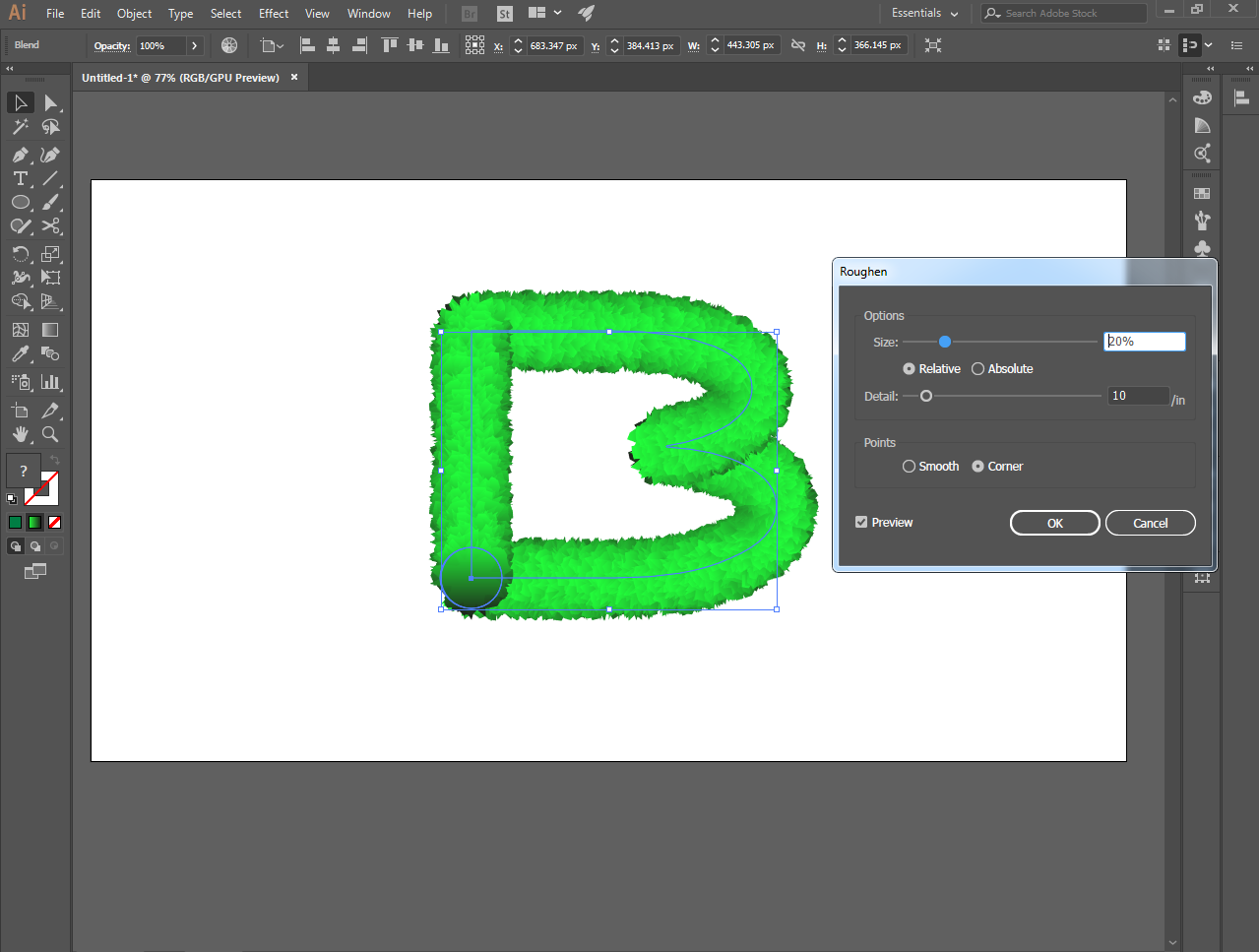
And make it even better with the 3d effect by roughen tools
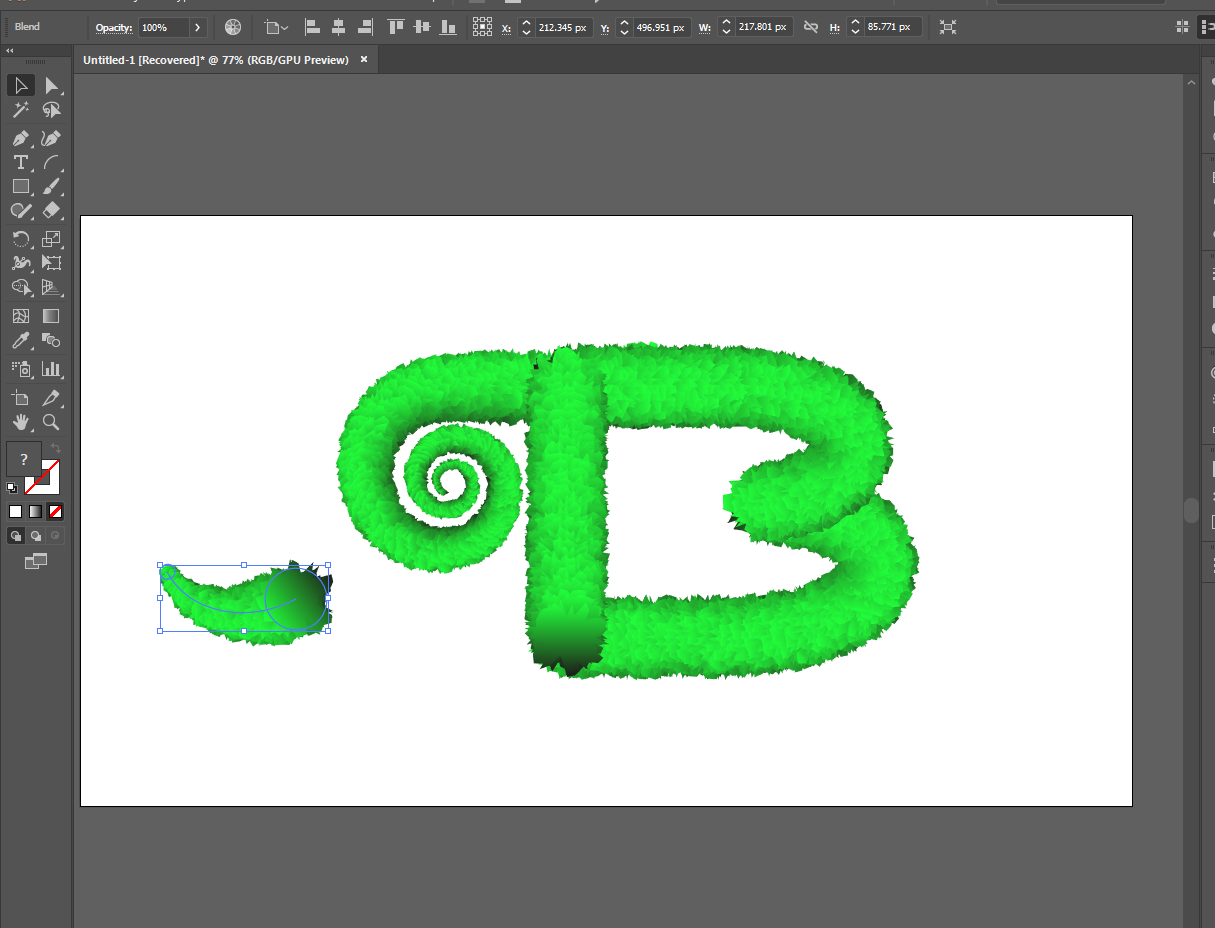
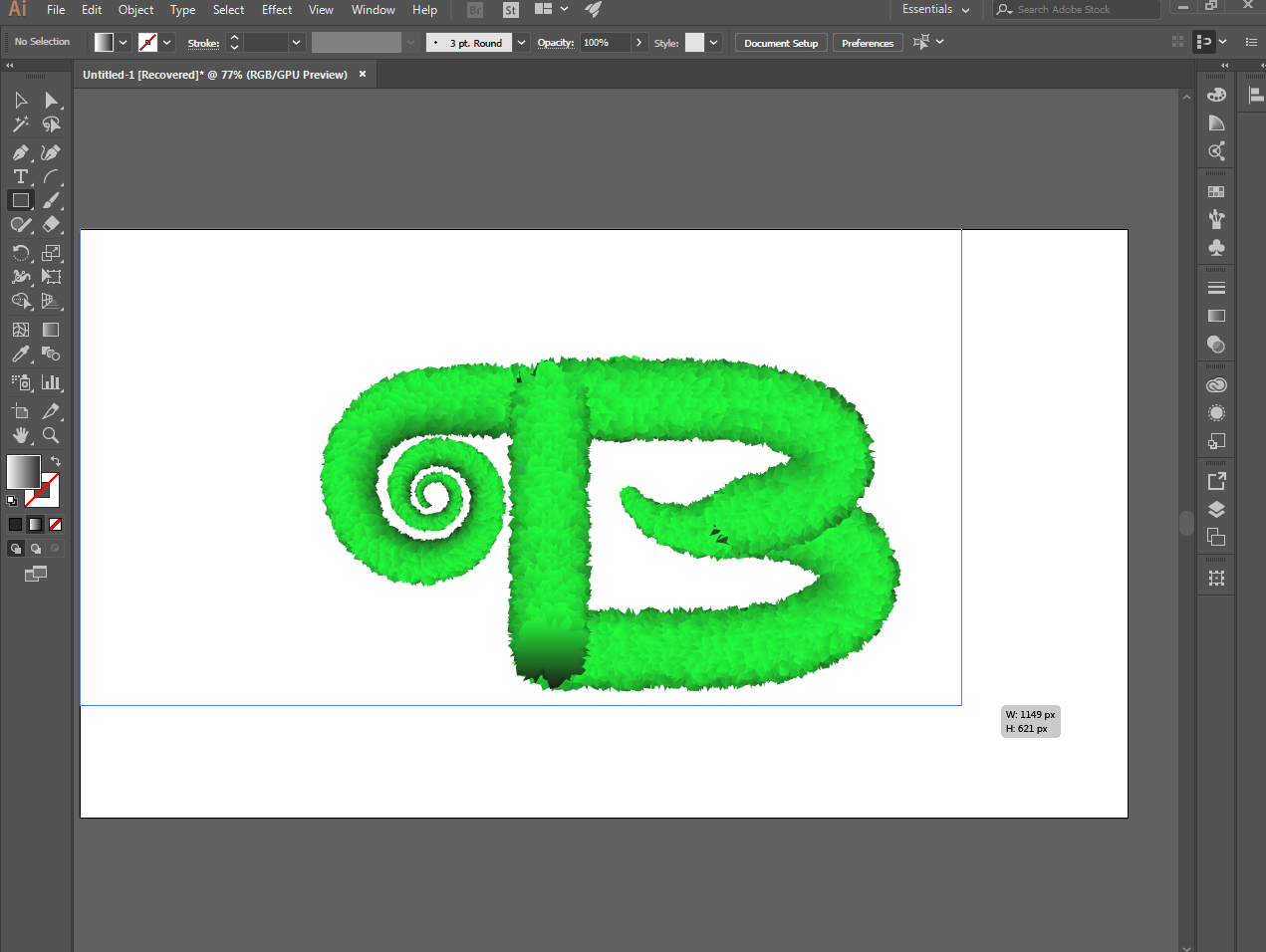
Then choose background you like suitable to your work
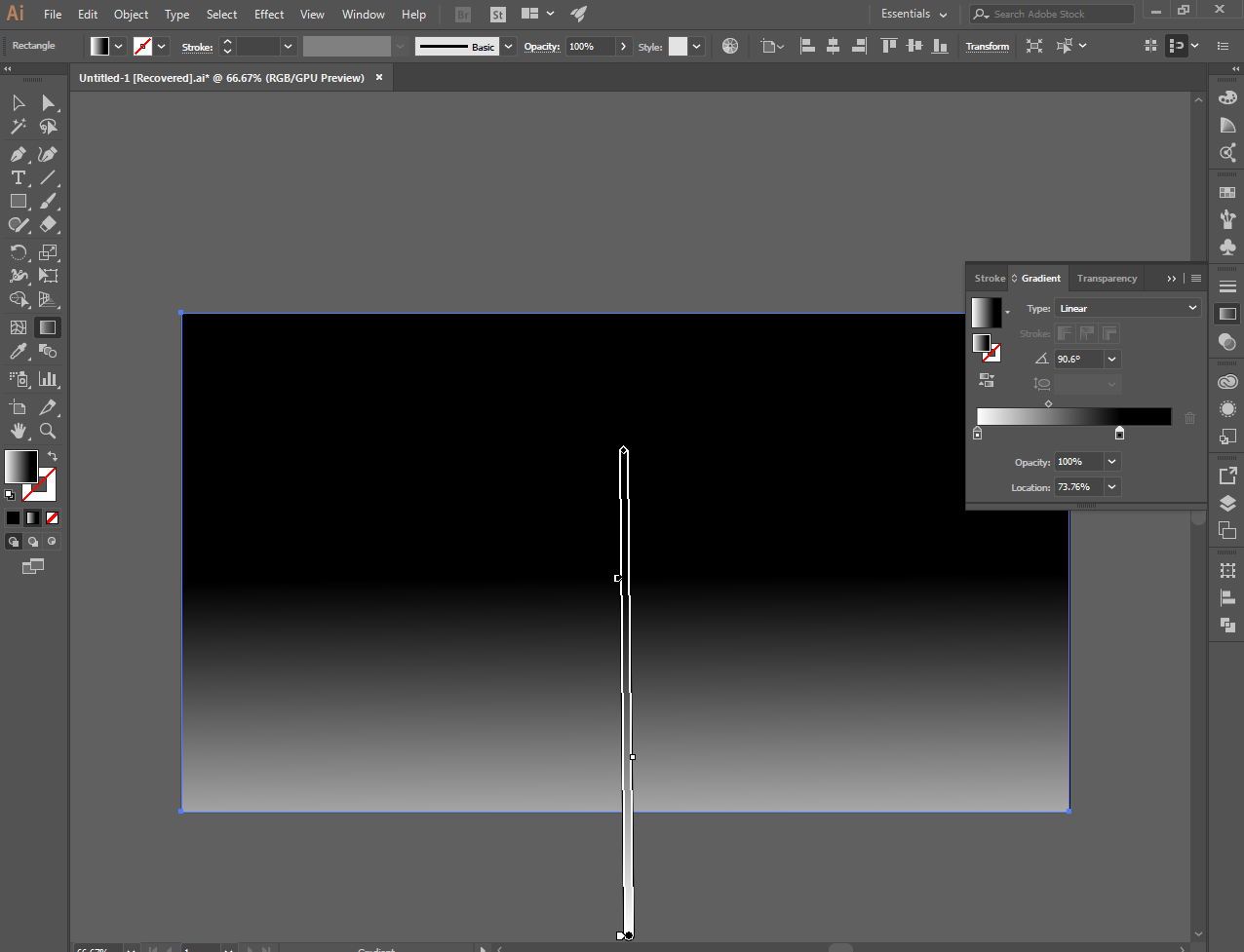
This is it, a simple realistic text using the illustrator ..thanks for everyone till next time.