How Refunds Work on a Virtual Crypto Card: The Mechanics Most Users Don't Think About
The question that comes up after the first refund:
A user with a BeeXpay virtual card returns an item or cancels a service. The merchant initiates a refund. The user expects the money to come back — but where exactly? Back to the crypto wallet? Back to the card? Back as some new balance? The answer affects what the user can do with the refund and how to think about it for accounting purposes. For crypto cards specifically, the refund flow has some characteristics that differ from traditional bank cards, and knowing the mechanics in advance avoids confusion when refunds happen in practice.
How a normal card refund works
On a traditional bank card, a merchant-initiated refund returns funds to the card's source account. For a debit card linked to a checking account, the refund credits the checking account. For a credit card, the refund reduces the credit card balance. The flow is straightforward because the card's funding source is a fiat account that can simply receive a credit. The merchant pushes the refund through the same network the original transaction used, and the funds appear back in the user's account within a few days depending on the processor.
How a virtual crypto card refund works differently
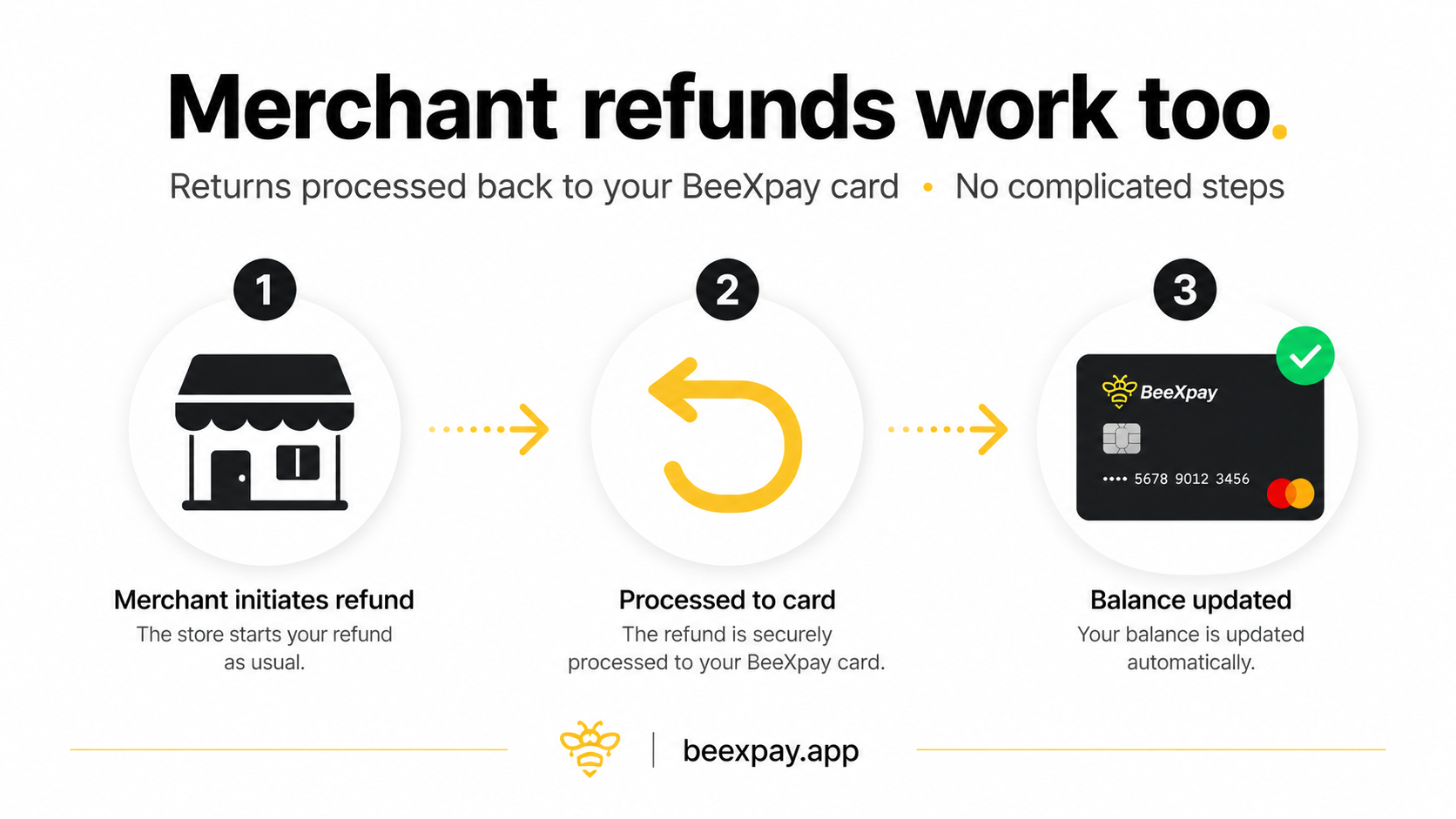
A crypto-funded virtual card has a different structural relationship with its funding source. The crypto wallet doesn't sit behind the card as a directly creditable account — instead, crypto was converted to USD at the moment of the original transaction, and the USD was used to pay the merchant. When the merchant refunds, the refund returns USD to the card's balance, not crypto to the wallet. The user now has a USD balance sitting on the card that can be spent at any merchant or, depending on the platform, withdrawn back to crypto. BeeXpay's mechanism credits refunds to the card's USD balance, where they're available for subsequent spending immediately.
Why the refund doesn't auto-reconvert to crypto
The reason refunds don't automatically convert back to the original crypto is partly technical and partly economic. Technically, the merchant refund happens through the card network and arrives as USD at the issuer; converting that USD back to specific crypto requires another conversion step that introduces another rate, another fee, and potentially loss versus the original price. Economically, the original conversion already happened at the moment of the purchase; reversing it would expose the user to the difference between the original conversion rate and the refund-time conversion rate, which could be either favorable or unfavorable. By leaving the refund as USD on the card, BeeXpay leaves the decision to the user about whether and when to convert it back.
What the user can do with a refunded balance
Once the USD refund is on the card, the user has several options. The simplest is to spend it directly on another merchant transaction — the balance behaves like any other USD on the card. The user can also request a withdrawal back to crypto, which converts at the current rate (with any applicable conversion fees). Or the user can leave the balance on the card for future use. The decision depends on the user's preferences and what's most useful at the moment. For users who plan to keep spending on the card, leaving it as USD is the simplest path. For users who want to return value to the crypto side of their finances, the withdrawal option is available.
Timing of refunds and what to expect
Refund timing depends on the merchant and the card network. Most refunds clear within 3–5 business days, but some take longer depending on the merchant's processing and the network's settlement. The user can see pending refunds and completed refunds in the BeeXpay app or Mini App. If a refund hasn't appeared within 7–10 business days, contacting the merchant first is usually the right step — the issue is usually on the merchant side rather than the card platform side. The card network handles the refund mechanically the same way it would for any USD card.
Where refunds qualify for BeeXpay's refund policy
BeeXpay's terms address refund handling in specific cases beyond merchant refunds. The platform refunds for situations including double payment of issuance fees, technical errors that result in failed transactions where funds were charged, and unjustified KYC refusal where the user was charged before being declined. These platform-side refunds operate on a 7-day notification window and follow the same mechanism of returning USD to the card balance. They're separate from merchant refunds but use the same flow.
How to plan for refunds in monthly card management
For users managing crypto card spending carefully, refunds are worth incorporating into the monthly picture. A return on a $100 purchase doesn't restore $100 of crypto — it restores $100 of USD on the card. If the user wants to maintain a constant crypto balance, the refund needs to be actively converted back. If the user wants to keep spending power on the card, the refund stays where it is and can be drawn down on the next purchases. Either pattern is workable; the choice is between maintaining the crypto position or maintaining the card spending balance, and refunds make the choice explicit.
Closing CTA
Refunds on a crypto card return to the card balance as USD rather than auto-converting back to crypto. Understanding this flow in advance makes the refund experience less confusing when it happens. The user retains the choice of whether and when to convert the refund back to crypto.
Explore the refund process → https://beexpay.app