CCE Cash Add Exchange: Run Multiple Crypto Swaps in Parallel Without Starting Over
The Problem With Doing Swaps One at a Time
If you're moving assets across multiple chains — converting staking rewards on three different networks, or doing a monthly portfolio rebalance — doing each swap sequentially wastes time. You wait for swap 1 to complete, then start swap 2, then wait again.
CCE Cash's Add Exchange feature solves this.
How Add Exchange Works
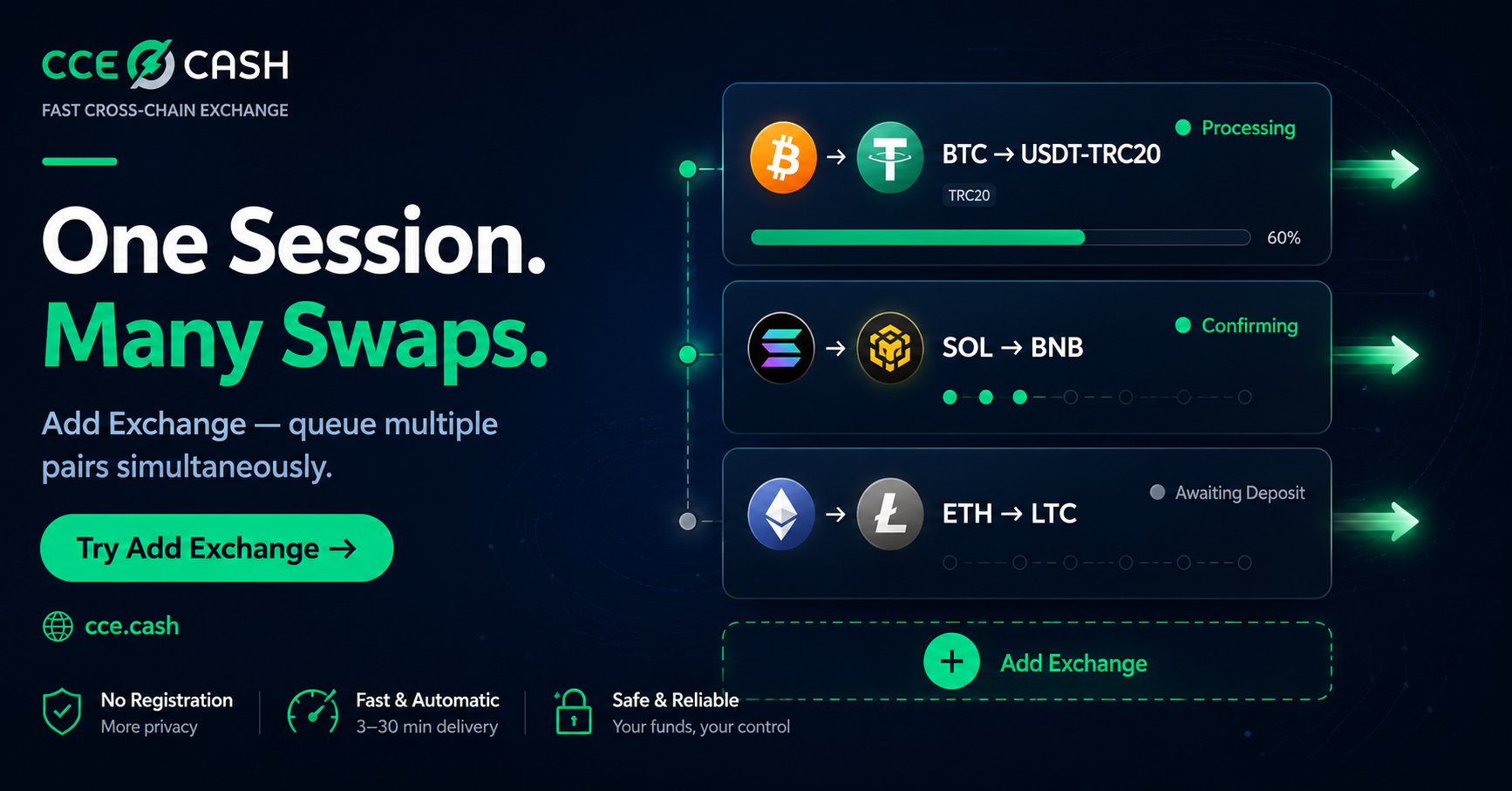
After creating your first exchange order, you'll see a "+ Add Exchange" button. Click it to open a second exchange configuration — new pair, new rate mode, new deposit address — while the first order continues running independently.
Each additional exchange: its own deposit address, its own rate mode (fixed or floating), its own order inquiry code for tracking. All run simultaneously.
When to Use It
Monthly rebalancing: Convert SOL rewards, BNB rewards, and ETH rewards in one session. Three deposit addresses, three parallel exchanges, one session.
Multi-chain positioning: Moving BTC to USDT and SOL to BNB simultaneously — same session, no waiting between them.
Multi-step routing: Set up both legs of a two-step conversion in the same session (note: the second leg's timing depends on the first delivering output).
Order Tracking
Each order has a unique inquiry code. Track any order at any time from any browser — real-time status on all parallel exchanges without a login.
Discussion question: How many separate exchange sessions do your monthly operations typically require? Would parallel execution change that significantly?