Teaching Cyber Security (Unit2 - Part 1)
Hacking and protecting the secret server
Our mission is to get inside this server and fix the security:
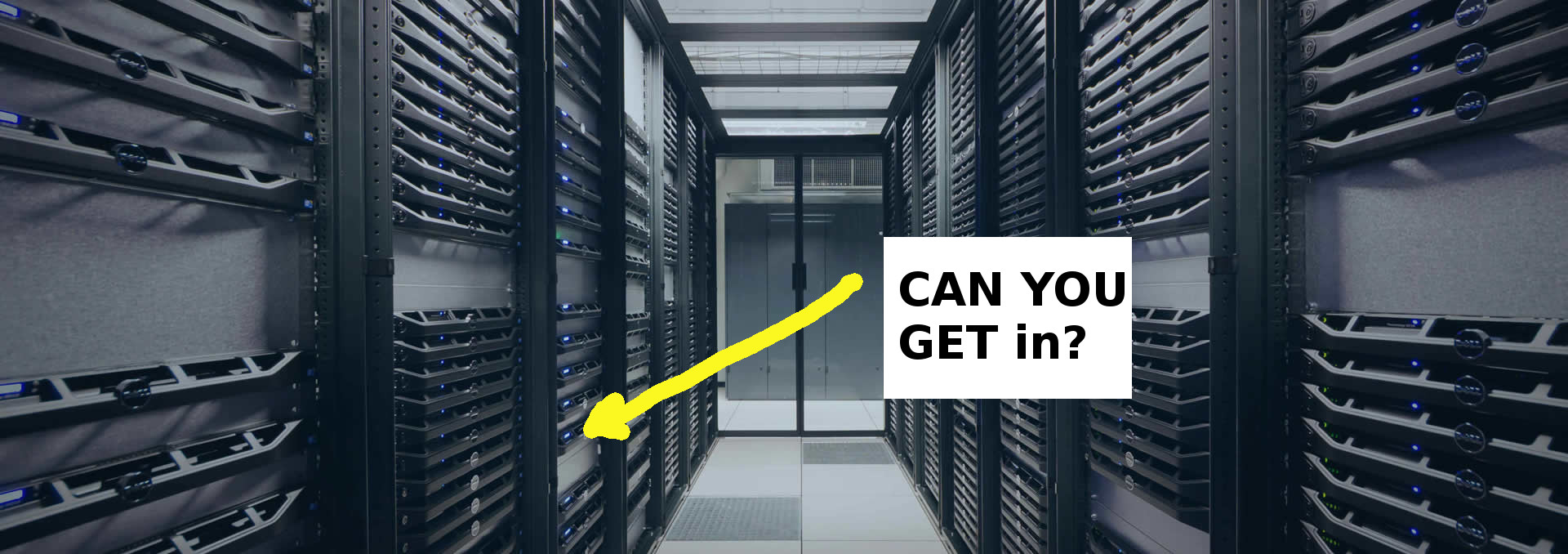
In the previous unit, we learnt to interact with the shell, to send commands to the core of the computer. We learnt to navigate the folders (called directories) and to find out what was inside them. The server we want to secure has no keyboard or screen, so we will need commands to talk to its shell.
You should have learnt the following commands:
whoamipwdto print working directorylsand the optionsls -a,ls -l
(Go ahead and try 3 options at once in the terminal:ls -alh: which means: list --all --list --human-readable)cdto change directorytouch somefile.txtto create some file.cat somefile.txtto see the content of the file
and finally some navigation tricks like cd .. to move up a directory level or cd ~ to move back to the home folder.
Let's learn some more interesting commands.