Fox Illusion Art Using Photoshop
Assalamu Alaikum
My dear friends, how are you all? I hope everyone is doing very well. By the grace of Almighty Allah, I am also doing well.
Like every day, today I have come to you with a new post. This post is an art post. I always try to share different types of posts with you, and among them, this art post is one of them. I always try to present different kinds of art to you. Especially, I enjoy creating nature-based artworks a bit more. In today’s art that I am sharing with you, I tried to make all the designs very precise. At the same time, I combined the colors nicely. I now spend much more time behind each artwork than I used to before. While continuously trying different types of art, many ideas come to mind, and sometimes I have to delete many designs as well. Because of this, I often face various problems while matching the colors. So, it takes a lot of time and effort to complete these artworks. However, when I finish the art and you all like it, that effort disappears instantly.
Fox Illusion Art Using Photoshop
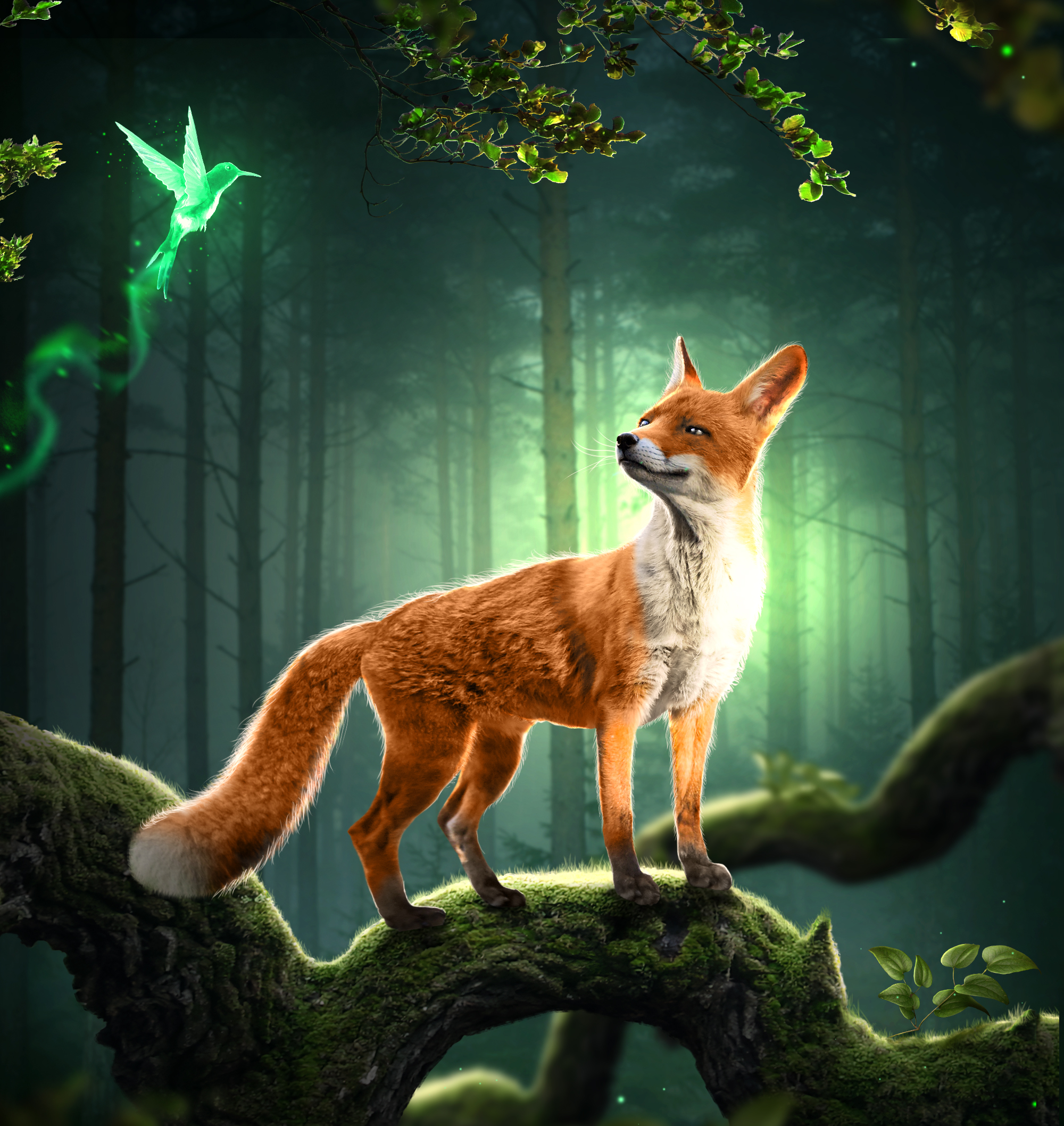
Required Materials
- Desktop
- Adobe Photoshop 2023
Drawing Process is as follows:
Step 1
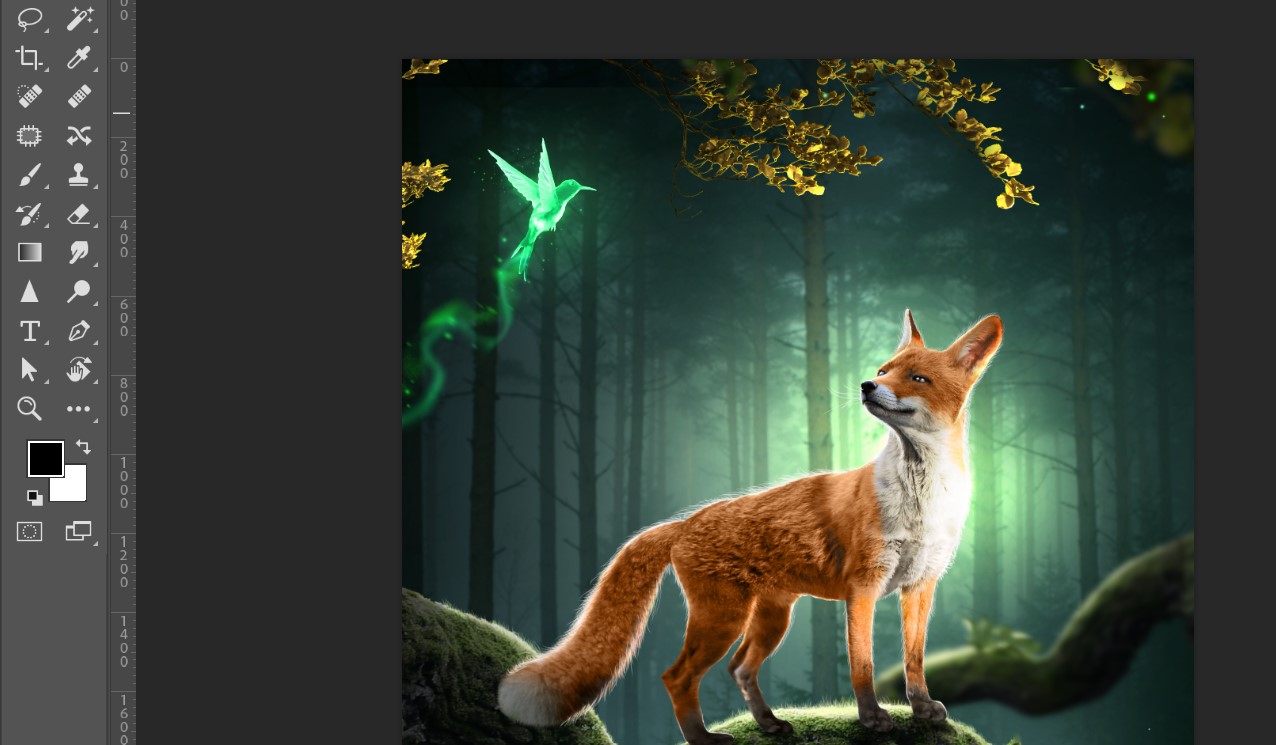
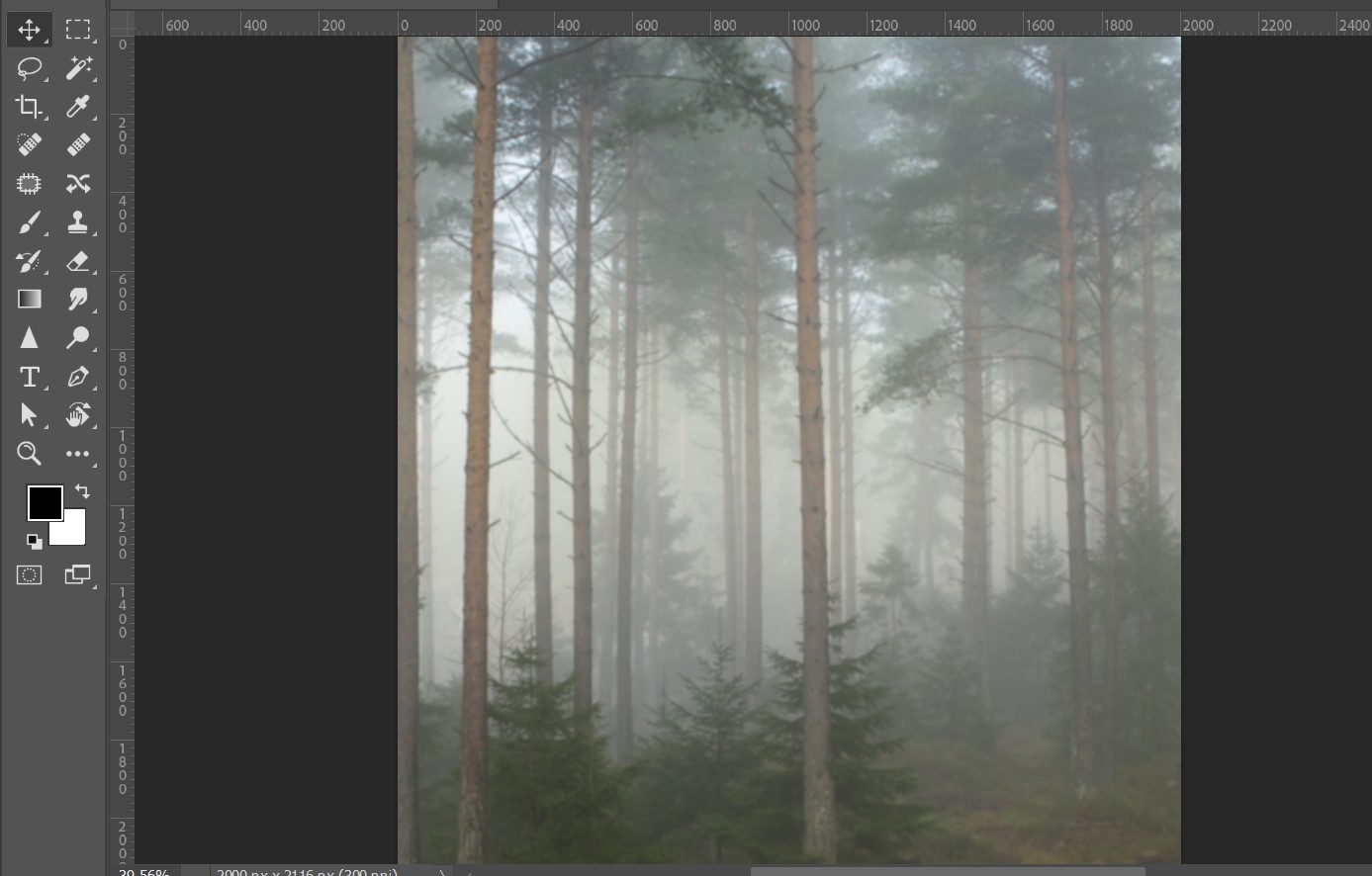
First, I took a page. Then I added an image inside it and adjusted its color combination.
Step 2
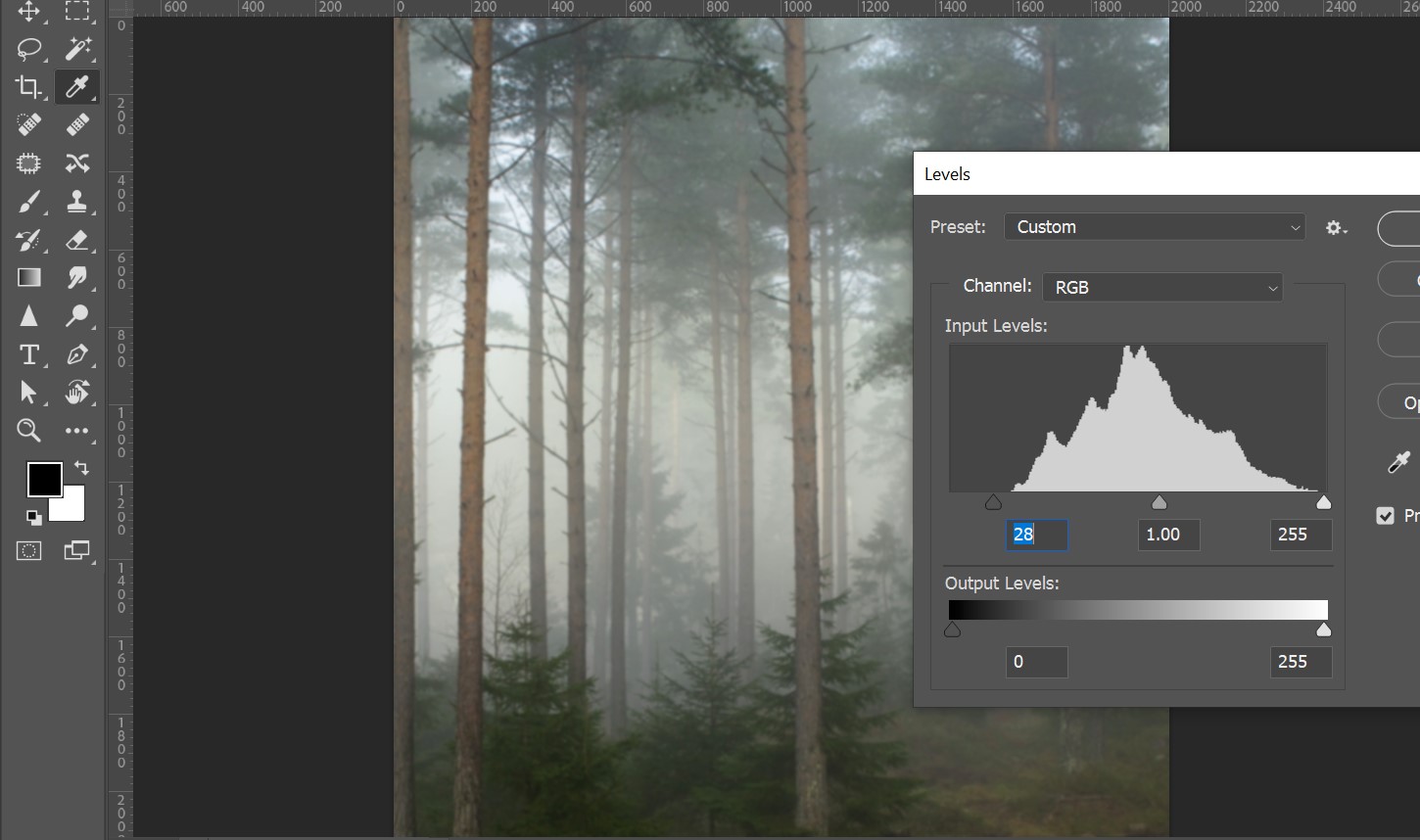
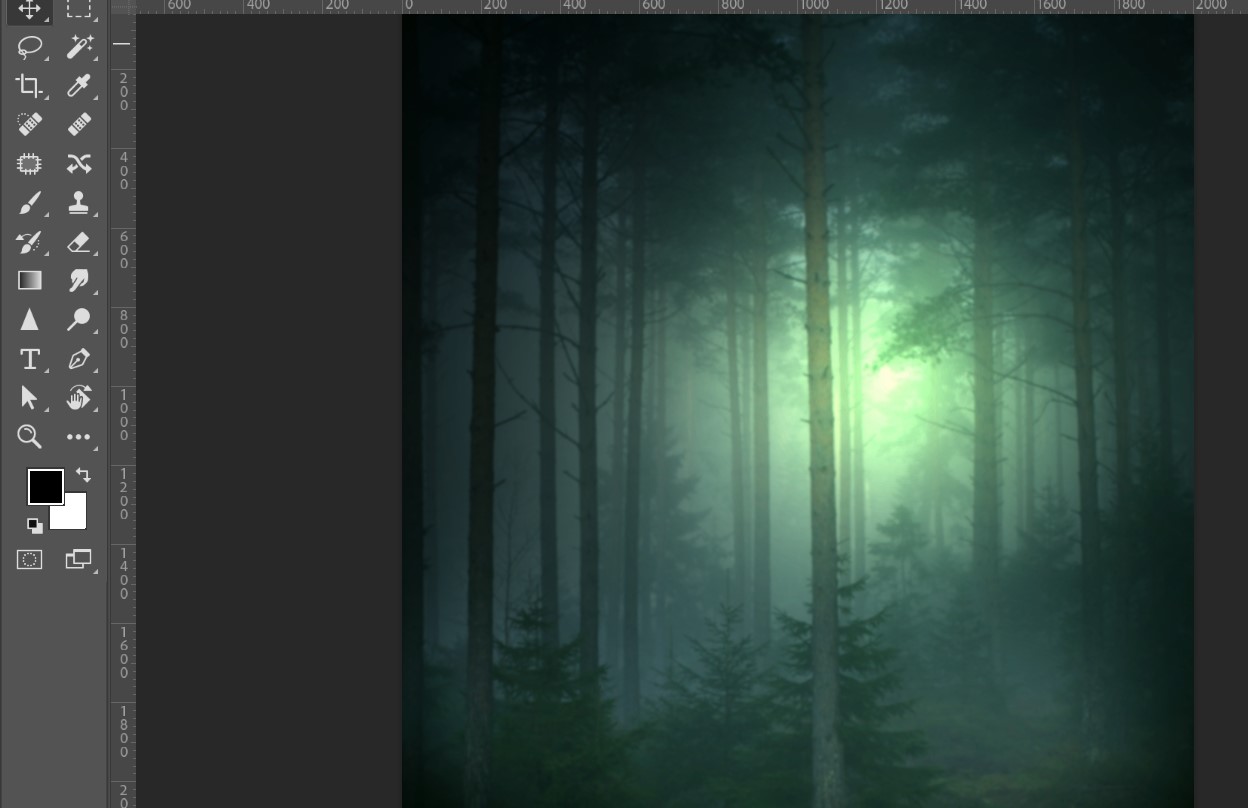
Then I added a lighting effect to it.
Step 3
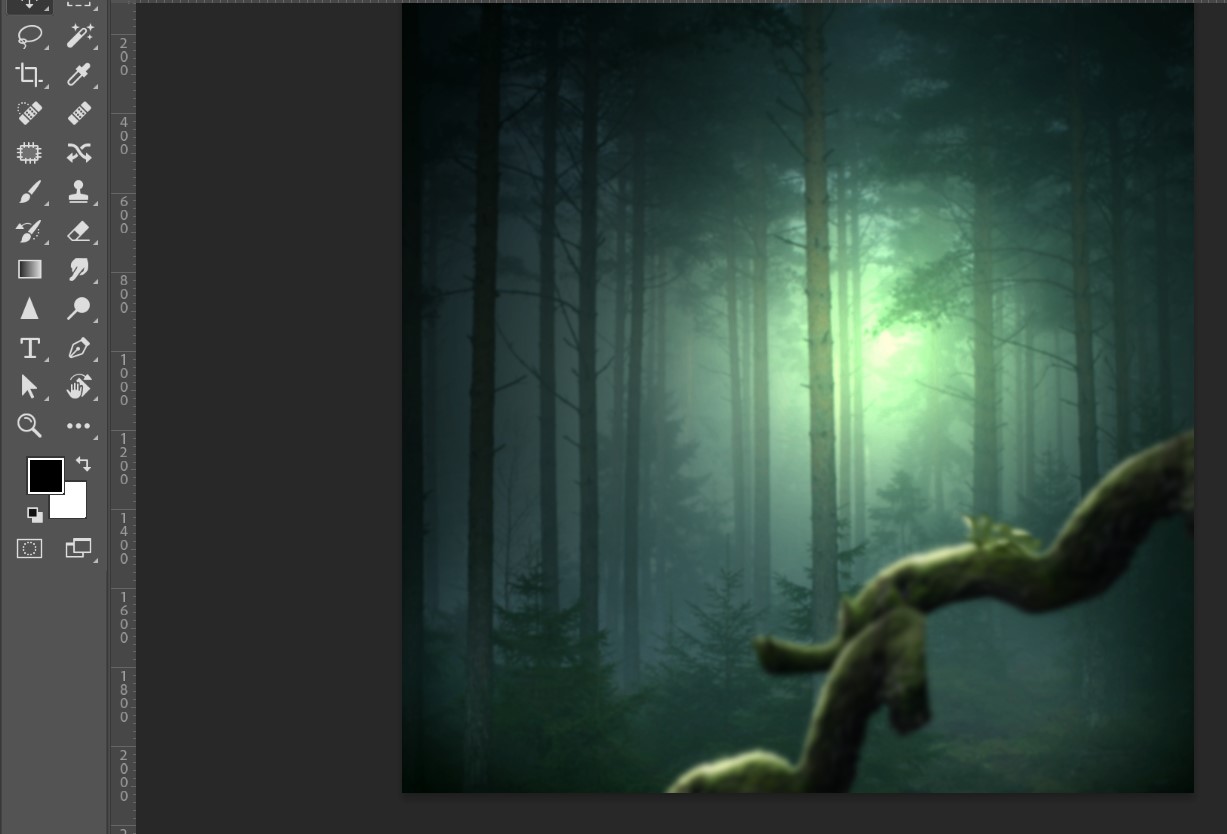
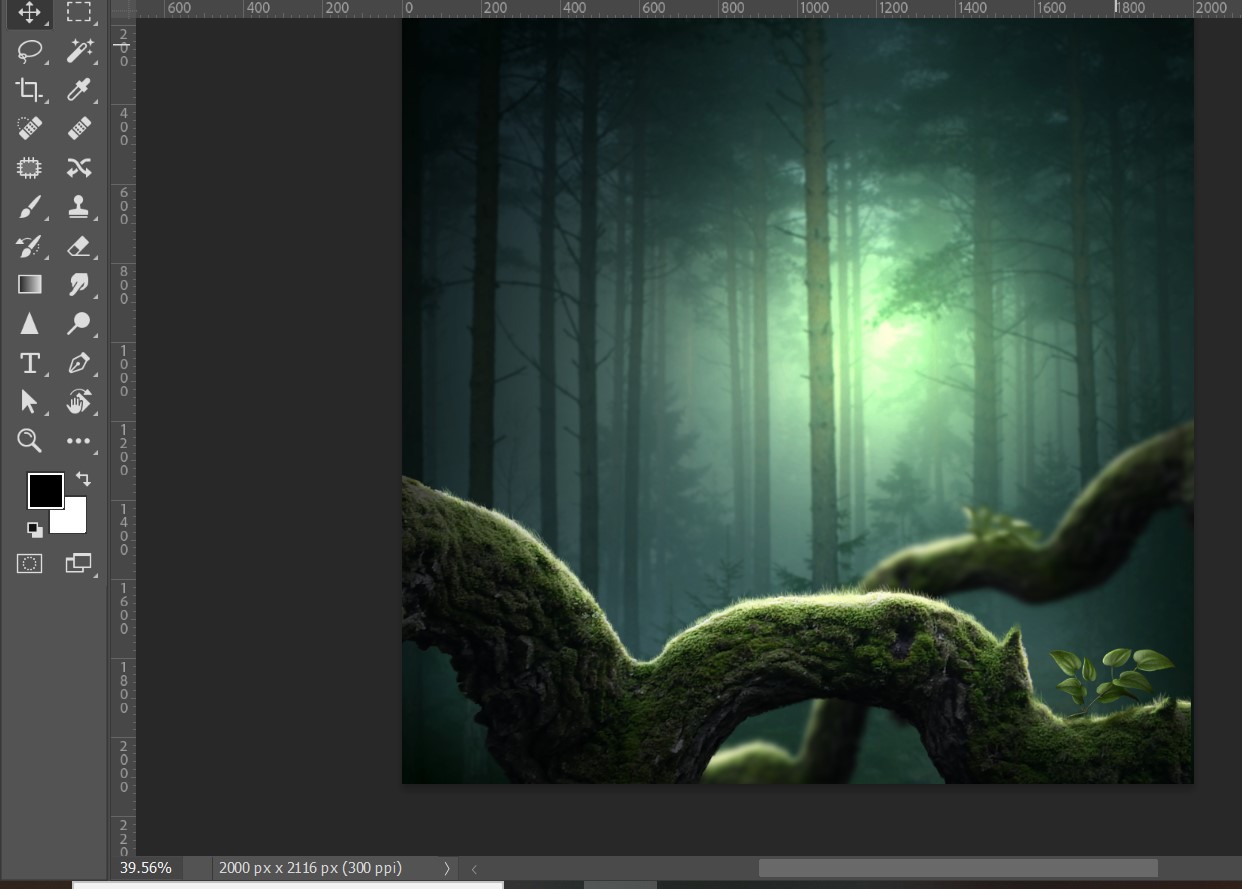
Then I added more lighting effects and placed a fox into the design.
Step 4
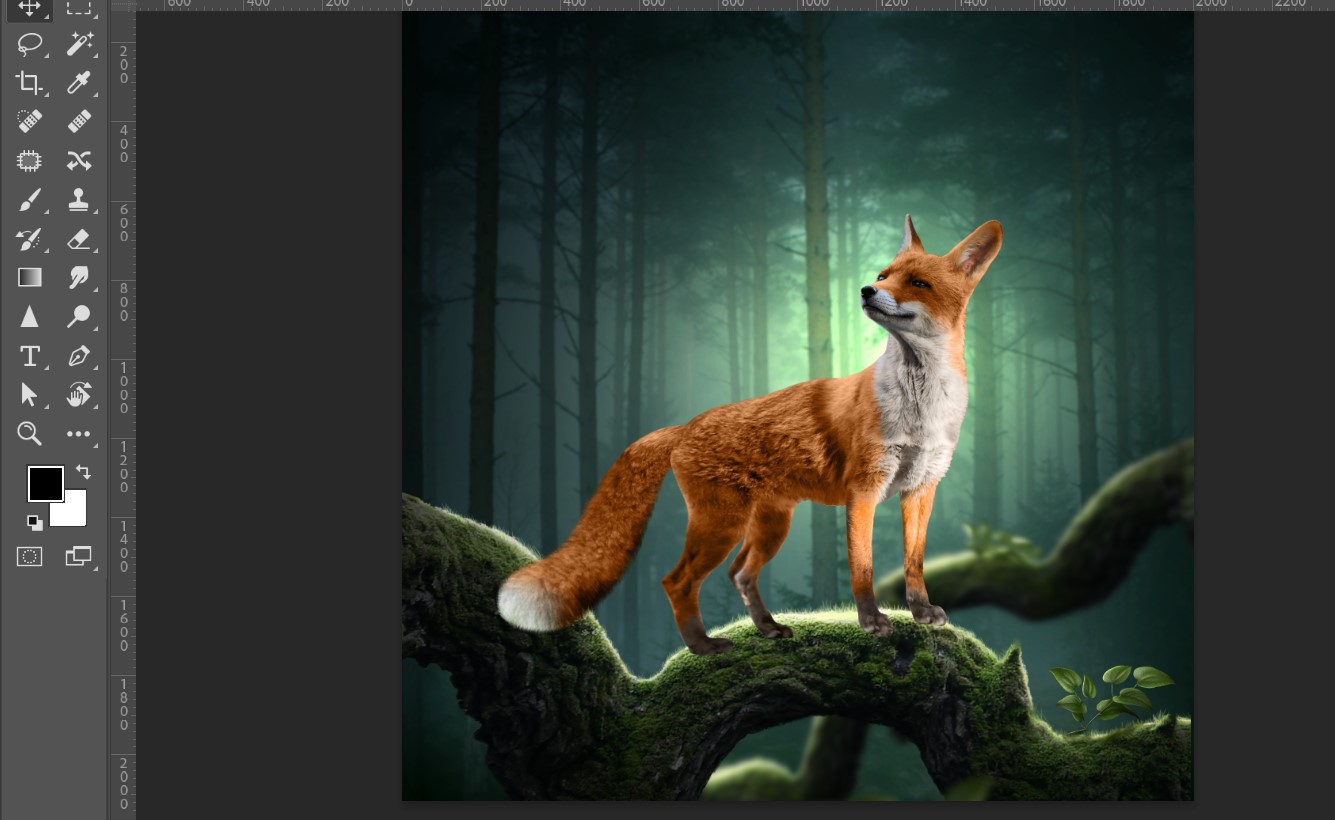
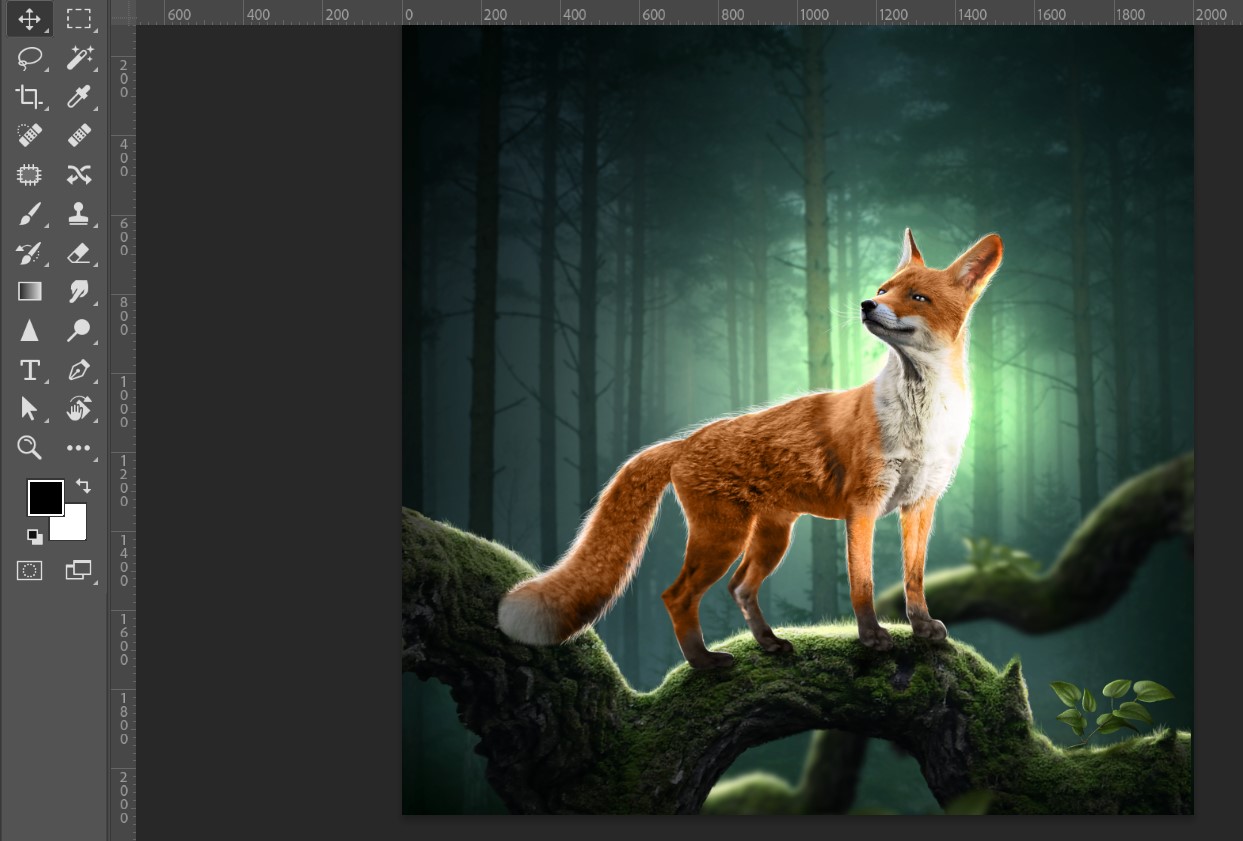
Then I added more design elements to properly position the fox.
Step 5
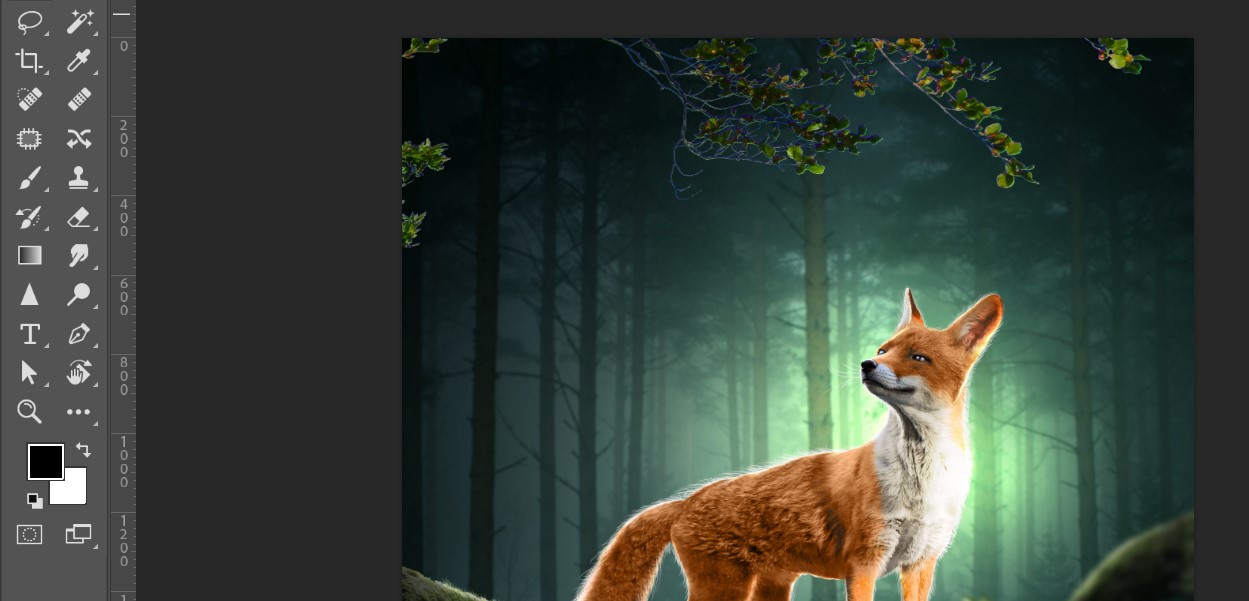
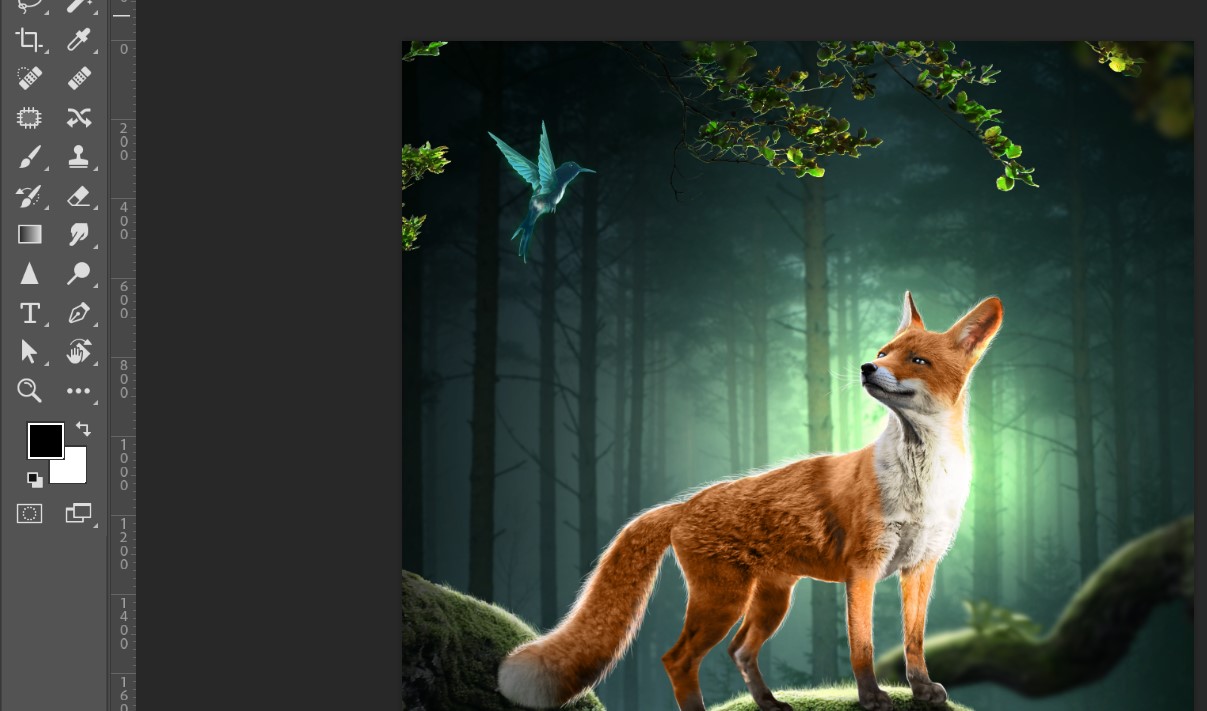
Then I added more elements around it, which made it look more realistic.
Final Outlook

Post Details
| Category | Art |
|---|---|
| Photographer | @bijoy1 |
| Device | Desktop |
| Location | Feni, Bangladesh |
That’s all for today. I hope you all liked my post. If you liked it, don’t forget to let me know in the comments. Take care of yourselves. My deep love and respect to all of you. InshaAllah, I will meet you again with a new post.
Thank you so much for seeing and reading this post. I hope all of you love this post very much.
THE END