A Simple Way to Protect Mobile Privacy From Your Nosey Friends
Your friend asks to borrow your phone to make a quick call or even just to look up a funny picture.
You know the normal thing to do is hand them the phone because if you say I can't give you my phone, you start to look suspicious, perhaps you might be hiding a dirty secret when really, you're not, but you look like you do.
There's also always the fear that your friend just might go a little too far and start looking at your private WhatsApp messages or even go through your personal pictures to see what's in your gallery.
You're in luck if you use an Android phone. I'm very sure a feature like that exists on iPhones but like I said two days ago, I haven't used IOs products before.
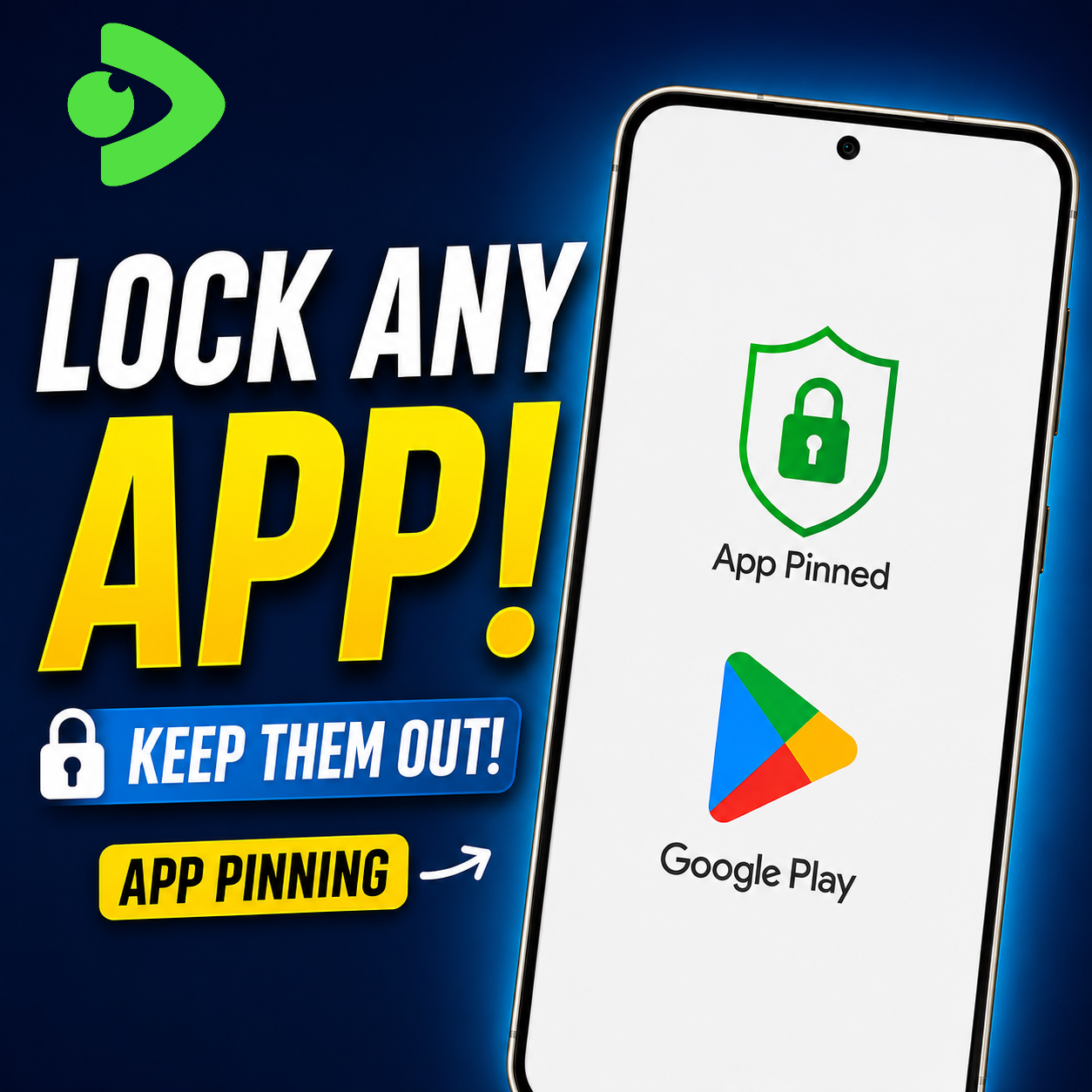
Android phones come with a built in feature that can solve your problem. You can lock your phone to a single app so that you can let that person use your phone without them having access to all your private stuff. This feature is known as app pinning and will act as a digital cage for your guests. They can't go anywhere where else on your phone besides the app you lock them in.
To use app pinning, you have to enable it in your settings. After you enable it, the actual usage of app pinning is super quick. Just open the app that your friend wants to use, then bring up the list of recent apps and select the app pinning option.
After that move, your friend can only use that one app. If your friend tries to hit the home button, swipe to see the recent apps, or pull down the notification bar, your phone will refuse to do any of those things. The only way to unpin your app is by collapsing the pinned screen, which will lock your screen and require you to use your fingerprint or password to unlock it.
In my video, I had not set a password, but if you have one, it'll require it.
So that's a good trick for privacy. I hope you find this video tutorial helpful.
I want to thank those who supported my first video two days ago, it was an encouragement to make this one too.
Posted with Speem