How to download the app on iOS (iPhone/iPad):
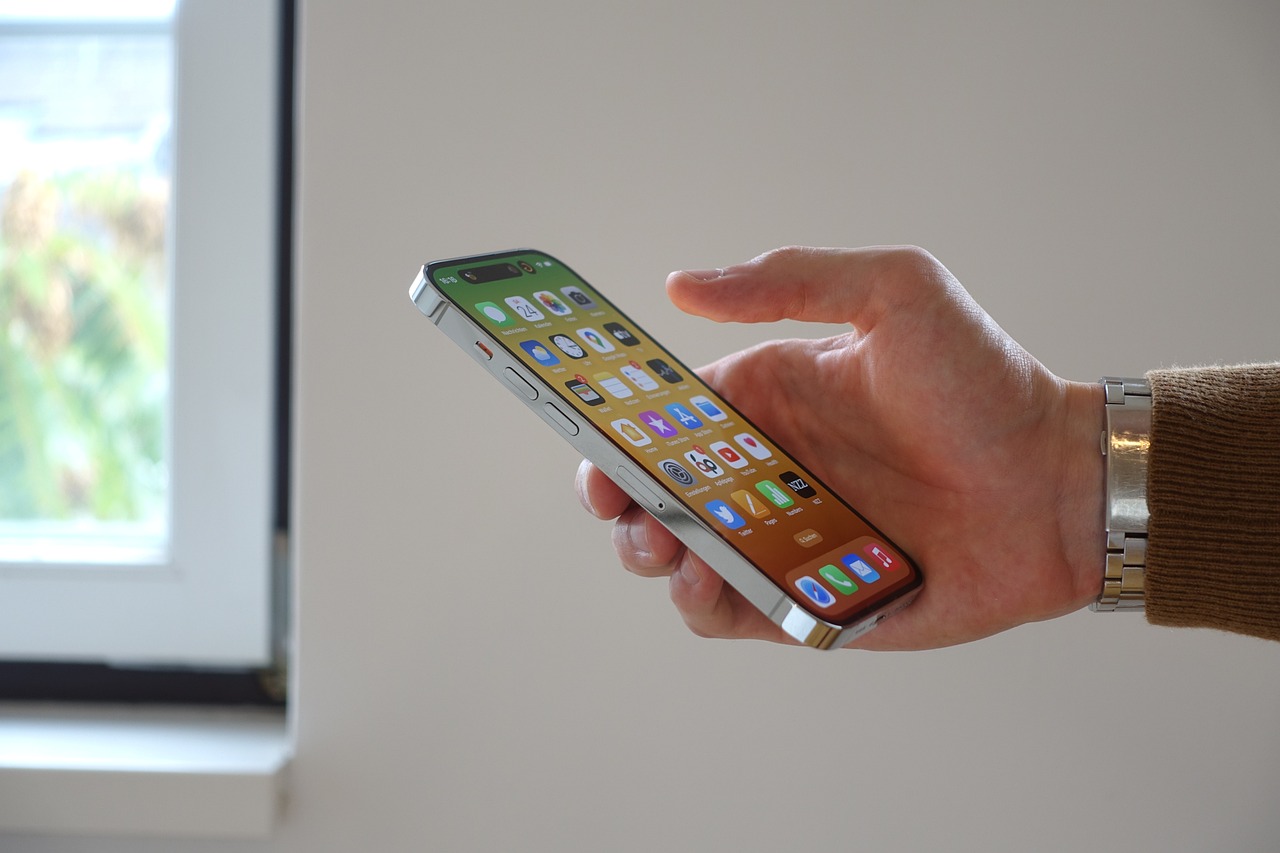
Open the App Store:
Tap the App Store icon on the home screen of your iPhone or iPad.
Use the search bar:
Tap the search bar at the bottom of the screen and type the name of the app or category you want to download.
Select the desired application:
In the search results, tap the icon of the app you want to download to see more details.
Click "Get":
If the app is free, tap "Get". For paid apps, the button will display the price. Tap the value to confirm the purchase.
Authenticate action:
Depending on your settings, you'll need to authenticate the action with Face ID, Touch ID, or your Apple ID password.
Wait for download and install:
The app will automatically start downloading and installing. When the icon is complete, you can open the app.