Steem Keychain Mobile: Phase 5 — Browser & Keychain Bridge
Hello everyone,
Following Phase 4 (Savings & Governance), I am sharing the most exciting update so far for Steem Keychain Mobile.
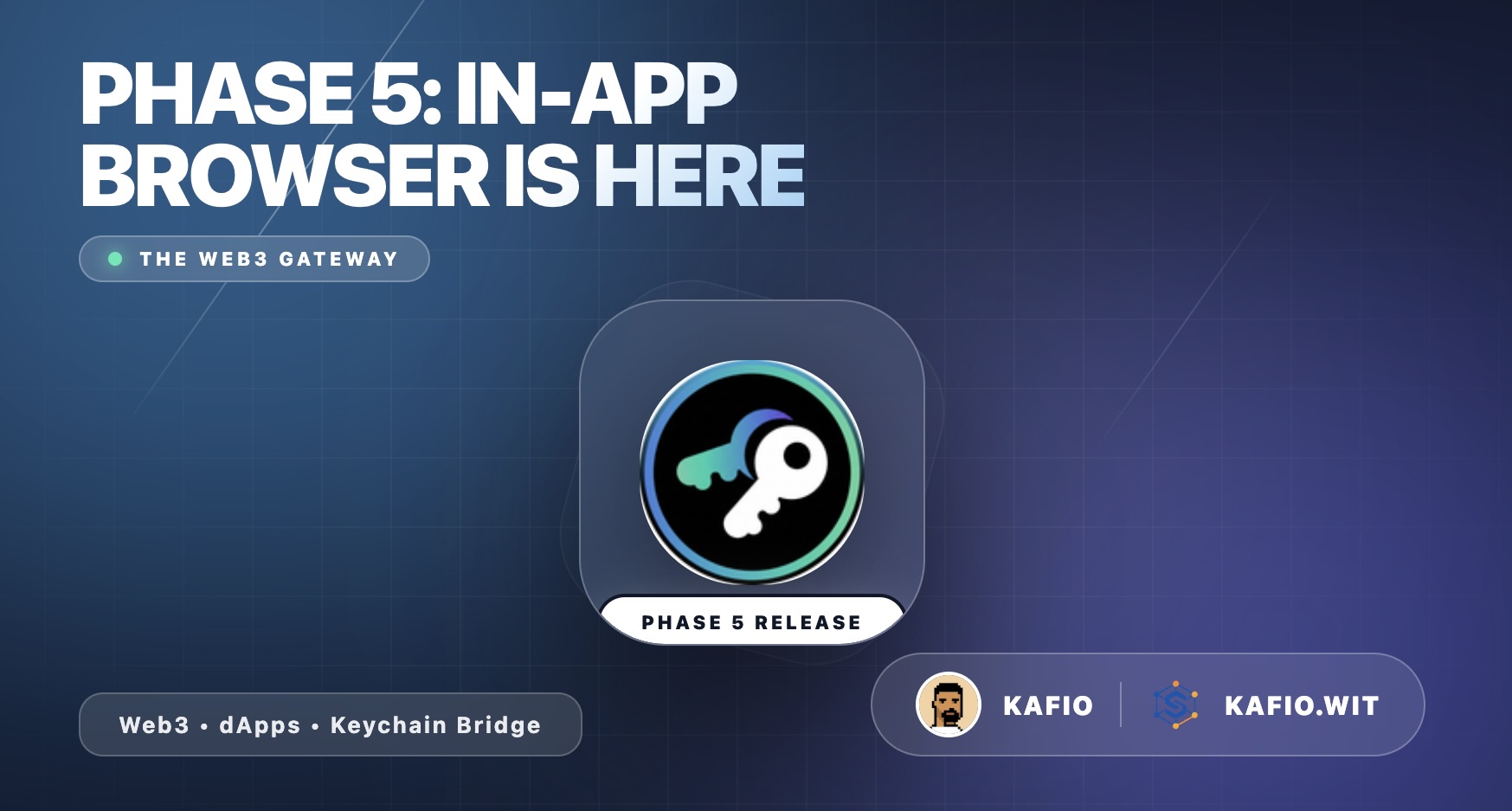
Phase 5 (Releases 20–23) introduces the in-app browser and the Keychain Bridge — you can now browse Steem dApps directly inside the wallet, and the bridge that lets dApps request transaction signing is now injected into every page. This is the phase that starts turning the wallet from a tool into a platform.
Note: I have also made some updates to the full roadmap post to keep it accurate and aligned with the current development progress.
Watch the demo:
What Is in Phase 5
R20 — Browser WebView
- Full in-app browser with WebView — browse any website without leaving the wallet
- Complete navigation controls: back, forward, refresh, stop
- URL bar with real-time page title display
- Loading progress indicator
- Open any Steem dApp directly inside the wallet
R21 — Browser Tabs
- Multi-tab browsing — open, switch, and close multiple tabs
- Tab counter showing how many tabs are open
- Tab overview screen with page previews
- Each tab maintains its own browsing history and state
R22 — Browser Home Page
- Home page with quick access to popular Steem dApps
- Explore section — curated list of dApps and websites to discover
- Favorites — save your most visited dApps for quick access
- Browsing history — easily return to sites you visited before
R23 — Keychain Bridge
- Keychain JS injection — the
window.steem_keychainAPI is injected into every page loaded in the browser - dApps can detect the wallet and request transaction signing, just like the Chrome extension
- Handshake support — dApps are notified that Keychain is available on page load
- Active account info is shared with dApps automatically
What I Enhanced During Testing
- Smooth navigation — Back, forward, and refresh work seamlessly across tabs
- Tab persistence — Tabs maintain their state when you switch between them
- Progress indicator — Visual loading bar so you always know when a page is loading
- Home page design — Clean layout with explore, favorites, and history sections
- Bridge compatibility — The injected bridge dispatches both mobile and extension-compatible handshake events so existing dApps work without modification
- ConfirmDialog — Closing tabs or clearing history goes through confirmation
- Toast feedback — Clear notifications when adding favorites or clearing history
What Is Coming Next — Keychain Requests (Phase 6)
The bridge is now injected. Next, the app will handle the actual requests that dApps send through it:
- Request modal — approve, reject, and review dApp requests
- Transfer requests — dApps can request transfers on your behalf
- Vote & post requests — vote or post through dApps with one tap
Some parts of Phase 6 are already implemented, but there are still some operations that are not supported yet. I will be testing and completing them in Phase 6 and the following phases.
Current Roadmap Status
| Phase | Status |
|---|---|
| Phase 1 — Core Foundation (R1–R6) | ✅ Tested |
| Phase 2 — Basic Transactions (R7–R9) | ✅ Tested |
| Phase 3 — History & Advanced Power (R10–R13) | ✅ Tested |
| Phase 4 — Savings & Governance (R14–R19) | ✅ Tested |
| Phase 5 — Browser & Keychain Bridge (R20–R23) | ✅ Tested — Your turn to test |
| Phase 6 — Keychain Requests (R24–R26) | Next |
| Phase 7–10 | Upcoming |
What I Need From You
Now it is your turn. The exciting features are here and more are coming. Please test the Phase 5 browser and share your feedback:
- Open a few websites — Is the browsing experience smooth? Does navigation feel natural?
- Try multiple tabs — Open 3–4 tabs, switch between them. Does everything stay in sync?
- Use the home page — Are the explore suggestions useful? Can you add and remove favorites easily?
- Check the history — Does it accurately show your browsing history?
- Try Steem dApps — Open Steemit, SteemPro, or other platforms. Do they load and work correctly?
- Share your thoughts on the UI/UX — What would you change? What would you add?
Your feedback directly shapes the next phases. Every suggestion matters.
Download the APK
Phase 5 (Release 23) — Browser & Keychain Bridge:
Note: Since this is a beta APK, your phone may show a security warning about installing from unknown sources. This is normal for apps distributed outside the Play Store.
About Me
Hi! I'm kafio, I build tools for Steem. My projects:
PixelCraft — pixel art game on blockchain
https://pixelcraft-beta.steemhub.tech
SteemHub — A platform that showcases my Steem-based projects, helping users discover and engage with the ecosystem.
Other tools:
- Stats & Analytics: https://stats.steemhub.tech/
- Memory Game: https://memory-game.steemhub.tech/
- Chrome Extensions: Steemit Blog Formatter and Steemit Notification Saver
Contributing to the Steem ecosystem. Support my work by voting for my witness: @kafio.wit
Vote: https://steemitwallet.com/~witnesses
Thank you!
Great job ❤️
Great Progress !! Looking forward for Developer Guidelines !!
#play
Video reviewed by speem Video watcher team @mostafezur001
Awesome !!!