Easy Steem Editor: Update 96% + Reader & Curation modes
Easy Steem Editor: Update 96% + Reader & Curation modes
The project has received some expansion from a basic editor to the possibilities of reading posts, curating, and quickly replying to comments. The editor still needs optimization to some extent. However, it is already much better.
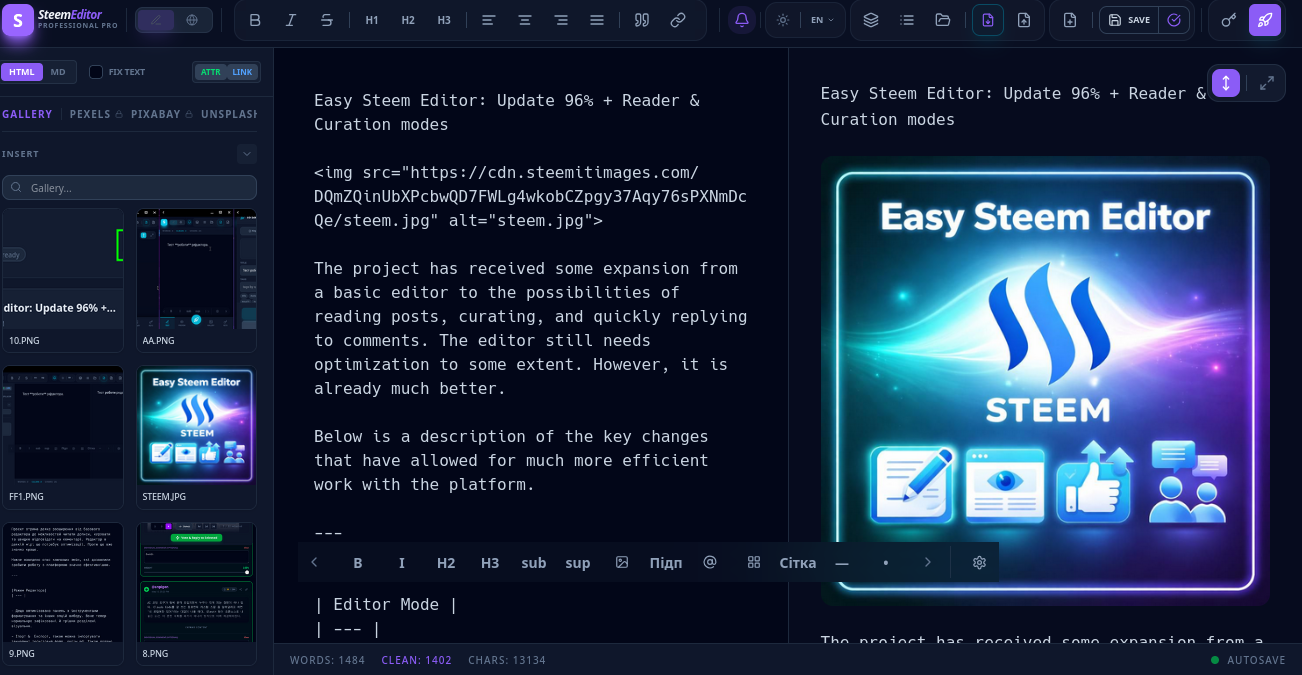
Below is a description of the key changes that have allowed for much more efficient work with the platform.
| Editor Mode |
|---|
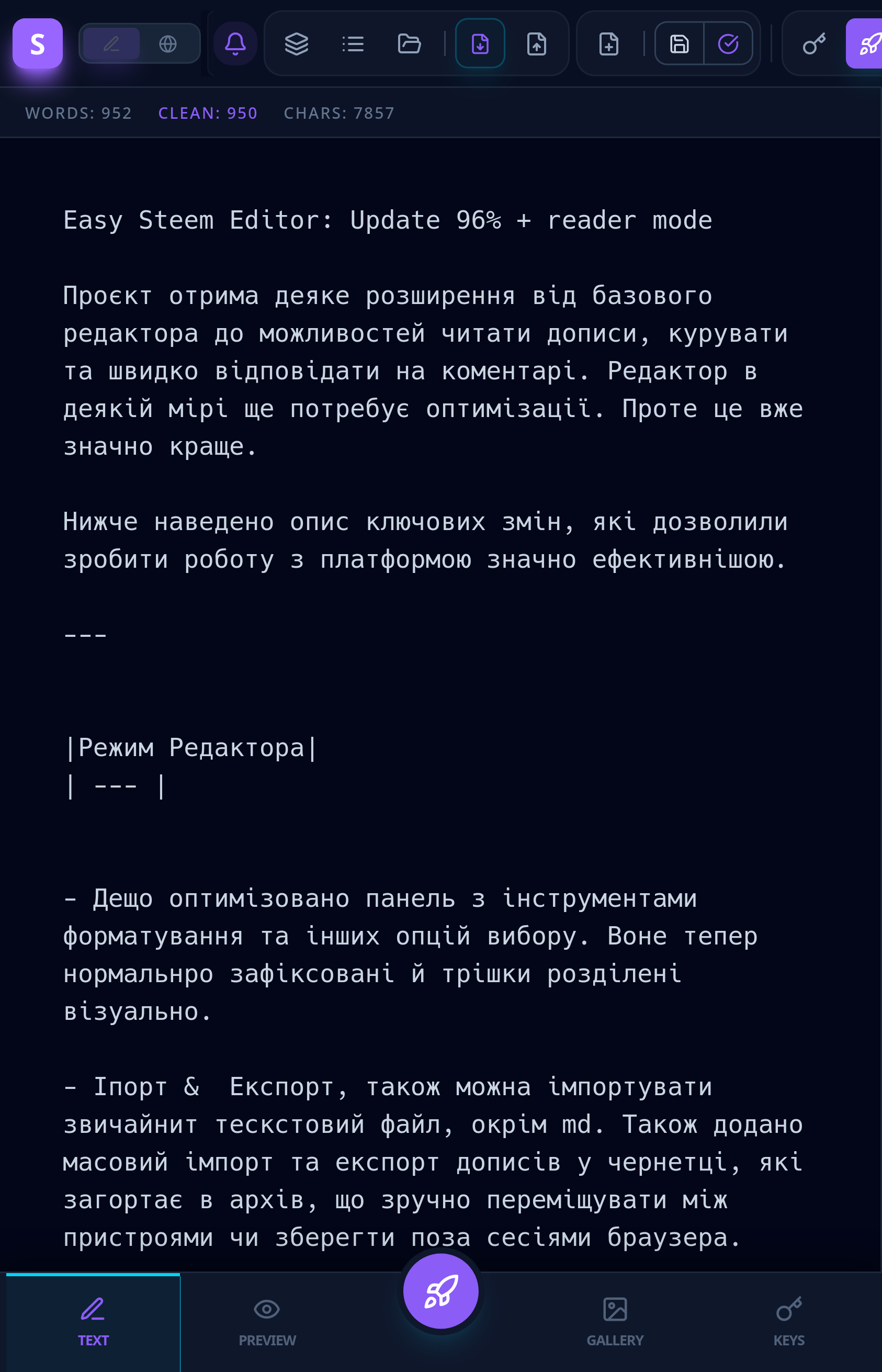
The panel with formatting tools and other selection options has been somewhat optimized. They are now properly fixed and slightly separated visually.
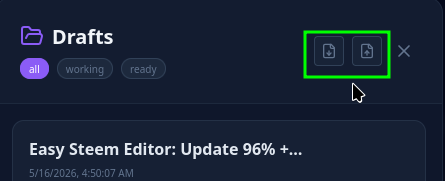
Import & Export: you can also import a regular text file besides .md. Also added bulk import and export of posts in drafts, which are wrapped in an archive, making it convenient to move between devices or save outside of browser sessions.
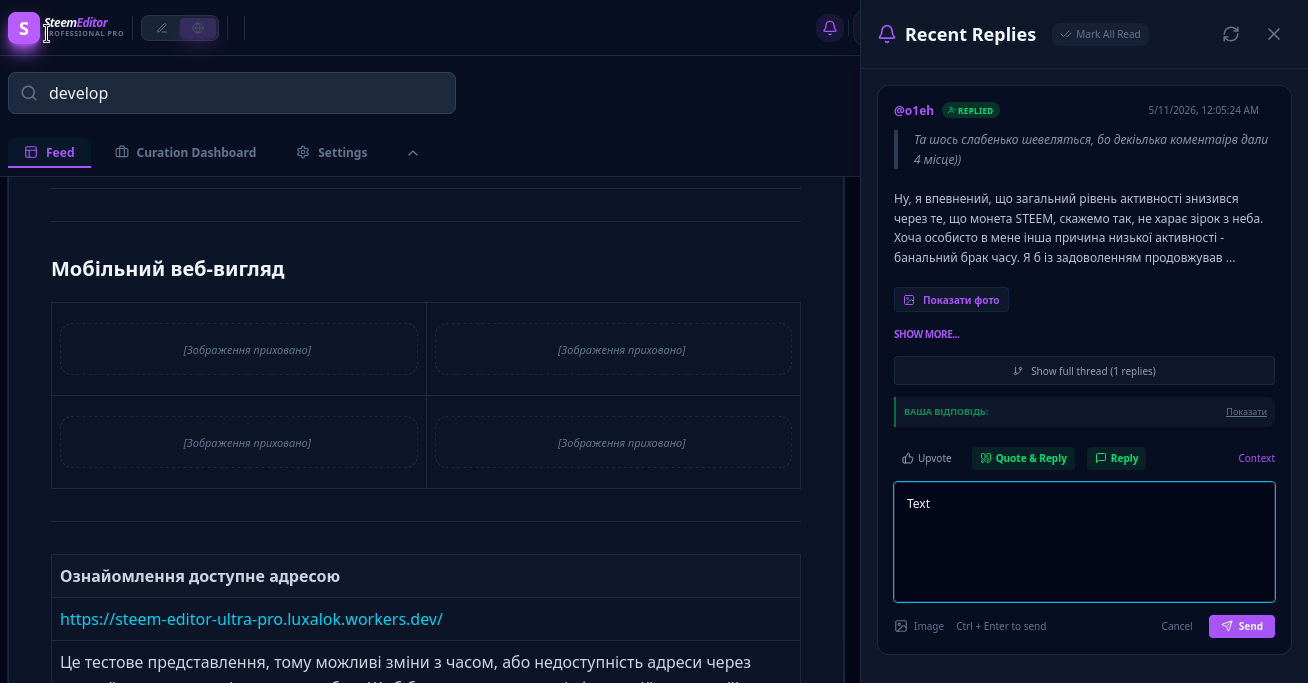
Notifications on the panel about new comments and replies.
A bit more colors and fonts (the latter don't seem to render very well).
The widget now behaves normally. It can appear near the selected word or be placed at the bottom edge. On mobile devices with a small screen width, this compensates for the panel collapsing in the top bar.
- Convenient forming of the position of tools in the widget by dragging.
- Can be made more transparent for a better view of the text (for those who find it very important).
Saving to draft and classification of saved items is divided into two types: those in work and fully ready and approved posts for publication — the typed text body.
Added a button to start a new post, otherwise it will update the current one.
Formatting toolbar in a separate window that stretches or narrows if the width is insufficient. The PC version scrolls with the mouse wheel, the mobile version with a swipe.
| Reader Mode |
|---|
Separation of workspaces for writing posts, separate from reading and curation. At the same time, everything is aimed specifically at the convenience of reading, commenting, and semi-automated curating, so as not to wait for timeouts — the code will wait itself.
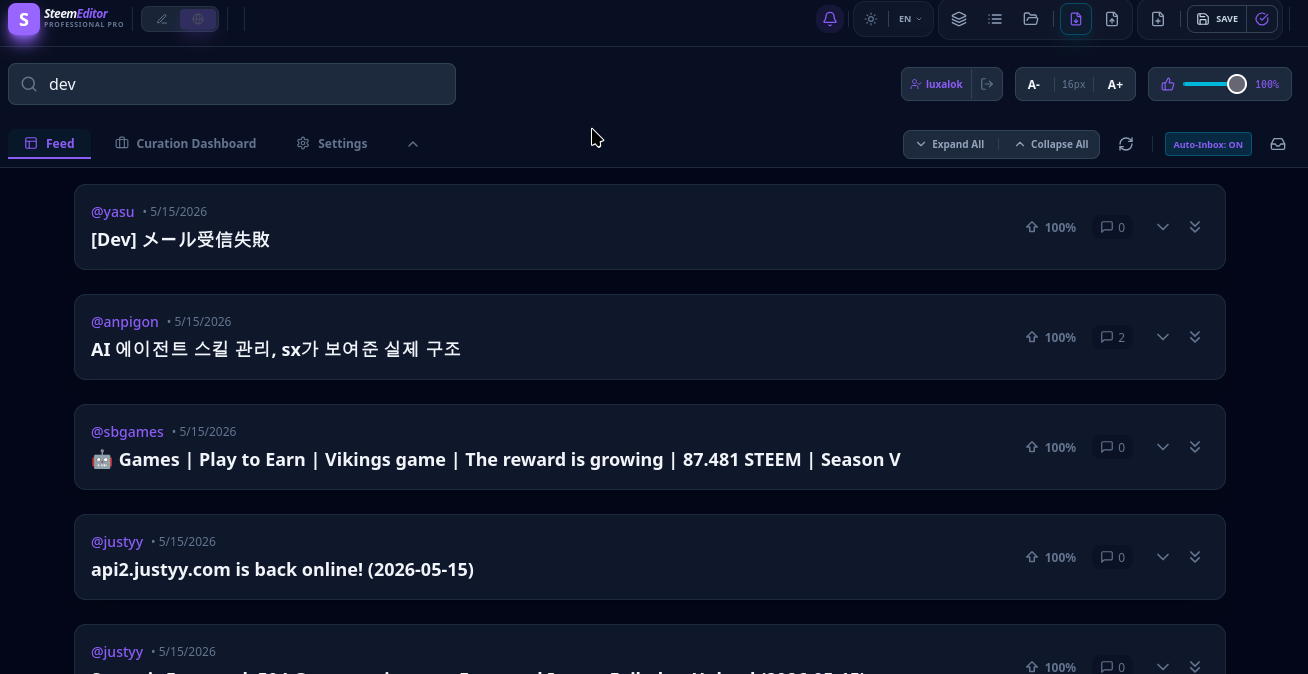
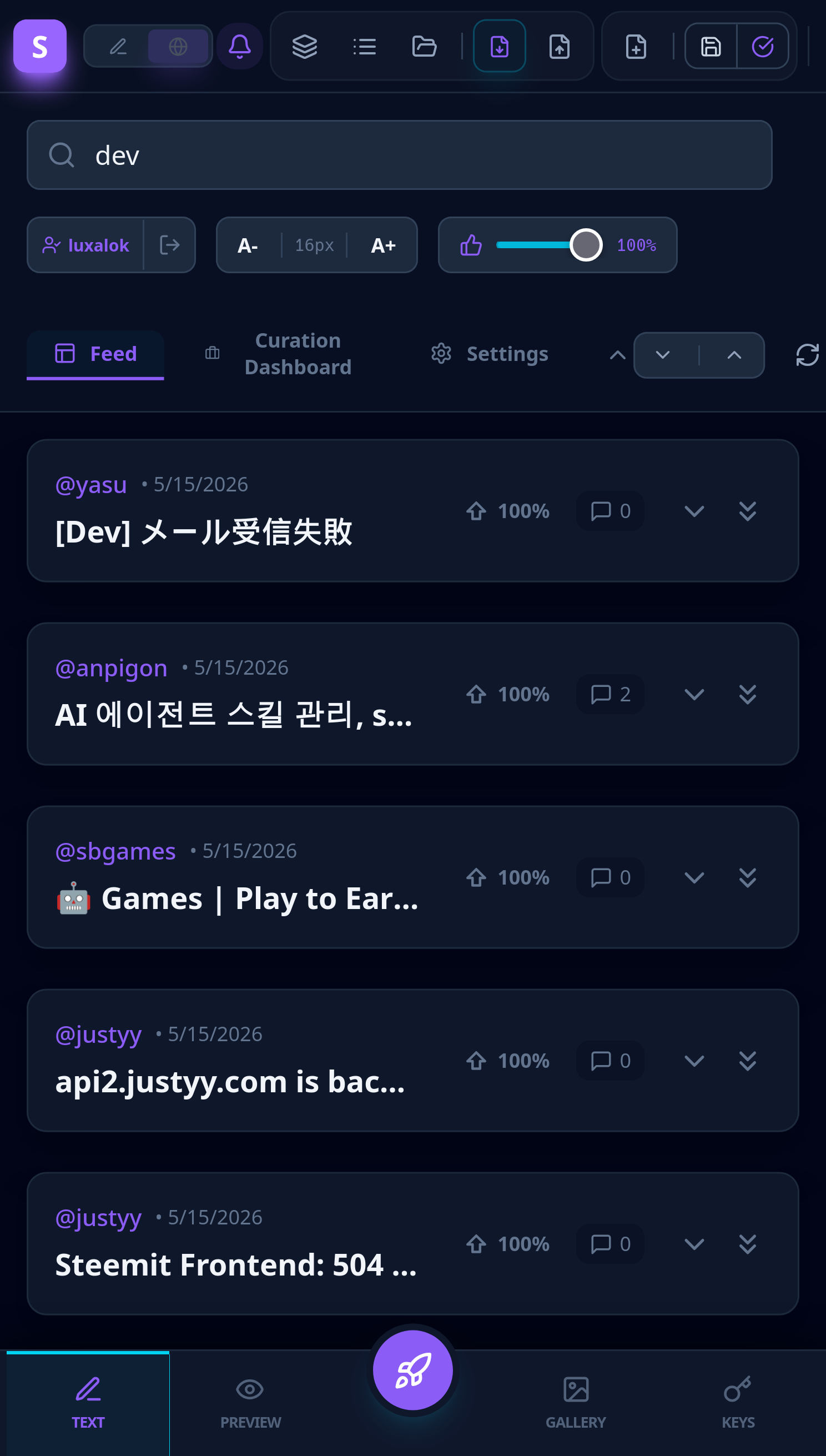
Easy reading and commenting
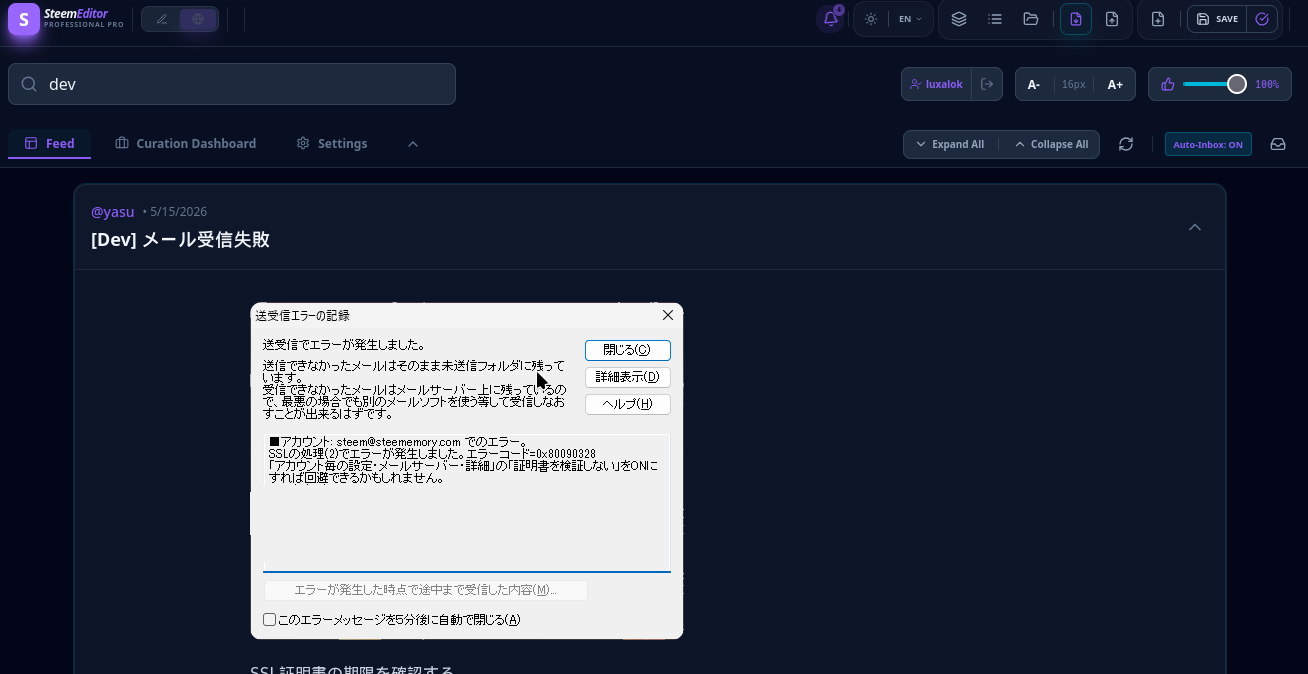
Now there is no need to open posts in new windows to read the content. It simply expands.
 |  |
| Quoting |
|---|
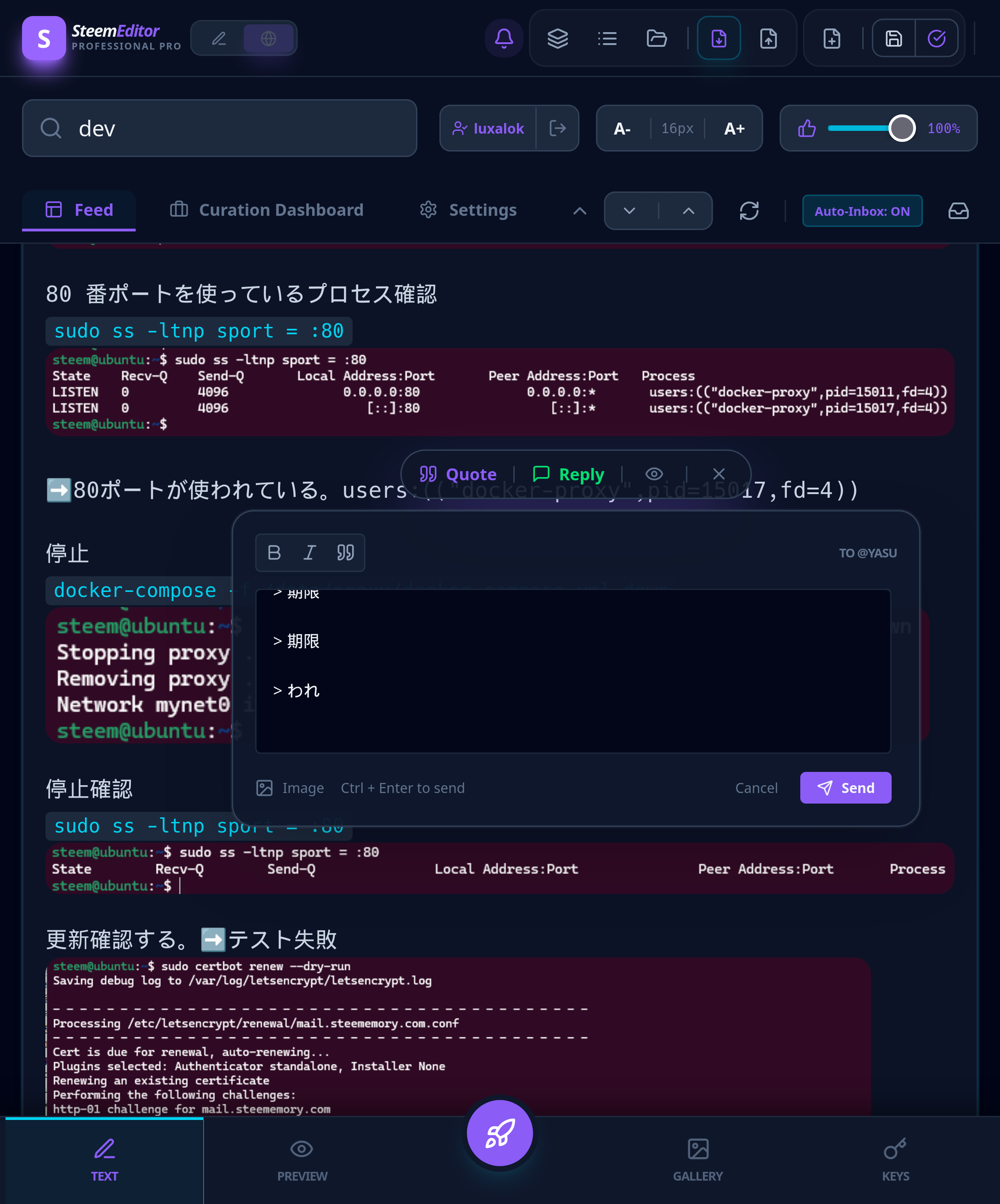
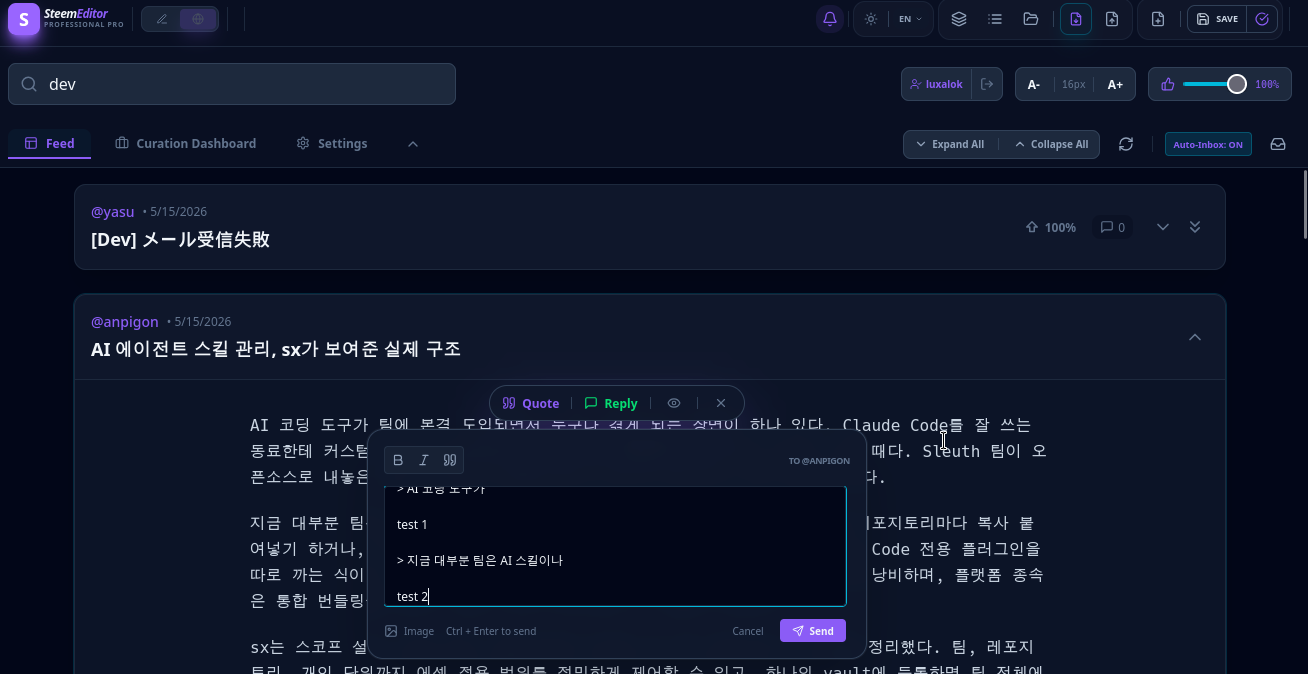 Convenient to quote: just highlight the text and a widget will appear to reply. It also allows typing quoted texts from the post, caching them for each one separately (in case of a sudden page refresh, power loss, or internet outage, although not everything has been tested). |
 |
Curation panel and content management
This was one of the most important parts of the update for the energy-efficient work of curators.
| Curation panel |
|---|
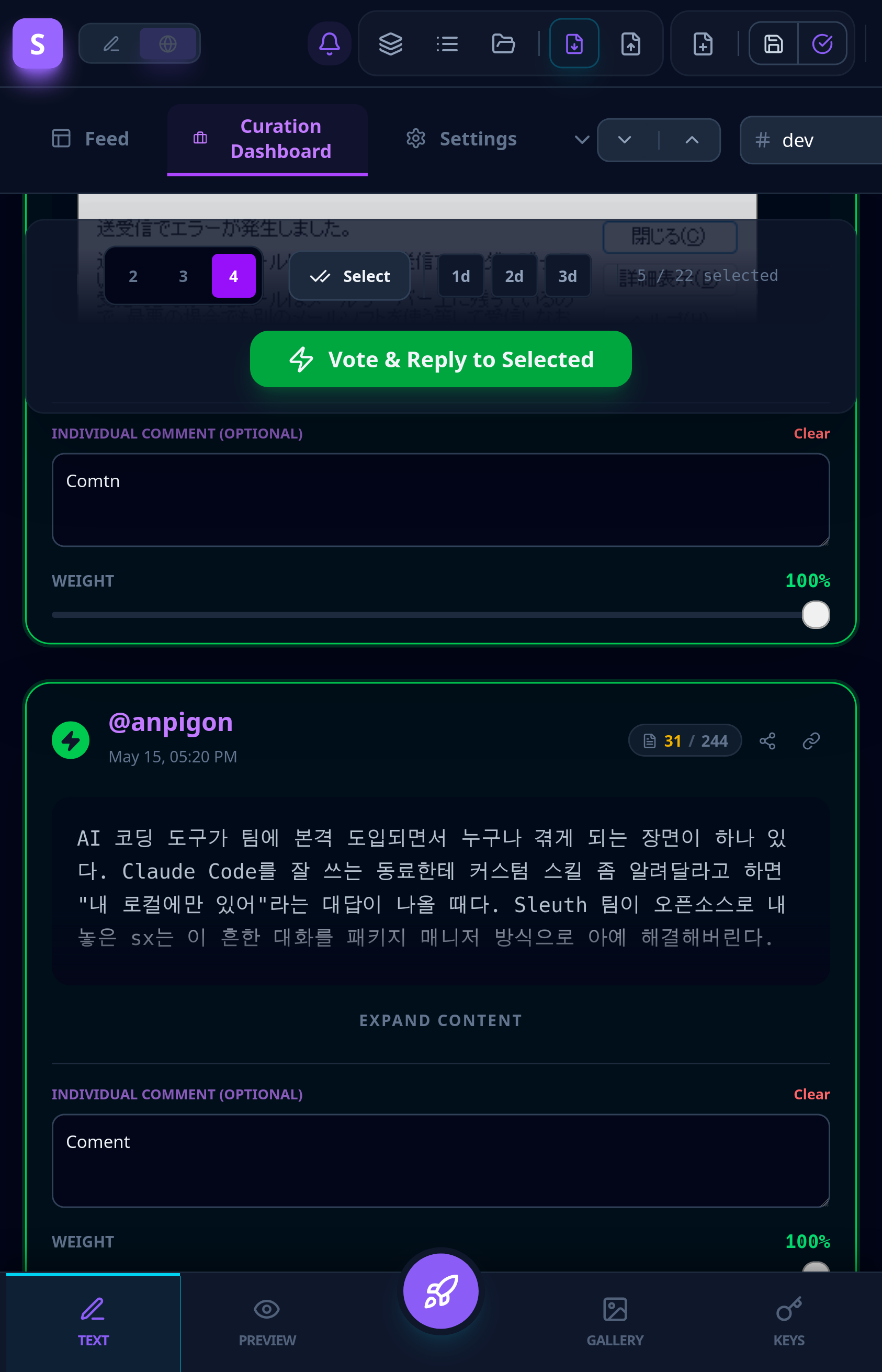
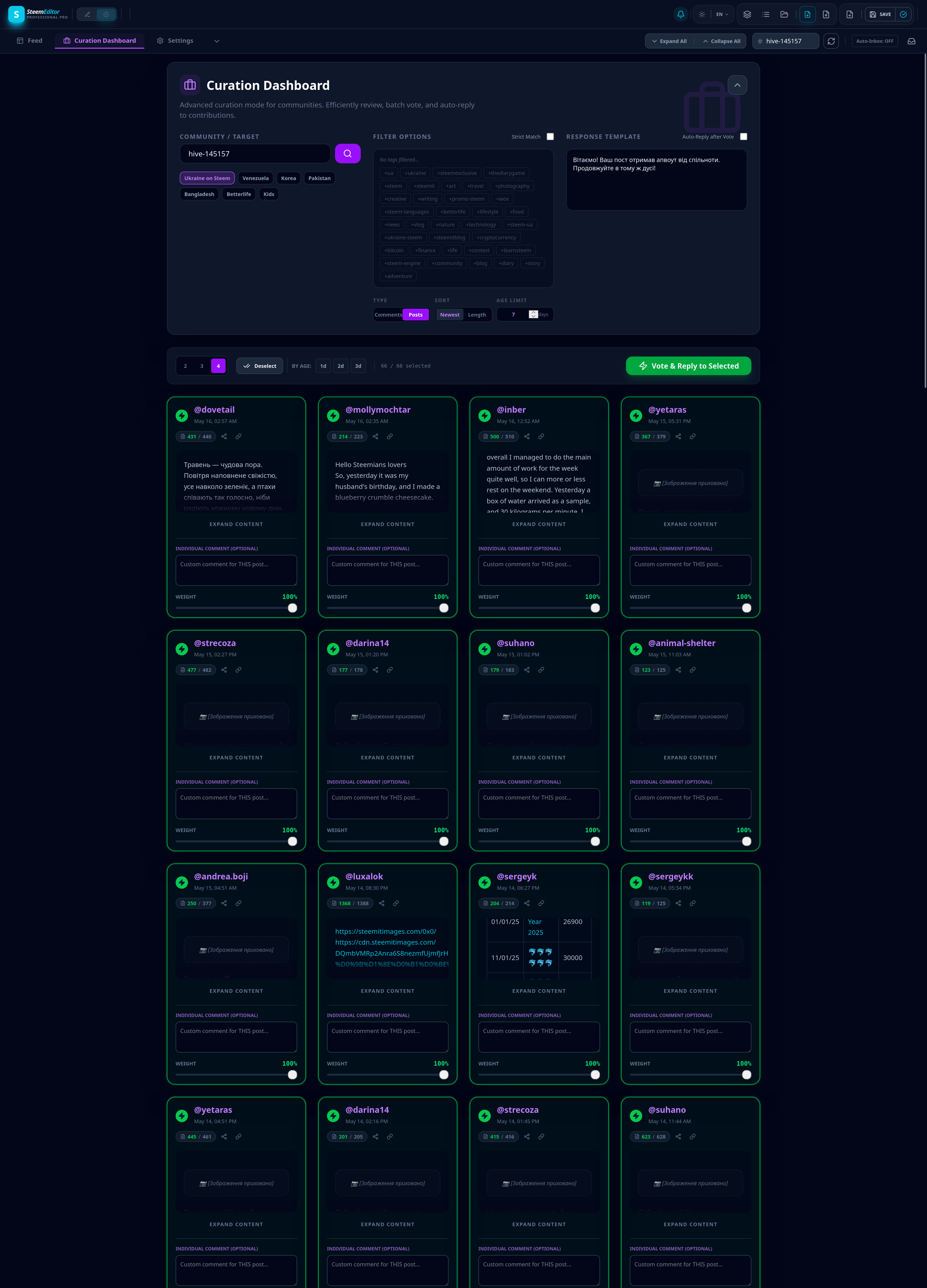 All posts are displayed compactly; you can quickly read and even leave your own comment on the post or turn on auto-giving of a curation message to each automatically. Having selected the necessary posts (it even shows the number of clean words without tags and html, i.e., closer to clean text, but not for all languages). If Keychain does not have permission for auto-voting and commenting, only windows with confirmation will appear; everything else is in order of priority, which is somewhat more convenient than opening each post in a tab or selecting and clicking everything manually. Semi-automatic mode should improve the experience of personal curation. Possibly for curation groups as well. |
Collapse and expand all — now you can expand all posts at once so that you can see what's there and read quickly.
And some other changes and updates are less noticeable, or I just don't remember them right now.
Mobile web view
 |
 |
 |
 |
| Introduction available at the address |
|---|
| https://steem-editor-ultra-pro.luxalok.workers.dev/ |
| This is a test presentation, so changes over time are possible, or the address may become unavailable after some time; it's easier for development this way. To have less noise in the information field)) |
News regarding porting a cleaner version to Android than the one assembled via AndroidJS.
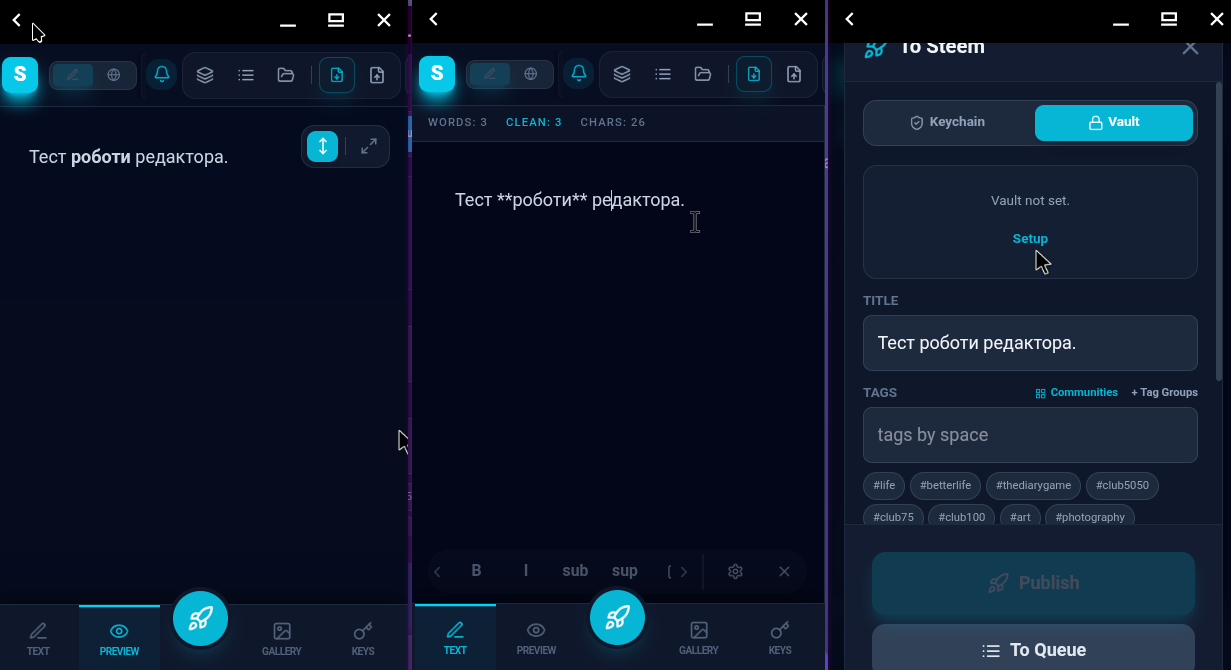
Porting is available in almost automatic mode for assembly on GitHub servers. That is, it works, the file size is small, up to 5 MB. Only need to figure out adding permissions for reading the system so that it uploads images and imports and exports records.
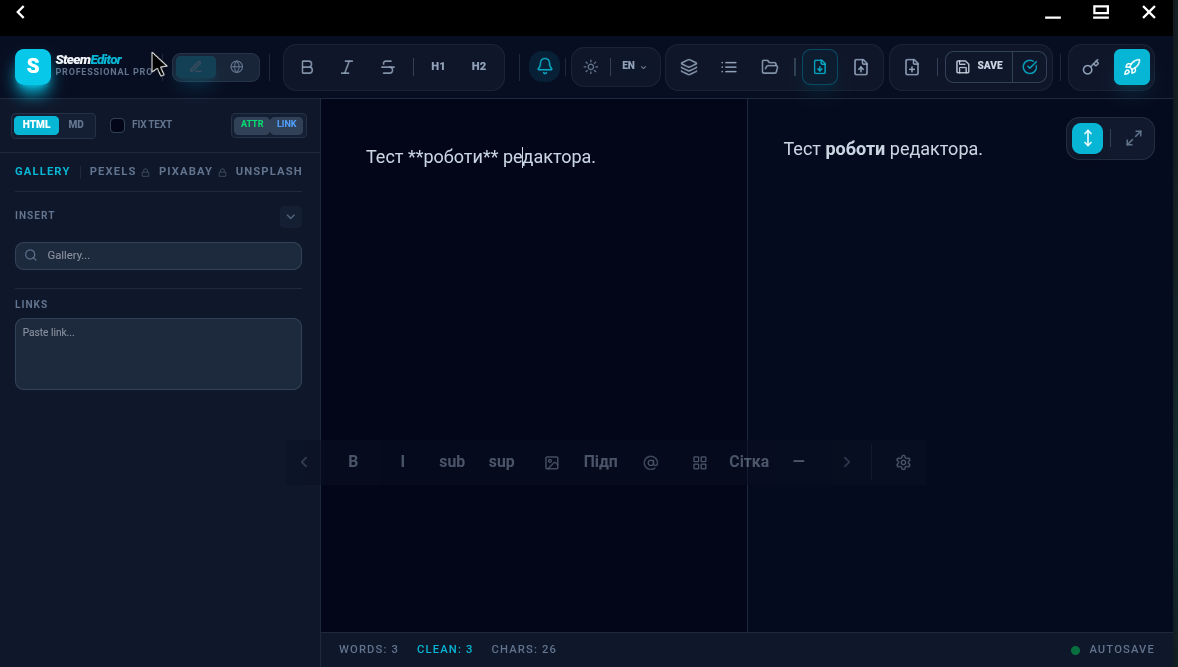
Screenshots of the mobile application working from Waydroid
On larger tablet screens, icon sizes need to be optimized as they are a bit small, but otherwise, it's quite normal.
I assume it will be possible to sign transactions with Keychain, which is under development and was mentioned in the development community. That is, both for the web version and the mobile one.