Achievement 2 Task: Basic security on Steemit - @maazakbar1122
Hello everyone I hope you are all doing good and enjoying every moment of your life. So today I am posting my achievement 2 which is about Basic security on Steemit. So let's start.

Let me answer the questions which are asked in this achievement.
Question 1:
Have you retrieve all your key on steemit?
Answer:
Yes I retrieve all the keys which are in the form of PDF.
Question 2:
do you know each of these key function and restrictions?
Answer:
Yes I know the function of each key and restriction let me describe the function of each key
Posting key:
The posting key is used for posting a new post on steemit. and also used for commenting on other post and also use for following and unfollowing. this key is also used for resteem
Active key:
Active key is basically used for power UP and power down. and transfer your fund to another steemit account this is also used for withdrawing funds from steemit.
Owner key:
The owner key is a very important key with this key you can change your other keys and you can also call this key the recovery key of steemit. Using this key you can recover your steemit account. you should keep this key very secure.
Memo key:
Memo key is used for encrypting and decrypting when you are transferring fund to another account
Question 3:
how do you plane to keep your master password ?
Answer
i save all my keys in my Gmail account and also in my mobile phone. and also in USB and SSD.
Question 4:
do you know how to transfer your steem token to another user steem account?
Answer:
Yes I know first of all open your steemit wallet
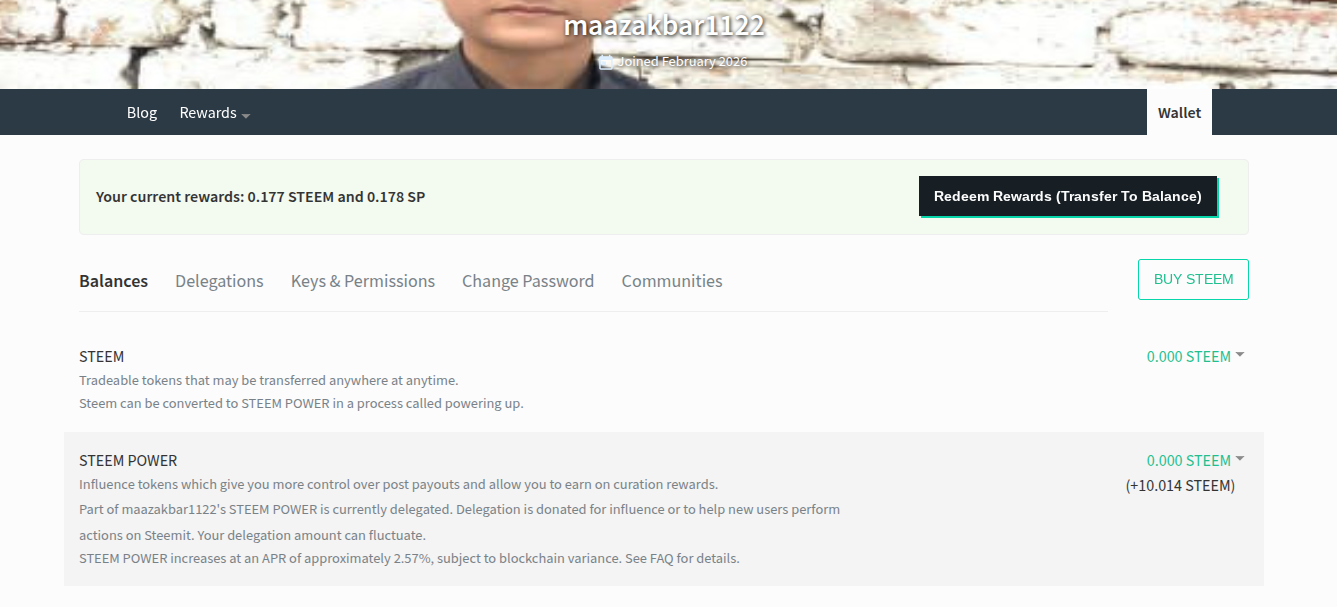
then you need to click on dropdown button there you will see the transfer fund option click on it.
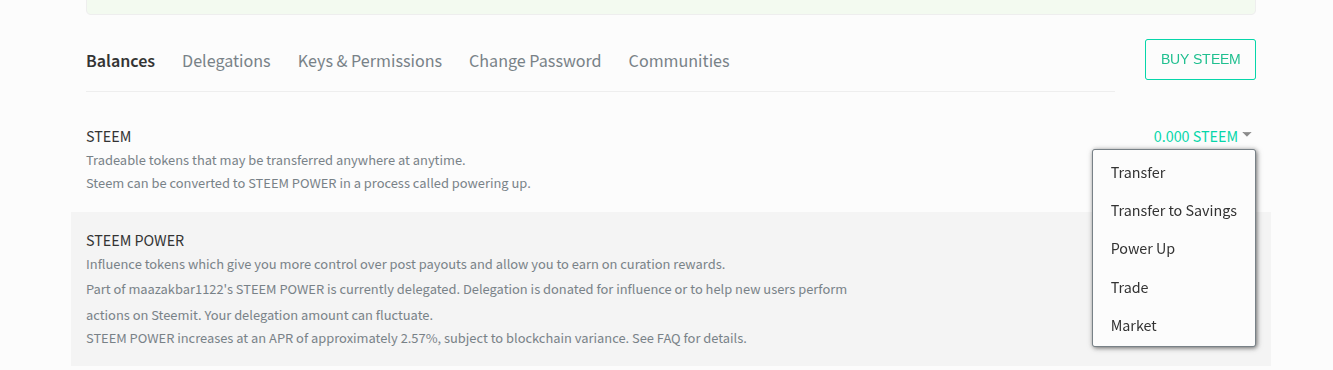
after that write the user name where you want to transfer funds and also write the amount of funds which you want to transfer
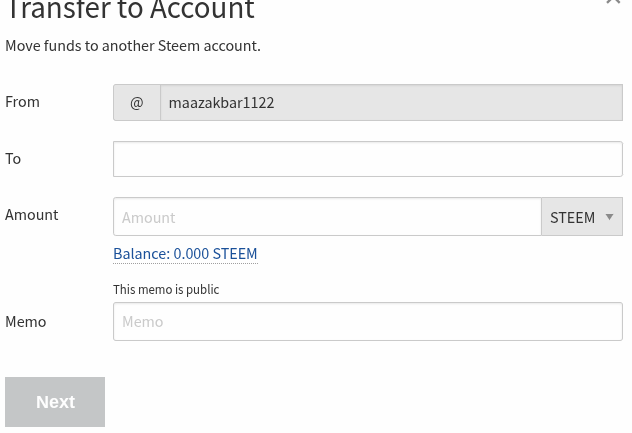
and then next apply your active key and your fund transfer successfully
Question 5:
Do you know how to power up your steem?
Answer:
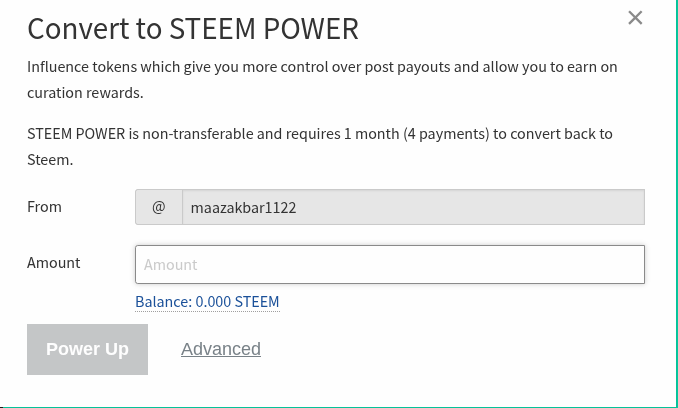
yes i know how to power up steem let me show step by step First of all you need to open your steem wallet then click on the drop down button then you will see the power up option click on it.
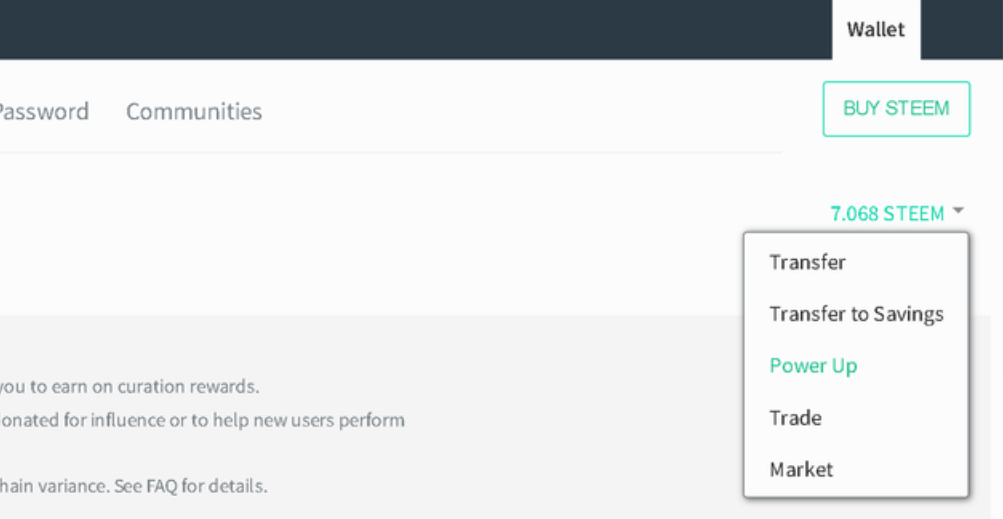
write the amount you want to power up and and click on the power up button and apply your active key
So this is my Achievement 2 post you can leave your opinion in comments
Allahhafiz