How Low-Data Design Improves Mobile Access on Unstable Networks
How Low-Data Design Improves Mobile Access on Unstable Networks
A practical guide to adaptive loading, responsive media, caching, retries, and graceful performance when bandwidth is limited.
Independent mobile-performance explainer. It does not claim OKFun currently provides a verified low-data mode.
Low-Data Design Is About Priorities, Not Just Smaller Files
A mobile experience can feel unreliable long before a connection disappears completely. High latency, packet loss, weak cellular coverage, congestion, and rapidly changing signal quality can make pages stall, images appear late, or requests fail halfway through. A low-data design responds by deciding which information is essential and delivering that path with as little unnecessary transfer as possible.
Android's Data Saver feature reflects the same general principle at the operating-system level. On Android 7.0 and later, users can enable Data Saver to reduce data use, especially when using small prepaid data allowances, roaming, or limited mobile plans. Apps can detect relevant network states and should behave sensibly when background or metered-data use is constrained.
For an OKFun information site or any other mobile-oriented service, the useful lesson is not to assume that every visitor has stable Wi-Fi. The interface should remain understandable when the network is slow, intermittent, or expensive. That means the essential navigation, status information, and account-access path should not depend on downloading every visual or optional feature first.
Adaptive Loading Sends Different Work to Different Conditions
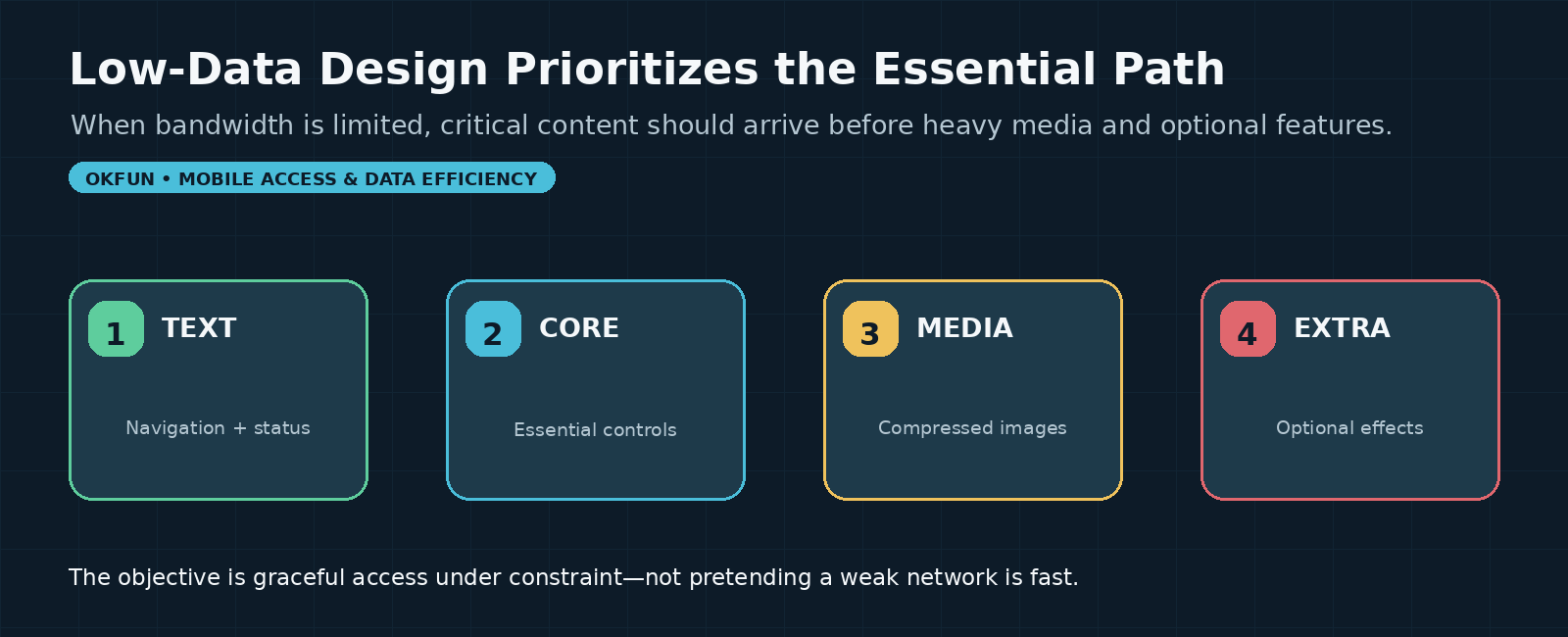
Adaptive loading is a web-performance strategy in which an experience adjusts to the user's network or hardware constraints. Google web.dev describes the goal as providing a fast core experience to everyone and progressively adding higher-end features when the device and network can support them.
That does not require building two completely separate websites. A page can prioritize critical text and controls, defer large images, avoid auto-loading heavy media, or choose smaller resource variants under constrained conditions. The important principle is progressive enhancement: the core task should work first, while richer presentation arrives when conditions permit.
This distinction also prevents a common mistake. A 'low-data mode' should not simply remove random features until the page looks broken. It should preserve the information hierarchy. The user still needs to know where they are, whether a request succeeded, what action is available next, and whether the connection is causing a delay.
Responsive Images and Lazy Loading Reduce Unnecessary Transfer
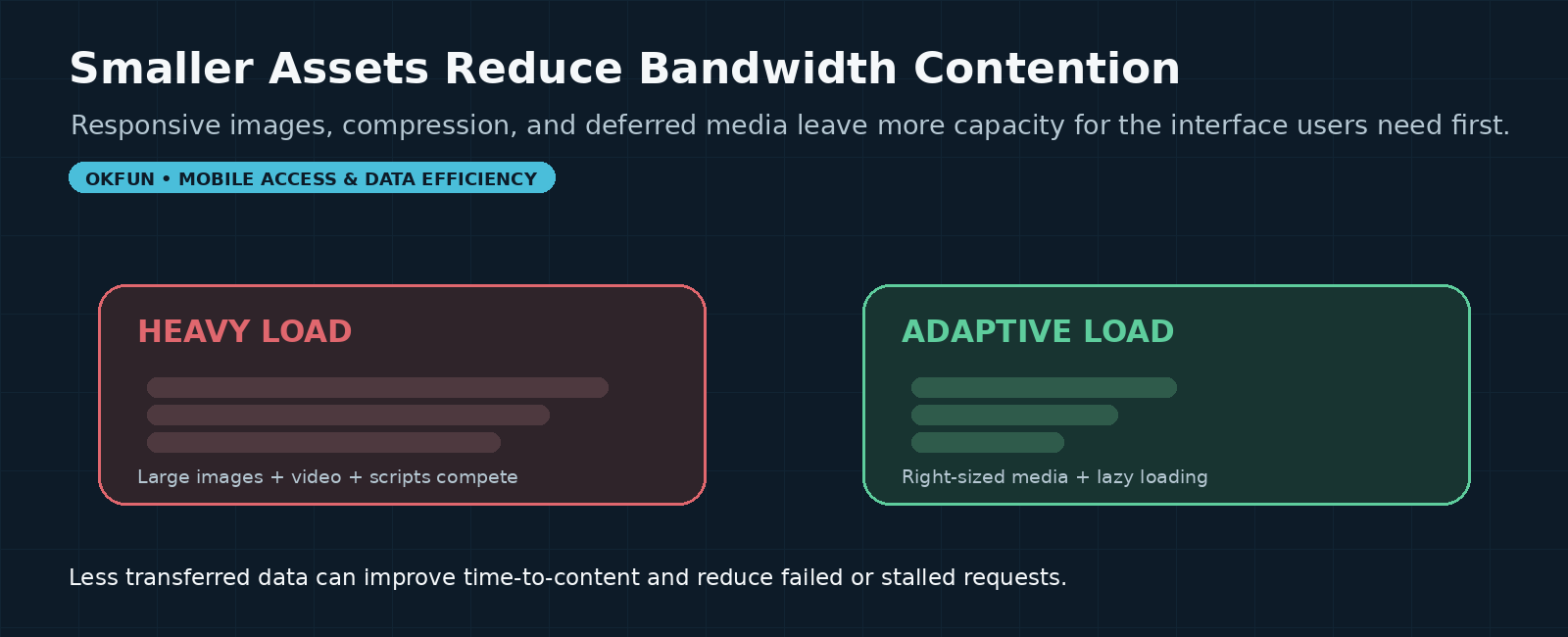
Images often account for a large share of transferred bytes on visually rich mobile pages. Responsive-image techniques let a browser choose an image that better matches the device's display requirements instead of always downloading one large source. Google notes that this can save user data and reduce bandwidth contention with other page resources.
Lazy loading applies a different kind of prioritization. Images and embedded content that are far below the current viewport can be deferred until the user scrolls close enough to need them. That leaves more of the available connection for above-the-fold content and controls that determine whether the page feels usable.
Compression matters too. A low-data design should avoid sending a high-resolution asset when the screen will display it at a fraction of that size. Video requires even more caution because media can consume bandwidth continuously. Autoplay and unnecessary preload behavior can be particularly expensive on limited connections.
Caching Helps When the Network Repeats the Same Work
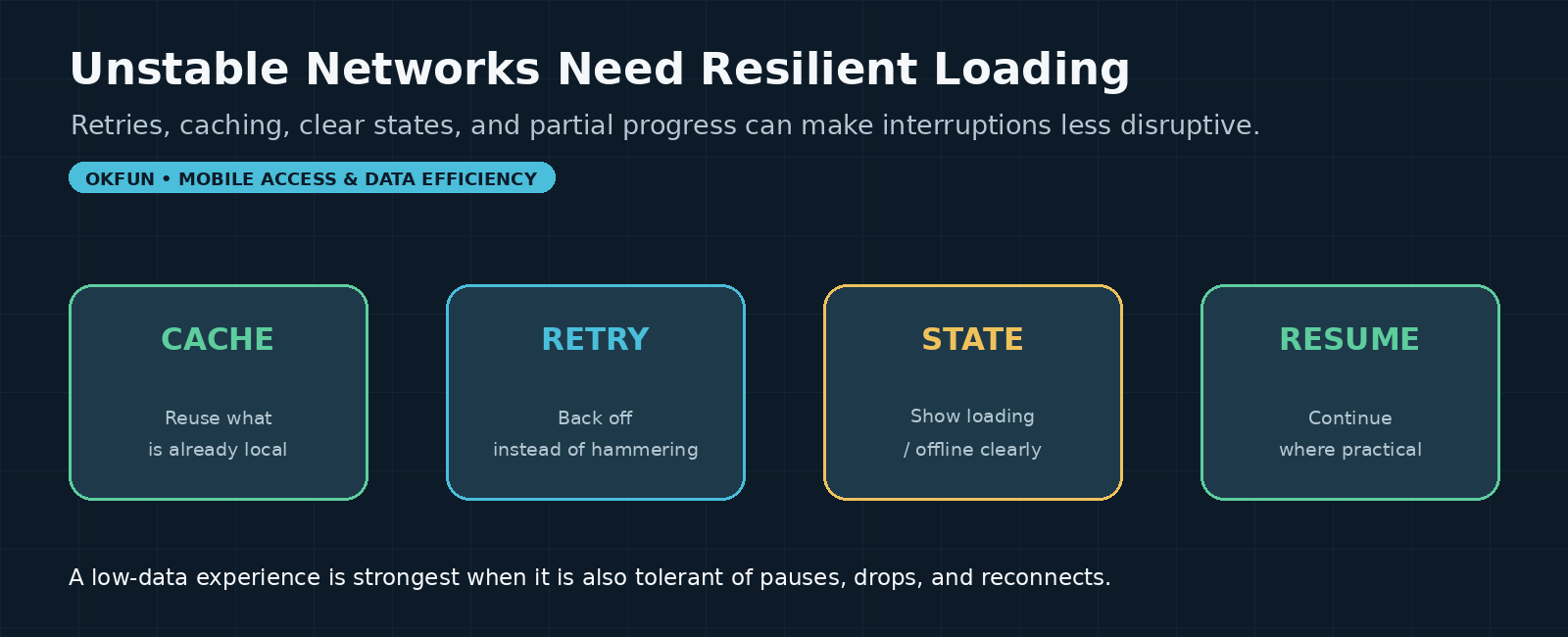
A connection does not need to download the same unchanged resource every time. Browser caching and service-worker strategies can reuse previously fetched assets so repeat visits require less network transfer. Precaching can also make selected resources available before they are requested later, although overly aggressive prefetching can waste bandwidth if the user never needs those resources.
That tradeoff is important. Low-data design is not the same as 'cache everything.' The goal is to cache resources with a high chance of being reused, avoid repeatedly transferring stable interface assets, and keep dynamic or sensitive information appropriately fresh. A design that downloads large speculative bundles in the background can undermine the entire point.
Good caching also improves resilience. When a network briefly drops, locally available interface resources can keep the page structure visible instead of turning every interruption into a blank screen. The application can then show a clear offline or retry state for information that genuinely requires a fresh connection.
Retries Should Be Controlled, Not Aggressive
Unstable networks naturally produce failed requests. A naïve interface can react by retrying immediately and repeatedly, which may create more congestion, drain battery, and consume additional data without solving the underlying problem. Resilient systems typically use controlled retry behavior, including delays or backoff, rather than hammering the network.
The user also needs feedback. A spinner that runs forever gives no indication whether the request is still progressing, has failed, or is waiting for connectivity. Clear states such as 'trying again,' 'offline,' or 'tap to retry' make the network condition understandable and give the user some control.
An OKFun connectivity troubleshooting article currently notes that weak or unstable connections can interrupt login and suggests checking the connection or changing networks. That is useful contextual evidence that connectivity matters to access, but it is not evidence that OKFun implements a specific adaptive-loading or low-data feature. Those implementation claims would require independent technical verification.
Low-Data Mode Should Preserve Security and Accuracy
Performance shortcuts should never weaken authentication, privacy, or transaction accuracy. A low-data mode can reduce image quality, defer decorative resources, or limit background synchronization, but it should not skip security checks or hide information the user needs to understand the state of an account.
This is particularly important around sign-in and account actions. If a network interruption occurs after a user submits a request, the interface should avoid suggesting that the operation definitely failed when the server may actually have received it. Clear status handling and safe idempotent design can reduce duplicate actions and confusion.
Similarly, cached content must be handled carefully. Public interface assets are different from sensitive account data. Developers need to consider which information can safely remain on the device, how long it should be considered fresh, and whether a reconnect should trigger revalidation.
Five Questions to Ask About Mobile Access Under Constraint
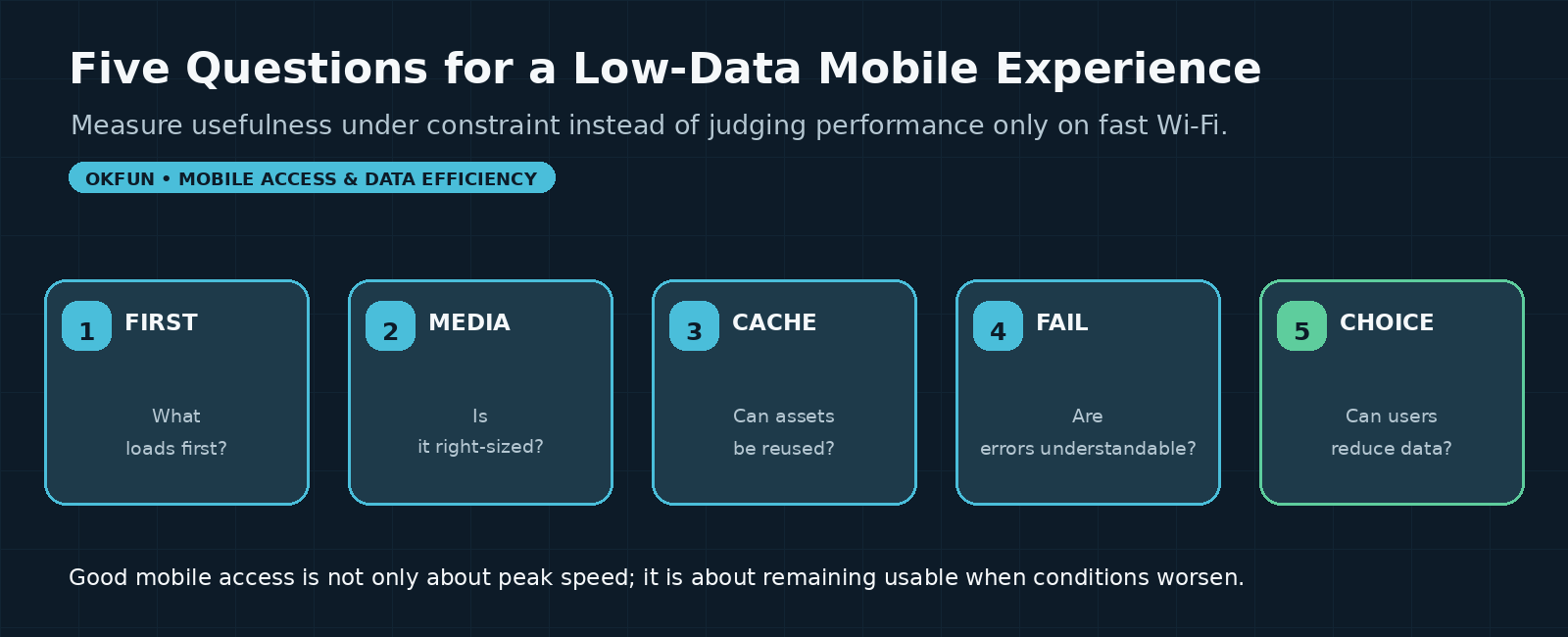
A practical review can start with five questions. First, what loads before everything else? Essential text, navigation, and status should beat decorative media. Second, are images and videos right-sized for the device and connection, or is the page sending more data than the user can reasonably display?
Third, can stable assets be reused from cache rather than fetched repeatedly? Fourth, what happens when the connection fails halfway through a request? A strong interface explains the state instead of leaving the user staring at an indefinite loading indicator. Fifth, does the user have a way to reduce data use, whether through operating-system Data Saver, an application setting, or a lighter web experience?
These questions shift mobile-performance evaluation away from ideal laboratory conditions. A page that looks excellent on office Wi-Fi but becomes confusing on a congested cellular network is not fully accessible in practice.
Final Takeaway
Low-data design improves mobile access by prioritizing the essential path, reducing unnecessary media transfer, reusing suitable resources, and handling unstable connectivity gracefully. It does not make a poor network disappear, but it can prevent a weak connection from turning every interaction into a failed experience.
The most useful standard is graceful degradation: when bandwidth falls, the experience should become lighter before it becomes unusable. That approach benefits people on prepaid data, congested networks, older devices, and temporary weak-signal areas—and it gives designers a more realistic definition of mobile performance than testing only under perfect connectivity.
Sources & References
• Android Developers — Optimize network data usage / Data Saver.
• Android Developers — Connectivity for billions and network-access optimization.
• web.dev — Adaptive loading: improving web performance on slow devices and networks.
• web.dev — Responsive images, lazy loading, video performance, and resource-loading guidance.
• OKFun — App login issues / connectivity troubleshooting article (used only as contextual site information).