How to delegate SP using Vessel
Hello,
Today i will show you how to delegate Steem Power using Vessel.
- Download Vessel from here.
- Install and start.
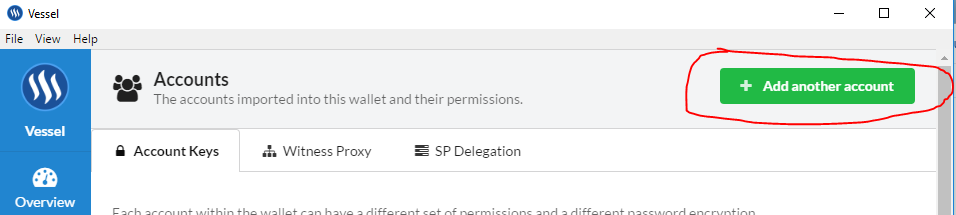
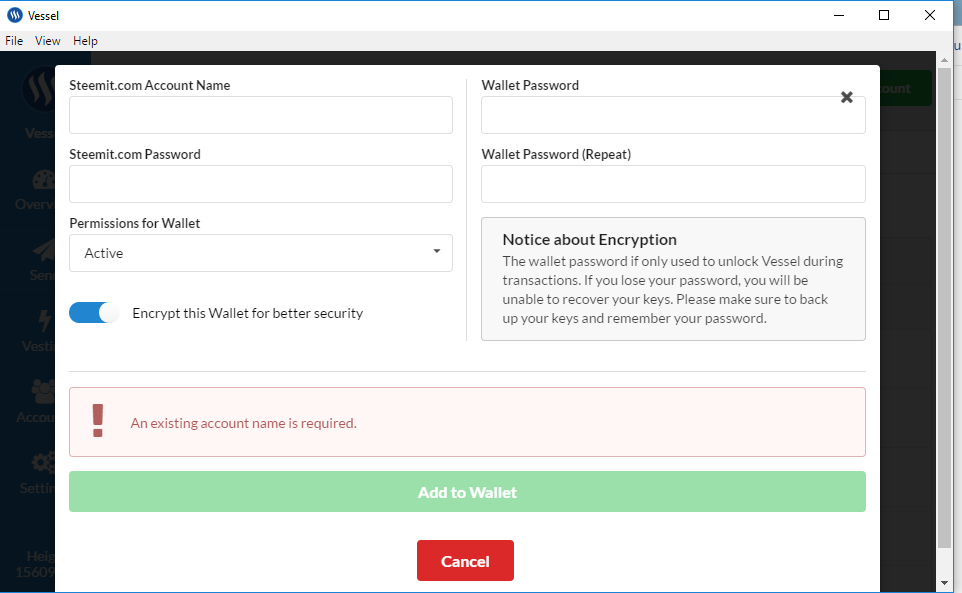
- Import Steemit Account(pictures 1,2,3)
- If you already import account go to section Accounts than SP Delegation (picture 4)
- 1.You can see in this section current delegation, to cancel click button under 1. It takes one week to back your SP.
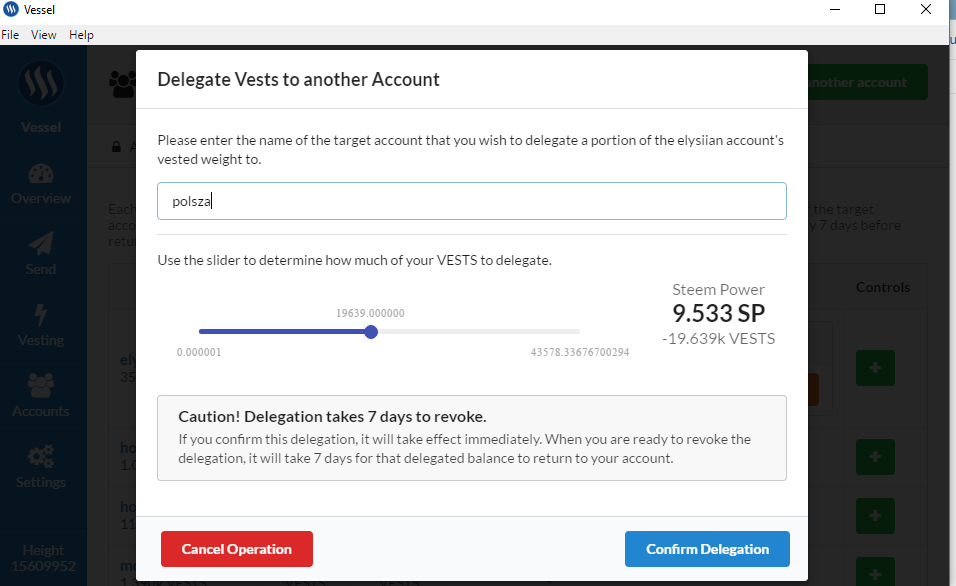
2.To delegate SP click this button 2. - Write nickname you want delegate for example elysiian, slide amount of SP you want delegate and click delegate power.(picture 5)




Awesome! I can't wait to not get delegated any Steempower because I am not a leftist!
Interesting... I need to read more about Vessel, this is the first I am hearing of it
This post recieved an upvote from minnowpond. If you would like to recieve upvotes from minnowpond on all your posts, simply FOLLOW @minnowpond