How to Build a Practical Security Strategy for Your PrestaShop Store
Most PrestaShop merchants know they need to secure their site; however, many think of security only in terms of SSL, strong passwords, and good hosting security. As a result, many other aspects, such as admin access, suspicious logins, malicious requests, spam, false positives, file modifications, and more, go unprotected or lack established protection/monitoring processes.
And the main issue with all these aspects is that store owners think about security as a one-time task and not as an approach that consists of several security measures that address particular issues, provide proper monitoring, and are helpful for smooth business operations. A PrestaShop Security Module could become a solution in this case, but there is still an important question: what should be secured first, what should be monitored next, and what effect will it have on the operation of a store?
In this guide, we will discuss the practical workflow for protection and security measures in PrestaShop stores.
1. Secure the Admin Before Anything Else
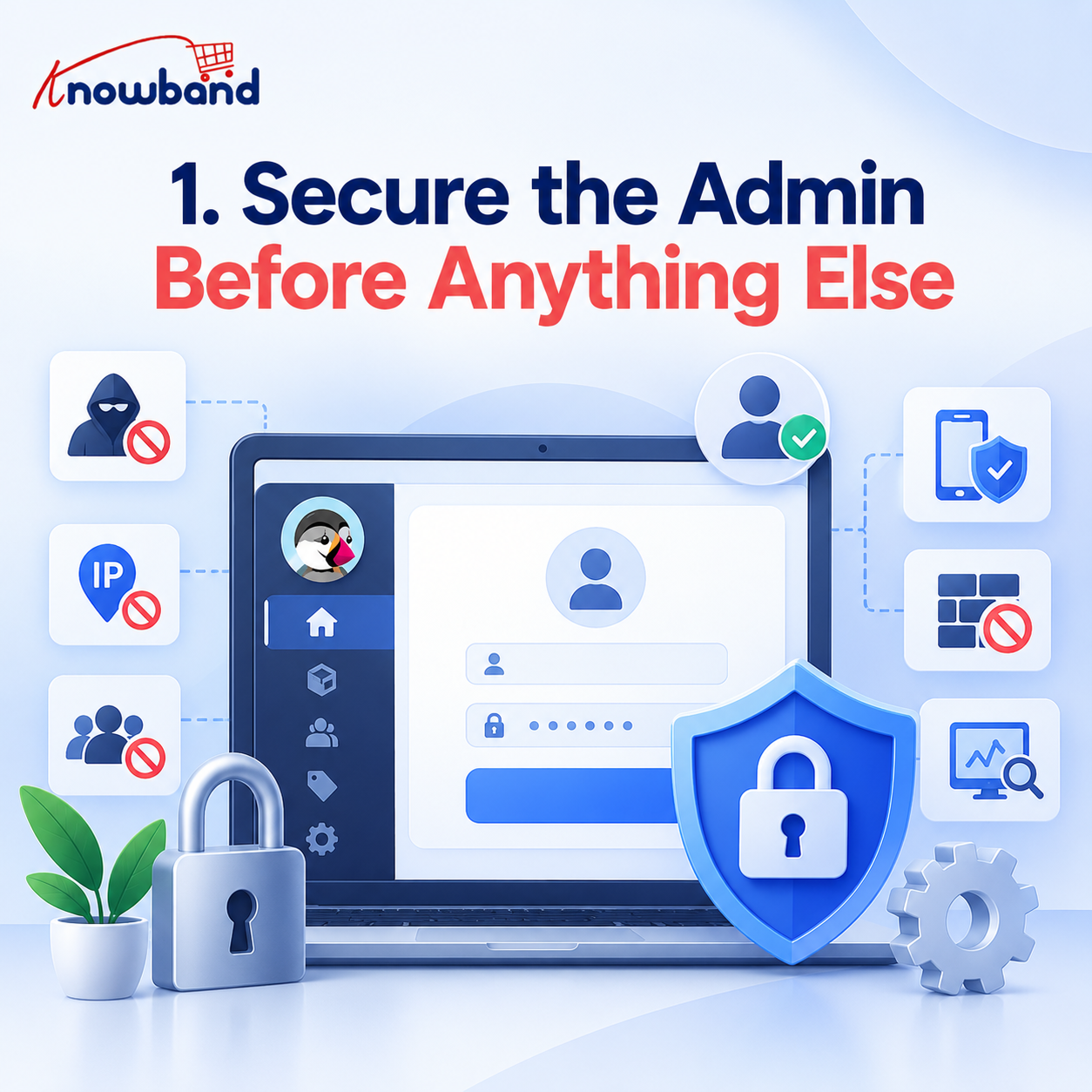
Begin with your PrestaShop back office, where orders, customers, products, payments, employees, and store settings are managed.
Thus, in the first place, you have to secure access to the back office and then improve security by enabling two-factor authentication, blocking brute force attacks, IP blocking, and login monitoring.
A PrestaShop Admin Security Module can bring these protections into the store's existing administration environment.
Expected result: If somebody steals your administrator password, it will not be easy to log in without an additional authentication step. In addition, monitoring will allow you to know about any login activity.
2. Make Suspicious Logins Visible
How do you know whether someone is trying to access your store? You will want to track the login activity and not rely on occasional manual checks.
Check the failed login attempts, successful login events, IP addresses, and suspicious access patterns on a regular basis. If you see repetitive attempts coming from unknown sources, check them out before you have any trouble.
Expected result: You can spot unusual activity early instead of waiting for a security issue to occur. Using Knowband's PrestaShop Security Module, you can monitor login activity after initial configuration and adjust protection when repeated attack patterns appear.
3. Stop Automated Spam Before It Becomes Administrative Work
What should you do about bots filling forms or creating unwanted activity? Add protection to the customer-facing forms where automated submissions are most likely.
A PrestaShop Spam Protection Module can use CAPTCHA protection and bot detection to minimize the number of unnecessary submissions on pages such as registration and contact forms.
Expected result: Your team wastes less time filtering useless submissions, whereas real customers can go on using the store as usual.
4. Protect the Storefront From Malicious Requests
Is protecting the admin login enough? No. Customers and automated traffic interact with the storefront directly, so frontend protection needs its own layer.
A web application firewall can inspect incoming requests for common attack patterns, while security headers add browser-level protection. These measures work before or around normal storefront interactions rather than depending solely on admin panel protection.
Expected result: Common malicious requests can be filtered earlier, reducing unnecessary exposure and helping protect the customer-facing side of the store.
5. Keep Fake Shopping Activity Out of Your Data
Can bots affect business decisions even without breaking into the store? Yes. Automated fake-cart activity can generate misleading shopping signals and consume server resources.
Enable fake-cart protection and monitor unusual cart behaviour instead of assuming every add-to-cart event represents a genuine shopper.
Expected result: Cleaner cart and analytics data gives merchants a more reliable picture of actual customer activity, making decisions around products, inventory, and marketing more meaningful.
6. Check the Store for Unexpected File Changes
What happens if something changes inside your store without your knowledge? You need a way to detect it rather than discovering the problem after customers notice something unusual.
Schedule malware and file-integrity scans. Set alerts for newly discovered or modified threats. The PrestaShop Admin Security Module by Knowband supports scheduled scans through CRON and email alerts when new or modified threats are detected.
Expected result: Potentially suspicious file changes can be identified earlier, allowing the store owner to investigate before the issue develops further.
7. Add a Safety Net Before Tightening Security
Can stronger security settings accidentally lock out your own team? They can, which is why recovery planning should happen before aggressive restrictions are introduced.
Save the emergency recovery URL somewhere outside the PrestaShop admin panel before configuring restrictive controls. Knowband’s PrestaShop Advanced Security Module specifically places this recovery step at the beginning of the setup process.
Expected outcome: It is possible to experiment with stricter settings without accidentally setting wrong configurations that lead to the problem of restricted access to the admin area.
8. Turn Security Into a Routine, Not a One-Time Task
A PrestaShop Security Module works best when its protection features are included in your regular store management activities.
Here is a sample routine:
- Daily: Check unusual login or access activity when relevant.
- Weekly: Review suspicious IPs, failed logins, spam activity, and unusual cart behaviour.
- Monthly: Review administrator access and security settings.
- Scheduled: Run file-integrity and malware scans automatically.
- After major changes: Verify the state of your security settings after installing new modules, hiring new employees, implementing integrations, or modifying your store significantly.
- Expected result: Security becomes manageable and measurable rather than something you remember only after an incident.
Where Does Knowband’s PrestaShop Security Module Fit in This Strategy?
For merchants who don't want to assemble separate tools for every layer, Knowband’s PrestaShop Security Module provides a centralized approach covering admin protection, frontend defence, monitoring, spam control, fake-cart protection, and anti-malware scanning.
The purpose isn't simply to add more security settings. It is to give store owners a practical way to put the strategy above into operation from their PrestaShop environment.
The PrestaShop Advanced Security Module approach brings these different protection areas together, while Knowband also provides configuration guidance so merchants can introduce controls progressively rather than switching everything on without understanding the impact.
That makes the PrestaShop Spam Protection Module useful for a broader goal: building a security process that can grow alongside the store.
The Practical Takeaway
A PrestaShop Security Module by Knowband should not be thought of as invisible armor that protects the store from all possible threats. The right way would be a multilayered approach: secure access, activity monitoring, automatic abuse prevention, protection of storefront requests, file checking, and backup plans.
Once this process is integrated into the normal store administration practice, security will stop being a mysterious technical matter and will become something that merchants can actually handle.
And this is precisely where a security strategy delivers value to the business – it helps protect the store operations, customer experience, data, and income-generating infrastructure of the business.