▶️ Speak on Steem Update: The Speem Wallet
Greetings,
Today we are excited to present the inclusion of the Speem Wallet, a section that will complete the Steem experience for those who decide to use our video platform. The goal is to offer a complete experience where the user does not have to resort to external services to access the basic functionalities of Steem.
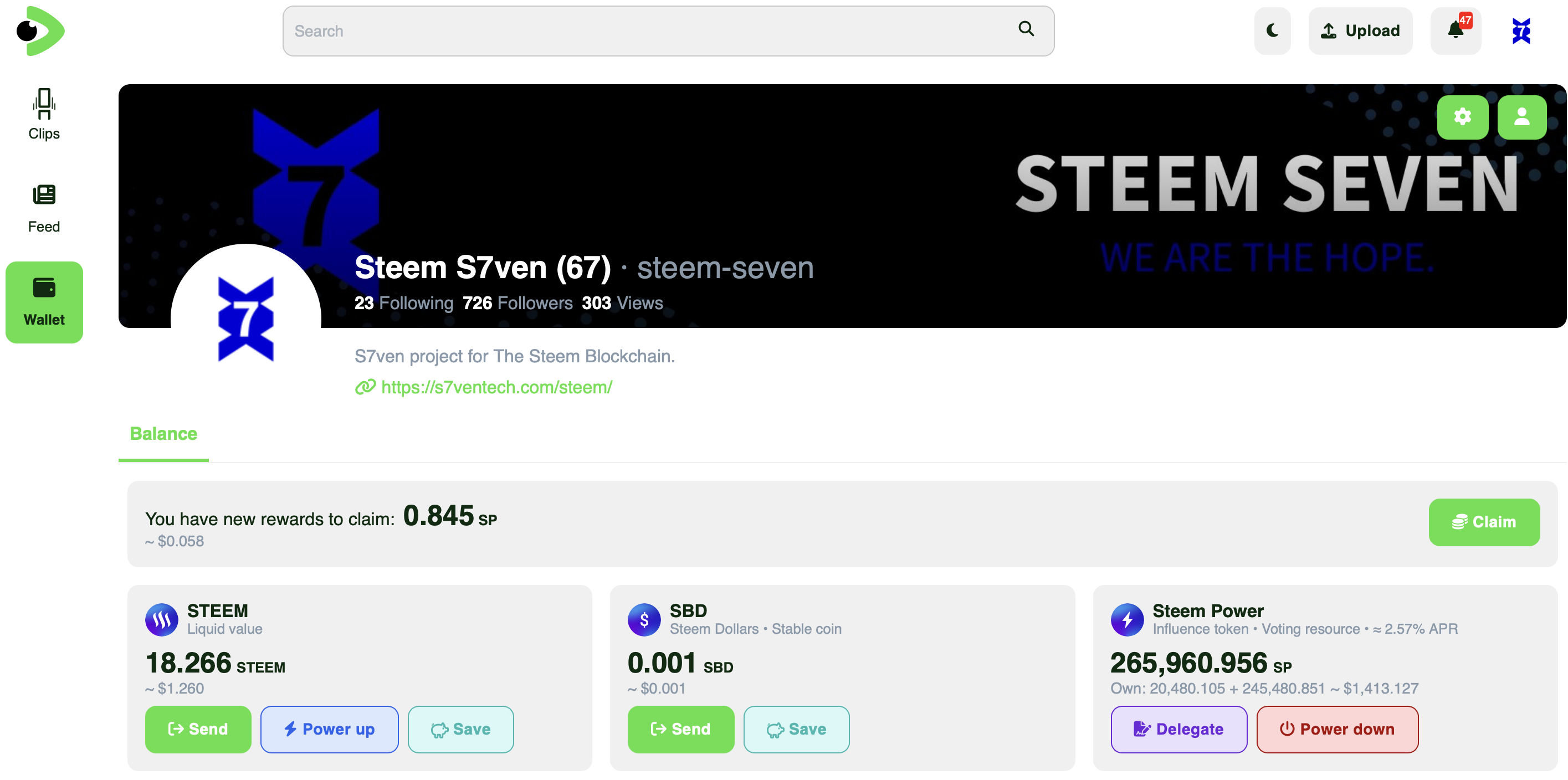
This first version of the Speem Wallet, in addition to including support for STEEM and SBD with active private key or Steem Keychain, includes basic functionalities such as:
- ✅ Transfer
- ✅ Power up
- ✅ Transfer to savings
- ✅ Power Down
- ✅ Delegations
This allows any beginner user to take advantage of the main monetary features of their account from the website. In addition, we have included small tools and additional integrations that improve experiences and make it easier to understand what the user is doing.
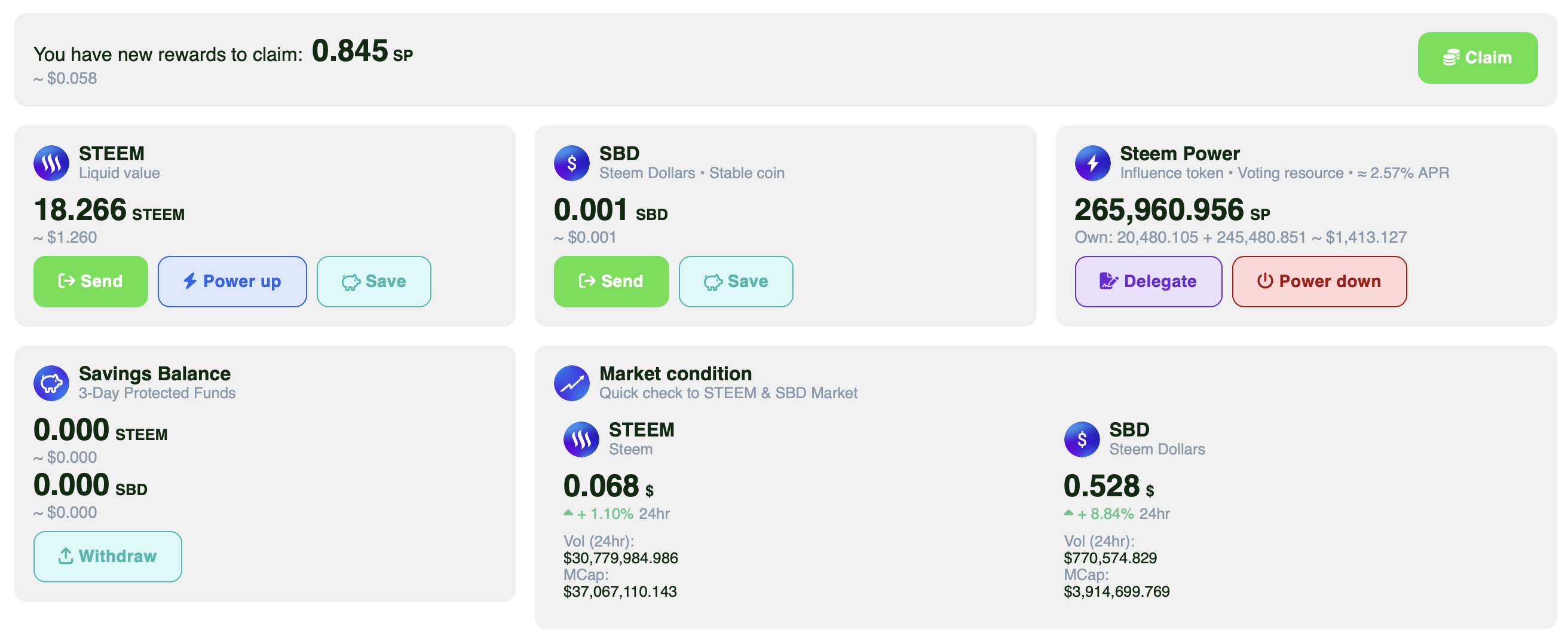
Full wallet panel.
Starting to browse the Wallet we find the form to make a transfer, it contains all the basic details, a container, the amount, the currency to be sent, and the Memo. Additionally, we have added a directory system that will allow users to remember exact transfer configurations.
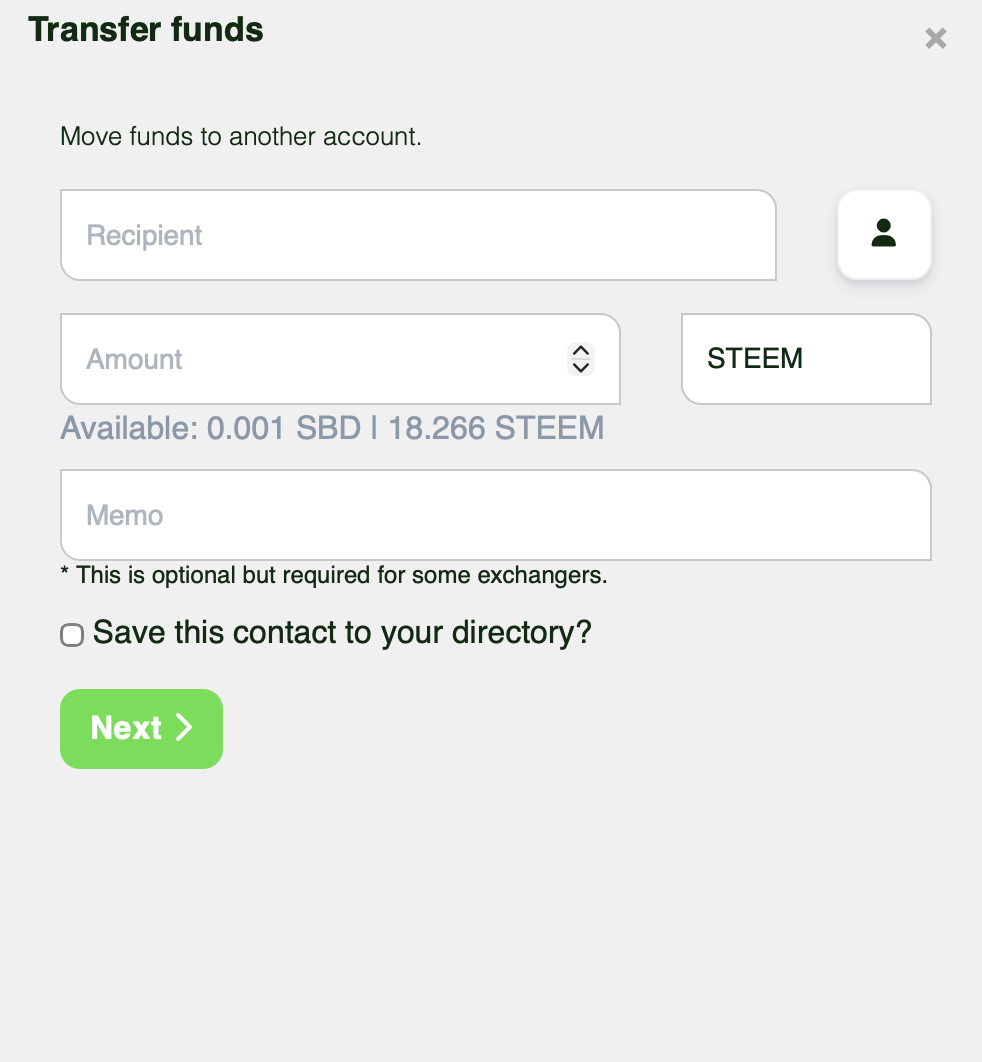
Transfer tool.
Right next to the field to write the container we will find the button of our directory where we can consult the list of users to whom we transfer recurrently that we have saved.
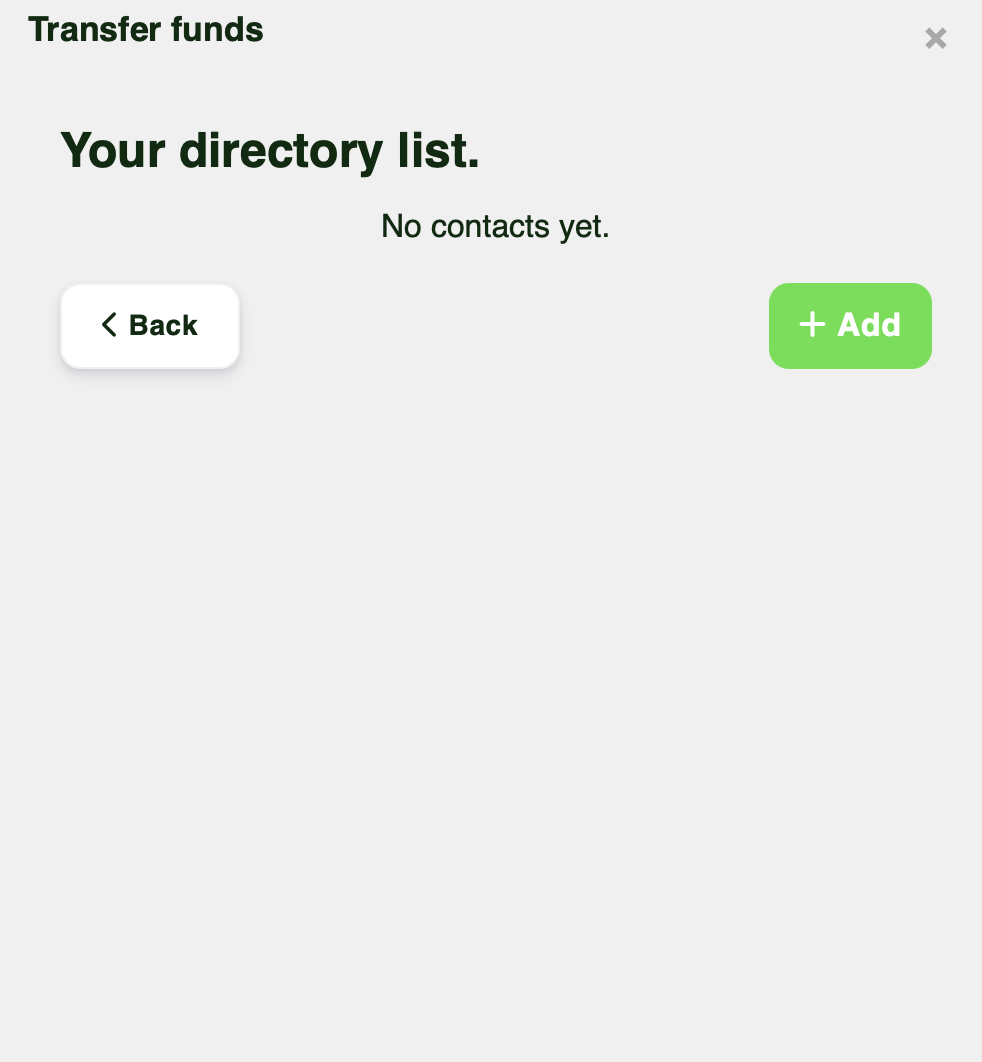
Directory list.
Here we can preconfigure users with their memos, thus facilitating above all the transfer to exchangers in a simple way, allowing us to store specific and exact configurations ideal for transferring to these platforms without margin of error. (NOTE: remember that sometimes exchange platforms update their wallets, make sure it's the same before sending any money)
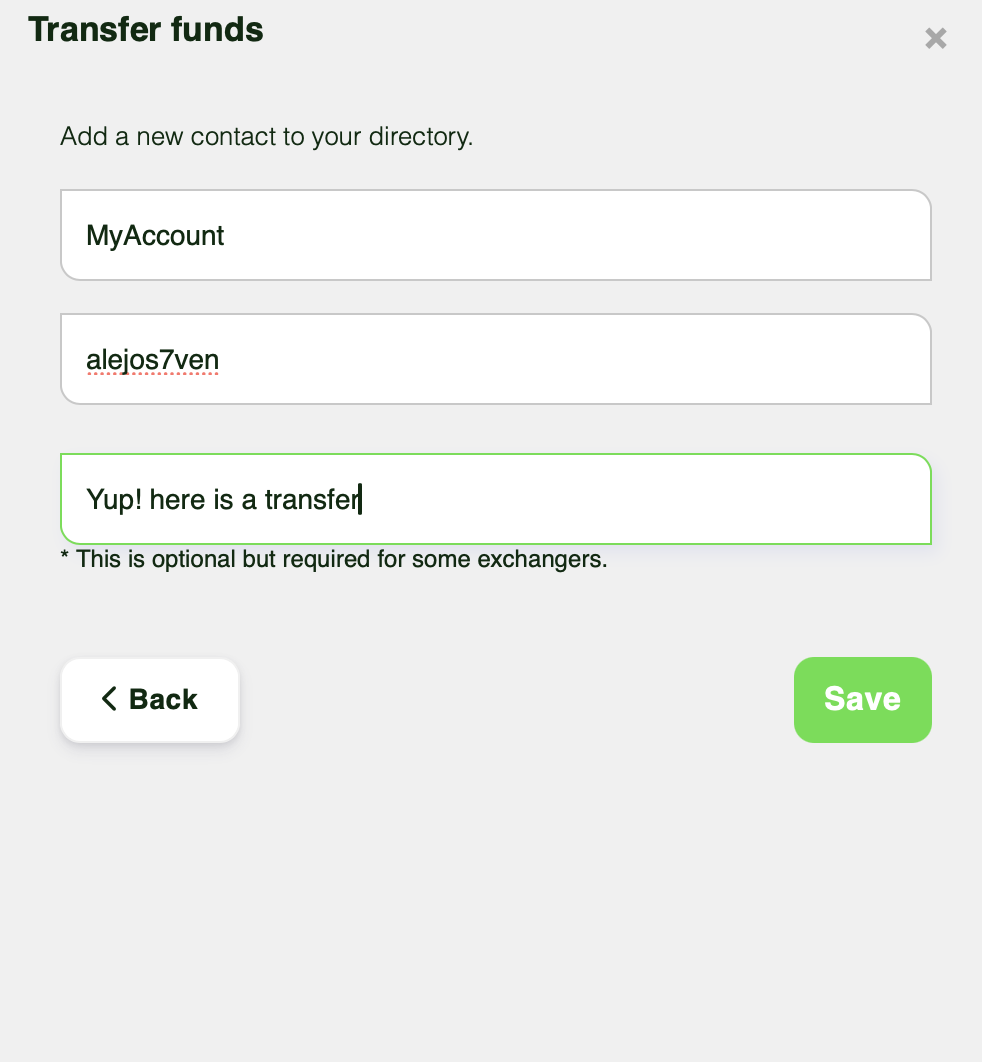
Adding contact to directory.
Once we save any contact in our directory we can use the information we have configured to make the transfer. We simply enter the directory and click on the contact we want to use.
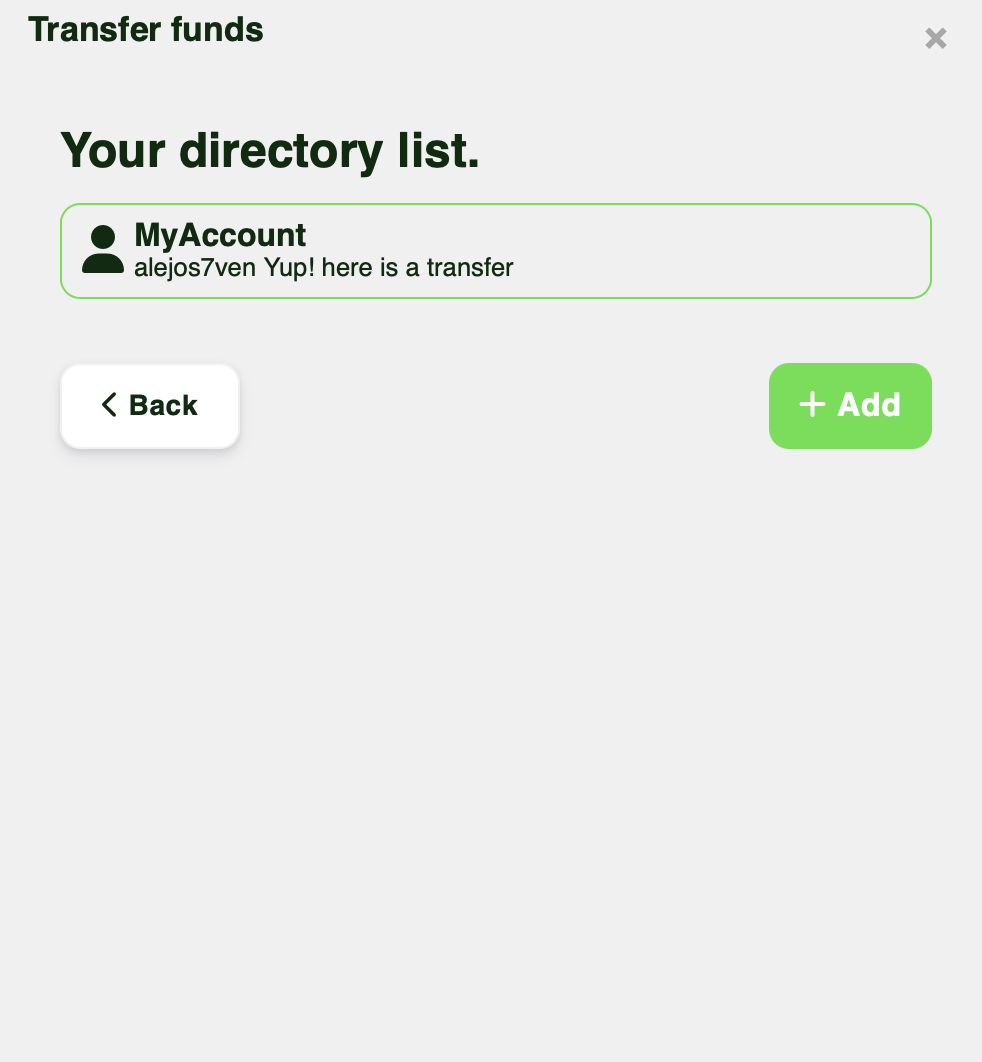
Directory updated.
Once we click, the form will be filled out automatically and we will only have to enter the amount we want to send.
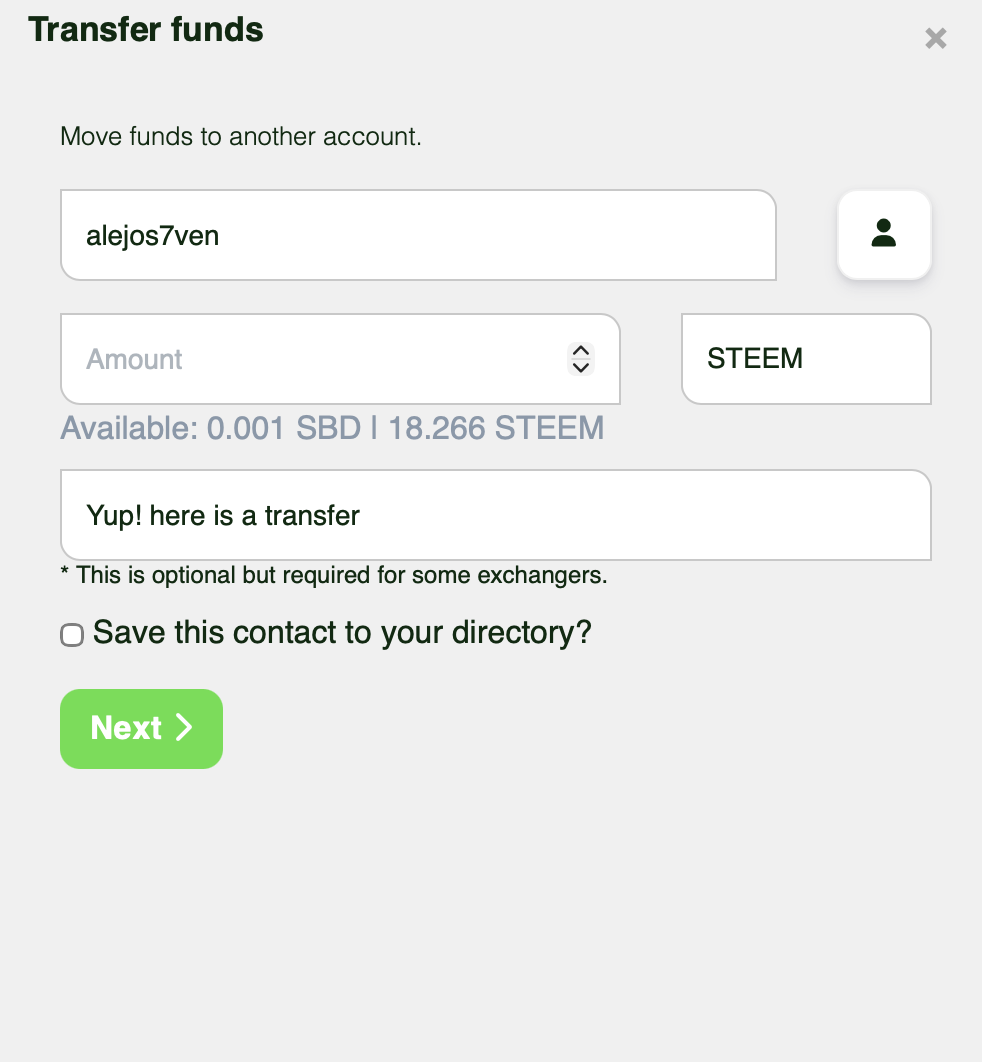
Filled form.
Once all the details are ready you can give the following and you will receive a confirmation explaining exactly what you are about to do so that there are no misunderstandings later.
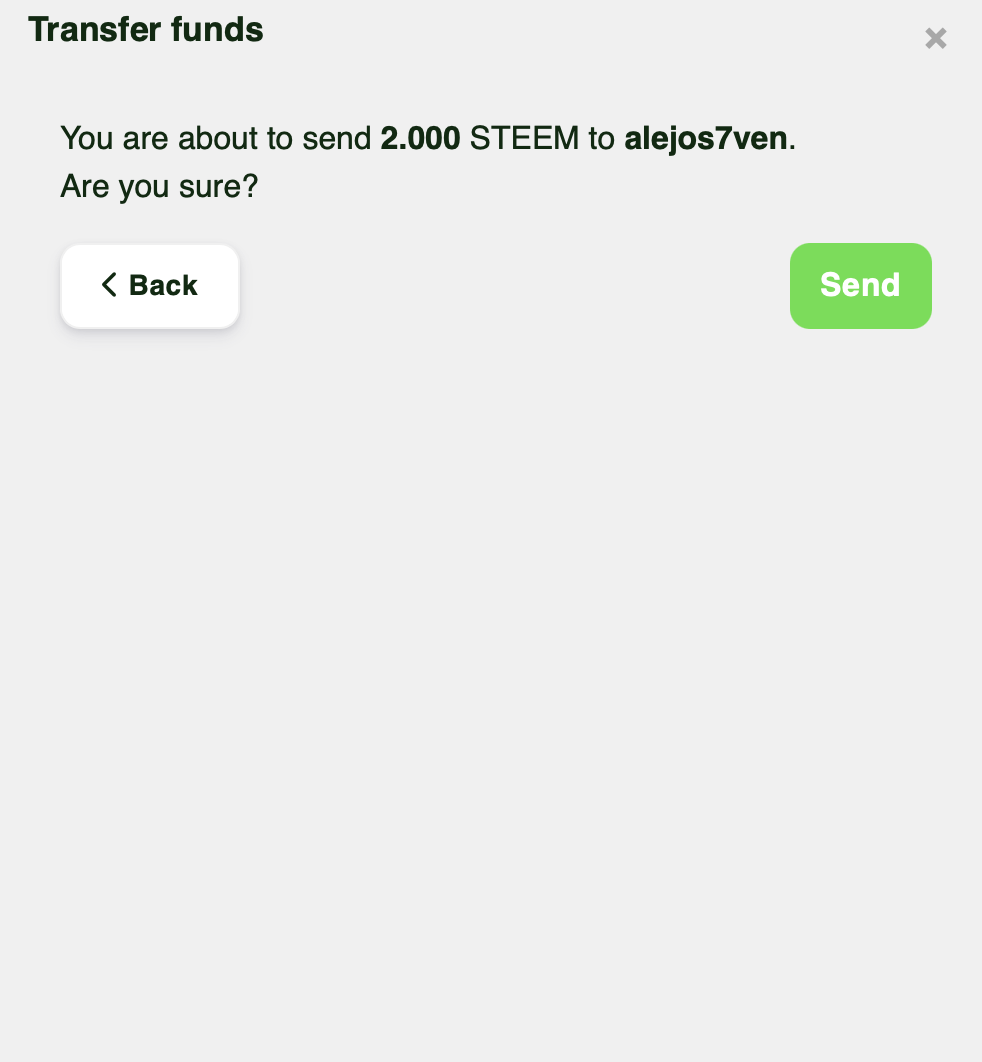
At this point you will use your favorite authentication method, it can be the single-use active key or Steem Keychain, allowing you to sign any operation securely on the platform.
Another of the highlighted menus is that of the delegations that will provide a detailed explanation to users of what exactly this is. Users will be able to know in detail how the delegations work, since this is one of the characteristics that often generates confusion among the community.
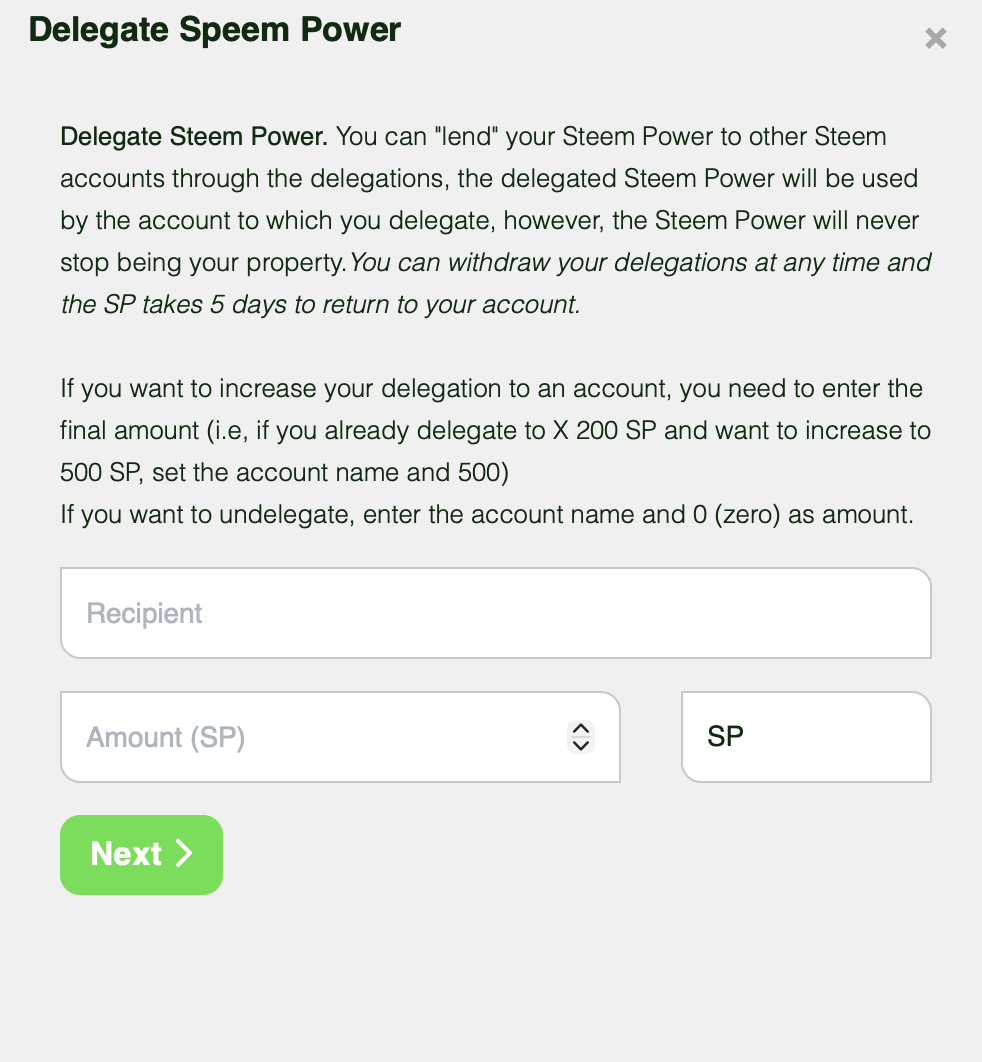
Delegations tool
If you try to delegate to an account to which you previously delegated, you will get a small tooltip that will indicate what you are doing, you will also be able to see in real time if you are about to reduce or increase your delegation.
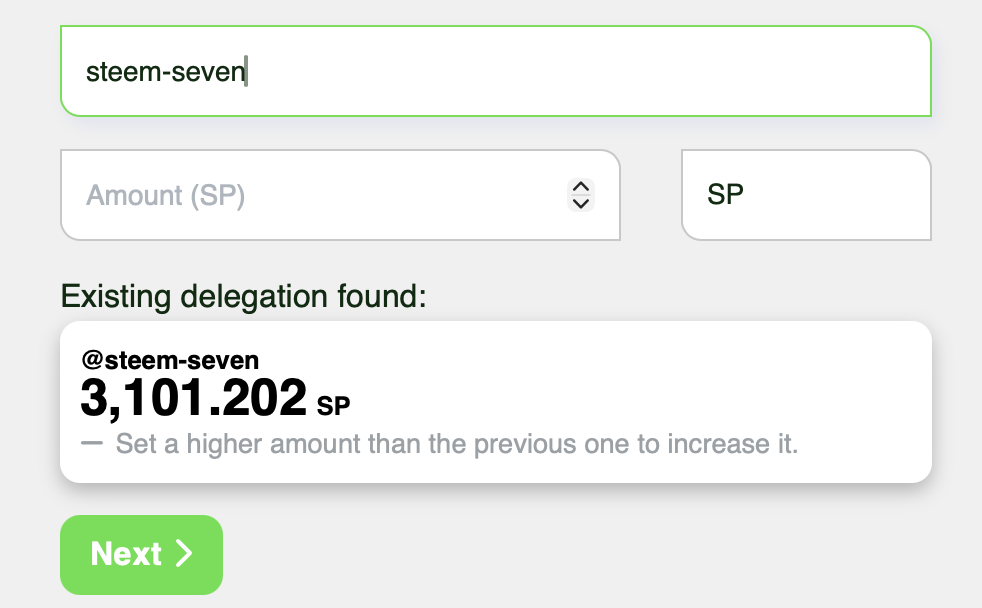
Tooltip
In the following example we place the amount of 2000 which will reduce my current delegation. Many users have to confuse this feature and think that it is cumulative, but the delegations work by rewriting, so with this Tooltip we facilitate the understanding of what the user is going to do.
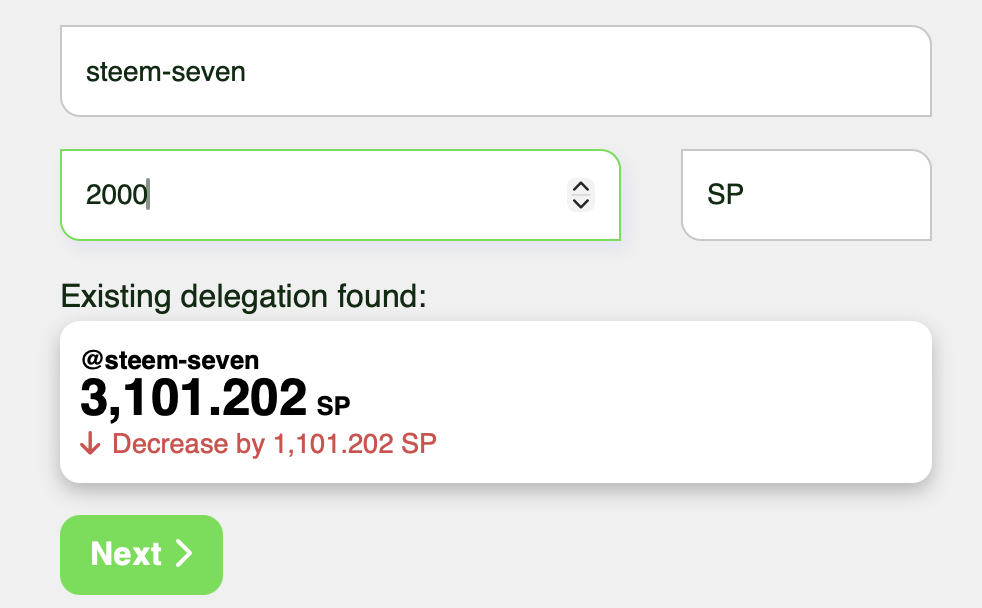
Decreasing delegation.
In the same way in the following example we established the amount of 4000 that will add approximately 800 SP to the previous delegation, as we can see in the image this makes it easier to see exactly what you are going to do with your delegation.
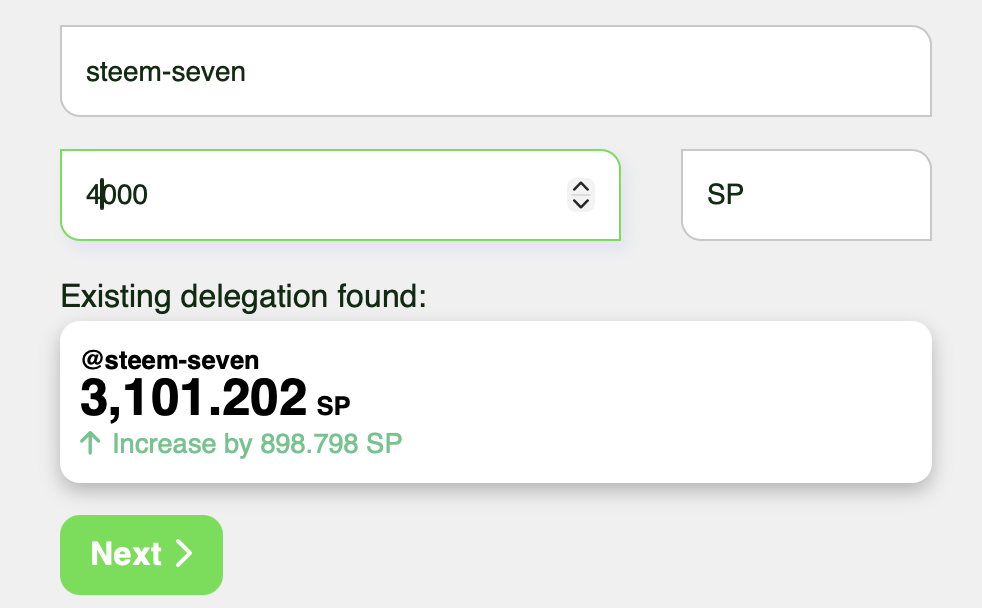
Increasing delegation.
The following Screen is the tool to start a Power Down we include a bar with easy-to-use buttons to calculate exactly the amount to turn off.
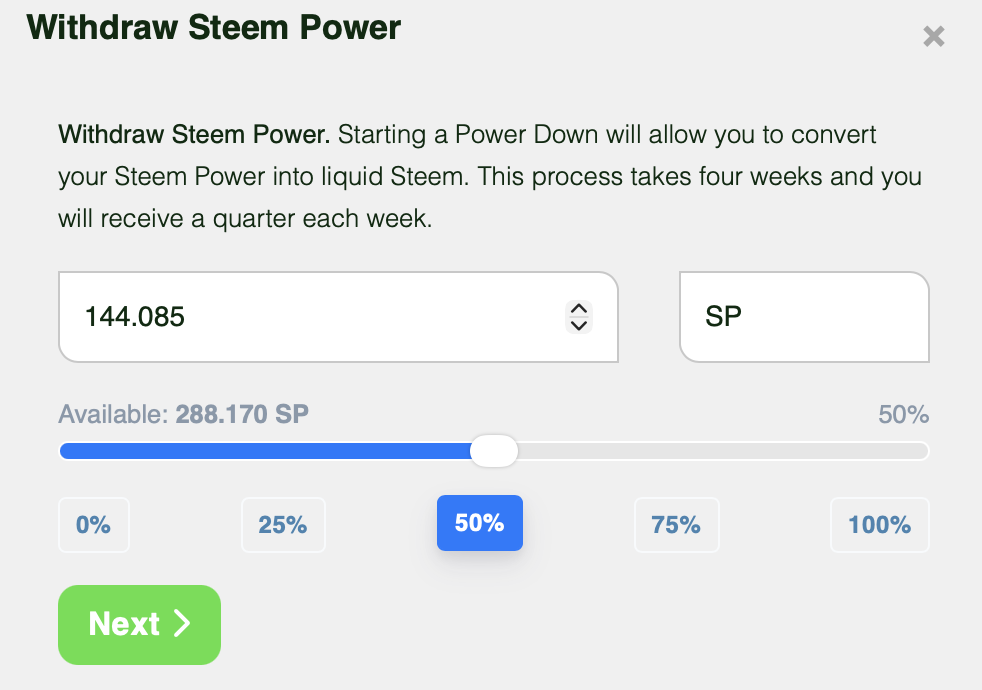
Power down tool.
Once you start your Power Down you will see a red alert in your wallet notifying you of what you are doing so that you can act accordingly if necessary.

Power down alert.
On this screen we find the form to save our funds in the savings account, many do not know it but this account protects your funds which will be available again after three days if you require it. This feature allows that even if your account is compromised you have a margin of time to act and recover it.
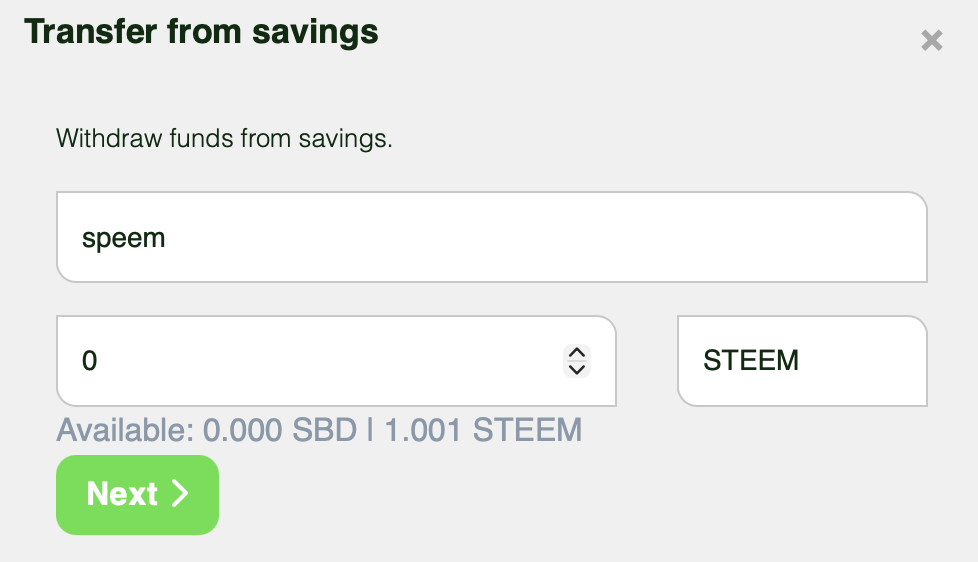
Savings tool.
You can also withdraw your funds from the savings account easily. An alert will also be added to your wallet that will notify you of this action and the remaining time for your funds to be available.

Withdraw from savings alert.
The market condition component is an additional information component that will help you evaluate Steem's condition at all times. Although we were able to calculate the price of STEEM and SBD with internal methods, we also wanted to integrate information about the external market to always have a complete picture. The price information in this section is obtained with the CoinGecko API.
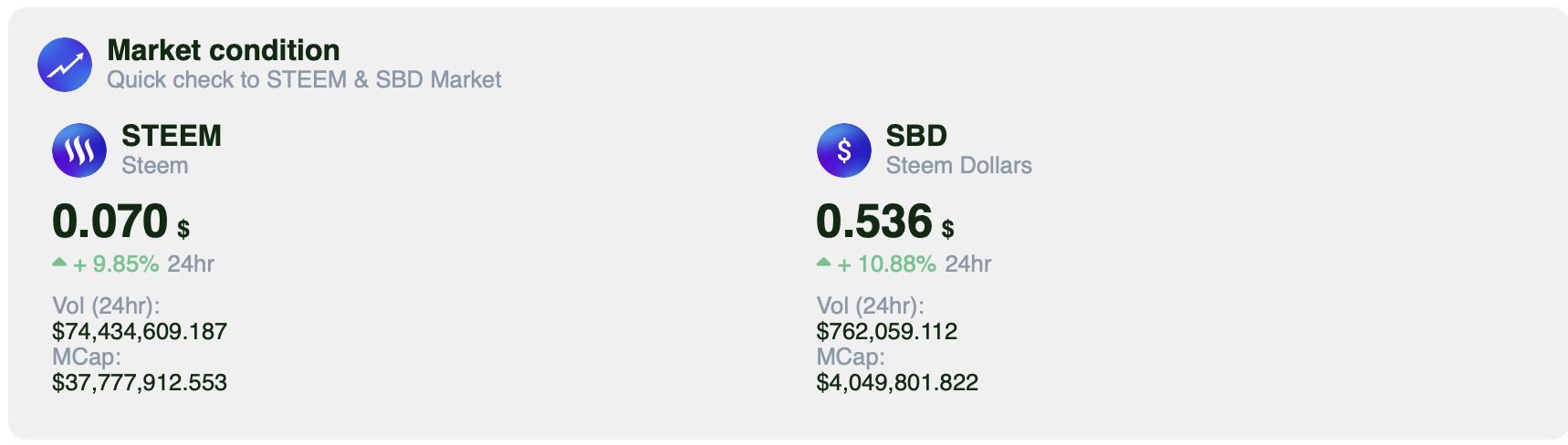
Market condition tool.
We have simplified the side menu to avoid having many buttons that can confuse people, we grouped all the content in Feed, kept the Clips and added the Wallet to highlight this new added feature.
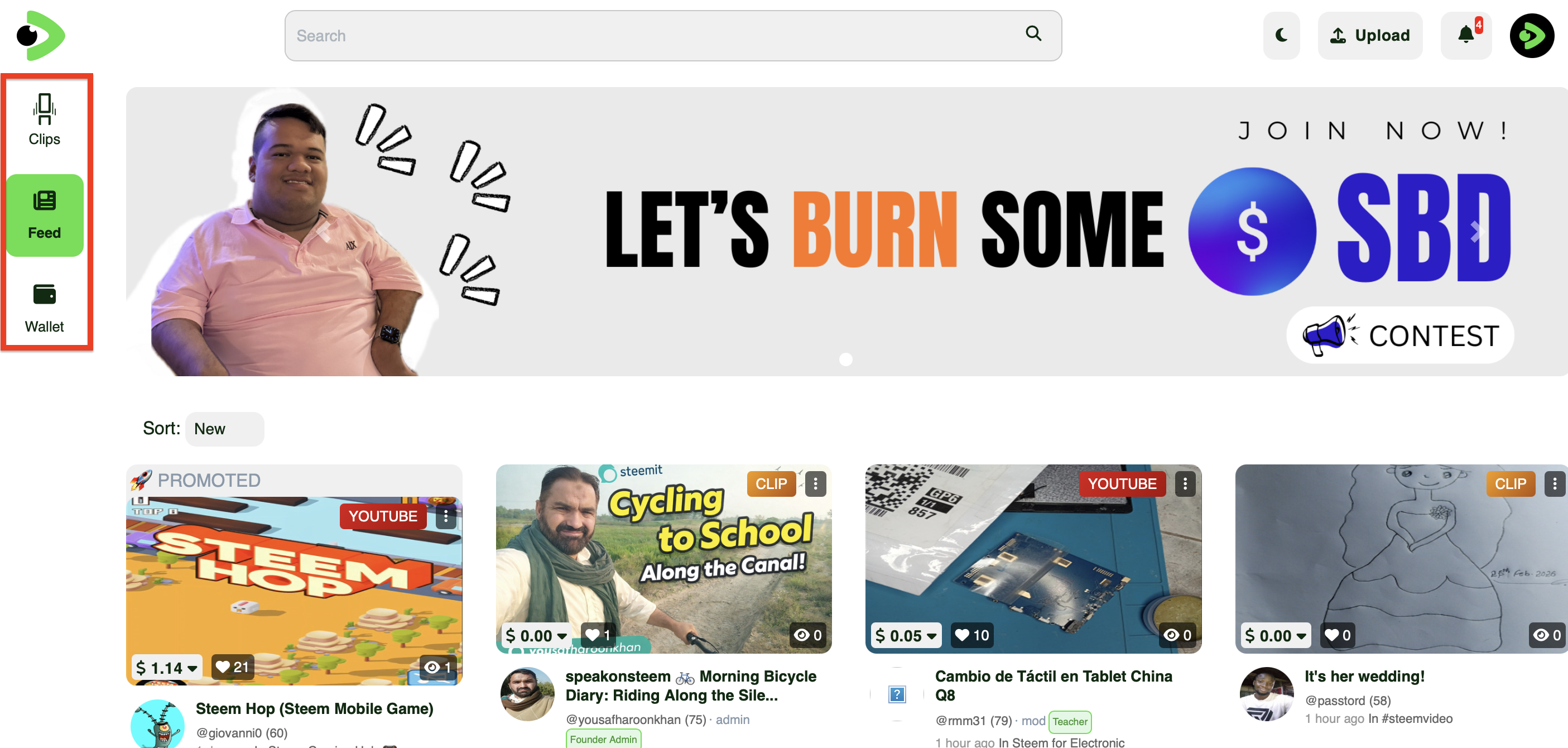
Current feed page.
We add easy access buttons to go to the Wallet at any time and to the profile settings.
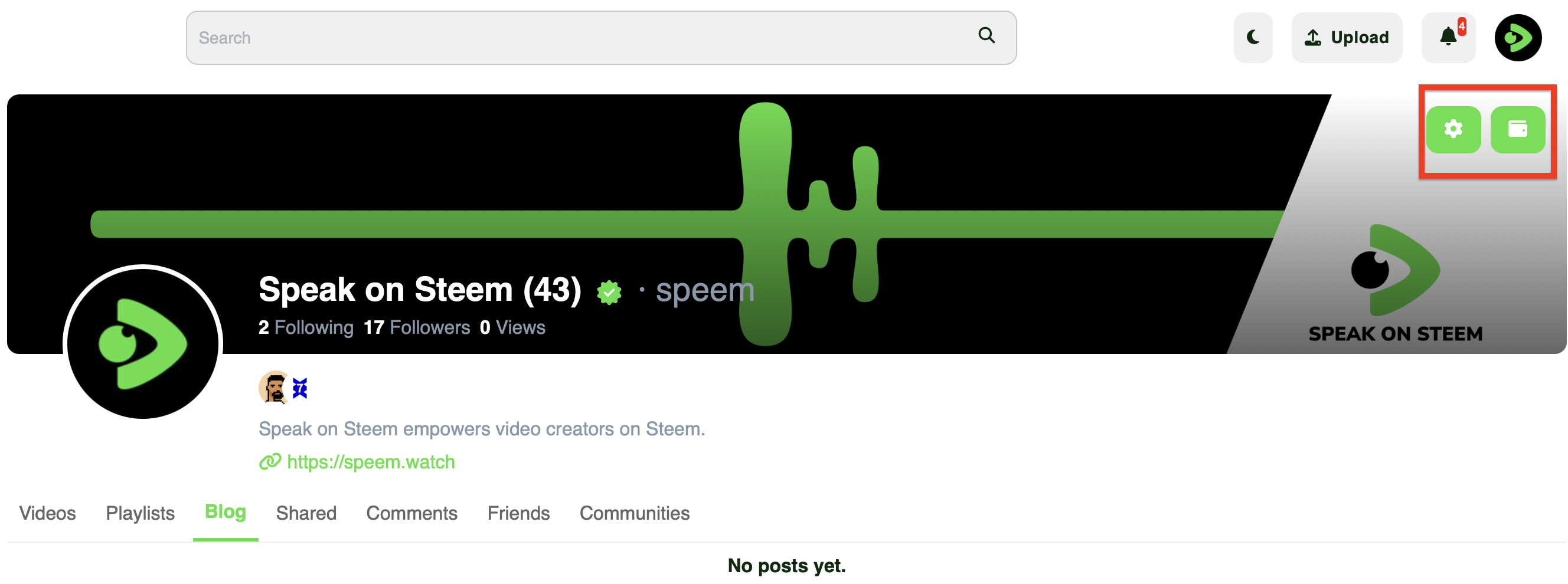
Profile.
We also improve the appearance of some buttons and elements of the interface to always maintain a constant design network that brings freshness to the Project and encourages users to use all this that we are offering.
In the next updates we are planning to continue improving the wallet and integrate our own account creation system to begin the work of attracting new users dedicated exclusively to video content.
Steem on!
Upvoted! Thank you for supporting witness @jswit.
Hi,
You have received special support because you (or someone on your behalf) sent SBD to @null to promote your post.
You can now promote your posts on Speak on Steem to increase their visibility and potential rewards.
Learn more here:
Curated by @marvinvelasquez