My Power Up 600 STEEM, Complete ✅
This is @sushanta83 From #Bangladesh
Thumbnail Image Screenshot
Hello friends how are you I hope you all are well. I am also very well with your prayers and God's grace. Today I have come to you with a new post. Where I have already come to review the power up post. Of course I review power up regularly. Where I do power up every month to increase my ID weight. So I have tried to mention it to you step by step in a very nice way below.
Step-1
 |  |
|---|
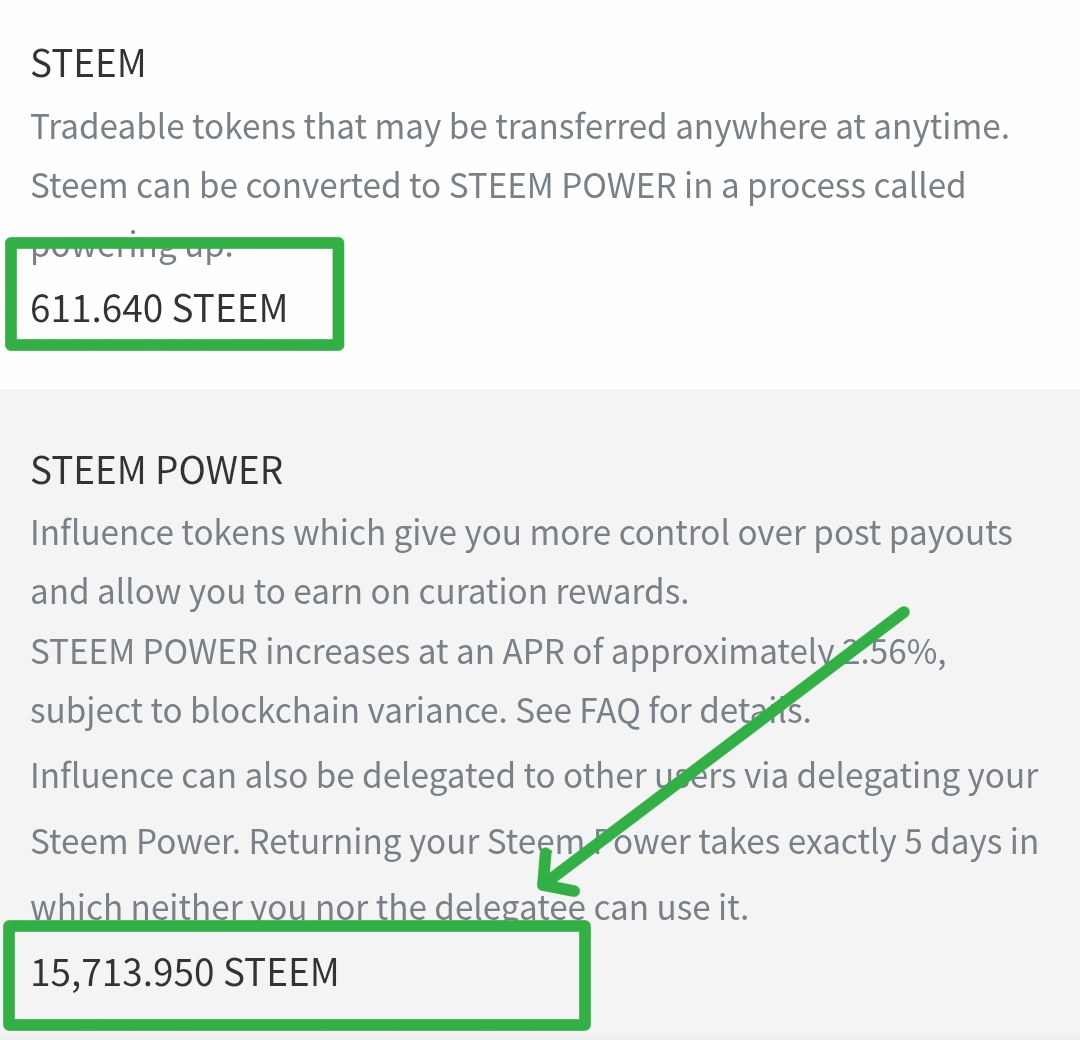
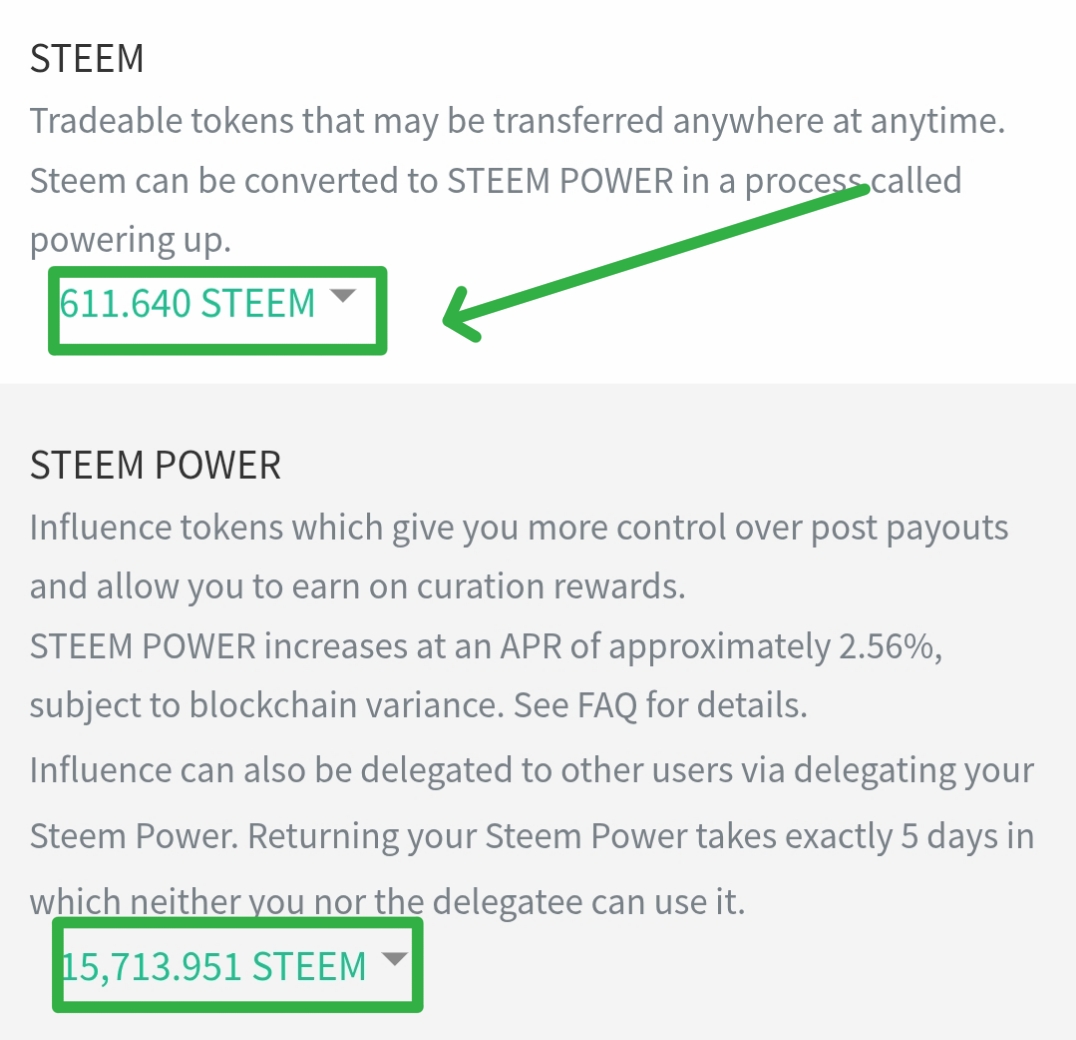
- I immediately went to my ID to complete the power up. After coming to the ID, I saw the My Wallet option. I immediately clicked on this option. Then within a while, I saw that I had some Steem saved or liquid. So I saw here that first of all there was like 600 Steem or above. I have to complete the power up of all these Steems myself in a while.
Step-2
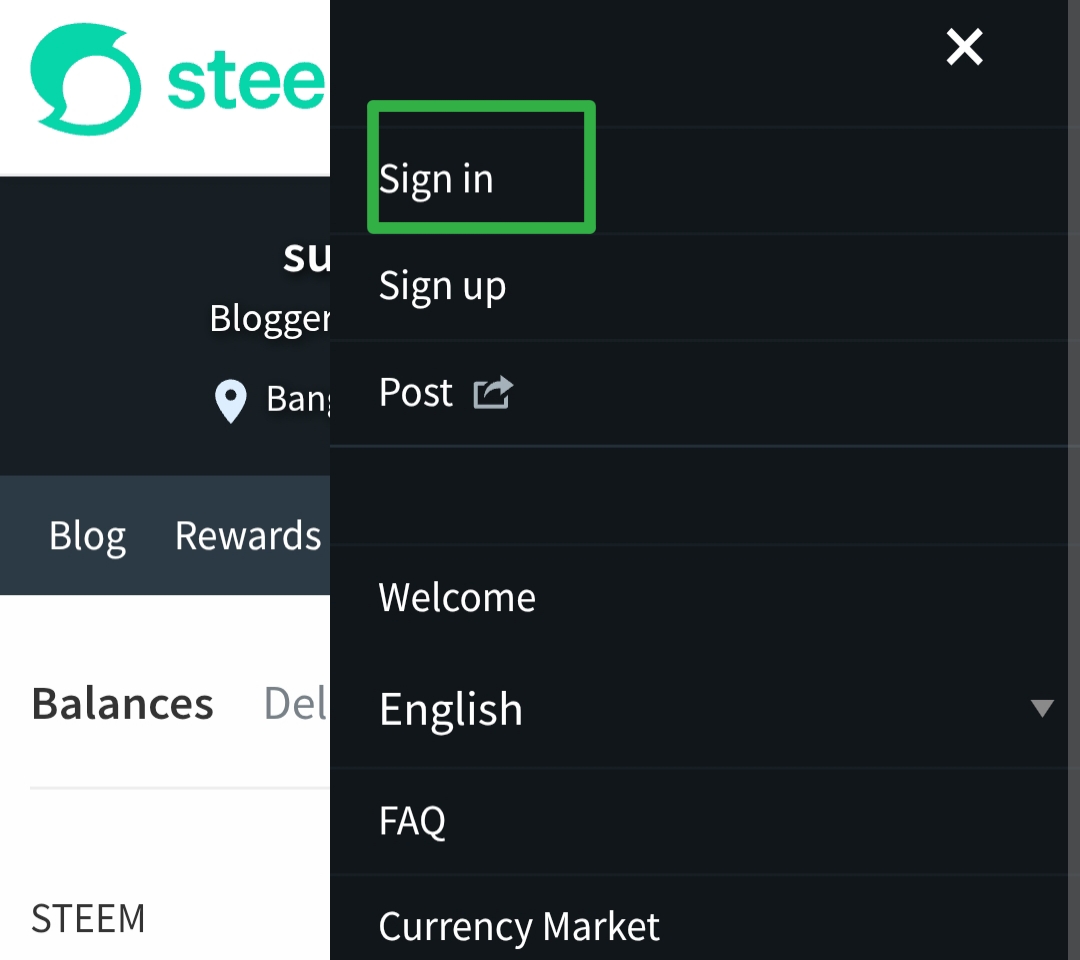
- I saw the three dot menu next to the wallet. Of course, as soon as I clicked on it, I saw several options. So from here I have to find the sign in option in a moment. Since I will log in again through this option, I saw that this sign in option was visible at the beginning. As soon as I clicked on the sign in option, it brought me to the next page.
Step-3
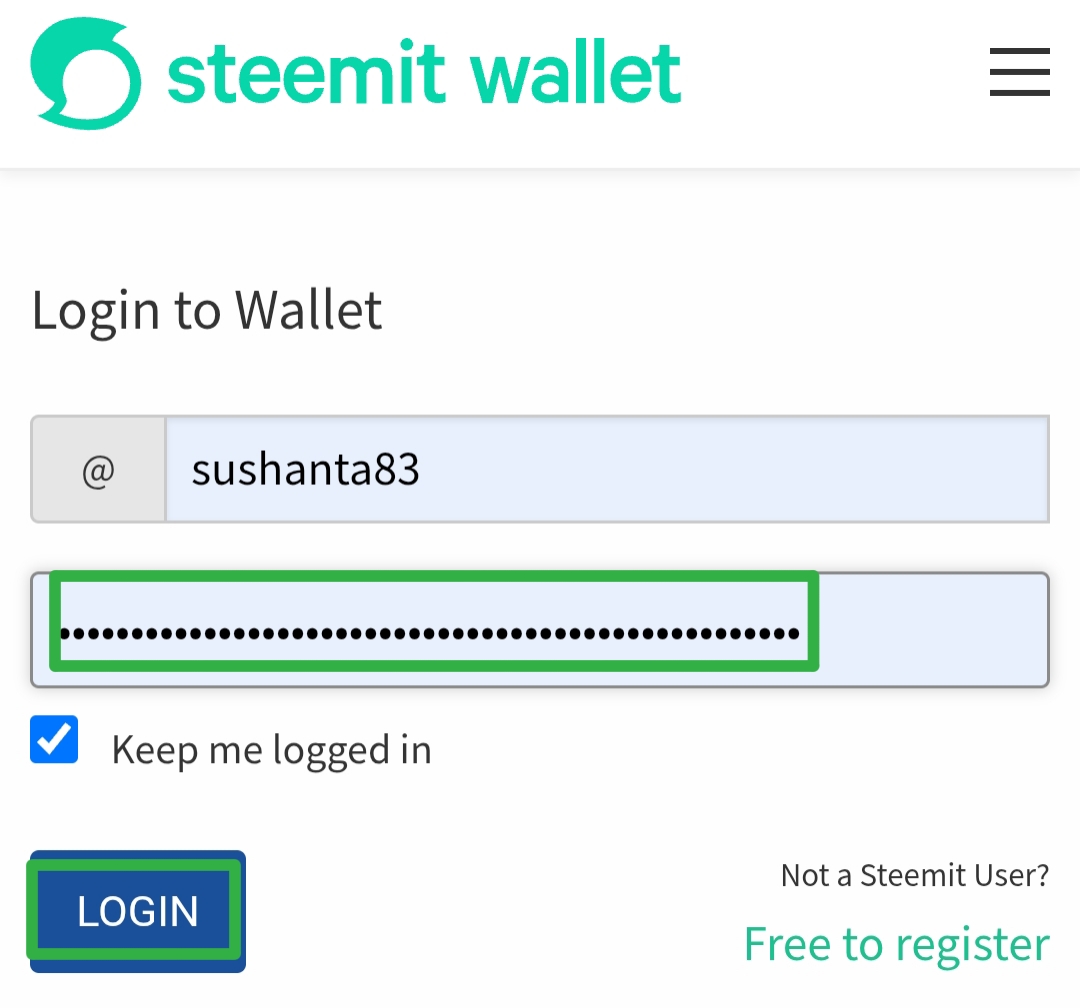
- As soon as I clicked it took me to a new page where I already saw the login to wallet option. Here I have to use my correct name and password, then click on the login option. So here I tried to show you how to use my correct name and password and click on the login option.
Step-4
 |  |
|---|
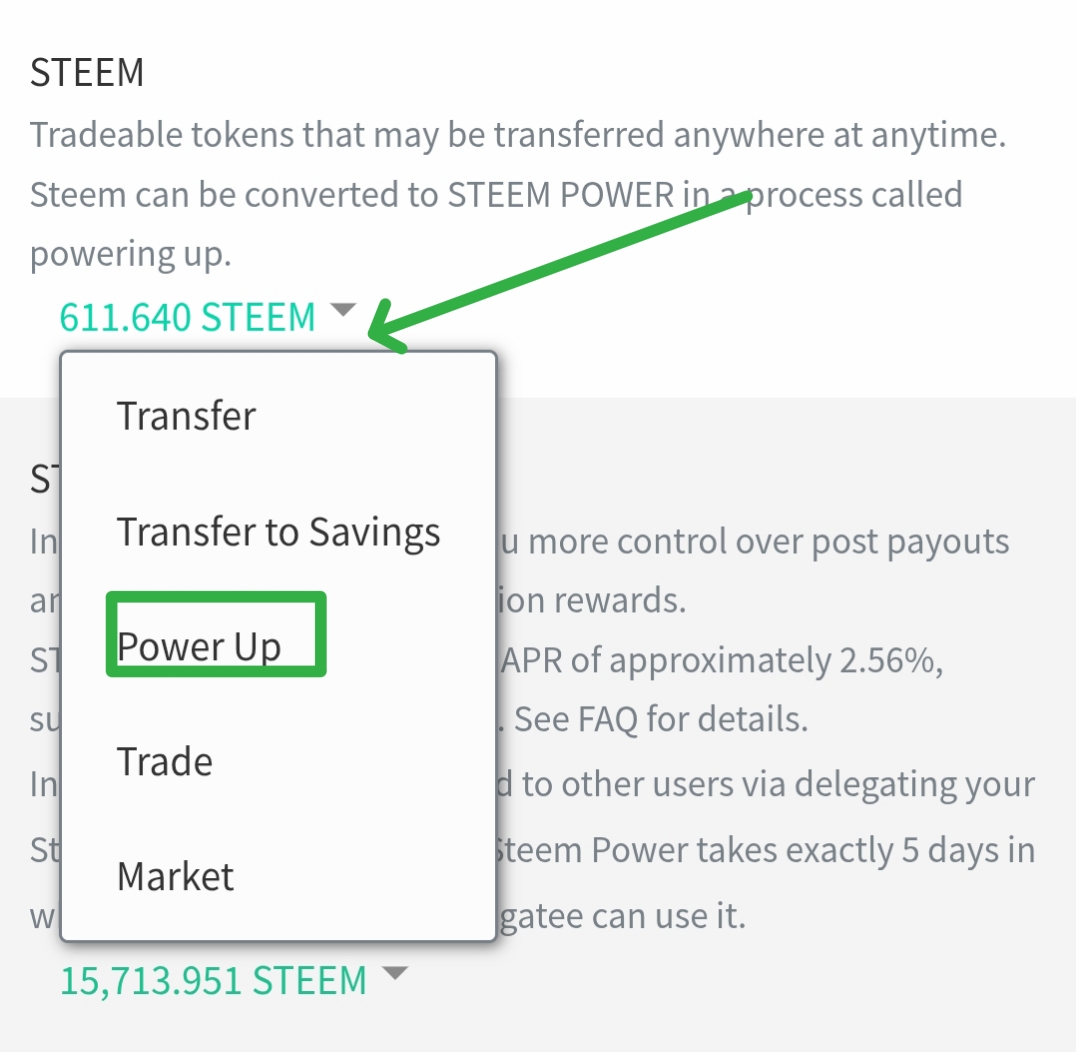
- Still, I immediately logged in with my ID and entered. Within a few moments, I saw that all my Steems were active here. Of course, I saw many Steams here. I will automatically power up each of these Steems. So within a few moments, I saw several options here, so from here I will click on the power up option. Since I want to power up, I will click on that.
Step-5
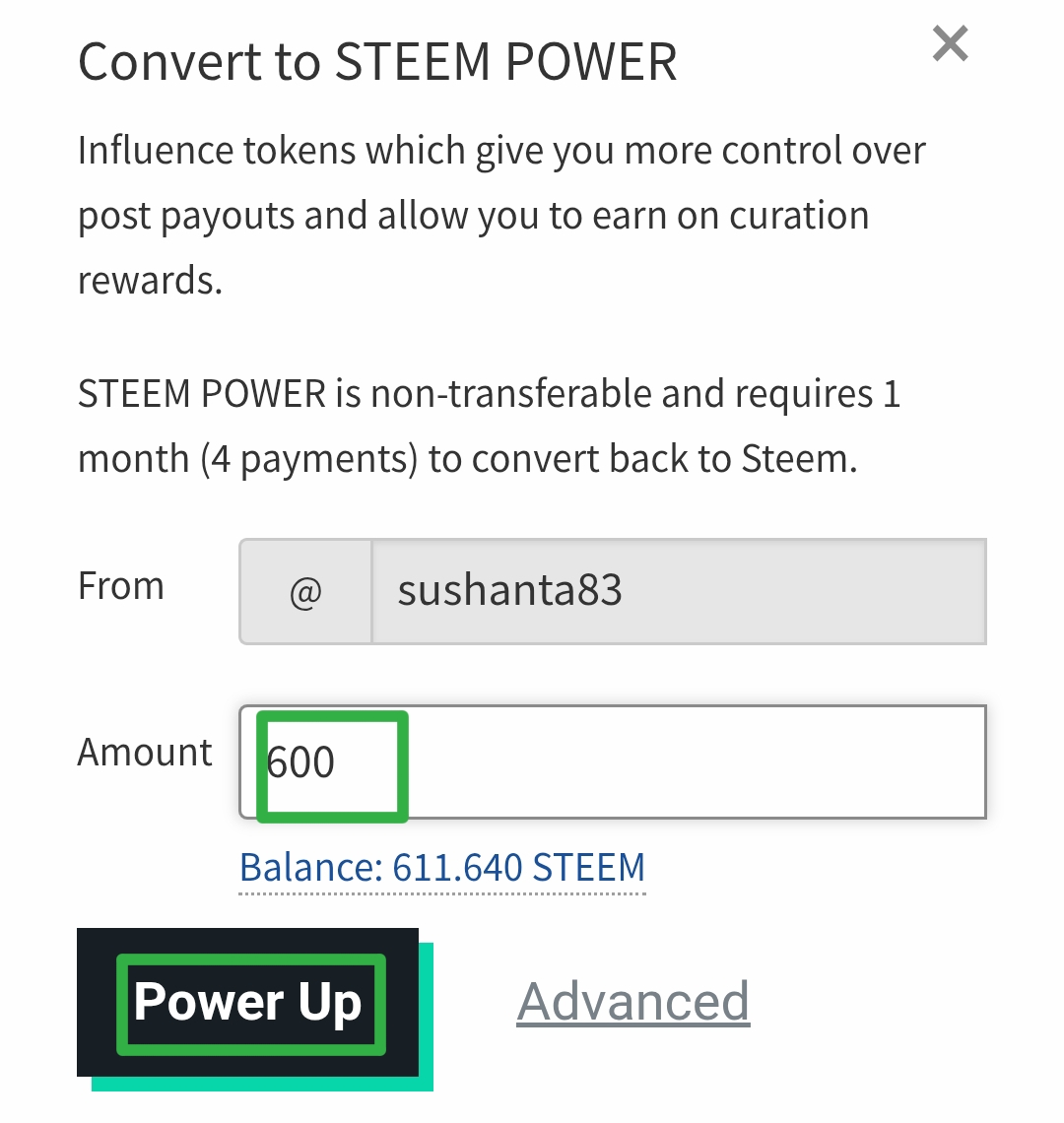
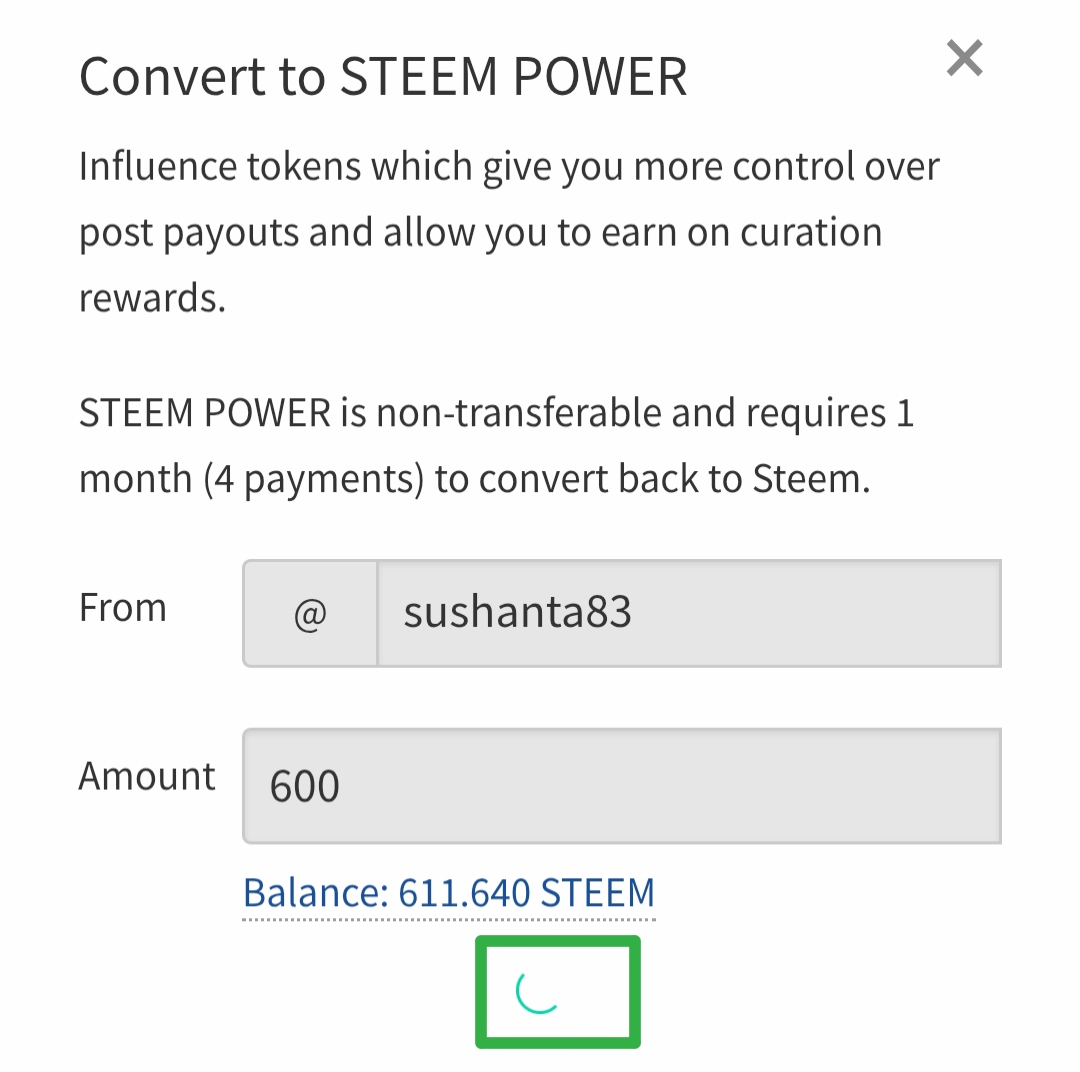
- Then as soon as I clicked, it took me to another new page. Where I have to convert and convert to Steem Power. So immediately I saw several tasks here for Steem processing. Of course I can power up four times per month. So here I have to keep in mind what name I am powering up on the ID and how much Steem I will power up. So accordingly I put the numbers here and later clicked on the power up option.
Step-6
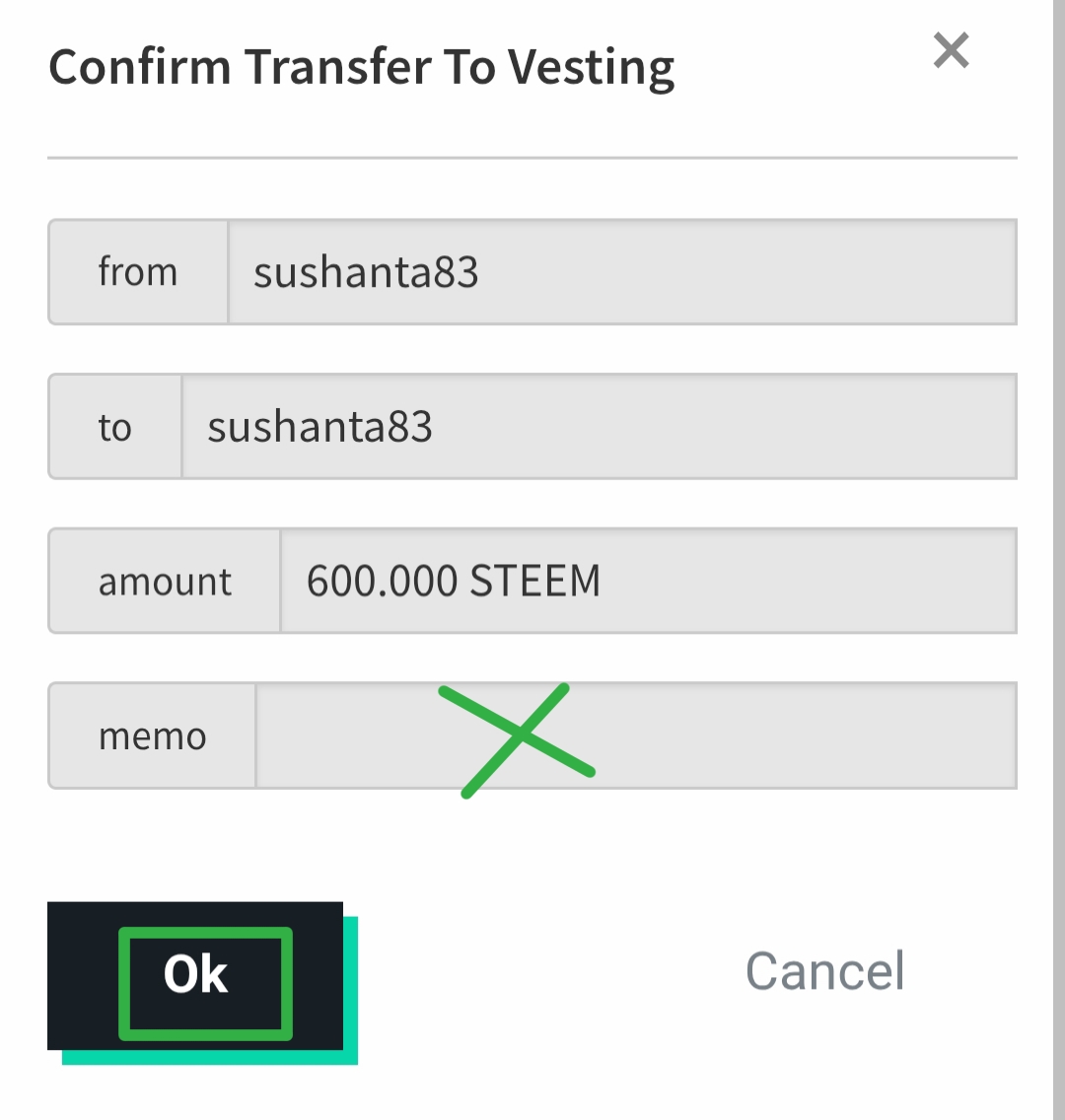
- Now I was taken to another page to confirm. Where I have to convert to confirm. I must confirm here and power up Steem. Then I saw several more options in a while. Of course, the memo option is shown here, it will be completely blank. Because there is no need to write anything in this memo option, only for the power up option.
Finally
 | |
|---|
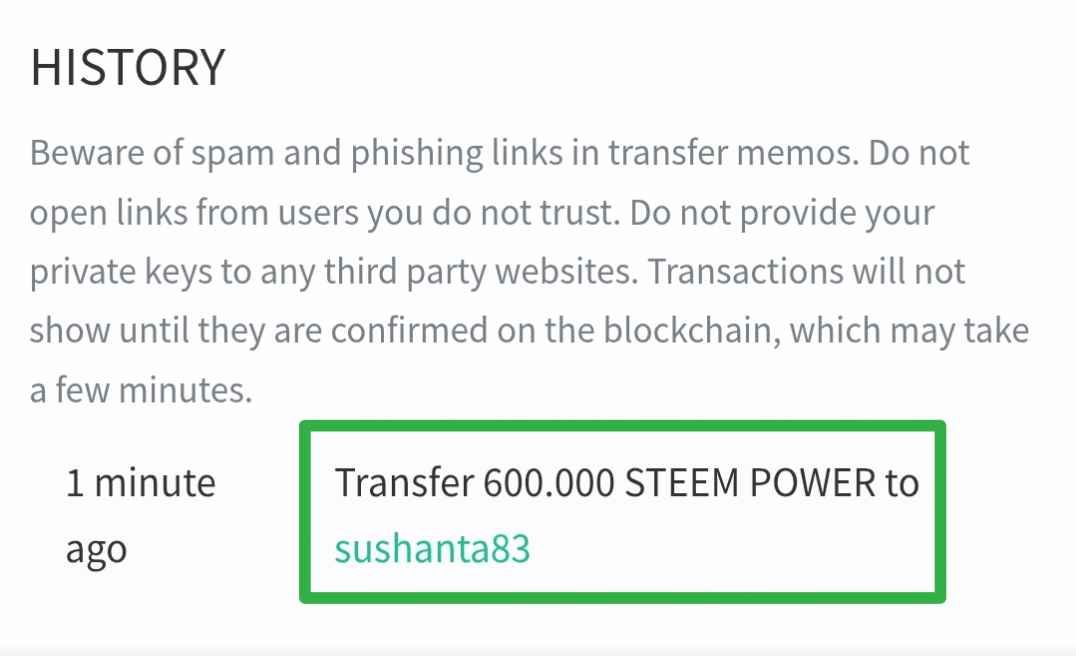
- Finally I will be able to power up automatically in a while. Because here the converted steam power addition is in the final stage. So my processing will be completed in a while. Of course I was able to power up 600 steem. In a while my steems will be loading and will already be added to the wallet. Later I checked the history and here too my steem have been added and I saw that the message has been sent.