SuperEx Guide: SuperEx Web3 Wallet User Guide(XIV)
SuperEx Web3 Wallet is a non-custodial, decentralized multi-chain wallet that integrates a cross-chain token swap aggregator (DEX), an all-in-one on-chain investment tool (DeFi/Web3 Earn), a heterogeneous multi-chain aggregation trading platform (supporting Crypto, Ordinals, and NFT), and a DApp discovery feature.
So, this is actually the last article in the SuperEx Guide: SuperEx Web3 Wallet User Guide series. If you’re involved in the crypto market, you definitely won’t want to miss it.
Wallet deposit/Payment
Step 1: Deposite:
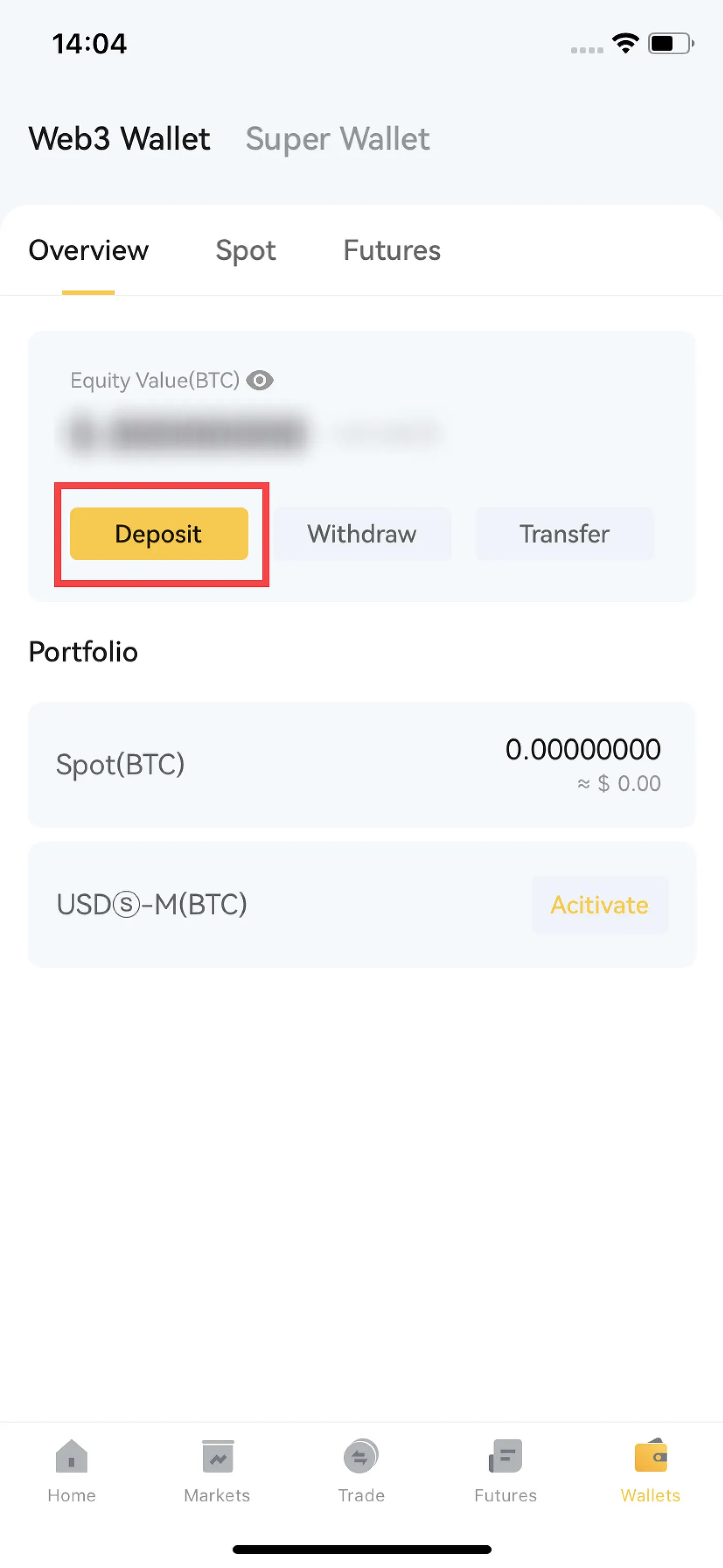
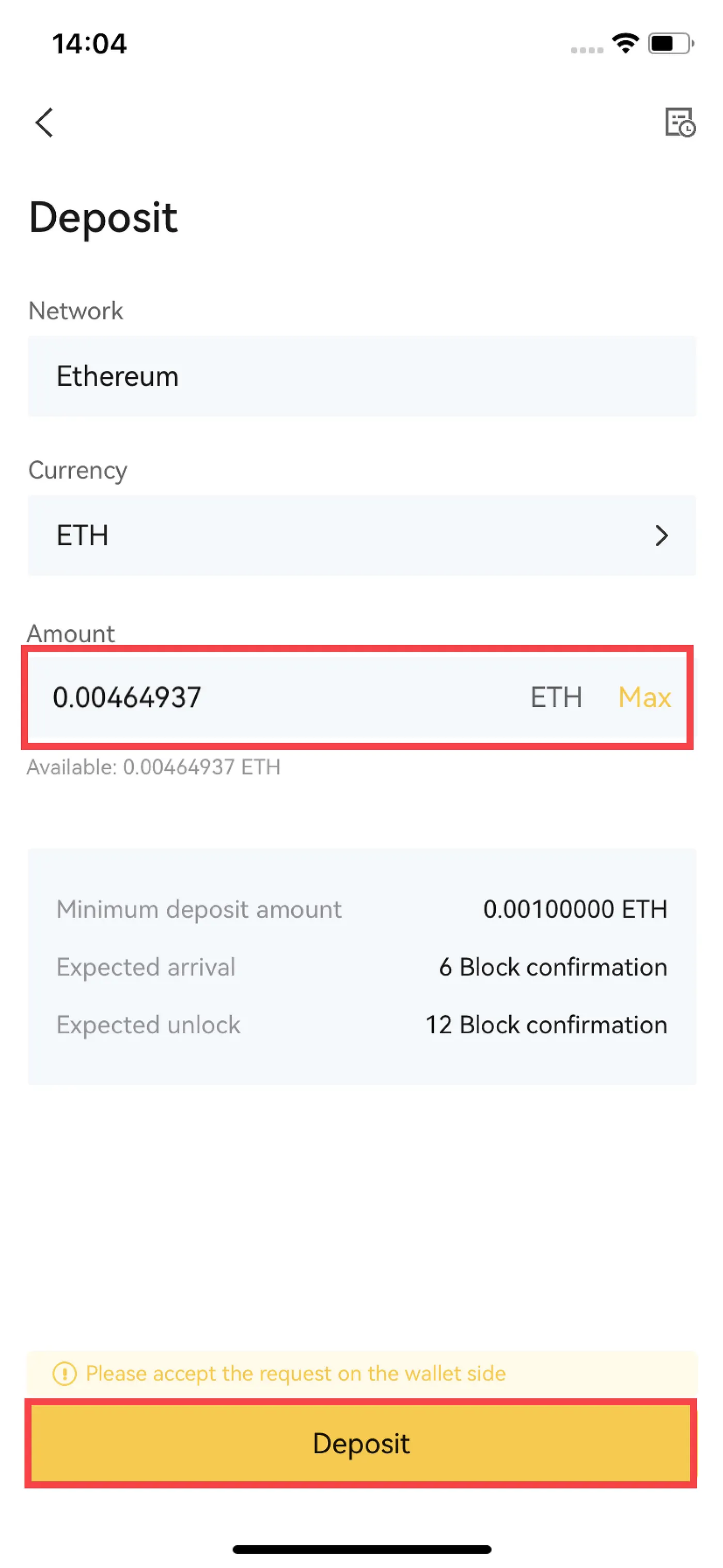
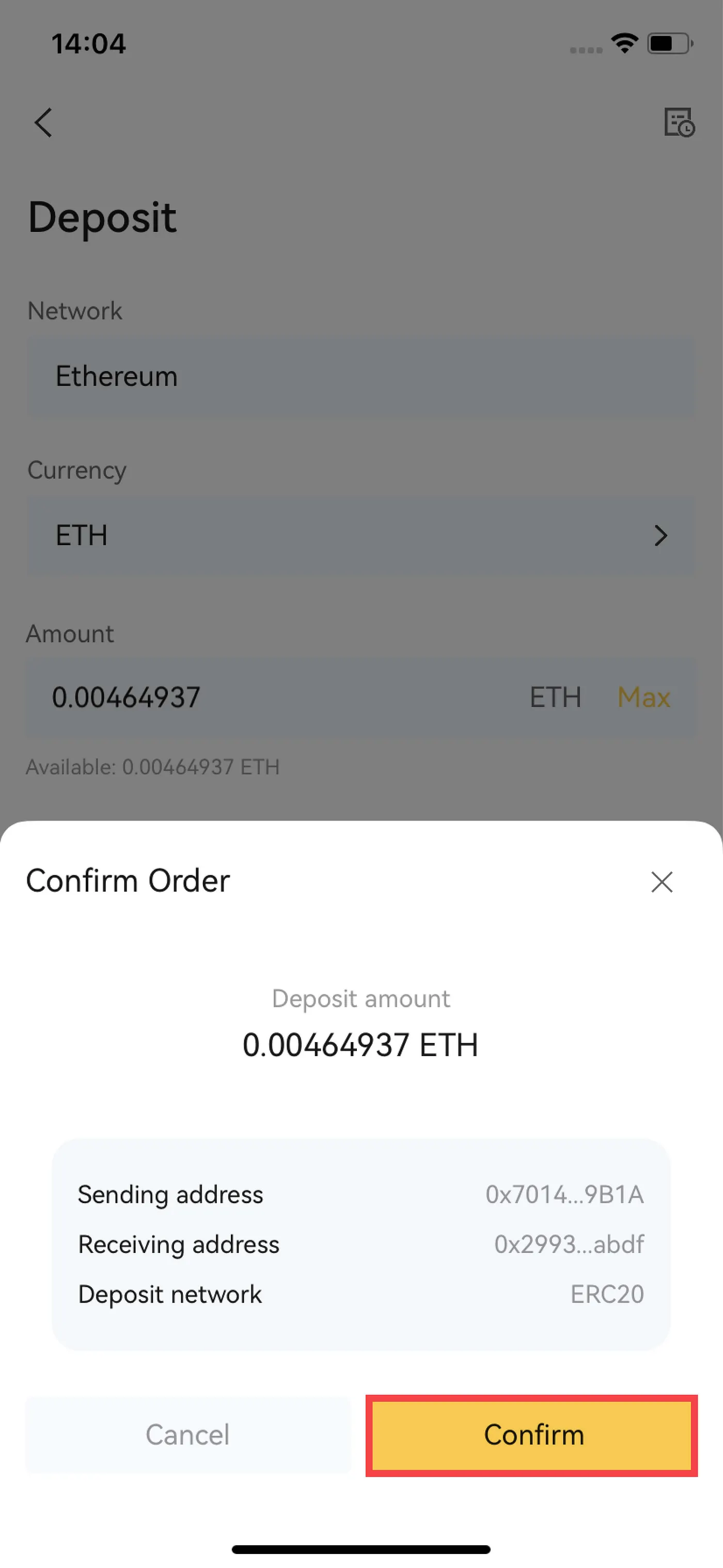
For accounts that have completed wallet authorization, to deposite on the exchange, simply choose the currency type for deposite, enter the amount, and after confirmation, deposite details will appear.
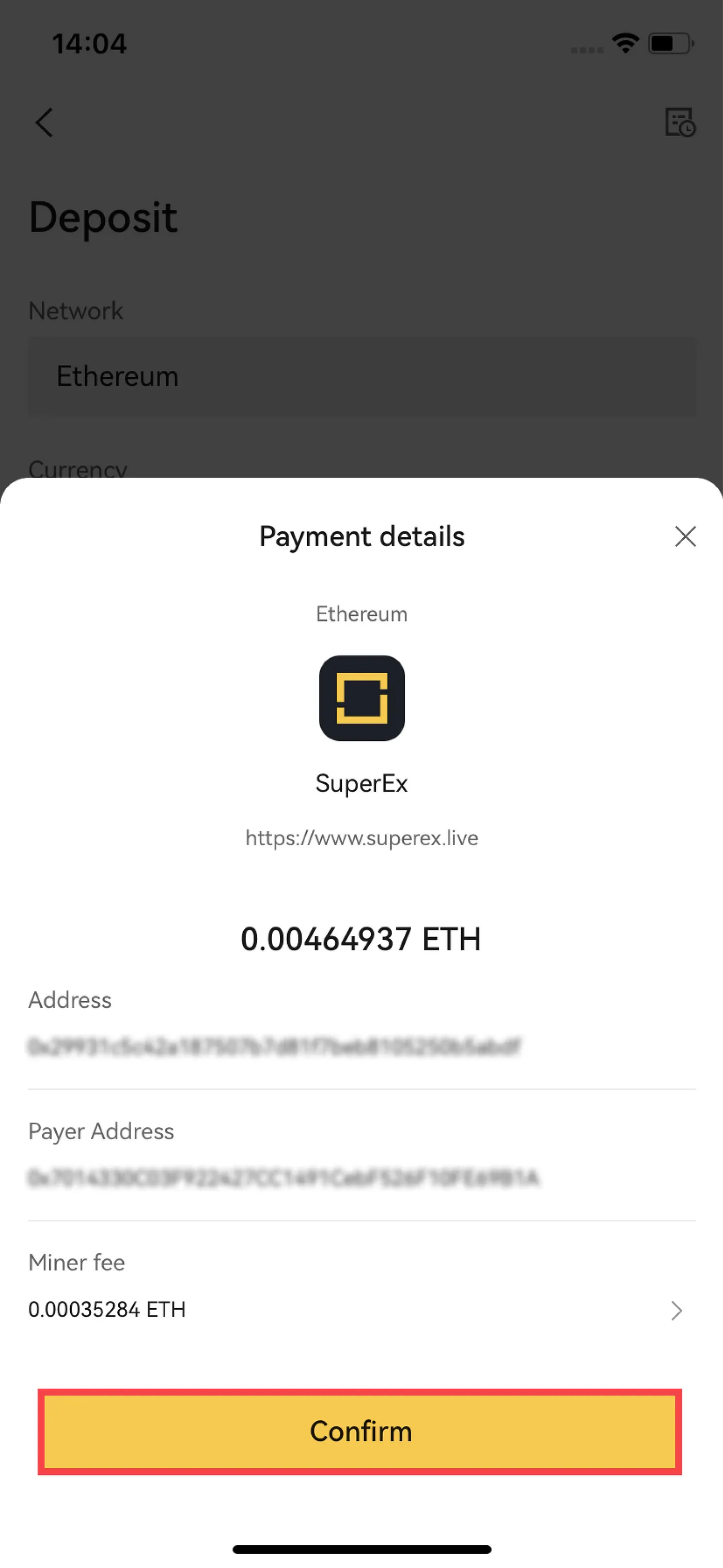
After confirming the deposite details, select the miner’s fee (if not selected, the default value will be used).
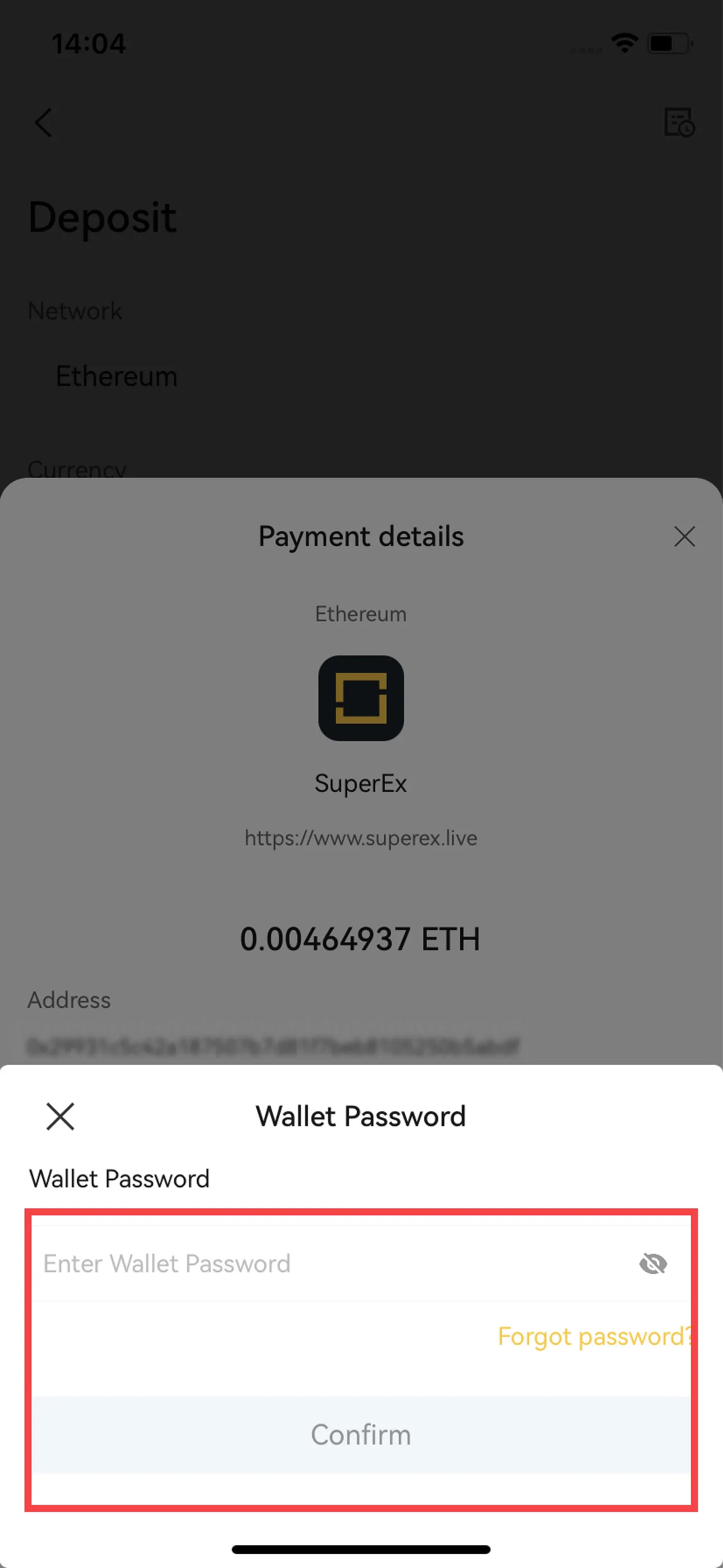
After confirming the gas fee, enter the wallet password to complete the deppsite to the exchange account.
Step 2: Payment
Become a Medium member
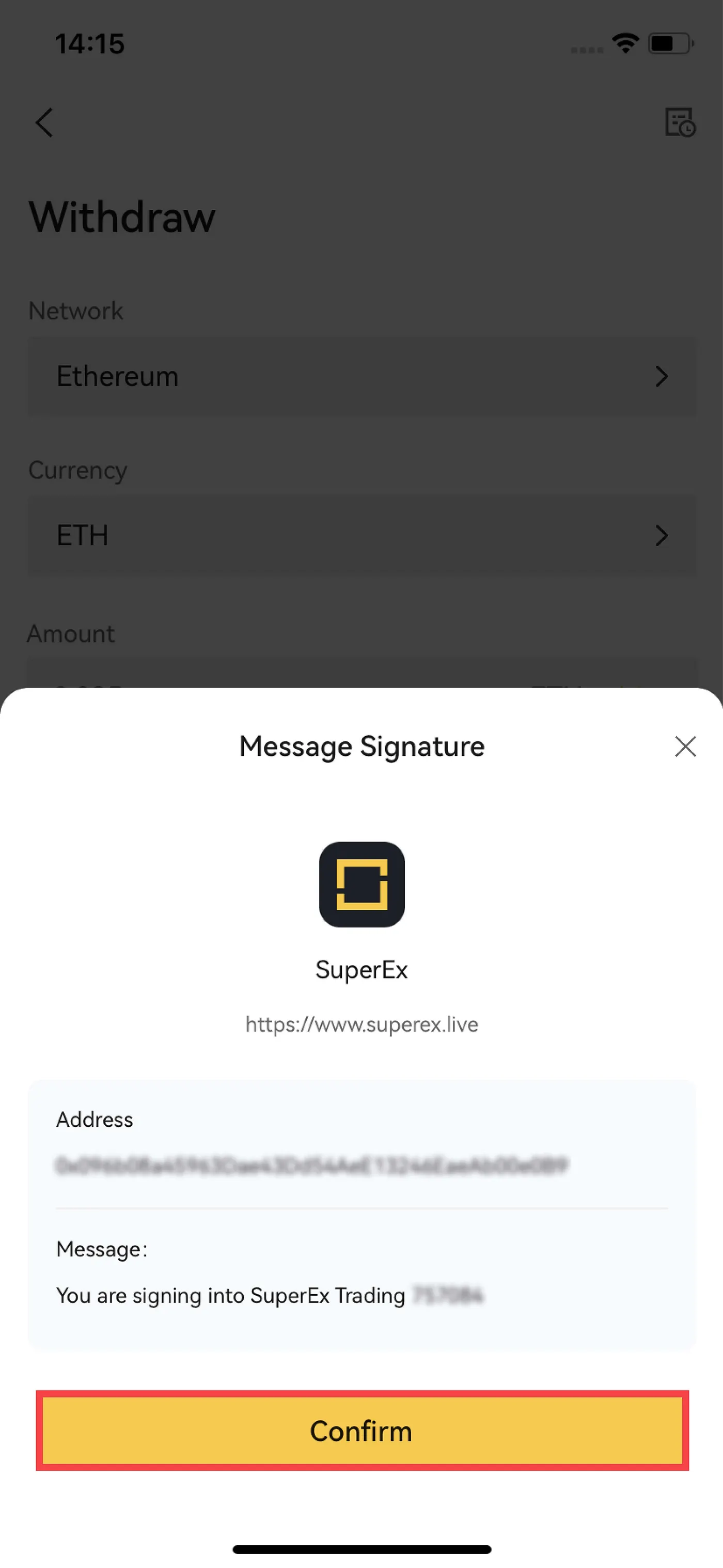
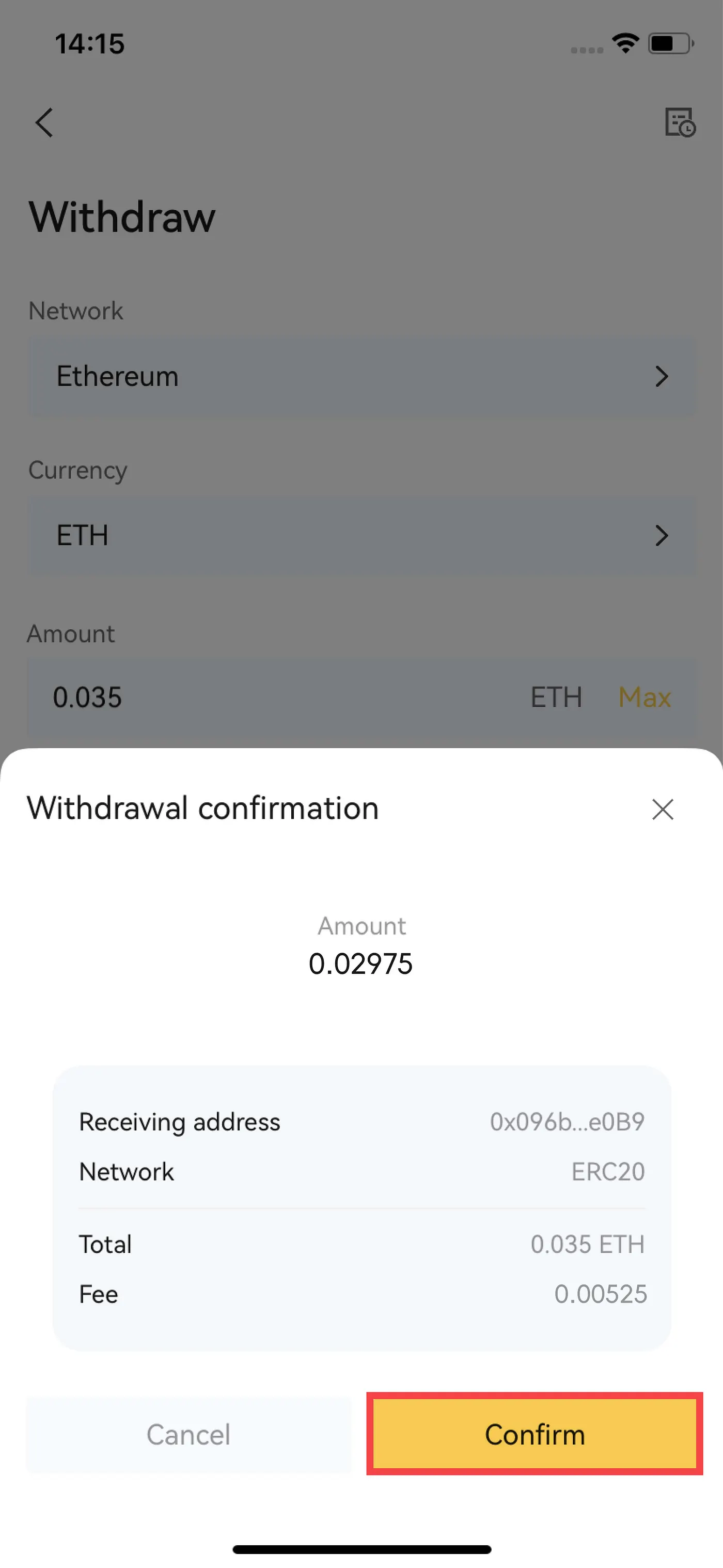
For accounts that have completed wallet authorization, to withdraw from the exchange, simply select the withdrawal currency type, enter the amount, and after confirming the withdrawal details, they will be displayed in the HD wallet.
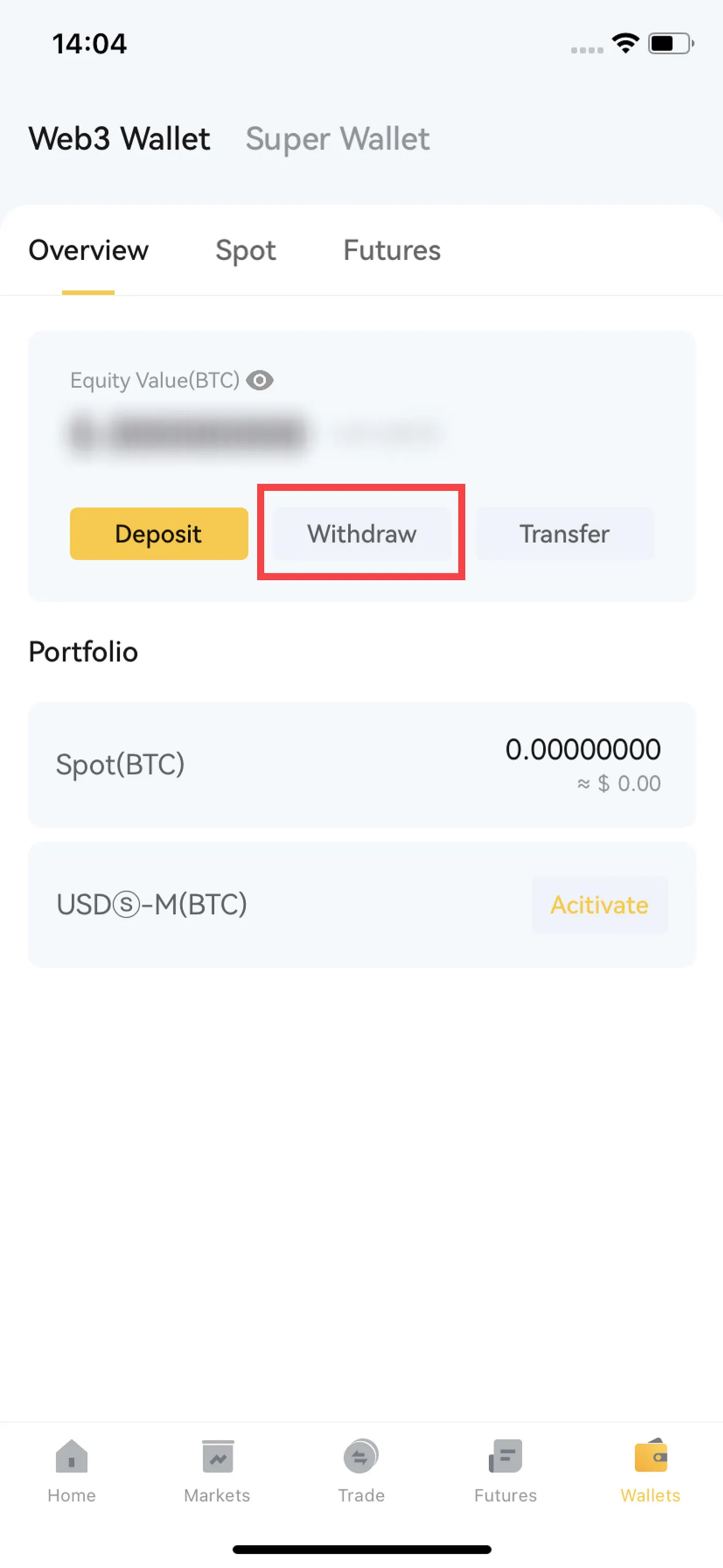
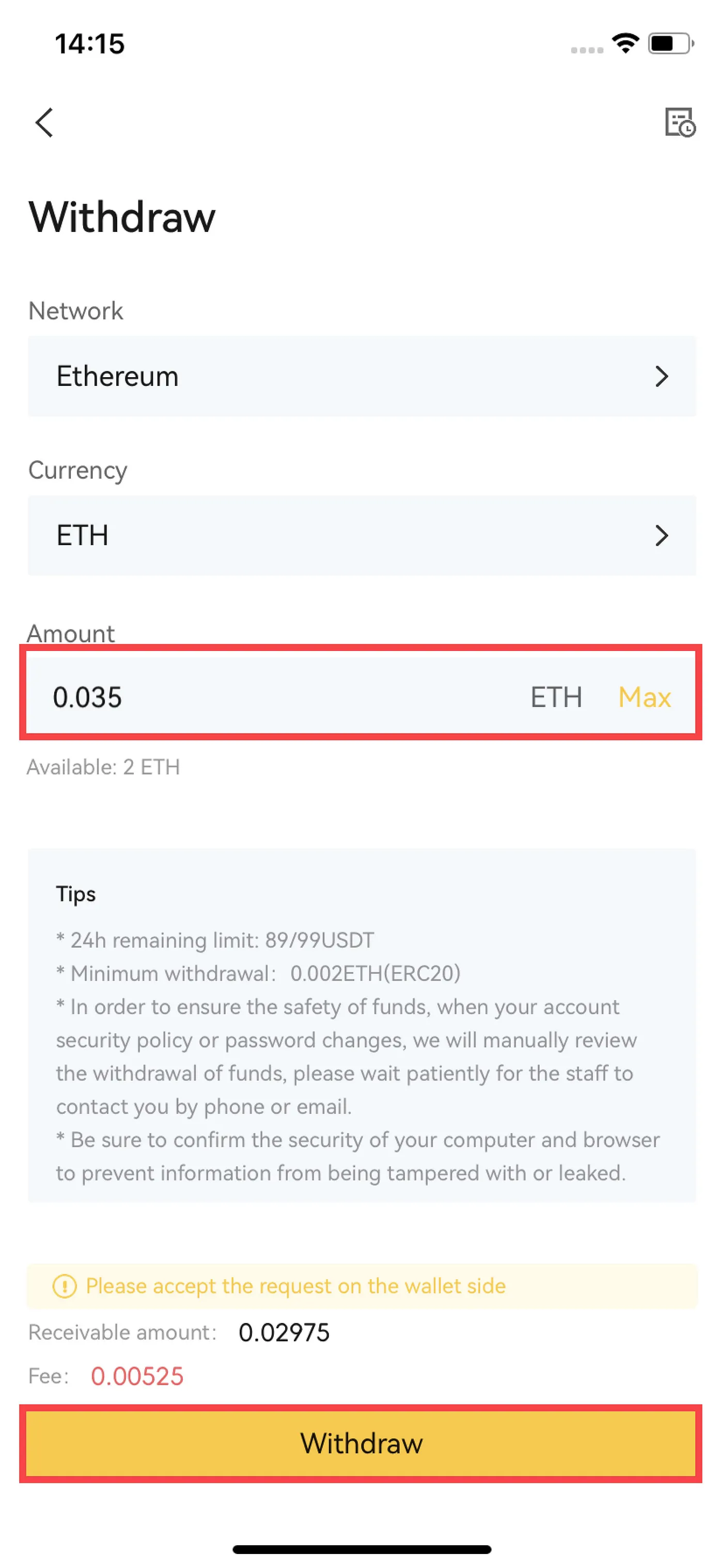
After confirming the withdrawal details, authorize and sign to complete the withdrawal from the exchange account.