How to Create a Lead Funnel with Surveys: A Step-by-Step Guide
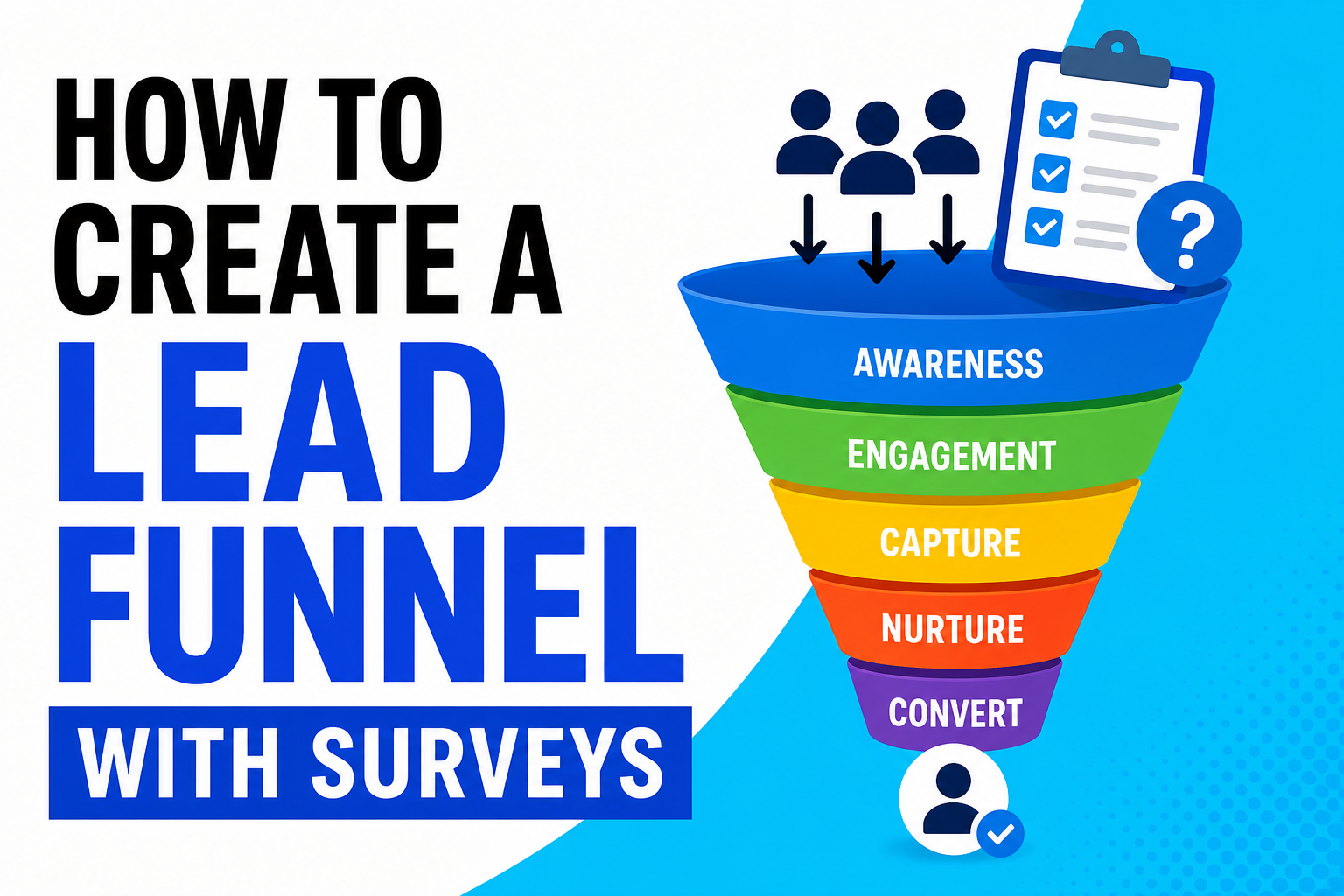
Most businesses collect leads. Very few know what to do with them.
A survey-based lead funnel fixes that. Instead of blasting everyone with the same message and hoping something sticks, you use a short survey to understand exactly what each person needs — and then send them down a path built for them.
The result? Higher conversions, less wasted follow-up, and leads who already feel understood before they ever speak to you.
Here’s how to build one from scratch.
What Is a Lead Funnel with Surveys?
A lead funnel is the journey a stranger takes from first hearing about you to becoming a paying customer. A survey funnel adds a simple quiz or questionnaire early in that journey to segment and personalise the experience.
Think of it like this: instead of one door that everyone walks through, you create several doors — and the survey tells each person which door is theirs.
Example: A fitness coach runs a quiz: “What’s your biggest health goal?” Depending on the answer, leads get sent to different email sequences, offers, or landing pages tailored to weight loss, muscle gain, or energy levels.
Step 1: Get Clear on Your Goal
Before you build anything, decide what you want the funnel to do. A survey funnel can help you:
- Qualify leads (find out who’s a good fit for your product or service)
- Segment your audience (send the right message to the right group)
- Personalise your offer (show people the product or package that fits them)
- Book calls or demos automatically based on answers
Step 2: Choose Your Survey Type
There are a few common formats that work well as lead funnels:- The Quiz: Fun, high-engagement. Promises a result (“Find out your marketing personality type”). Works well for B2C and personal brands.
- The Assessment: More professional. Promises insight (“Score your business readiness”). Works well for B2B and service providers.
- The Needs Survey: Practical. Collects information before a consultation or quote. Works well for agencies, coaches, and consultants.
Step 3: Write Your Survey Questions
Keep it short. 5–8 questions is the sweet spot. More than that and people drop off before finishing. Good questions are:- Easy to answer (multiple choice, not open-ended)
- Relevant to the person taking it, not just useful to you
- Building toward a meaningful result or recommendation
Tip: Frame questions around the person’s situation and goals, not your product. Instead of “Do you need social media management?” try “How much time do you currently spend on social media each week?”
Always end with a question that captures their email address or books the next step. Make this feel like a natural part of getting their result, not a separate task.
Step 4: Build Your Results Pages
This is where most survey funnels fall flat. People finish the quiz and land on a generic “Thanks for completing!” page. That’s a wasted opportunity.
Each possible outcome should have its own results page that:
- Names their specific situation or profile
- Validates their answers (“You’re not alone — most people in your position struggle with X”)
- Offers a clear, relevant next step (a relevant product, a free resource, a call booking link)
Step 5: Set Up Your Follow-Up Email Sequences
The real power of a survey funnel is in the follow-up. Because you know what each person said, you can send emails that speak directly to their situation. For each segment, create a short email sequence (3–5 emails) that:- Confirms what you learned about them
- Addresses their specific concern or goal
- Builds trust with a relevant story, case study, or tip
- Makes a clear, targeted offer
Generic email blasts get ignored. A message that says “You mentioned you’re struggling with X — here’s how we solved that for someone just like you” gets opened.
Step 6: Drive Traffic to Your Survey
Your funnel only works if people actually take the customer feedback survey. Here are the most effective ways to get eyes on it:
- Run a paid ad with a curiosity-driven headline (“Answer 5 questions and find out why your website isn’t converting”)
- Add it to your website as a pop-up, inline form, or dedicated landing page
- Share it in relevant online communities or social media groups
- Mention it in your email signature or existing newsletters
- Use it as a lead magnet — “Take the quiz and get your personalised action plan”
Step 7: Track, Test, and Improve
Once your funnel is live, measure what’s working:- Completion rate: Are people finishing the survey? If not, it’s probably too long or the questions feel irrelevant.
- Email open rates by segment: Which group is most engaged?
- Conversion rate: Which results page drives the most action?
- Define your goal: qualify, segment, or personalise
- Choose a format: quiz, assessment, or needs survey
- Write 5–8 short, relevant questions
- Build a personalised results page for each outcome
- Set up segmented email follow-up sequences
- Drive traffic with a benefit-led hook
- Track completion rate, open rates, and conversions