A Missing Page Is a Clue: How to Recover a Reliable Web Route
A familiar page disappears. The old bookmark returns an error, opens a generic homepage, or sends you through a redirect that looks plausible but unfamiliar. The fastest reaction is often to search the old title and click the first similar result. That is also how an ordinary broken link can turn into a wrong destination.
A missing page is not proof that an entire site has vanished. It is evidence that one route no longer works as expected. Recovery begins by identifying what changed: the page, the site structure, the domain, the owner, or simply your access conditions.
The following method helps you rebuild a route without treating every redirect or search result as an official replacement.
First, identify the kind of failure
Different failures require different responses. Before searching for a replacement, record what the old address actually does.
Page-level failure
The domain still works, but the specific page returns a 404, an archive message, or an empty result. This often means the content was renamed, merged, or moved within the same site.
Start by moving up one level in the address. If /guides/current-access fails, try /guides/ and inspect the section labels. A category page controlled by the same publisher is usually a stronger recovery point than a search result on an unrelated domain.
Route-level failure
The address redirects, but the destination is too broad, unrelated, or stripped of the expected context. A generic homepage may be a legitimate fallback, yet it does not confirm where the missing material went.
Record both the original and final addresses. Note whether the redirect stays on the same registered domain, moves to a known successor, or jumps to an unexpected host. A successful redirect is a transport event, not proof of continuity.
Site-level failure
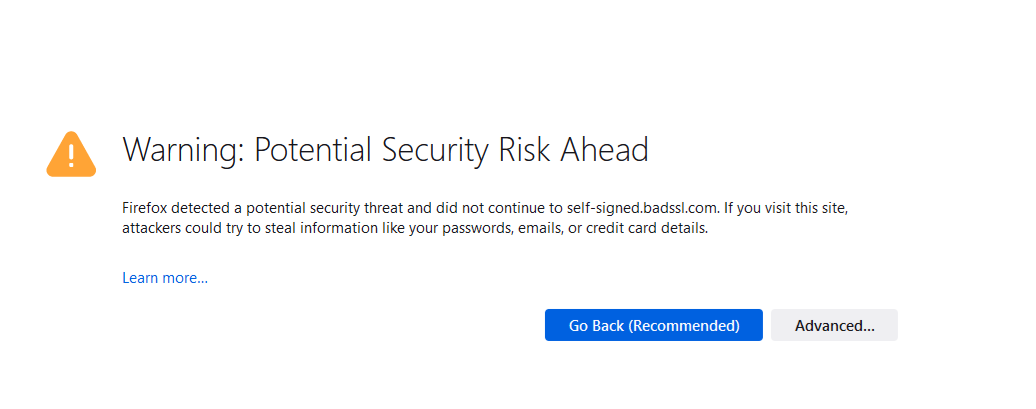
The entire host is unavailable, produces certificate warnings, or resolves to a parked page. Do not disable browser protections merely to continue. Instead, look for evidence from an organization-controlled channel, an archived announcement, or another source that identifies the new official location.
Access-level failure
The page may still exist but require a login, subscription, region, device, or current session. Test in a clean browser window and compare the message shown while signed out. Do not confuse “not available to me” with “removed for everyone.”
Preserve the old evidence before replacing it
When a bookmark fails, do not immediately overwrite it. The old title, hostname, path words, and date last used are clues.
Create a short recovery note containing:
- the original URL;
- the page title you remember;
- the last date it worked;
- the current behavior or error;
- the purpose for which you used it.
The purpose matters because two pages with similar titles may serve different roles. An announcement, documentation page, account portal, and download page are not interchangeable even when they mention the same product.
If the old page contains tracking parameters or a long fragment, preserve the complete address in the note, then create a second clean version without obvious tracking data. Test the clean version separately rather than assuming every parameter is unnecessary.
Use four signals to evaluate a candidate replacement
Finding a page is easy. Establishing that it is the right continuation takes more care.
1. Host continuity
Check whether the candidate remains on the same domain or an organization-controlled domain. A new hostname can be legitimate after a merger, rebrand, or platform migration, but the relationship should be explained somewhere the organization controls.
Visual similarity is weak evidence. Logos, colors, and page layouts can be copied. Domain ownership, linked announcements, and consistent contact information are more useful signals.
2. Page-role continuity
Ask whether the candidate performs the same job as the missing page. If the old page explained current eligibility, a marketing homepage is not a full replacement. If the old route opened a public document, a login screen is a changed access model, not the same experience.
Write the role in a few words: “current schedule,” “official instructions,” “public status,” or “account action.” This prevents a vaguely related page from winning simply because it ranks well.
3. Ownership evidence
Look for a chain of control. The old domain may redirect to the new one. An official profile may announce the move. Current documentation may link back to the candidate. Contact and legal pages may identify the same organization.
One signal can be wrong or outdated. Two independent organization-controlled signals create a stronger case. Do not count multiple copies of the same press release as independent confirmation.
4. Freshness evidence
A recent publication date helps only when it relates to meaningful maintenance. Check for a current version, effective date, updated navigation, live status, revised instructions, or removal of obsolete material.
A page that says “latest” without a visible version or maintenance clue should be treated cautiously. Freshness is something to observe, not a word to trust.
Follow a recovery ladder
Use the least risky step first and stop when the evidence is sufficient.
Step 1: Retest the normalized address
Remove obvious tracking parameters, correct accidental spaces, and confirm that the protocol and hostname were copied accurately. Do not guess a different domain spelling.
Step 2: Move upward within the same site
Try the parent section, documentation index, archive, sitemap, or internal search. Look for stable labels related to the original page role.
Step 3: Inspect organization-controlled references
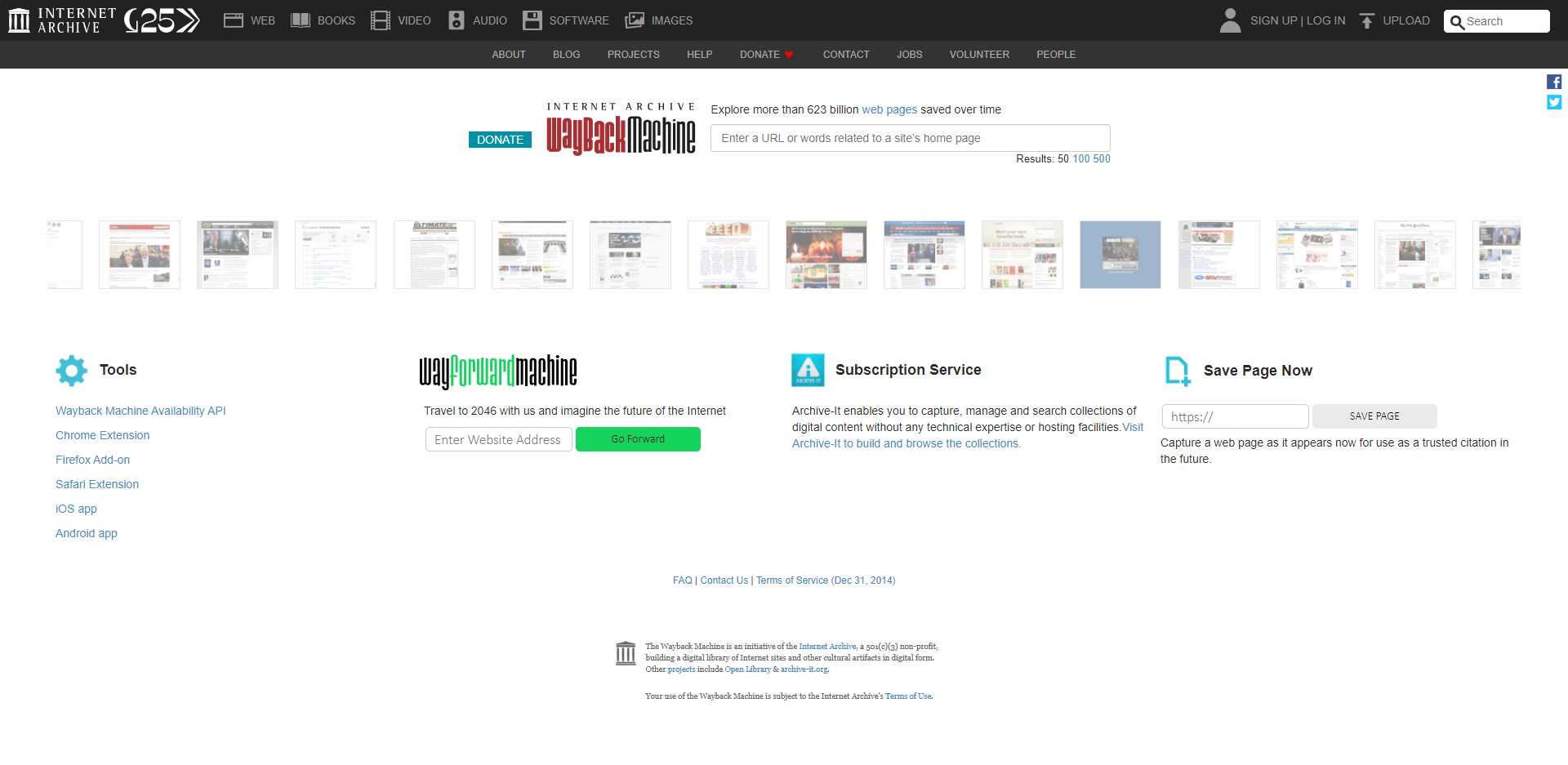
Check current help pages, official announcements, public profiles, or linked documentation for a migration notice. Prefer a statement that names both the old and new locations.
Step 4: Search with role and ownership terms
Search for the remembered title in quotation marks, the organization name, and a role word such as “documentation,” “status,” “policy,” or “archive.” This is more precise than searching only the old domain name.
Step 5: Use a public collection as a discovery junction
A maintained directory or public collection can help surface candidate paths when the old route no longer works. Treat it as a junction rather than an authority. The destination must still pass the ownership, role, and freshness checks.
Step 6: Test the candidate in a clean session
Open the candidate while signed out. Confirm the final address after redirects, check the page role, and verify that the route does not depend on your private dashboard or an expired session.
Read redirects as evidence, not instructions
Redirects are useful when interpreted carefully.
A same-domain redirect from an old article to a new article with the same purpose is a strong continuity signal. A redirect from an old page to the site homepage is weaker because the specific destination has been lost. A cross-domain redirect may be valid after a rebrand, but it needs ownership evidence. A redirect to an unrelated download, advertising page, or unexpected login is a reason to stop.
Do not update your bookmark based only on the fact that a page loaded. Record where it ended, what role it now performs, and why you believe the move is legitimate.
Practice without assuming endorsement
To practice the recovery ladder, begin with a narrow question about a page you want to relocate and use a public discovery point such as 주소땅 to identify one possible route. Then leave the collection and inspect the final destination independently.
The collection is useful for discovery, not verification. Confirm who controls the destination, whether its role matches your question, what access conditions apply, and what evidence shows that the page is current.
Keep a two-line replacement record
Once the route is verified, keep both history and decision:
Old route: URL, last working date, and observed failure.
Current route: final URL, page role, verification signals, and next review condition.
Do not delete the old route immediately. Mark it as superseded. This makes it easier to recognize stale references in shared documents and prevents another person from repeating the same recovery work.
Choose a review condition that matches the subject. Recheck before renewal, before sharing, after a product version changes, or when the destination starts redirecting again.
Common recovery mistakes
Trusting the first search result. Ranking does not prove ownership or role continuity.
Accepting a homepage as a full replacement. A homepage may confirm the organization but not the missing content.
Relying on appearance. Familiar colors and logos are easier to reproduce than a credible ownership chain.
Updating the bookmark before testing while signed out. A private or session-bound route may fail for everyone else.
Ignoring the old address. Without the old evidence, you lose the ability to explain what changed.
Treating one recent date as maintenance proof. Look for a version, effective date, corrected content, or another visible maintenance action.
Final checklist
Before replacing a missing address, confirm that you have:
- recorded the original URL and observed failure;
- identified whether the problem is page-, route-, site-, or access-level;
- defined the role the replacement must perform;
- checked host and ownership continuity;
- found visible freshness evidence;
- inspected the final address after redirects;
- tested the route while signed out;
- preserved the old route as superseded;
- added a condition for the next review.
A broken route creates uncertainty, but it also provides useful evidence. By separating discovery from verification and evaluating continuity one signal at a time, you can replace a missing page without turning convenience into trust.