How to Create JUMP LIST IN WINDOWS 10 START MENU

Create a Cool Jump list on Windows 10 Start Menu That will save time with your most-used apps.
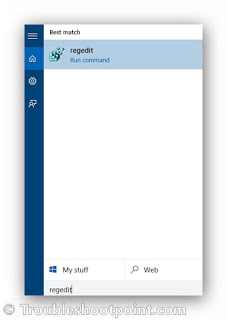
To do this Press ' Windows + S' and type Regedit.
Head to ' HKEY_CURRENT_USER\Software\Microsoft\Windows\CurrentVersion\Explorer\Advanced '
and create a new DWORD named EnableXamlJumpView and set its value to '1'. Then Restart your PC