My GPU Sends Mixed Signals
I mentioned my GPU problems before kinda “by the way” in one of my posts in a Ukrainian community. Now I think maybe it’s time to continue this story in a more “international” format.
So, first a little backstory. One not very good day my monitor started randomly losing image signal. First thing I checked was the monitor itself because I didn’t wanna jump straight into panic mode, but everything looked fine there. I cleaned the PCIe contacts, completely removed and reinstalled all GPU drivers, but nothing changed. After some basic diagnostics and checking Windows error logs, I came to conclusion that my old GTX 1650 is probably reaching the end of its life after 7 years. Well… honestly, not really surprising.
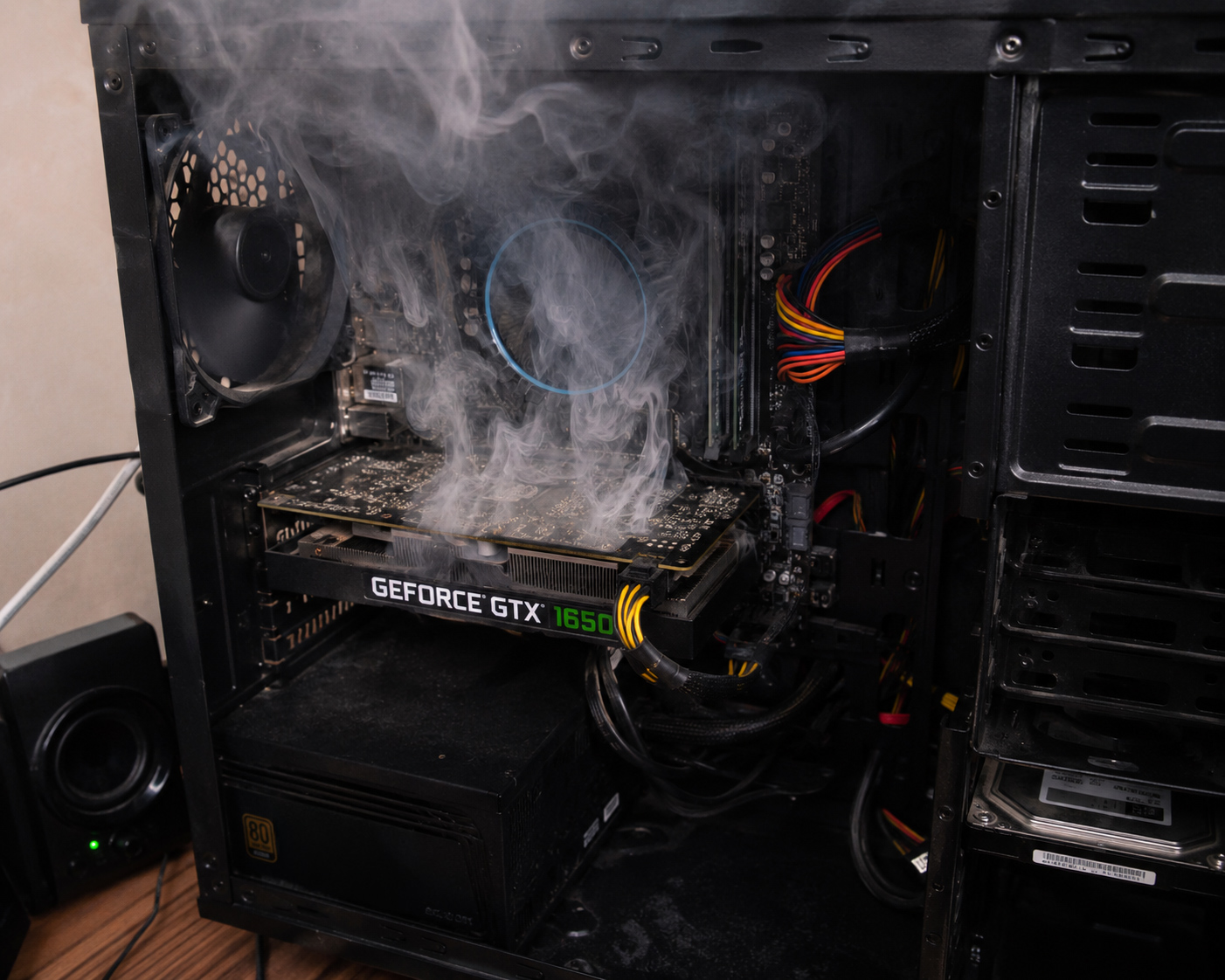
Just an illustration for the story. Source: AI generated.
This GPU mostly worked on Blender 3D rendering all these years. It almost never had any other heavy tasks. A few days ago I even found what looked like a good replacement for it — RTX 3050. But right after I finally decided “okay, I’ll buy it”, the monitor blackouts suddenly stopped by themselves. And that confused me a lot. Because what if the problem is somewhere else? But at the same time almost everything points exactly at the GPU.
What I really didn’t want was buying an expensive new card and then discovering the real problem was something completely different. My power supply seems fine, I don’t really notice other issues. Motherboard maybe? But honestly I have no idea how to properly test that. I’m not enough of a hardware specialist to do full diagnostics myself. And if I take the PC to a service center, diagnostics alone will probably cost like one-third of a new graphics card.
Even though lately I kinda abandoned 3D graphics stuff, today I launched Blender again just for testing. During testing the monitor disconnected only once, and that happened during scene preview rendering. Like a “lighter version” of rendering. Still no idea why exactly it happened, but Windows logs say the system didn’t get a response from the GPU in time, so the driver basically crashed.
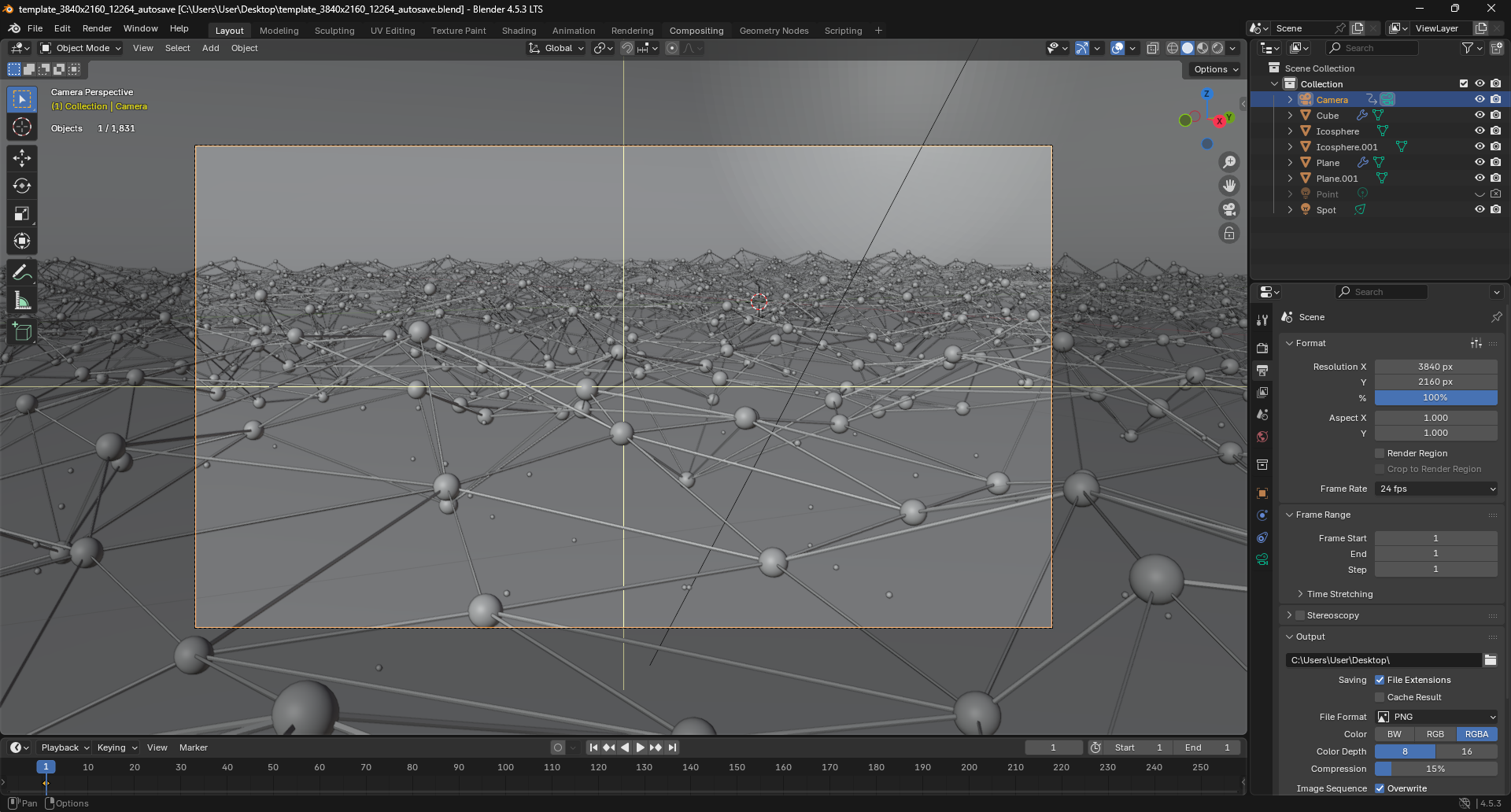
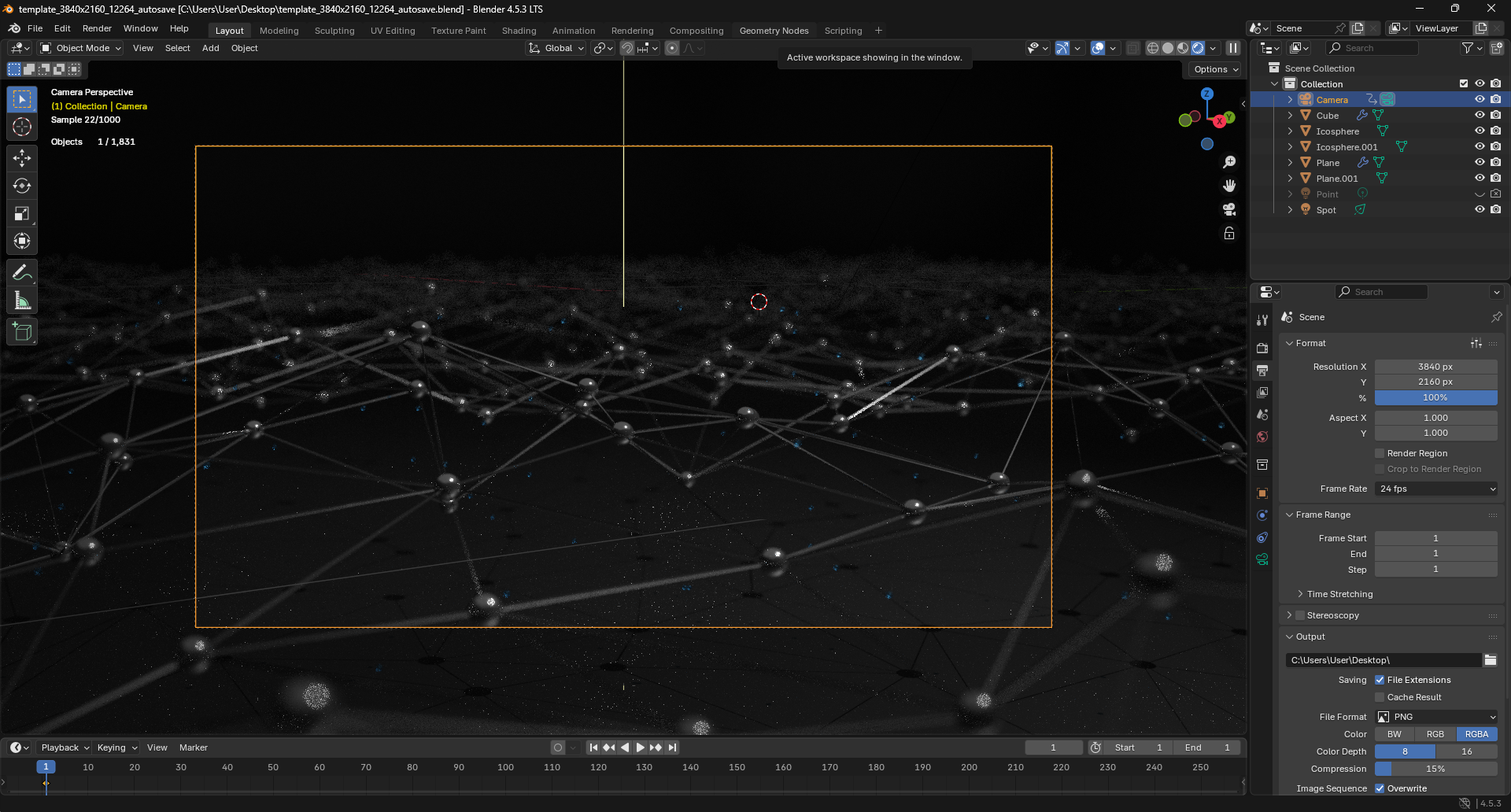
I decided not to stop there and continued editing the scene. Later I launched a full render and started watching GPU behavior through Task Manager.
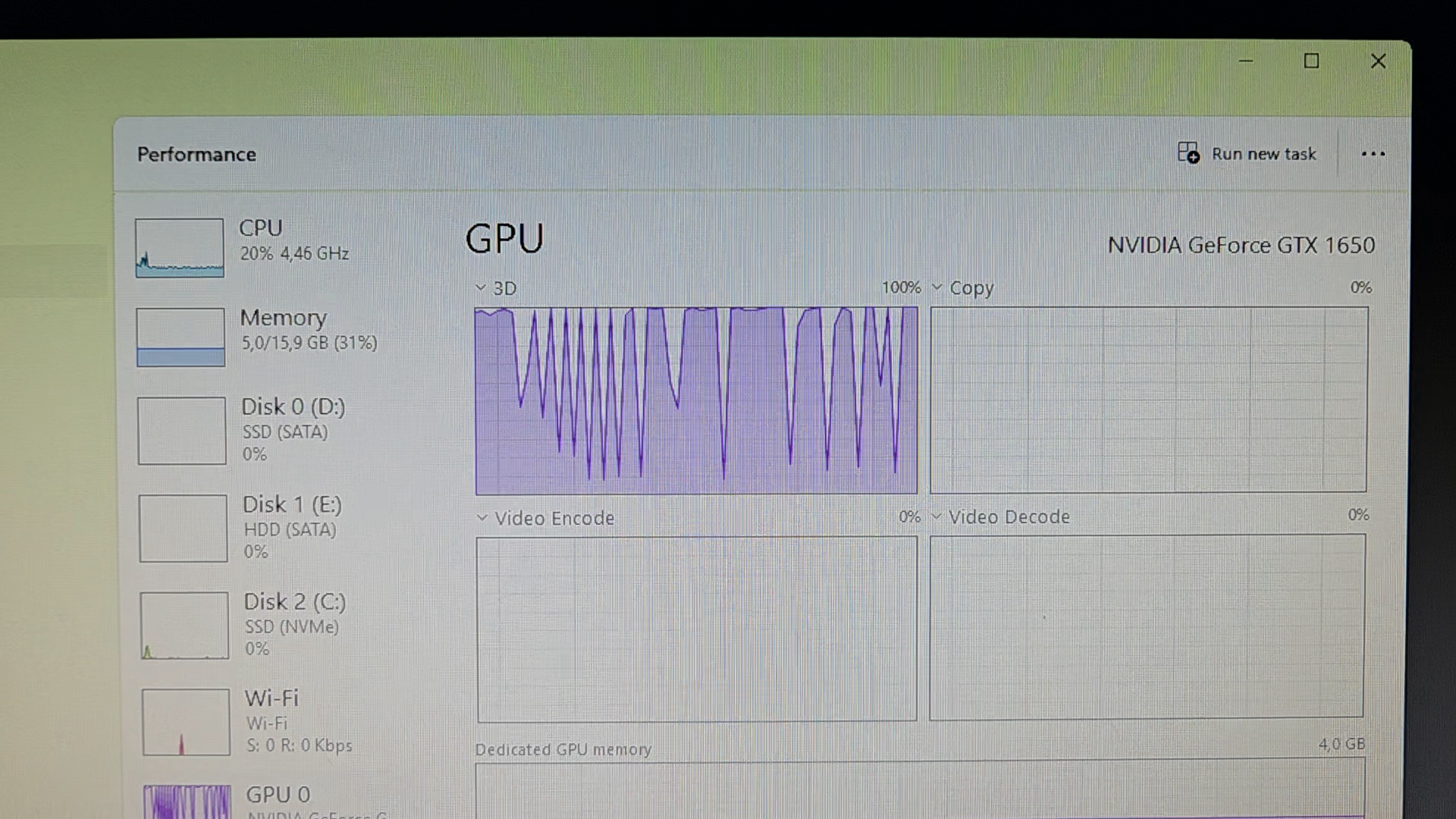
At first GPU load looked unstable, jumping around a little, but eventually it became more stable.
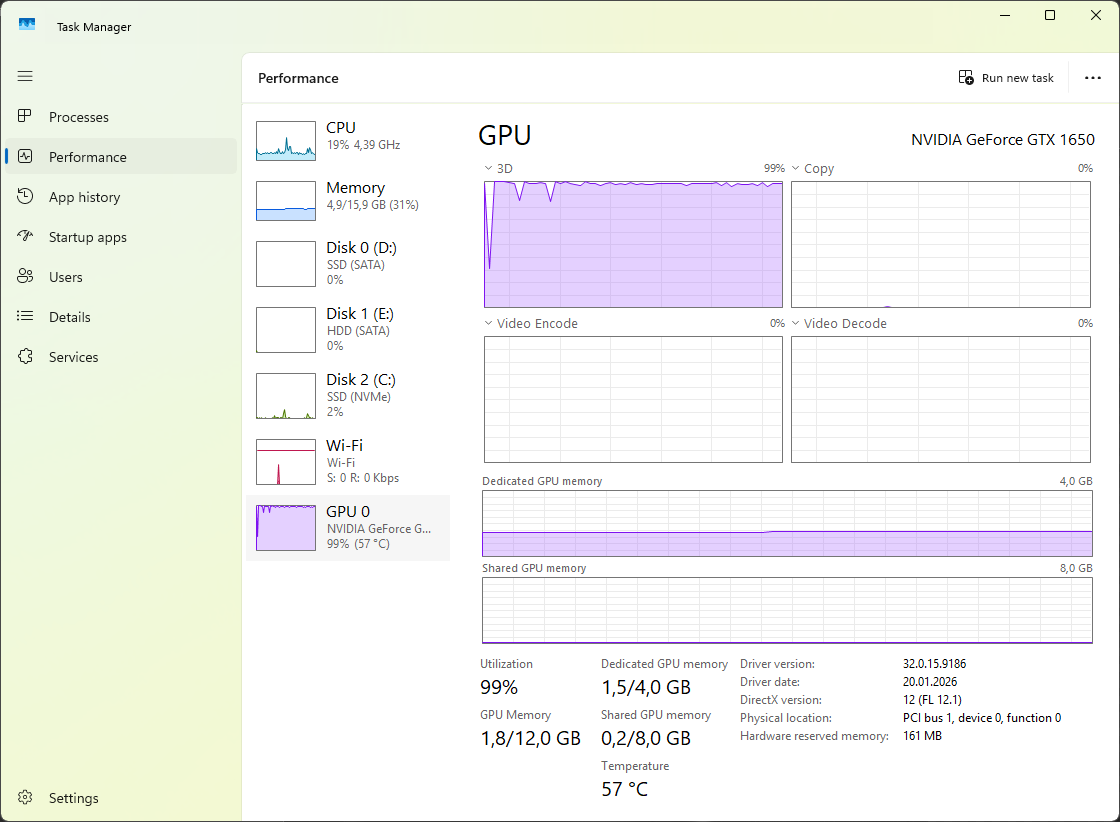
Then somewhere in the middle of rendering the graph started going crazy again with huge spikes, but it didn’t last long. After some time it stabilized again into an almost straight line.
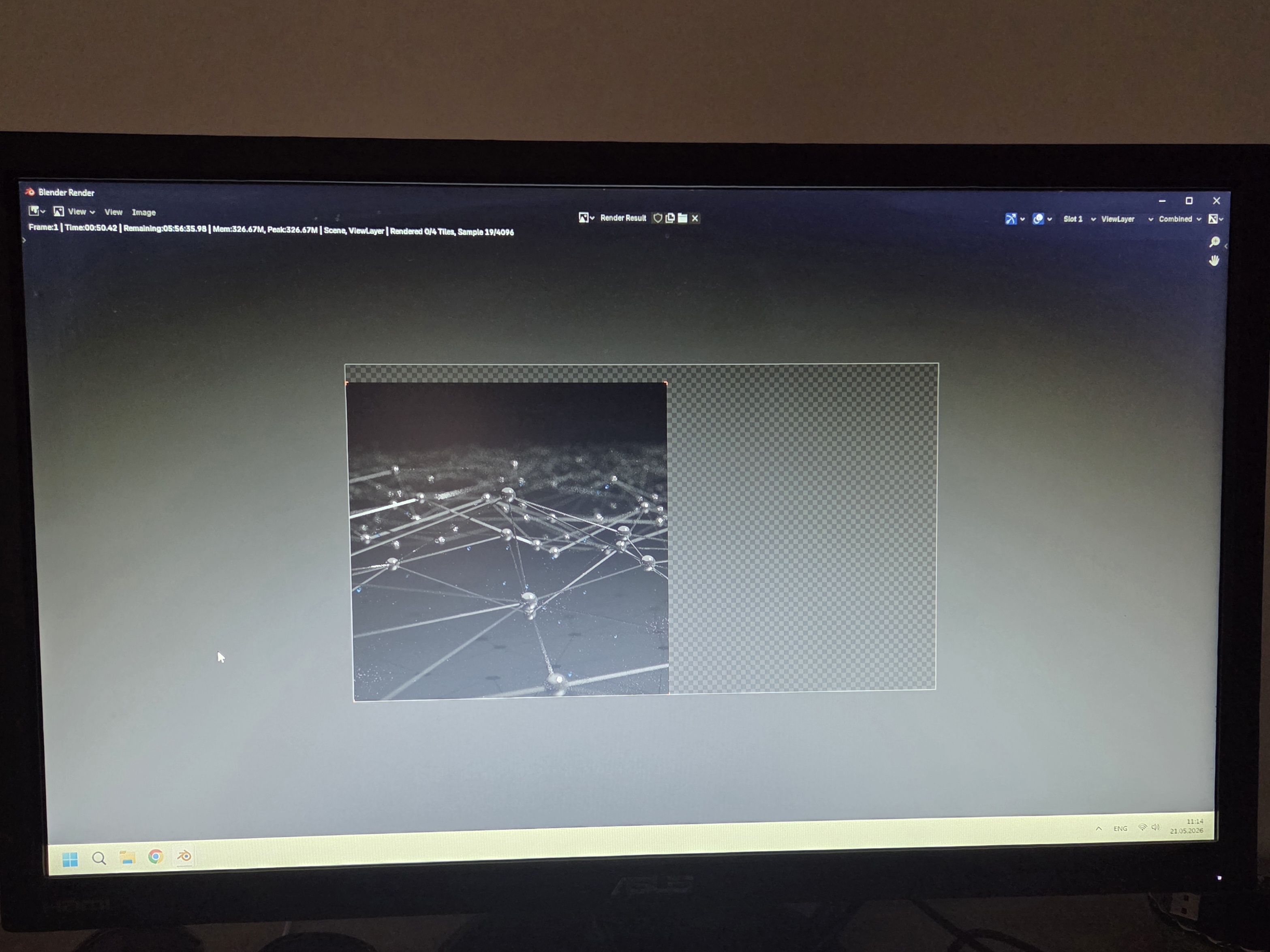
Even with GPU load sitting around 98%, there were no more monitor disconnects.
Now I got another question. Can GPU overclocking actually fix something like this? You could ask me back: “fix what exactly?” And honestly… I don’t even know myself. But my loyal assistant ChatGPT keeps telling me that overclocking would probably only make the situation worse. So yeah, most likely sooner or later I’ll return to the idea of upgrading to RTX 3050.

The result.
🎉 Congratulations!
Your post has been upvoted by the SteemX Team! 🚀
SteemX is a modern, user-friendly and powerful platform built for the Steem community.
🔗 Visit us: www.steemx.org
✅ Support our work — Vote for our witness: bountyking5