You are viewing a single comment's thread from:
RE: Neues Tool: Quelltext eines Beitrags anzeigen
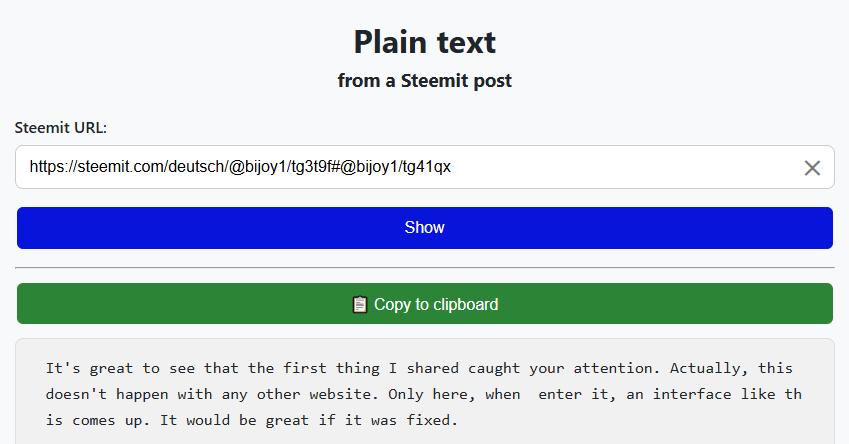
That message shouldn't appear anymore, and the copy button should show up after you click “Show.”
I'm curious—why do you need the entire code for a page? As I mentioned before, I haven't needed that yet; I've only needed specific parts when I wanted to remember a particular formatting style.
Thank you very much for bringing this copy button according to my suggestion.
It is very good to see your interest in knowing. In fact, I find it easier when I copy the entire post and preview it, then I take the code that I like.
You take the code you need from the post. However, I find it easier when I copy the entire post and put it in my notes. After that, I find the code I need.
Anyway, finally, I wish you all the best for presenting such a wonderful website to us. I hope to see more new things from you in the future.
Ah, OK, I had a feeling that might be the case. It’s not that easy to find specific sections on a mobile phone either; it’s easier in a notes app.
Thanks for clearing that up.
Yes. You understood correctly. Actually, finding and copying a specific code from a mobile is a very troublesome task. So I copy the whole thing and get the code I need.