Launch and Manage Exciting Contests on SteemHome
Hi everyone. I hope everybody is well. I am also by the grace of Almighty Allah.

Today I have brought you a very nice post and I have been using it for a long time and I was waiting to share it with you for a long time and after experiencing it very well, I have come to you today with this.
 |  |
|---|
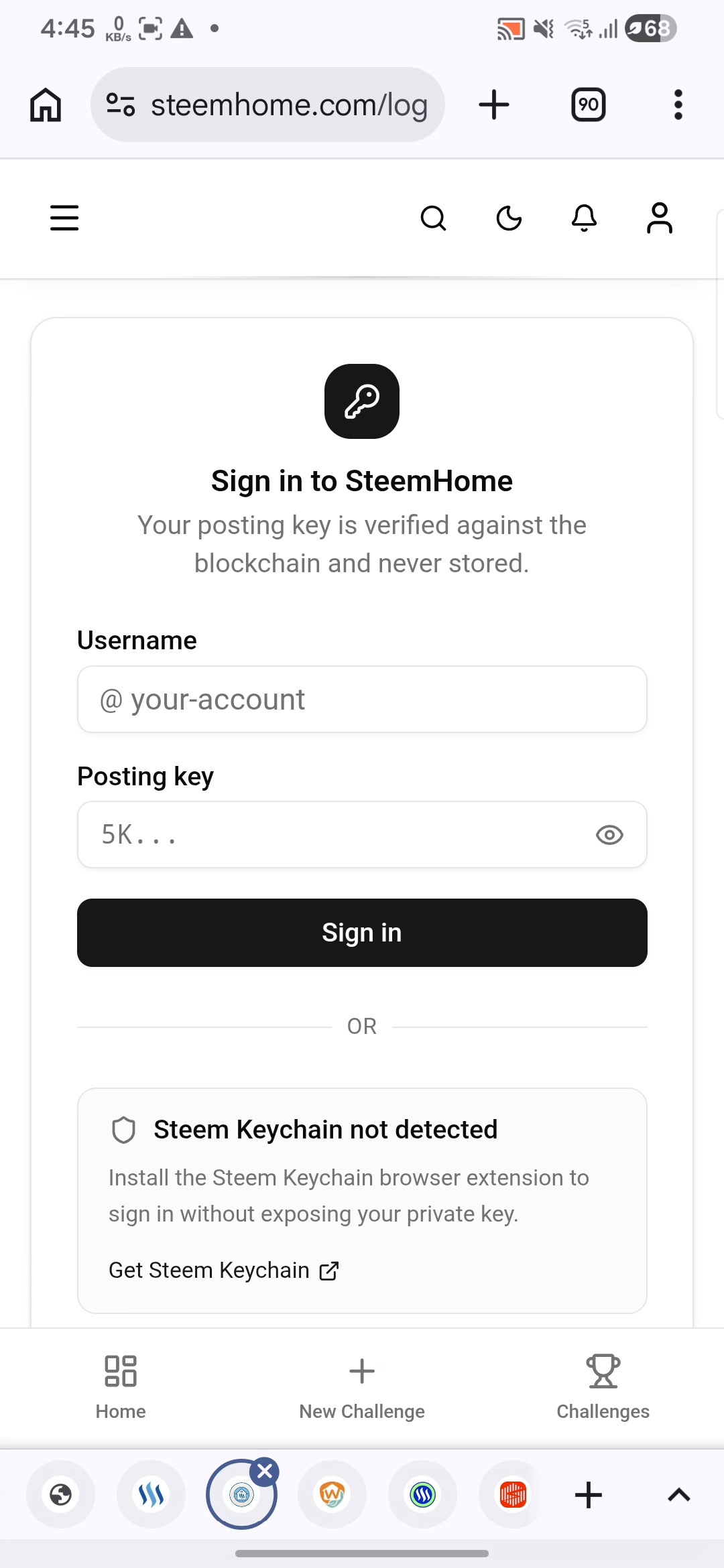
When I came here, first of all, the option to login to my account came up and this option came up repeatedly. Every time I enter from here, this problem comes up here and I have to login to the account here again and again with the posting key.
 |  |
|---|
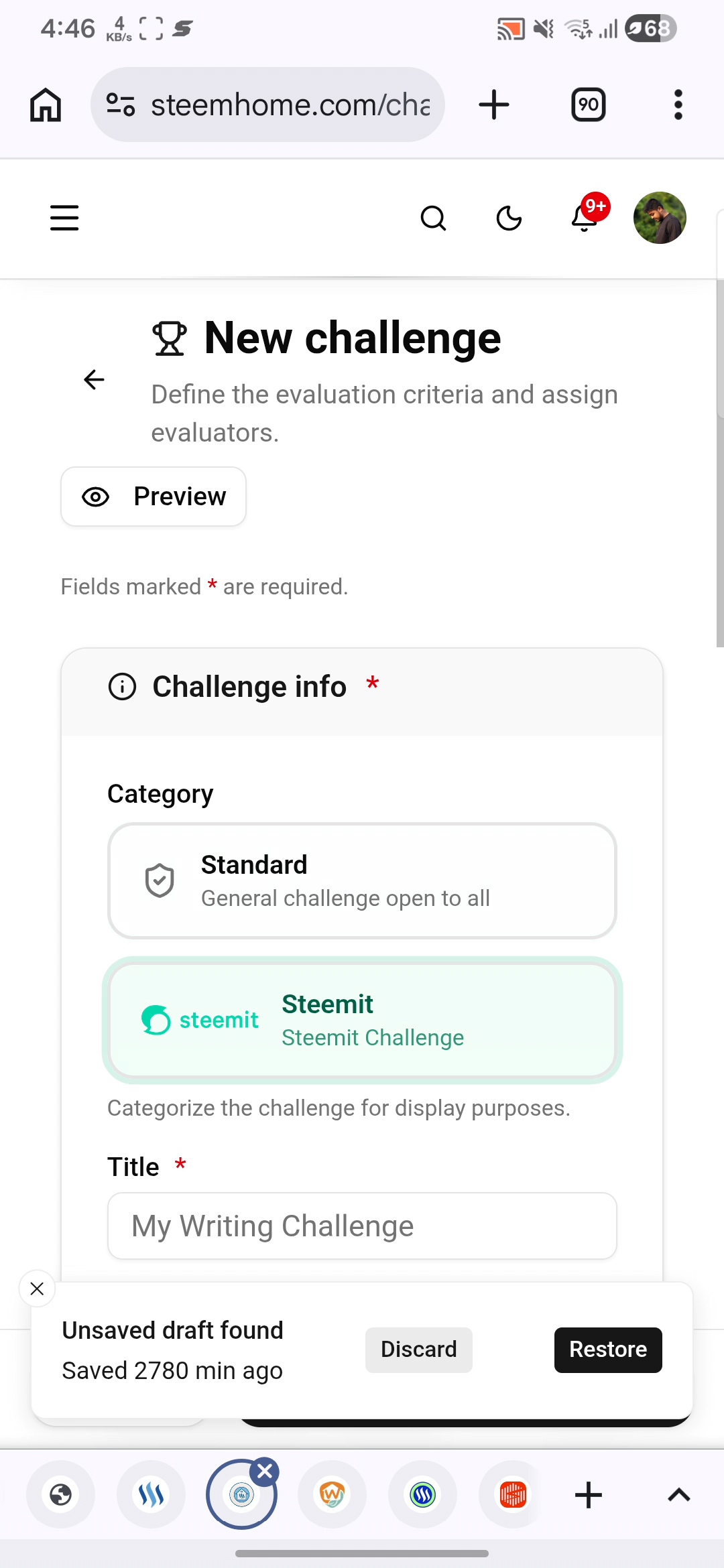
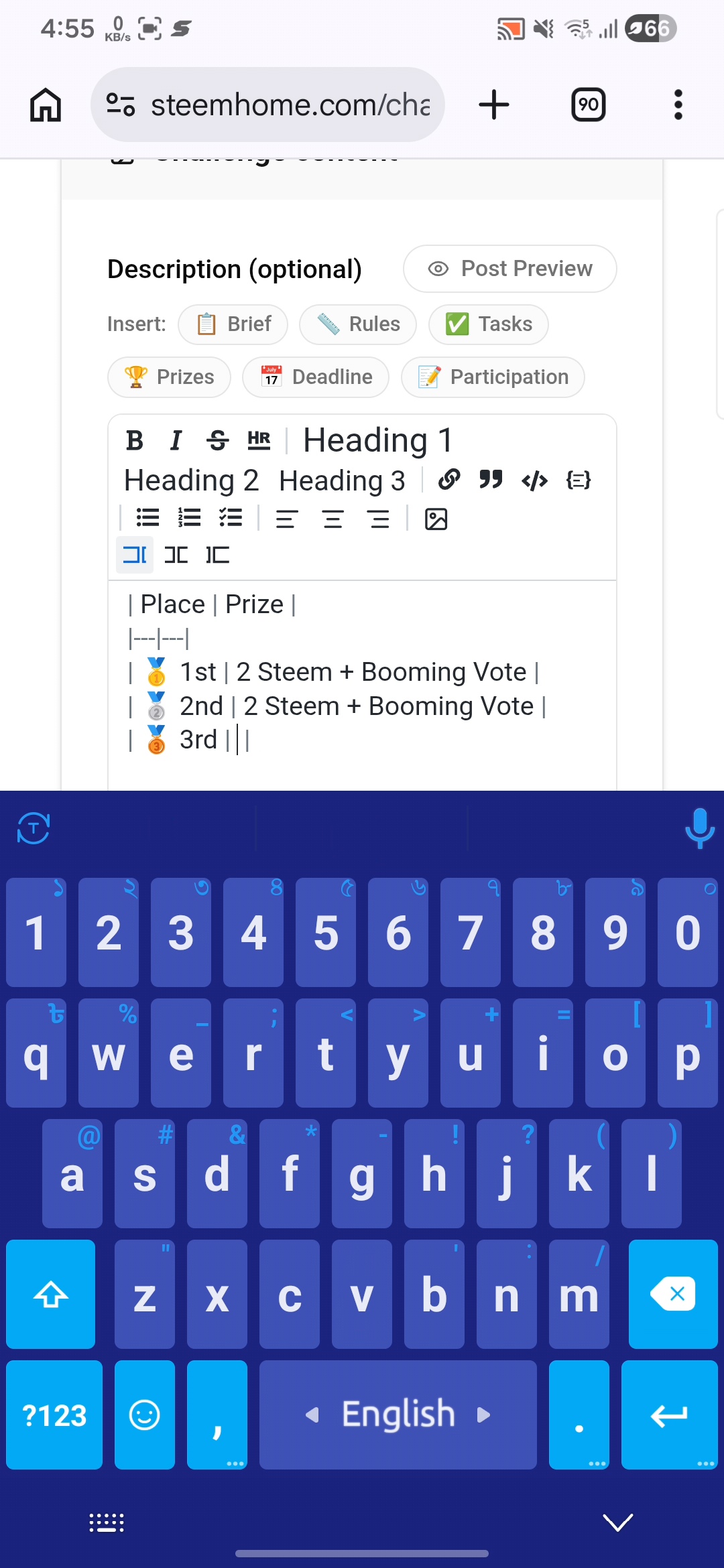
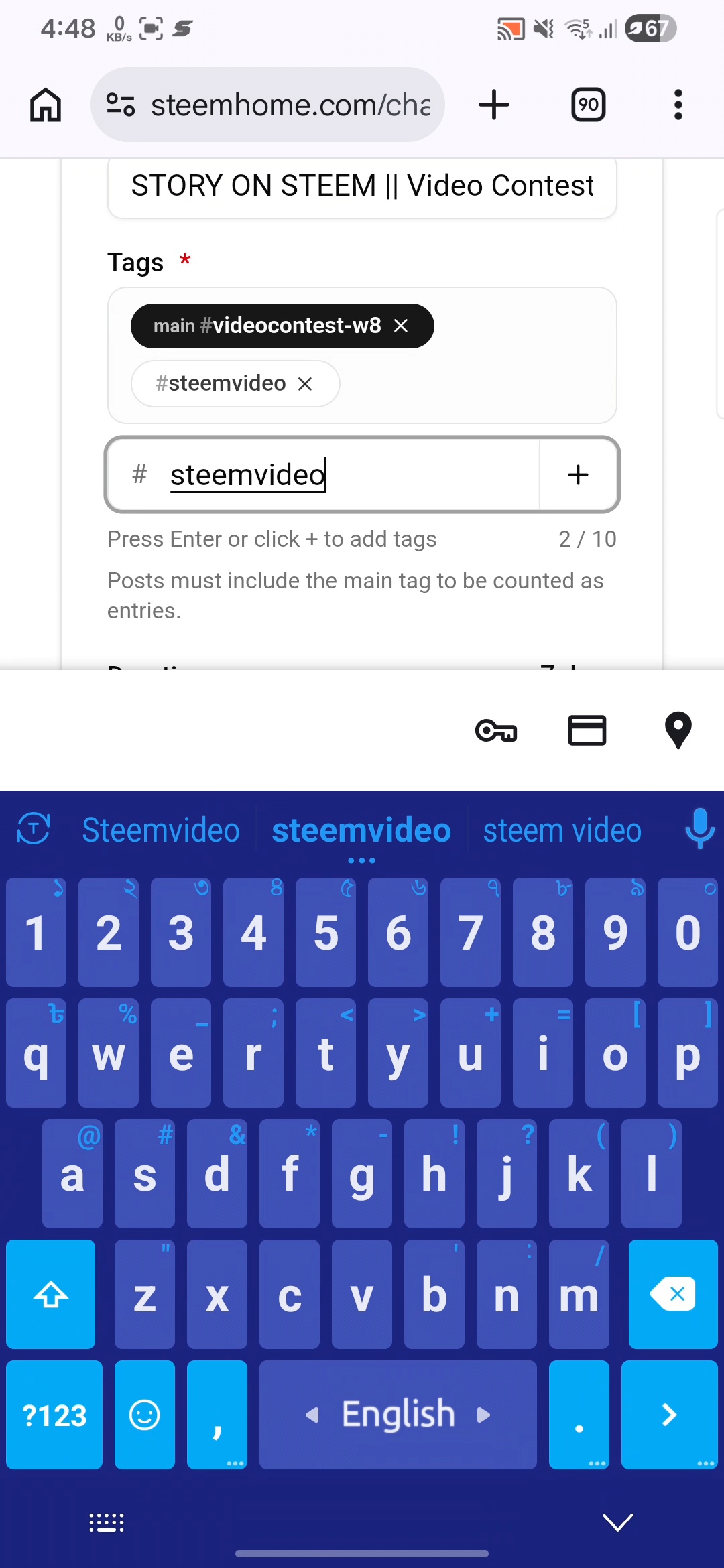
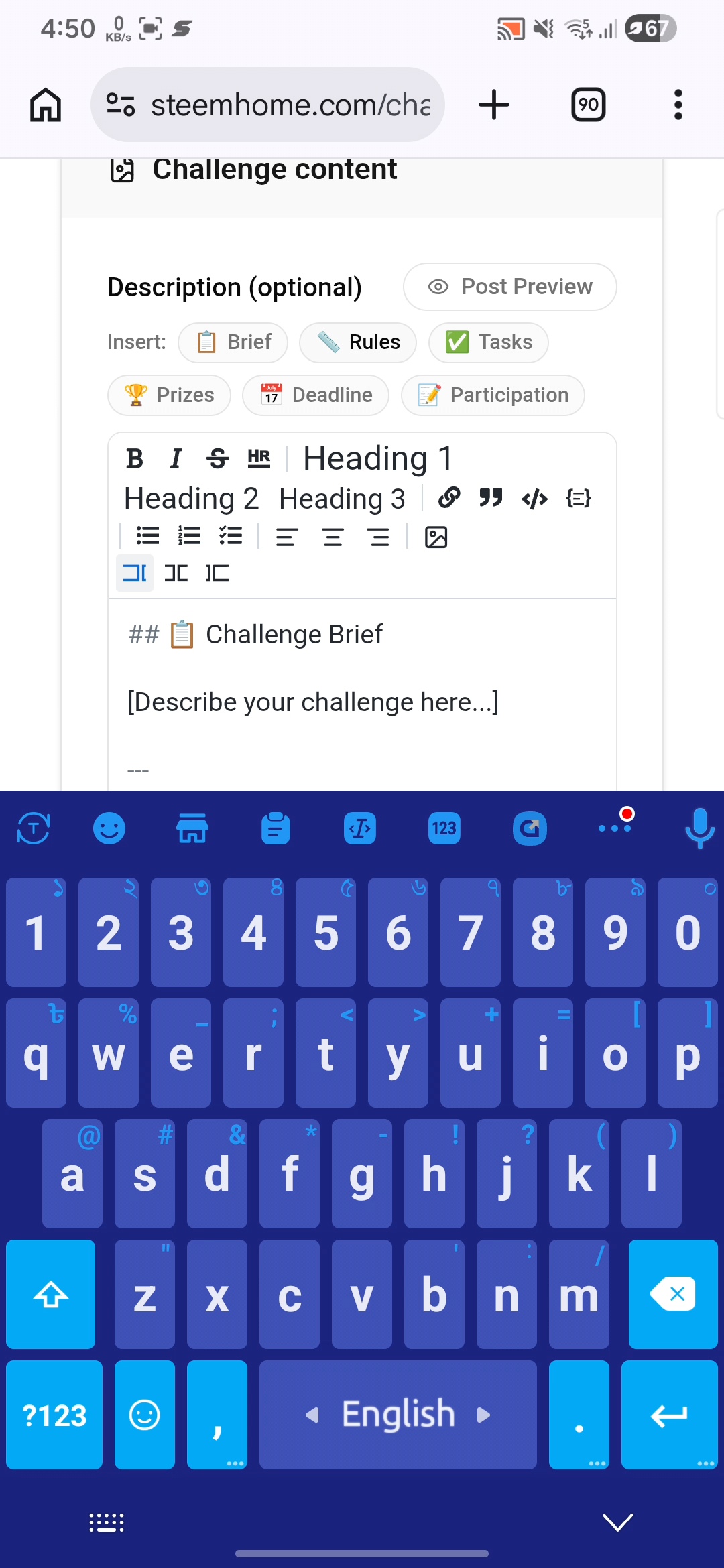
By using this, I have created a new challenge which is a video-based challenge and anyone can participate in this challenge and since this challenge is especially video-centric, here I have given the title according to the video and at the same time I have given the tag according to the video, in addition to everything else that was there, I have given everything accordingly.
 |  |
|---|
Here when I was creating everything in this video contest and when I was creating the challenge using it, I saw that I was able to create it in a very easy way and using a very simple process, I created the entire challenge here.
 |  |
|---|
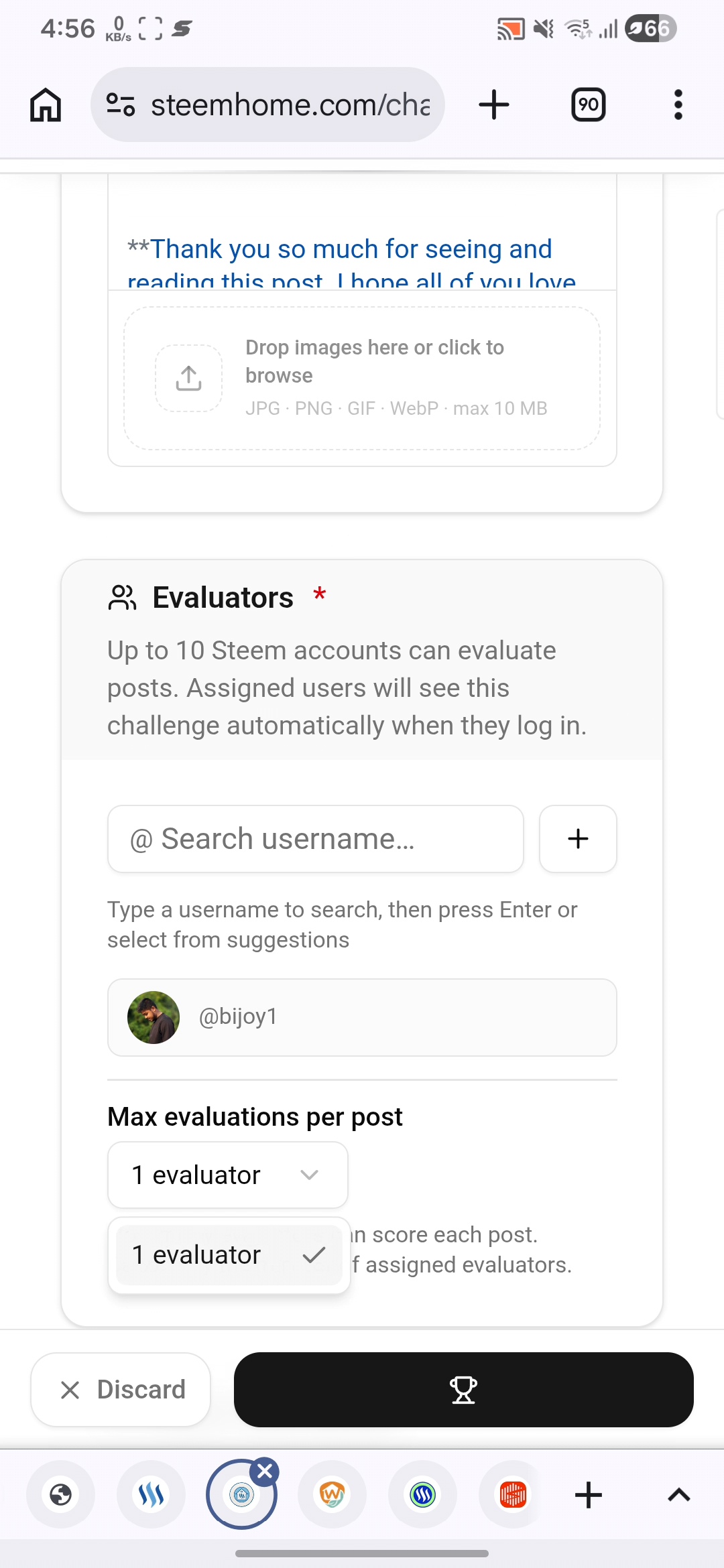
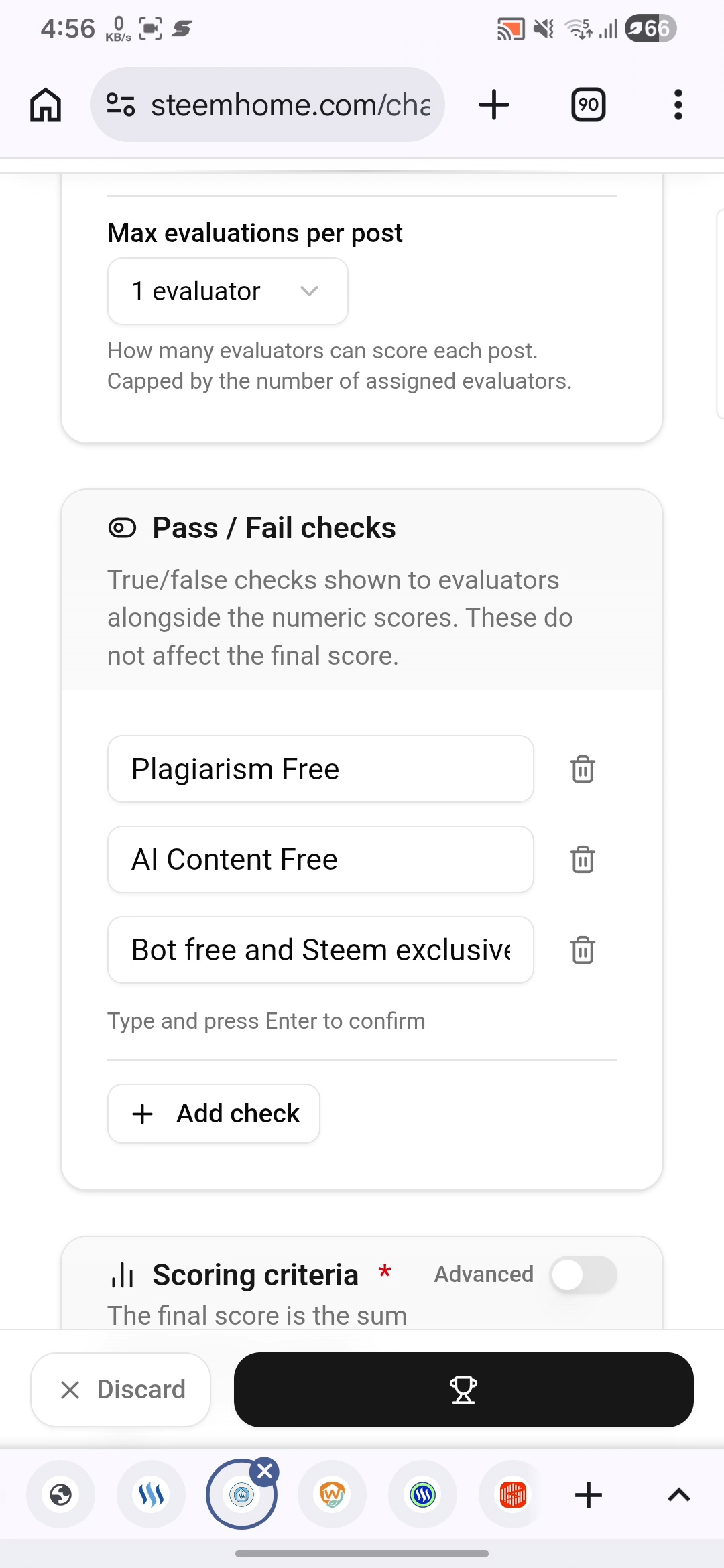
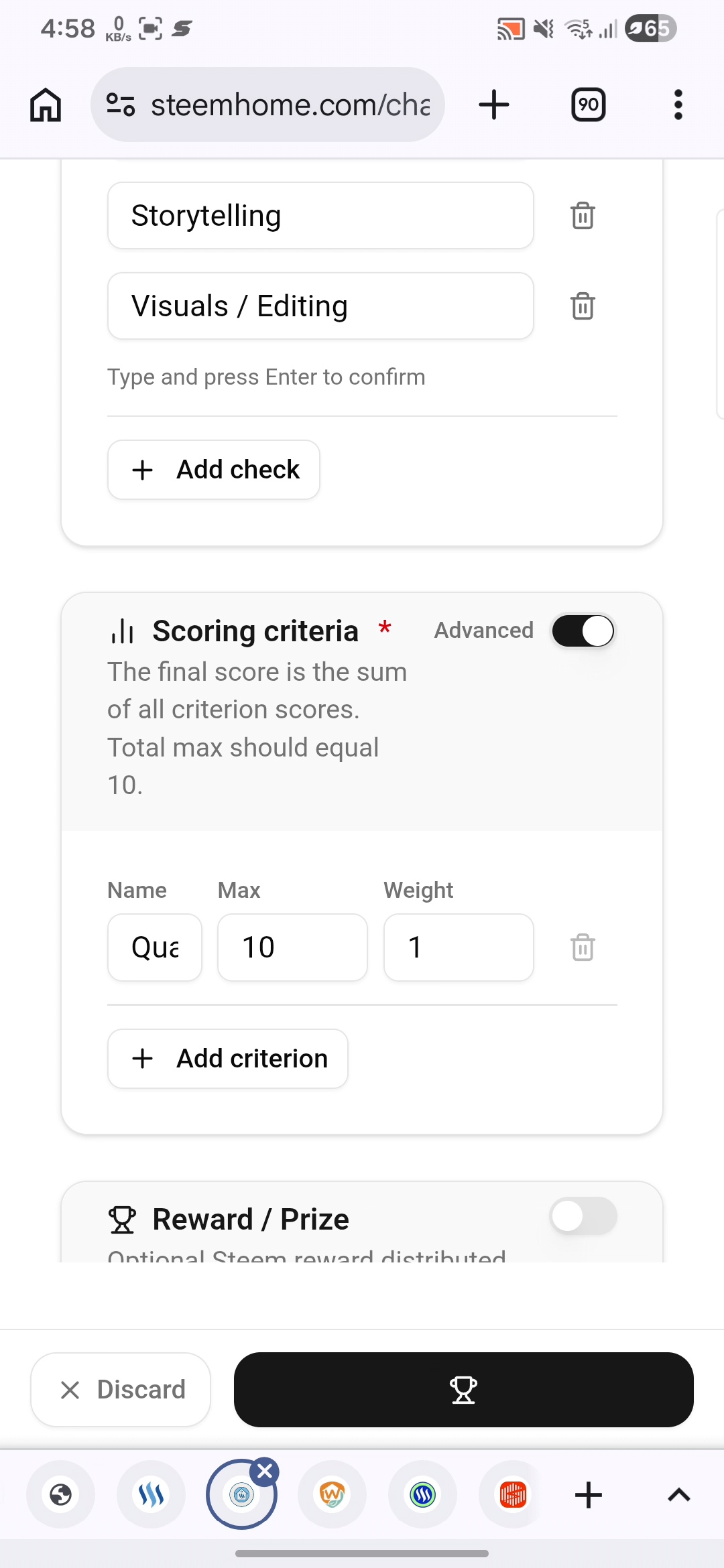
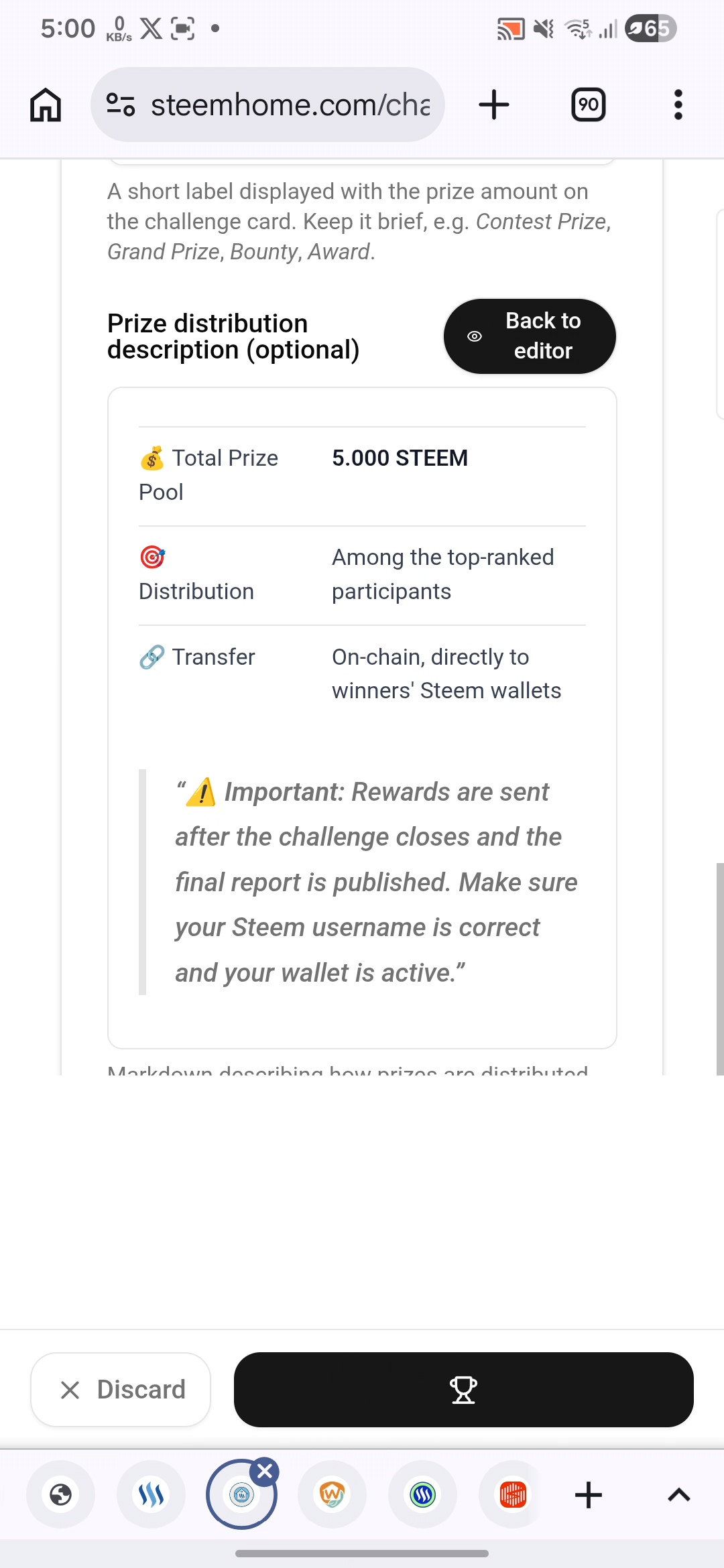
In addition, after creating this challenge, here are all the things that I started adding the ones that needed to be added here and here I used how I would give the score and how they would have to follow these rules.
In addition, here I tried to configure all the other settings of the challenge here and I used them quite well and saw that if I give any settings here, which one will come and how it basically works.
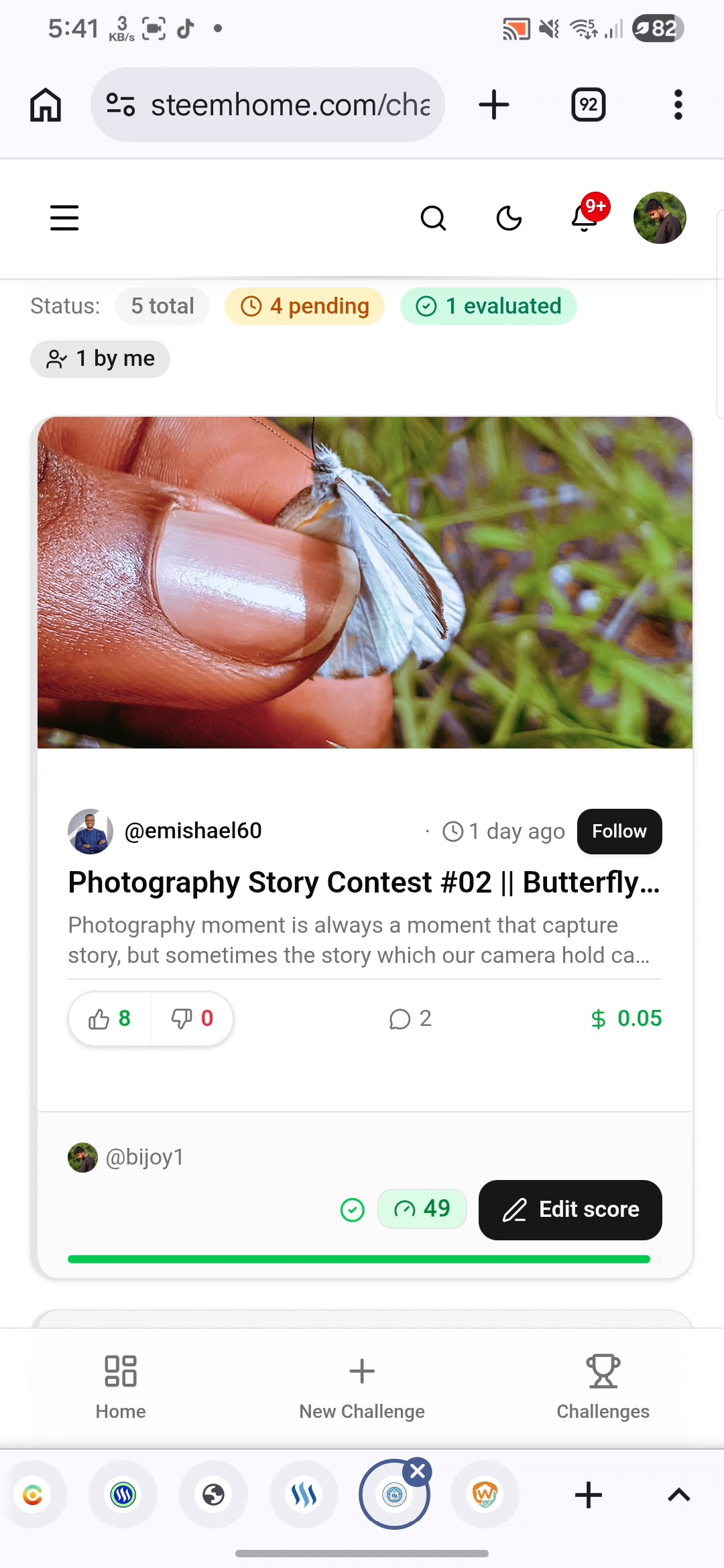 | 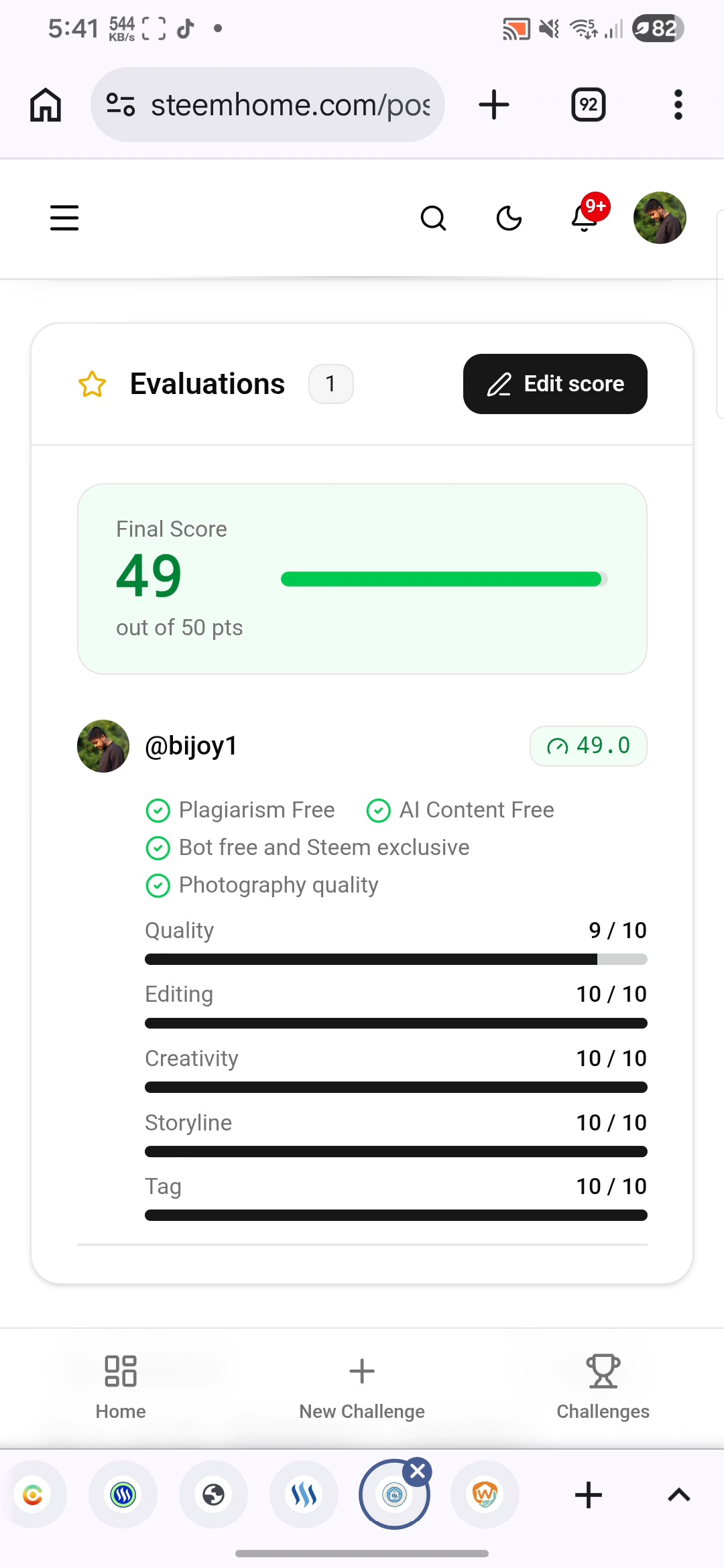 |
|---|
In addition, here I gave here which tag will be joined in this contest and which is the main tag at the same time when I was using these tags, I was trying to give everything from this main tag here quite well.
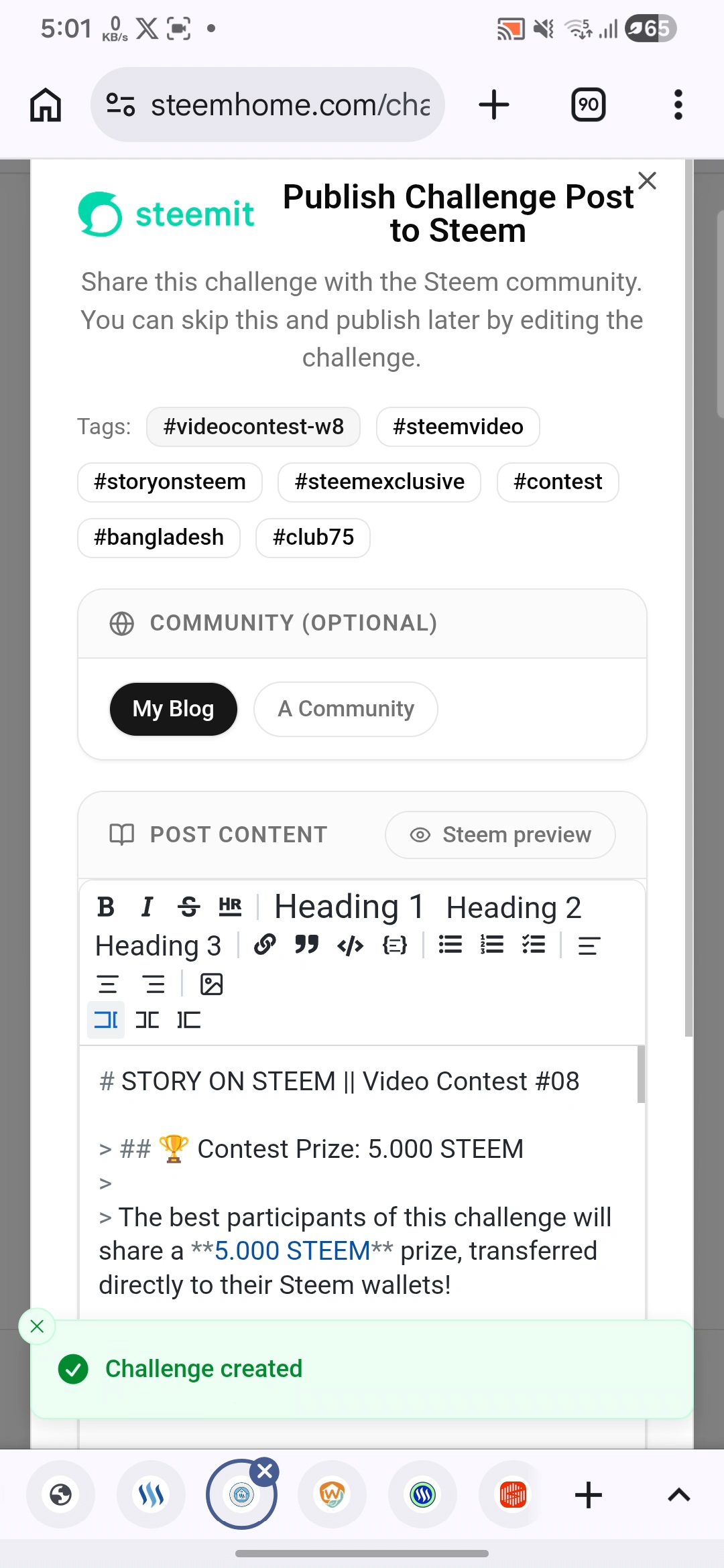
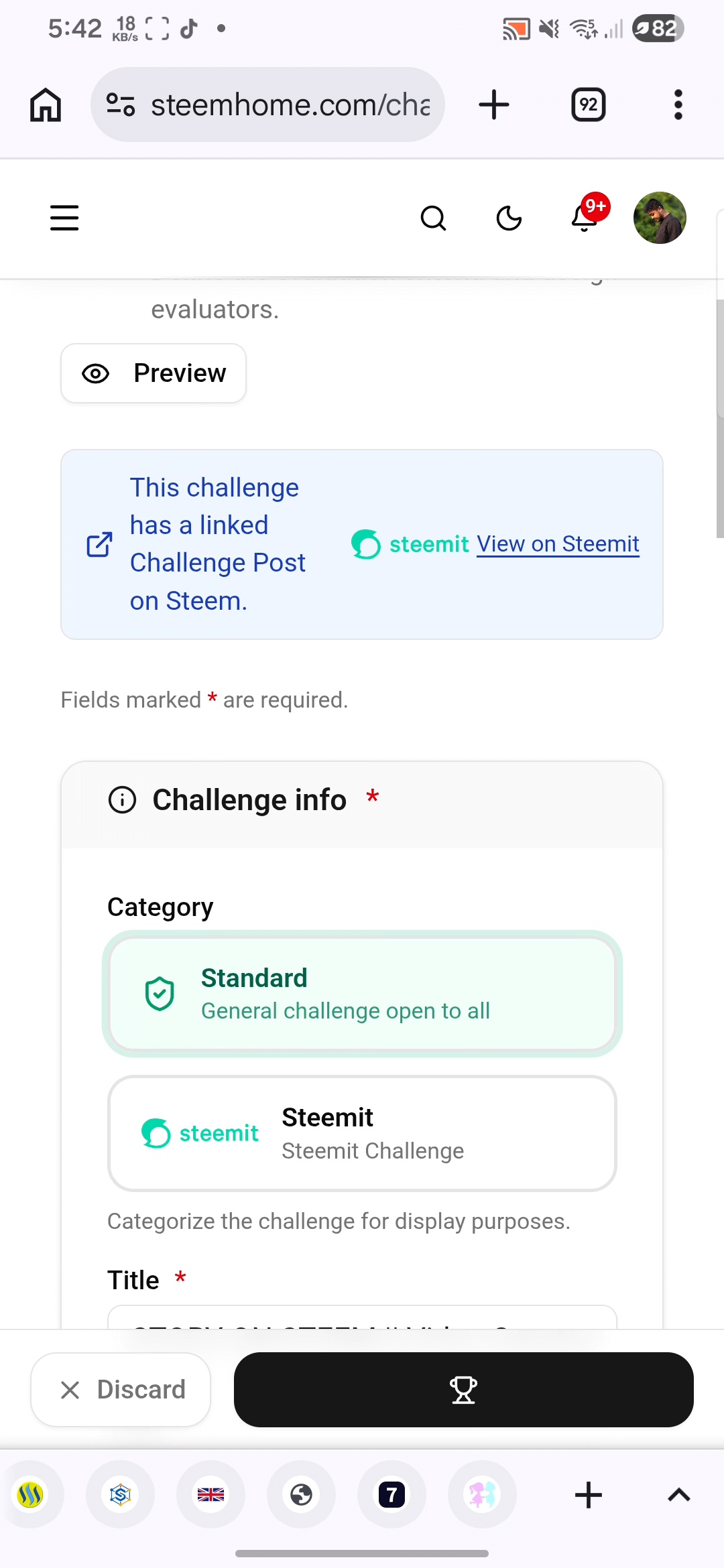
After doing everything, when I had created this challenge, I clicked on a button that I had to connect to steemit.com and after clicking on that button, it was posted.
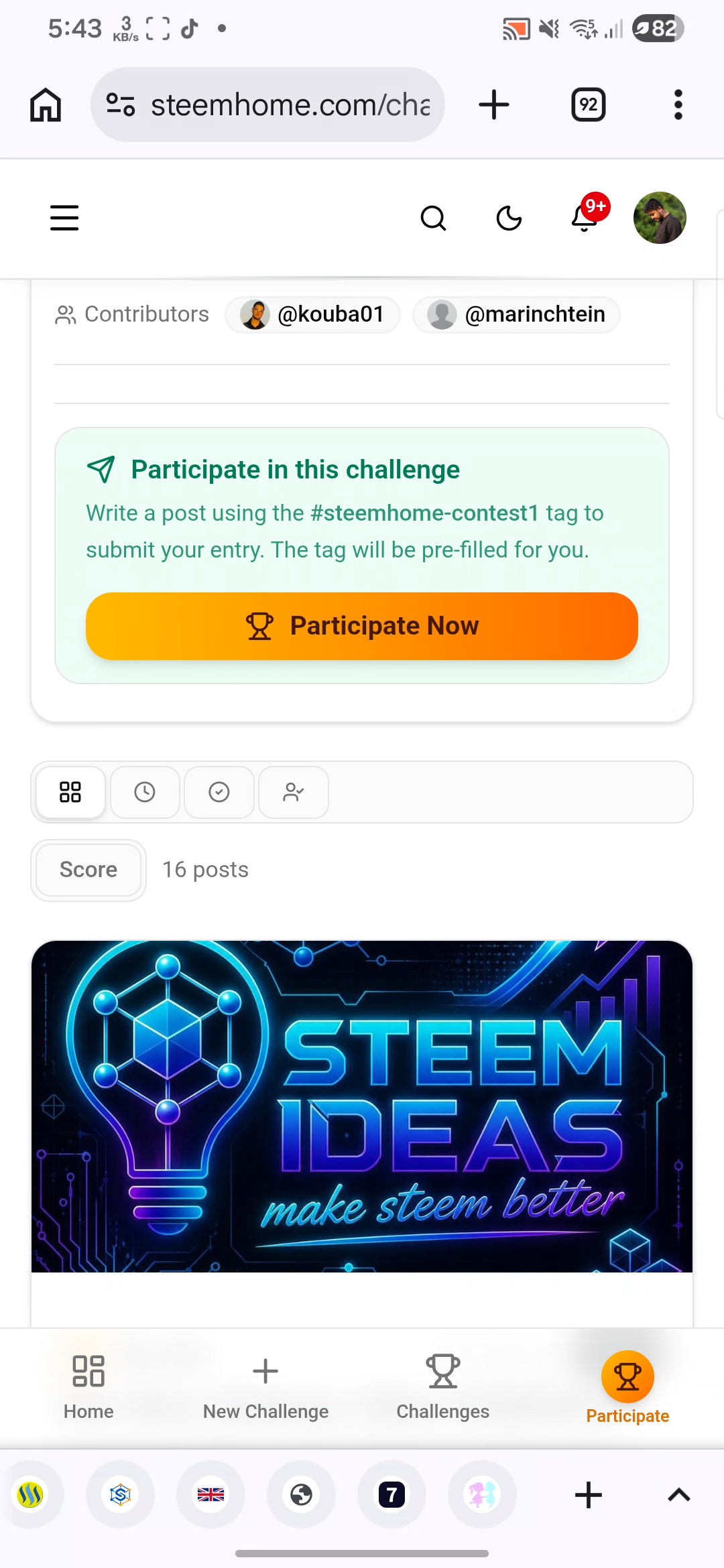 | 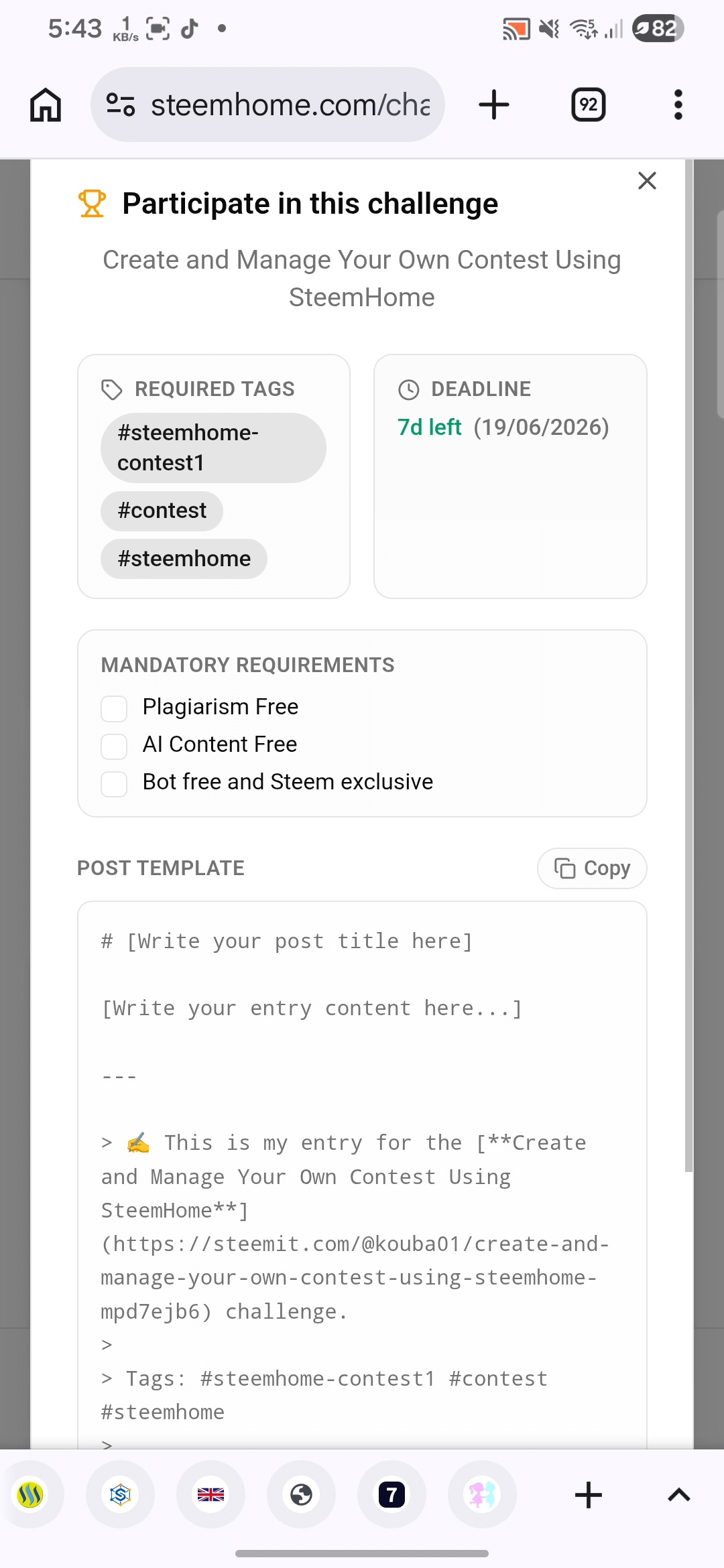 |
|---|
From here, when I officially created the challenge and posted it from my account, everyone can see it here and here when people see it, if they join based on this, it will come to me here.
In addition, I have seen many things in the dashboard that is here, the country board Or I was trying to see everything very well by using these small beautiful tolls.
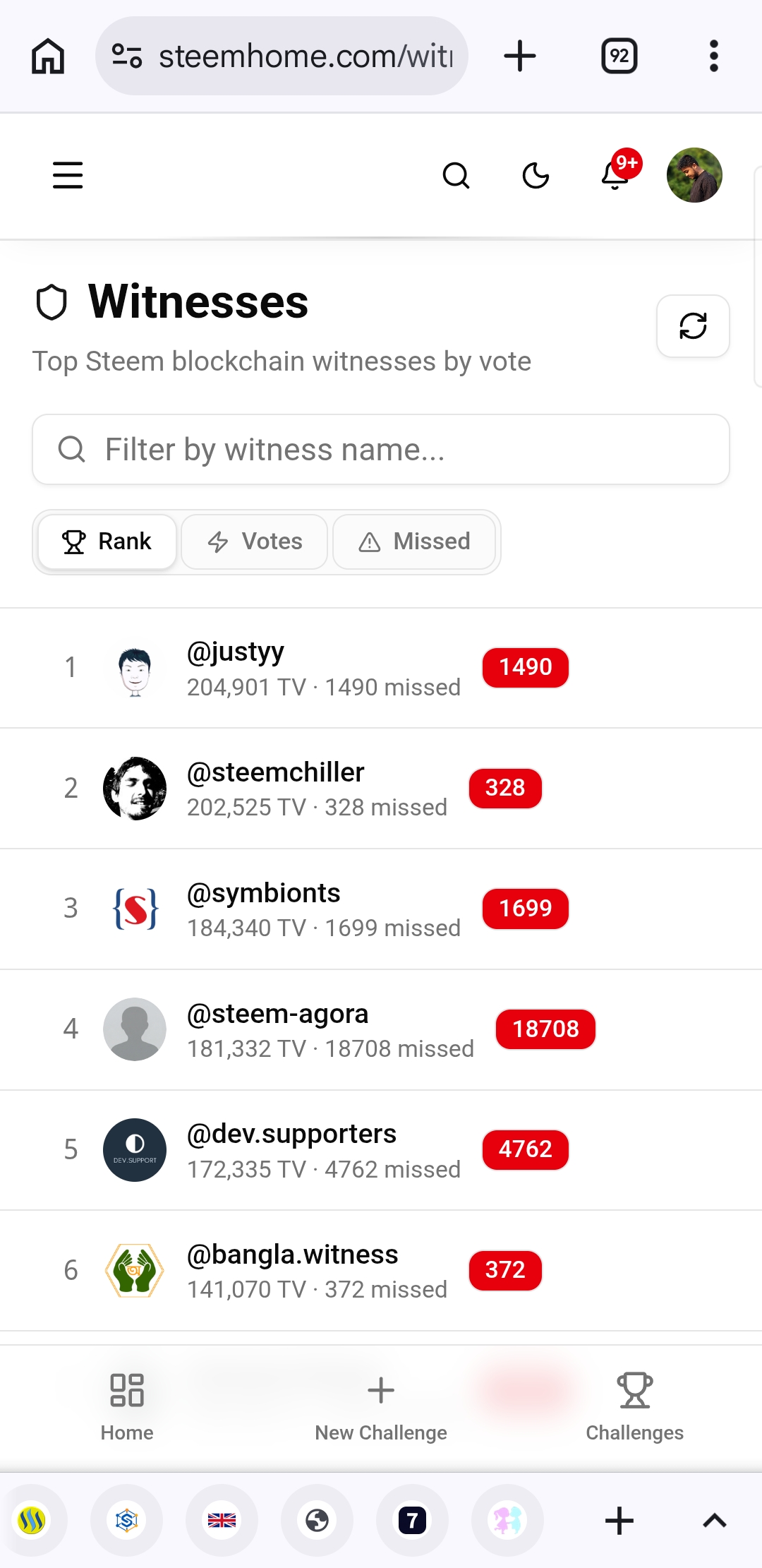
The fact that there is a live block chain here was quite good and the price of everything was visible here, starting from the head block and many more things were visible here. In addition, the different types of rates were visible here, as well as the names of those who are witnesses were visible here.
 |  |
|---|
This was the very top part of the dashboard. If we scroll down a little, we will see that there is a search bar and there is also an option to select a category next to the search bar.
 |  |
|---|
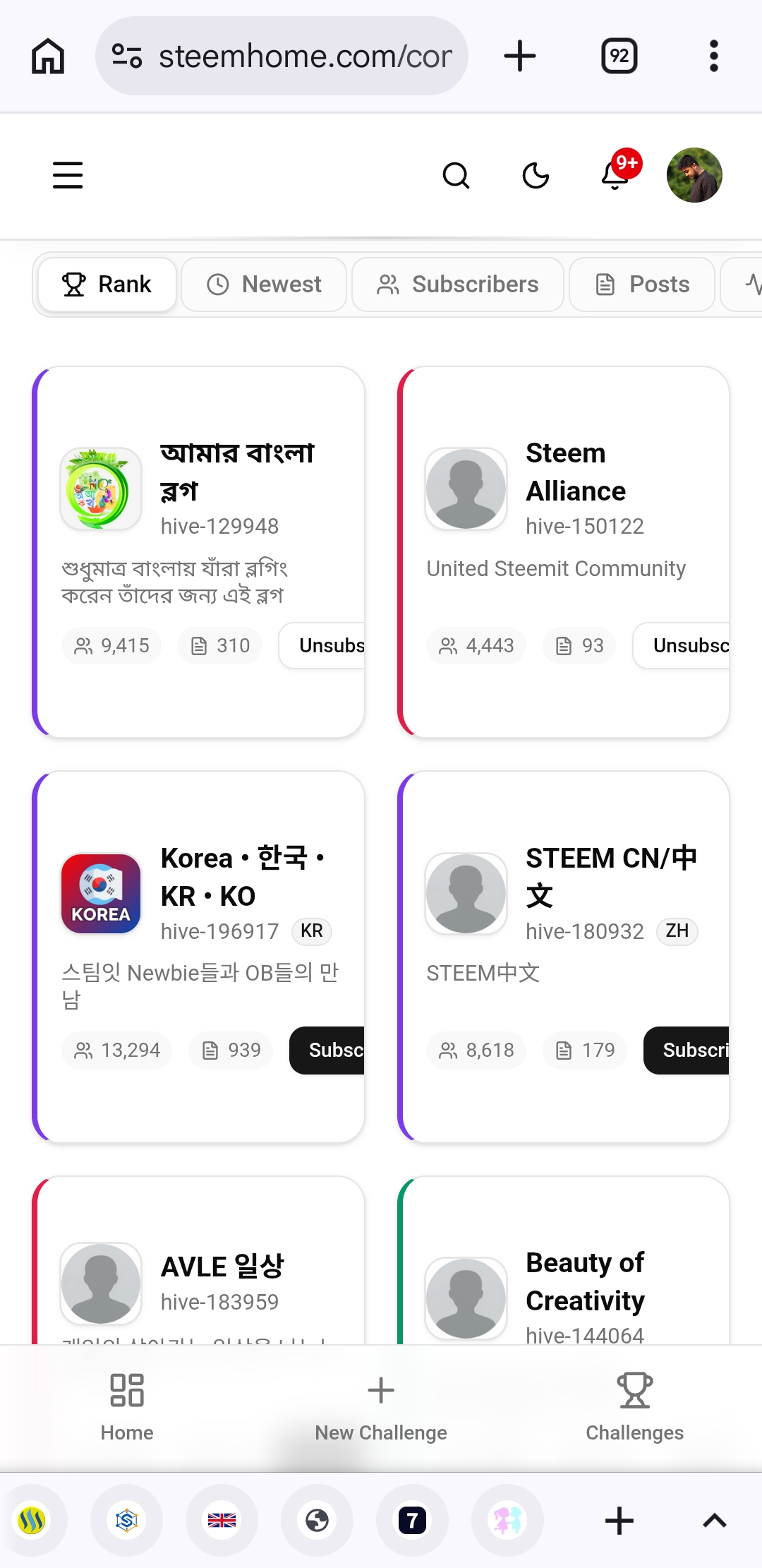
In addition, there were some challenges at the bottom that were created by the hosts of various contests and we found all kinds of challenges here very easily and it was very nice to get the channels here without any difficulty because sometimes I do not find many types of challenges, but the way all the challenges were visible here, anyone can participate from here.
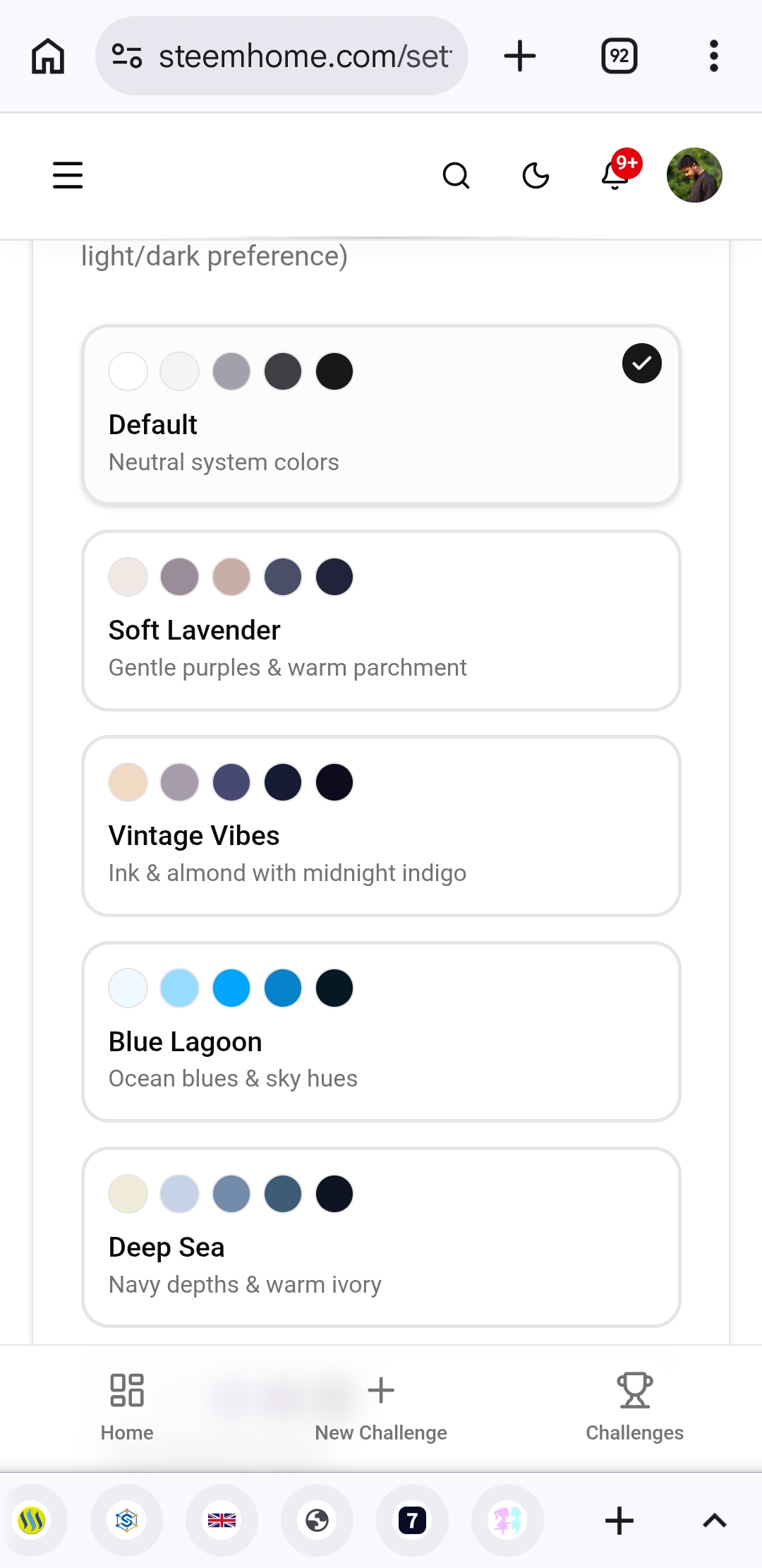 | 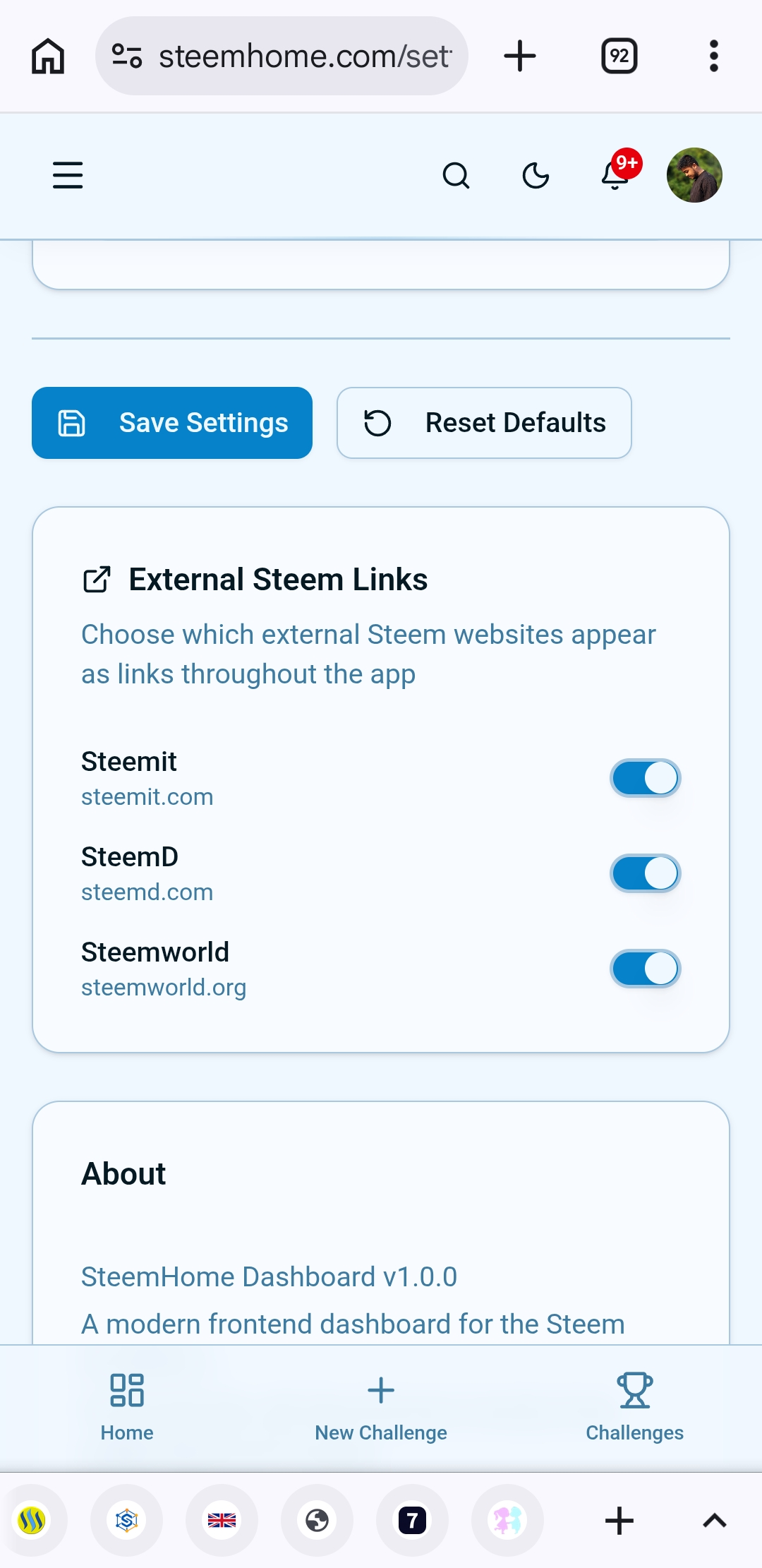 |
|---|
In addition, there were all the contests that many people created here, there was an option at the bottom that if we You can also create any kind of challenge from here and after clicking on this option, we have to do everything that I have shared above.
 |  |
|---|
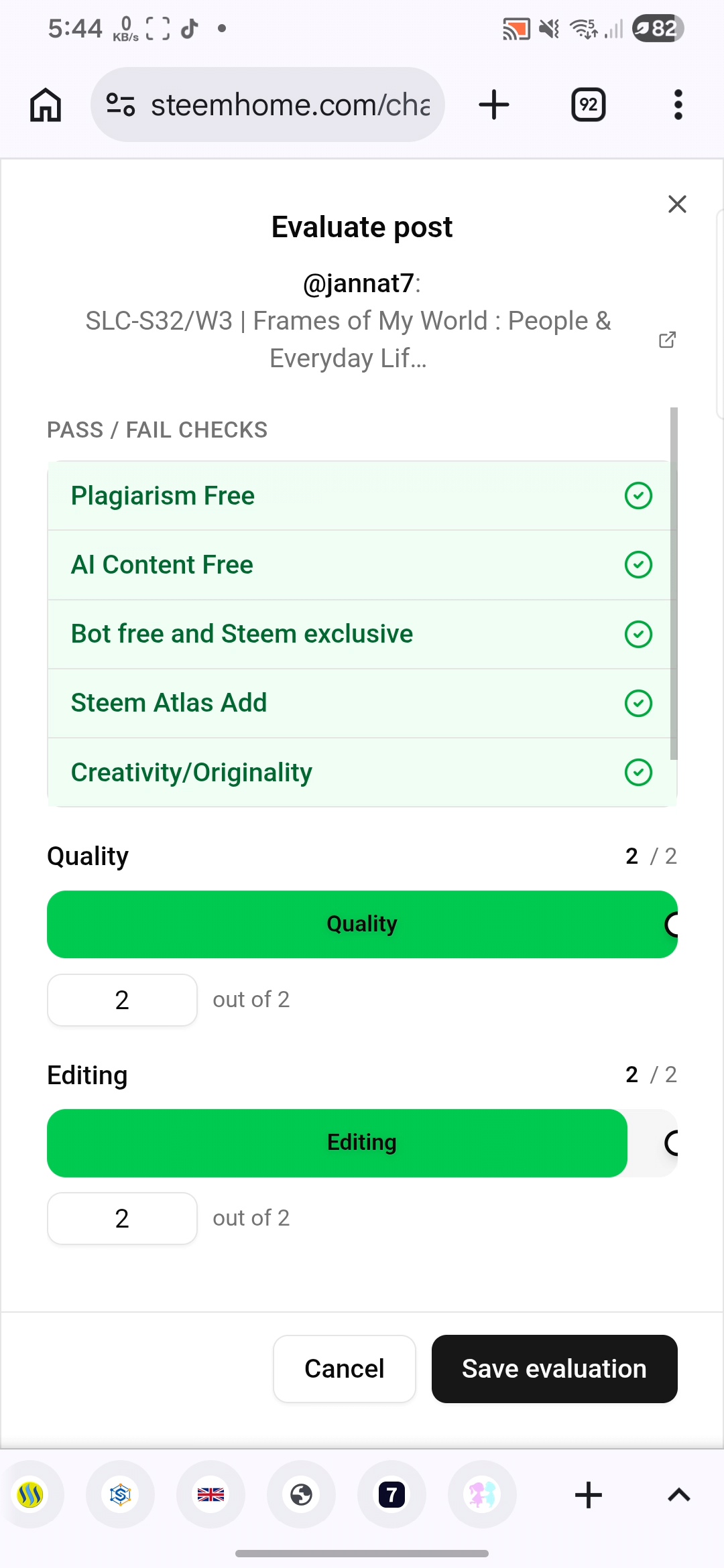
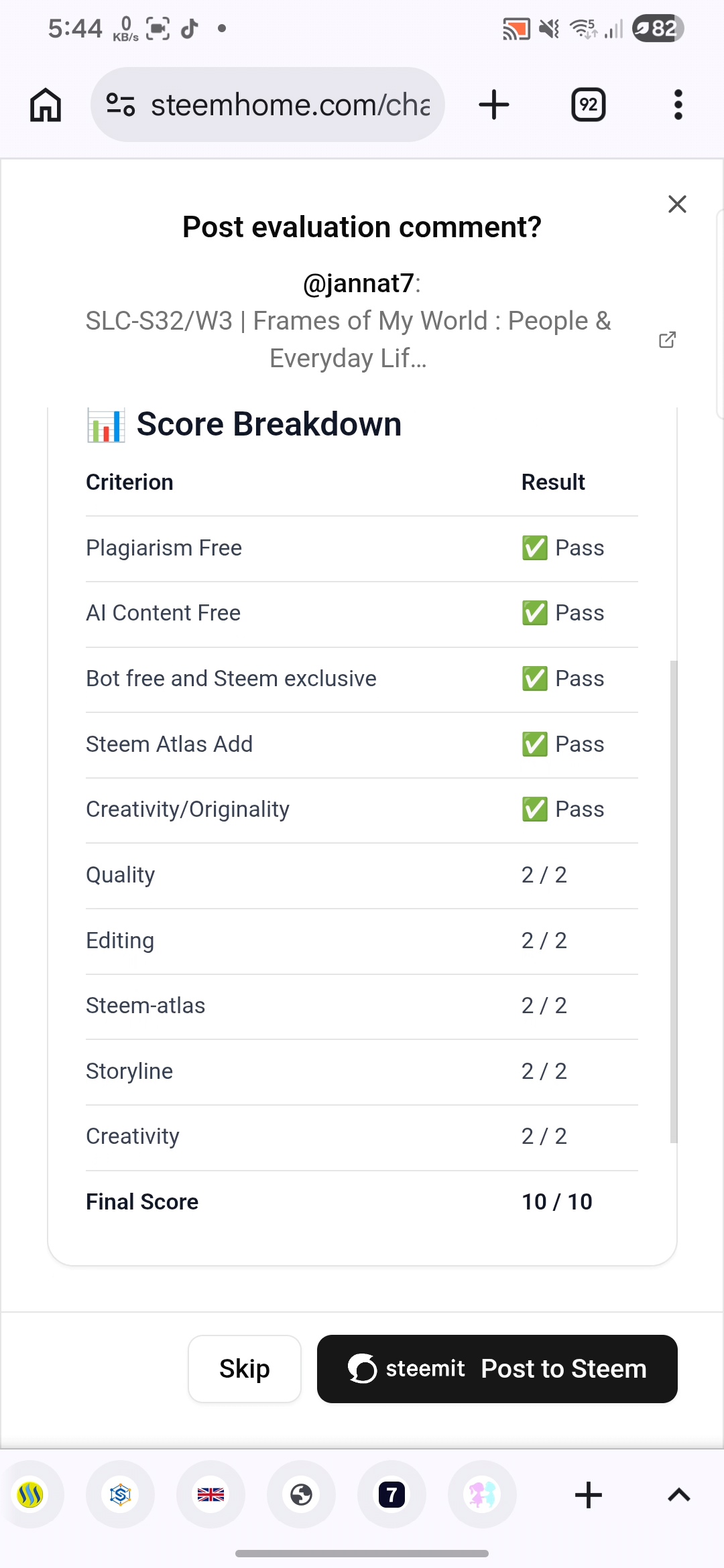
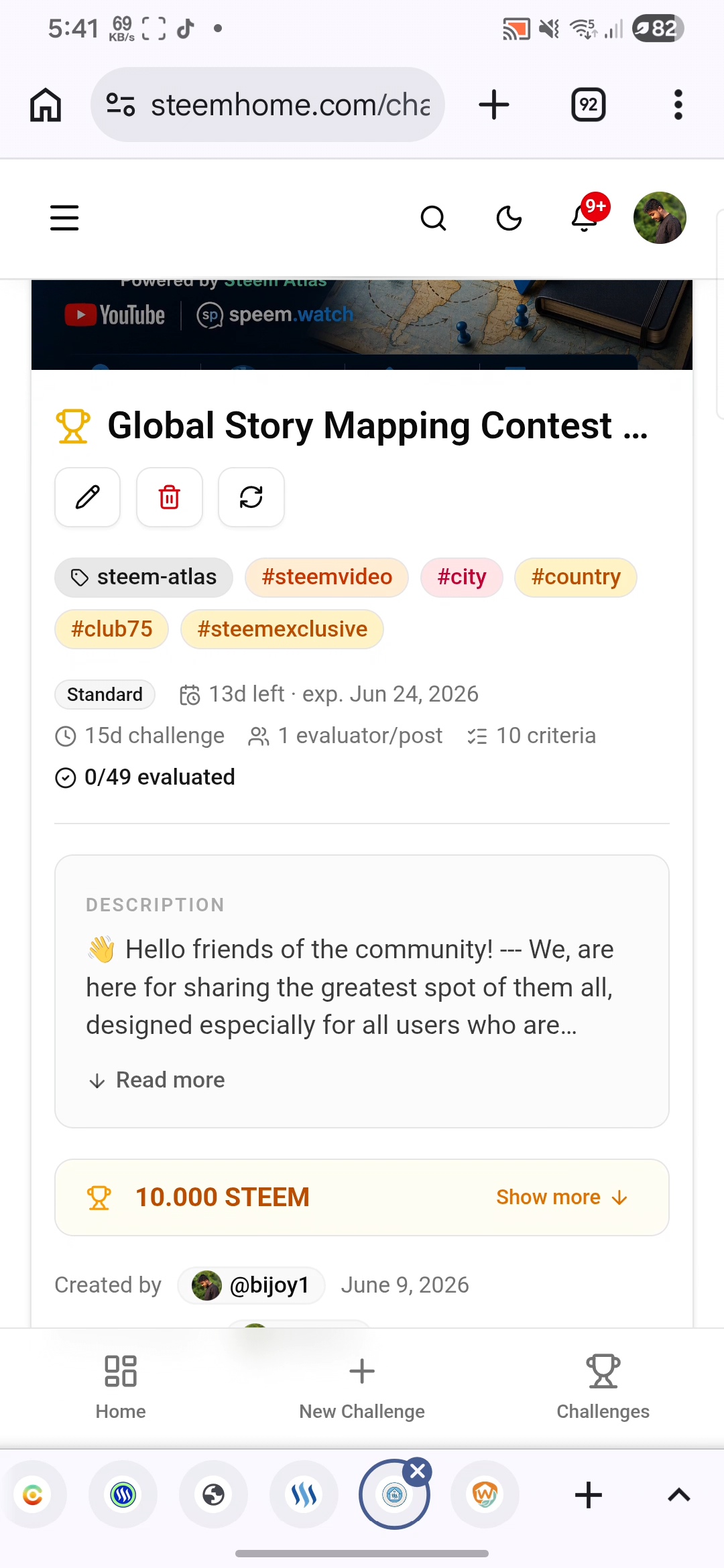
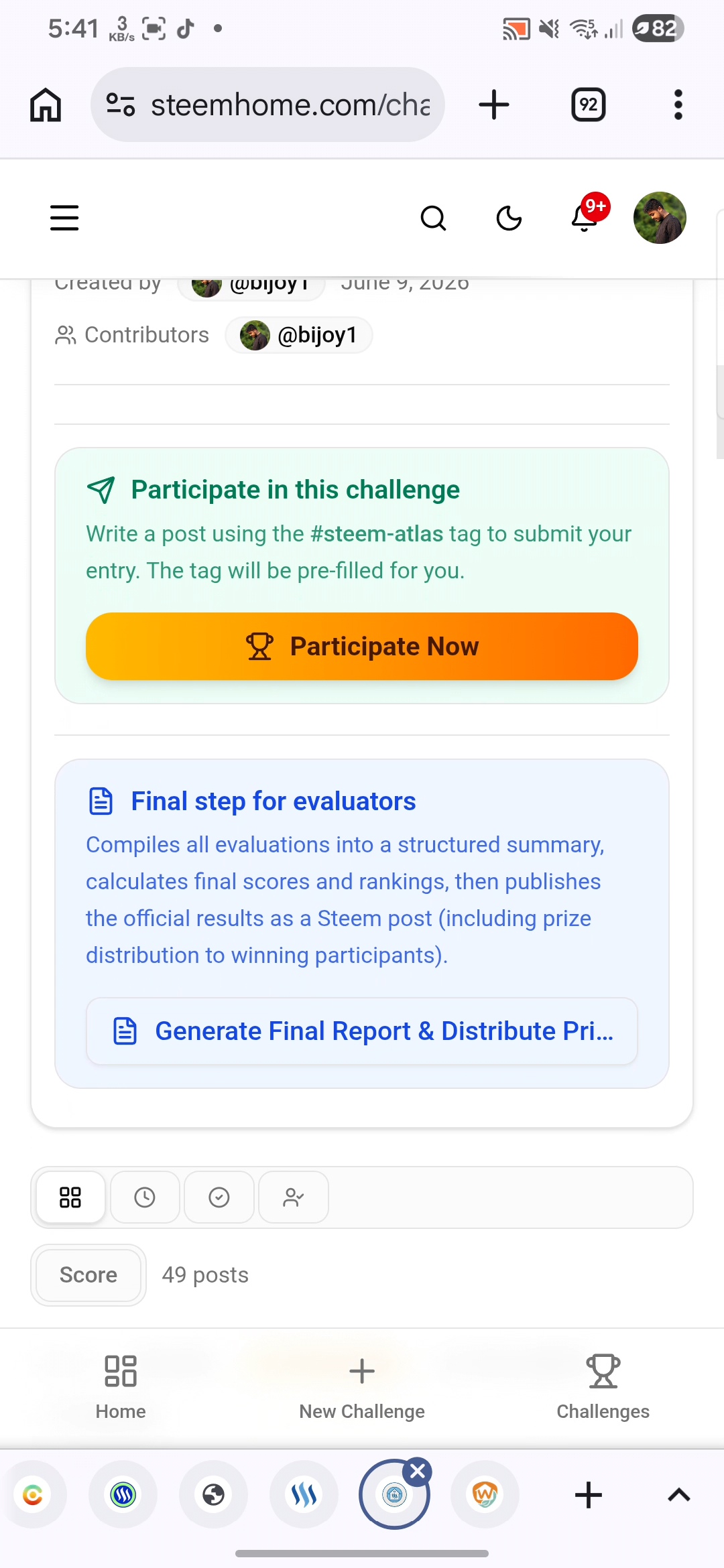
If we talk about the deposit management section, then this is also a very nice thing and here if we want to join someone's contest, then there is an option here called Participate Now, when we click on it, some more options will come here and from there we write our post beautifully and click on the post option, it will be participated in the contest.
 |  |
|---|
The biggest advantage of this is that when we click on this option, all the tags that are needed here will be automatically added here and we can give our title as per our own or the title given by the contest host will automatically come here.
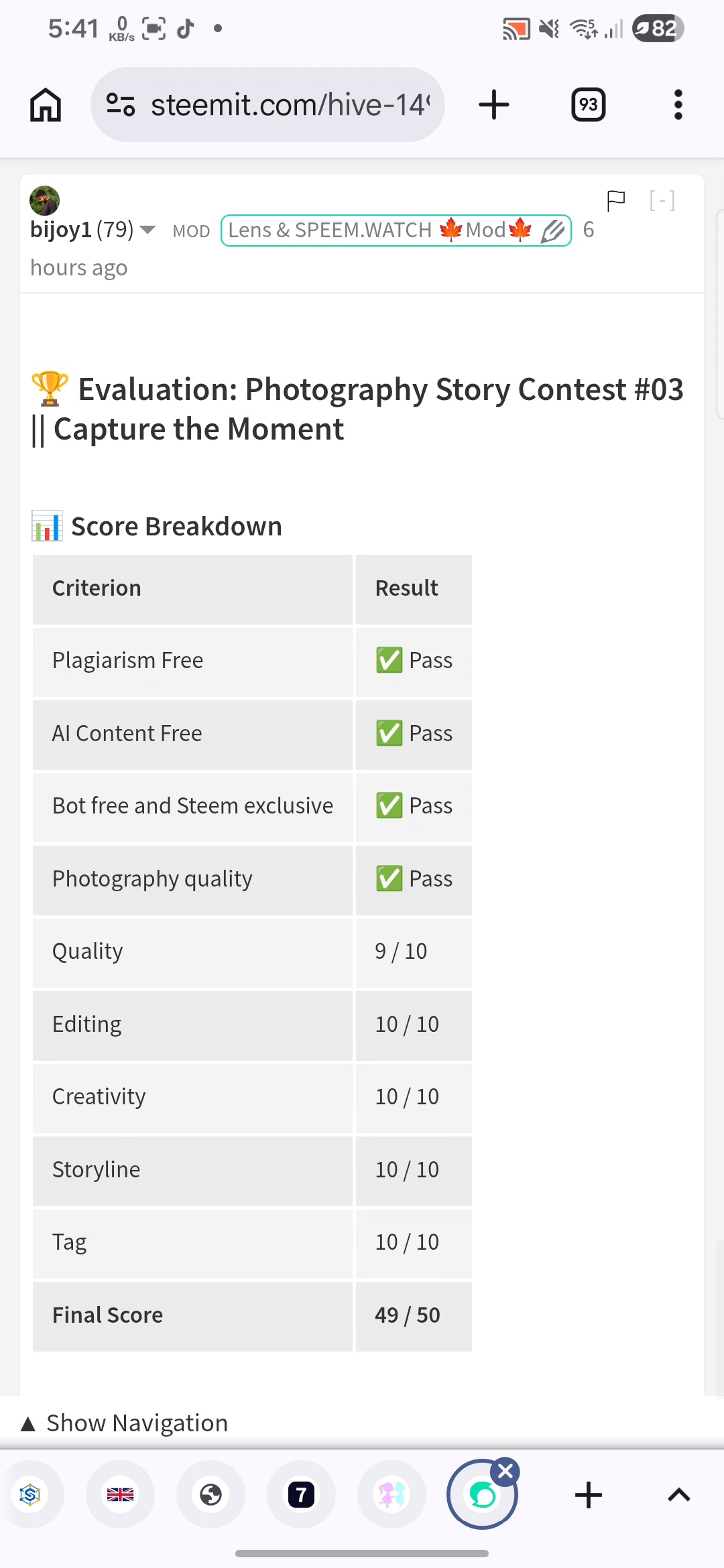
When someone else joins our contest, we will be able to see it and when they participate, we will have the option here that their post is linked to our contest here and later we can grade them points.
 |  |
|---|
I did all these and I tried to do everything here quite well. After doing all these here, I did everything from reading some points and after doing everything here, today I have brought this for you and I have tried to present it very well through the video, which you can understand very easily.
Thanks to @kouba01 for arranging this contest.
✍️ This is my entry for the Create and Manage Your Own Contest Using SteemHome challenge.
Thank you so much for seeing and reading this post. I hope all of you love this post very much.
THE END
Posted via SteemHome
https://x.com/i/status/2066079530213949764
¡Hi friend!
#play
Video reviewed by speem videos watcher @luisito01
High-Yield Curation by @steem-seven
Your content has been supported!
Maximize your passive income!
Delegate your SP to us and earn high rewards
Click here to see our Tiered Reward System
We are the hope!
🏆 Evaluation: Challenge Continues: Launch and Manage Exciting Contests on SteemHome
📊 Score Breakdown
This is a solid and complete entry that fulfills most contest requirements. The video walkthrough and practical demonstration of challenge creation are valuable strengths. To compete for the top positions, the author could provide deeper analysis of the evaluation workflow, scoring system, reporting tools, and offer more constructive recommendations for platform enhancement. Overall, a good contribution with a clear demonstration of SteemHome's core functionality.
🤖 This evaluation was generated by SteemHome, a Steem blockchain challenge management platform.